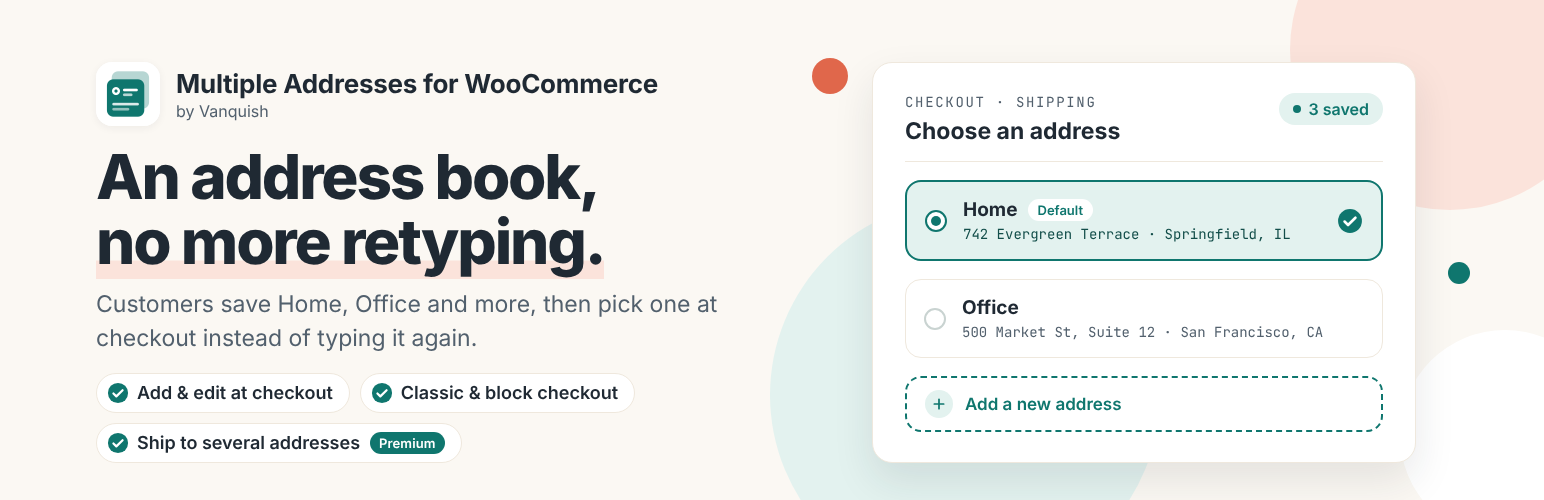

Vanquish Multiple Addresses – Address Book for WooCommerce
v1.5.2Vanquish · 2026年8月20日 上架
A WooCommerce address book: customers save multiple addresses, pick one at checkout, and can ship each product to a different address.
- 正在使用
- 10+
- 评分
- 5.0 / 5
- 累计下载
- 1,342
- 最近更新
- 2026年11月23日
 Vanquish
 Freemius
截图
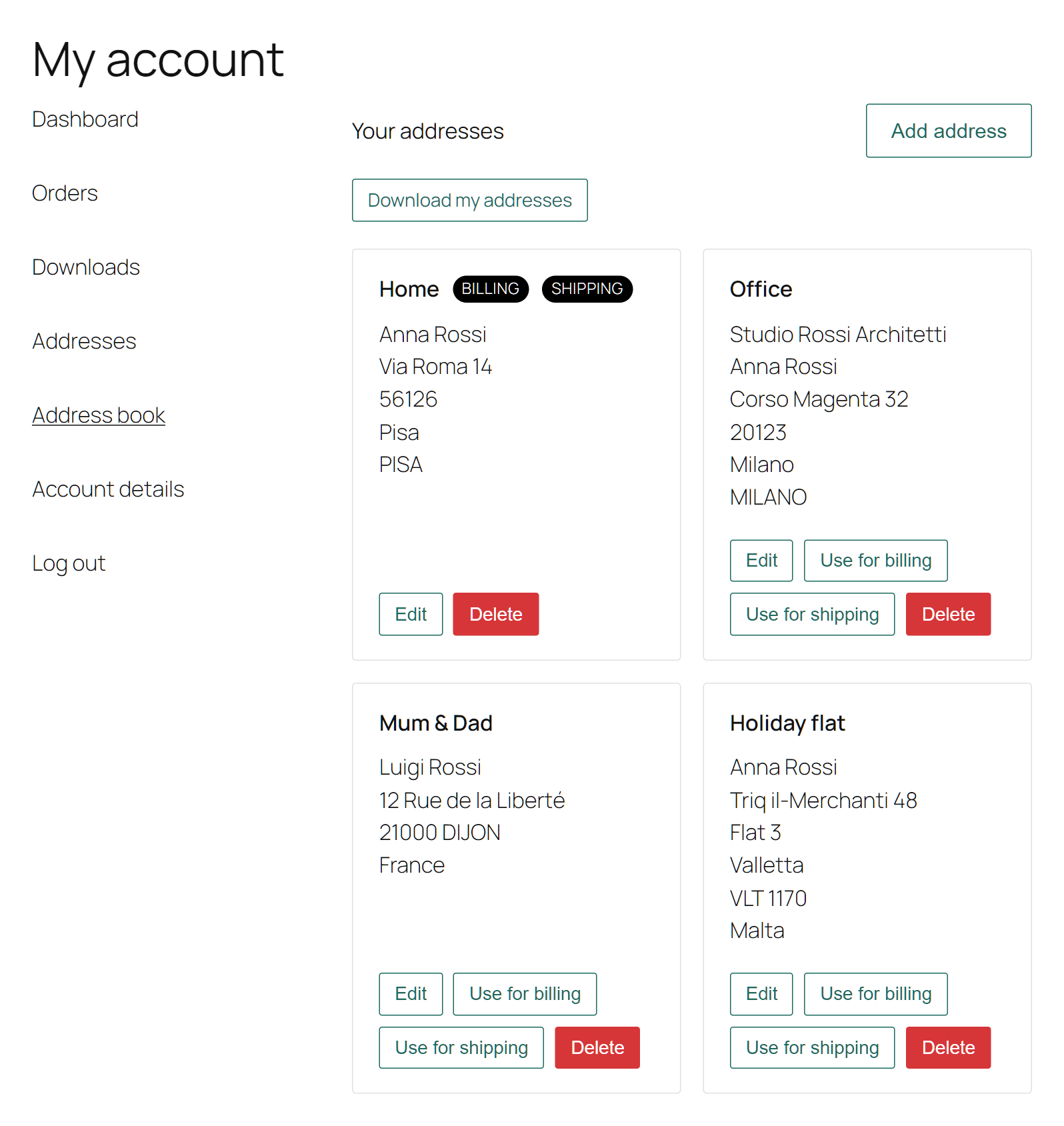
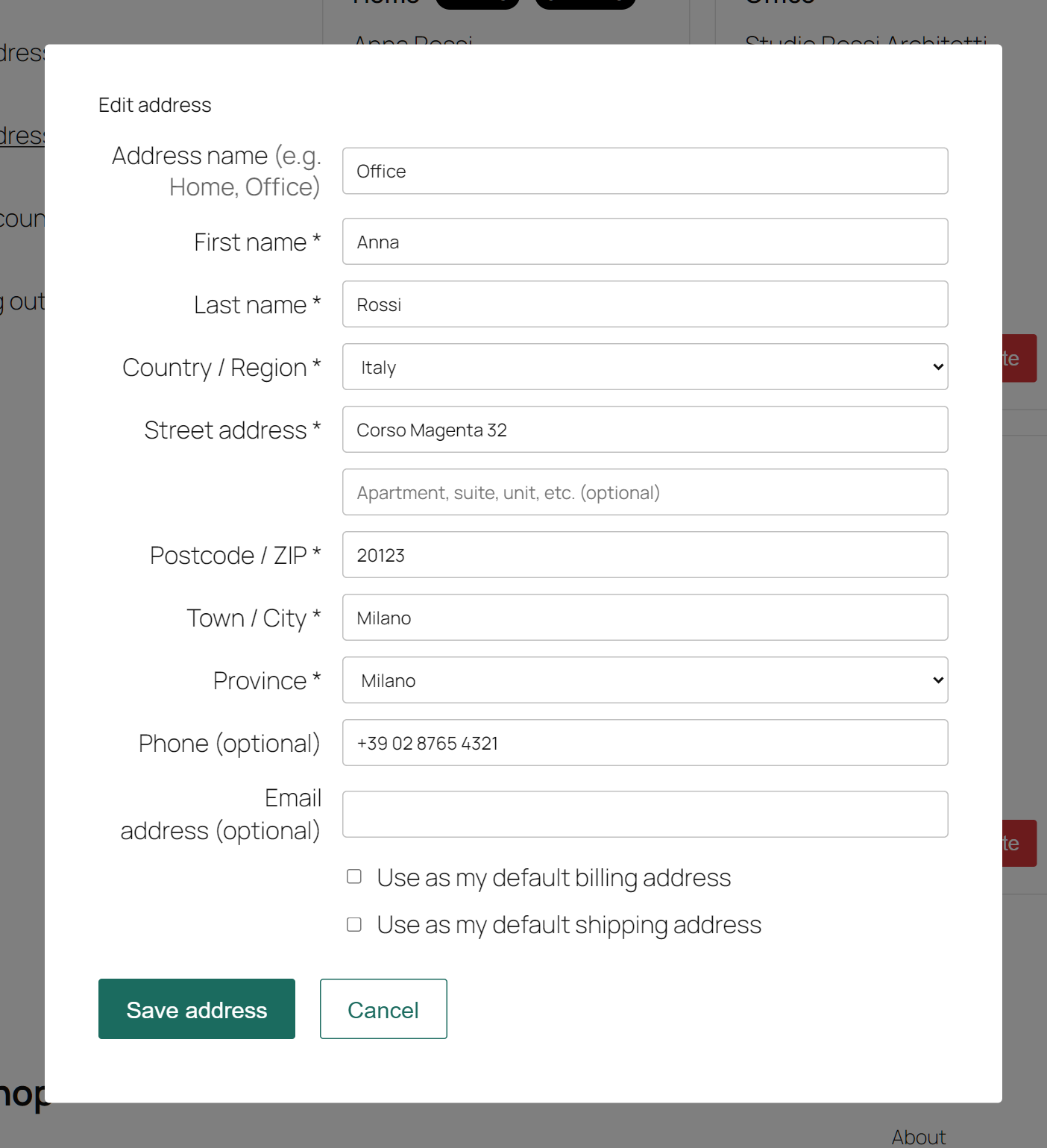
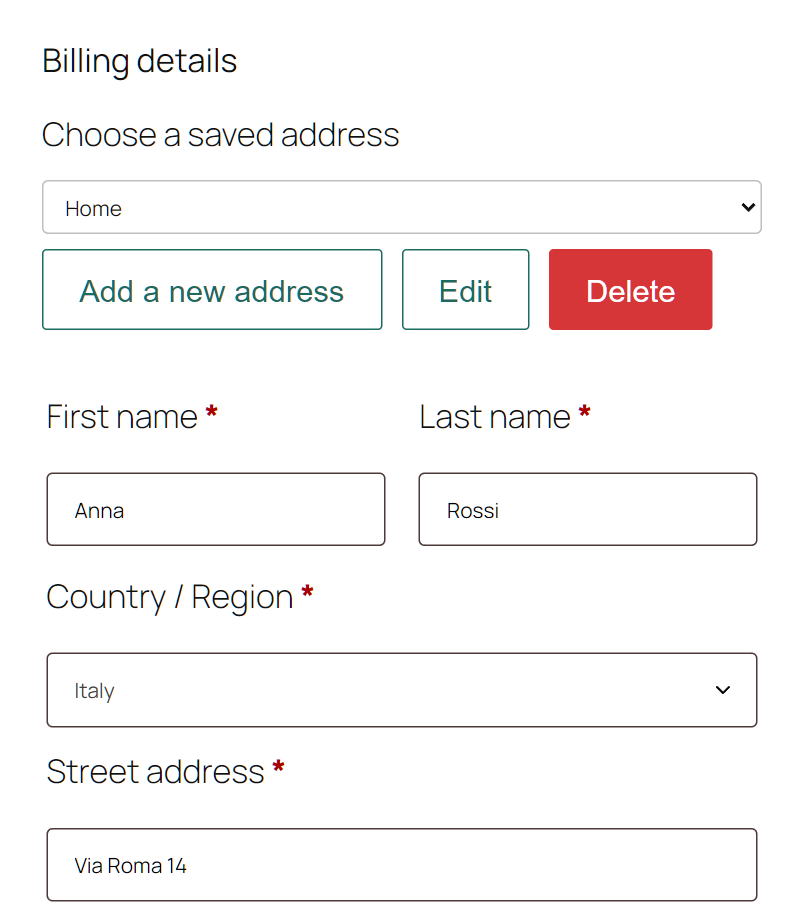
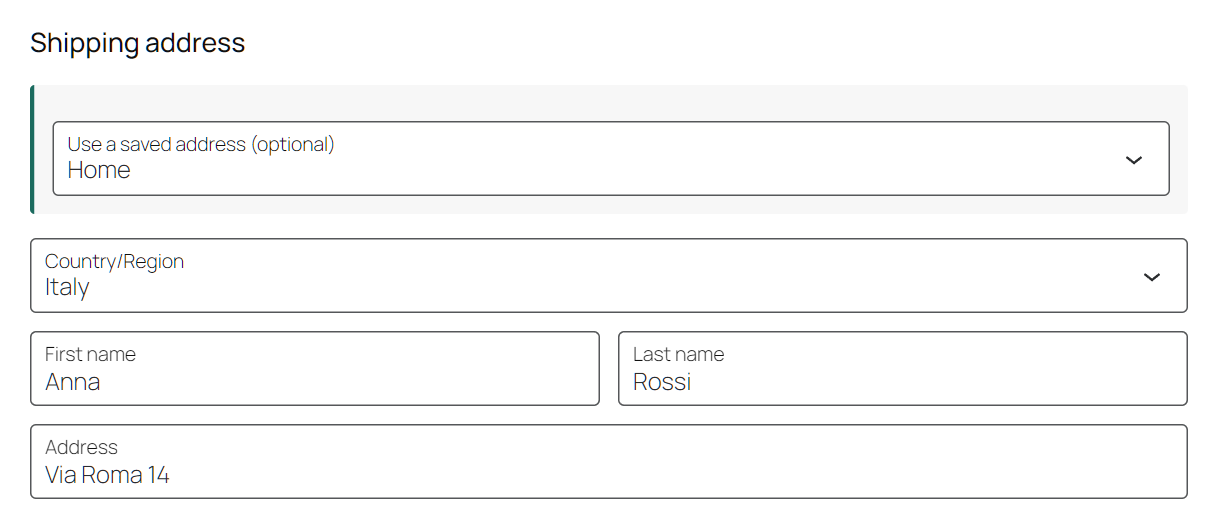
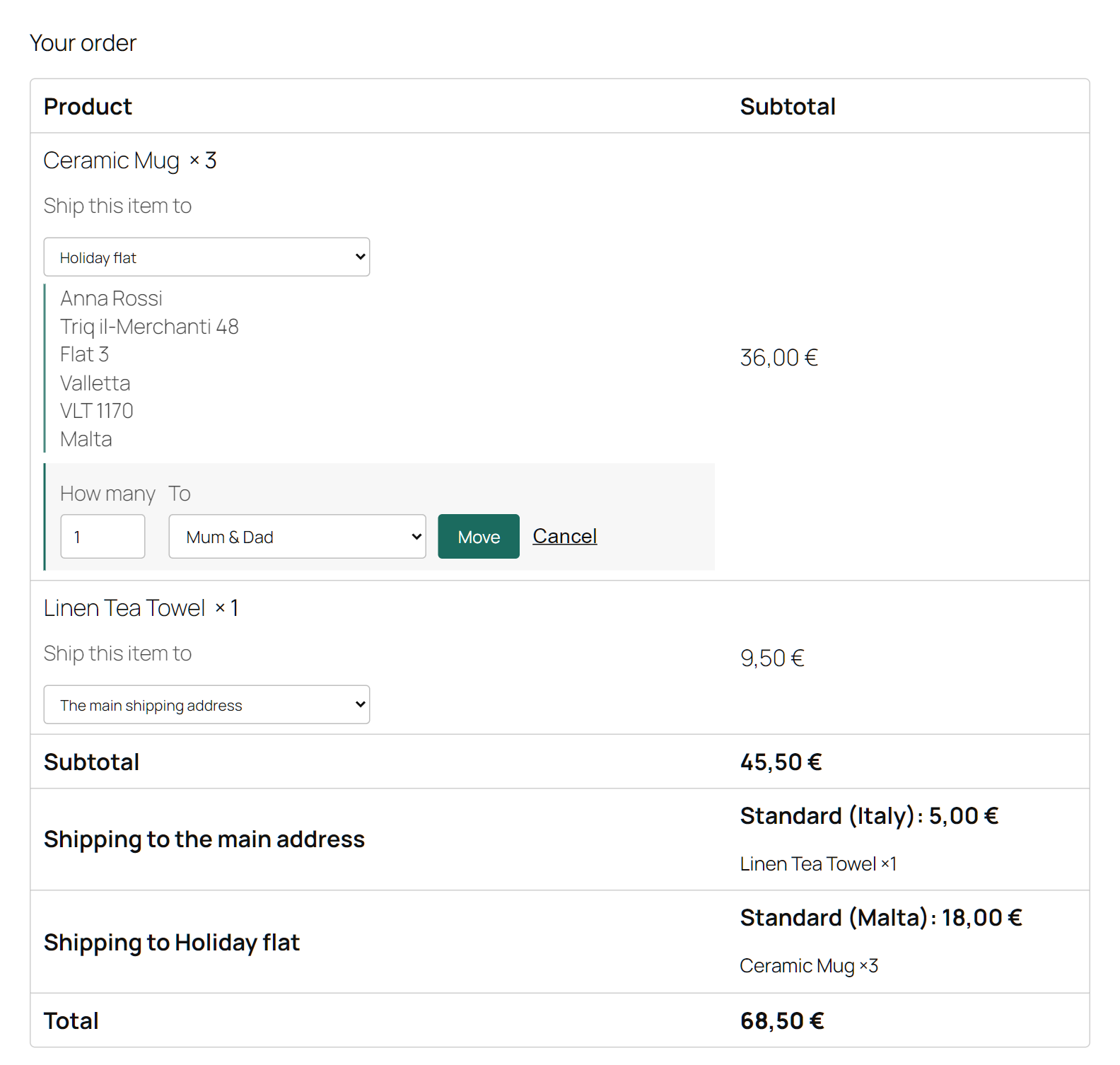
Vanquish Multiple Addresses for WooCommerce gives your customers a real address book. They can save as many billing and shipping addresses as they like, name them (Home, Office, …), set a default, and pick one at checkout instead of retyping it every time.
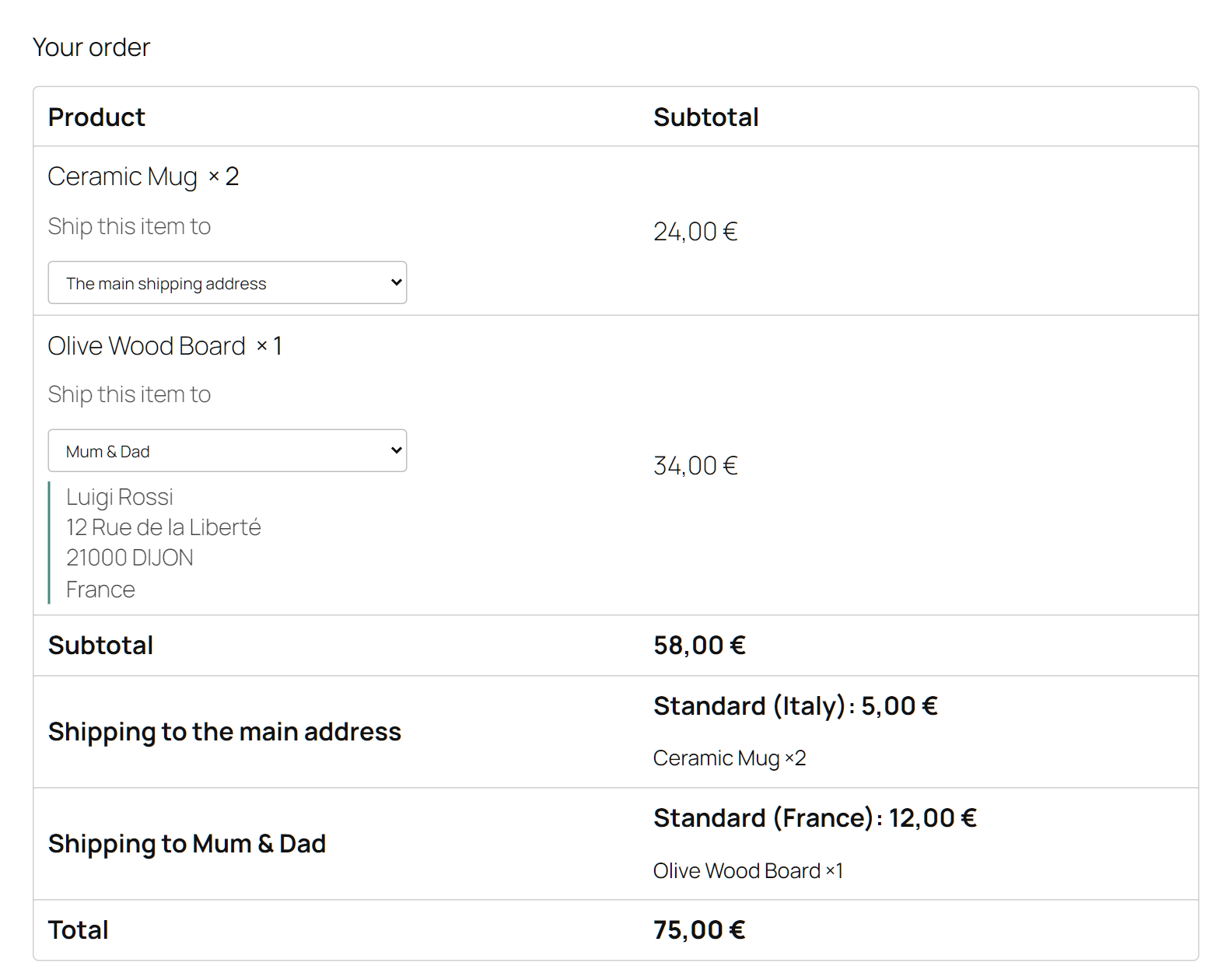
That is the everyday case: the customer who ships to home and to work, or who sends to the same three relatives every December. And when a single order has to go to more than one place at once, each product can go to its own saved address, with its own shipping cost — in the free version too.
It works in the block checkout, and in the classic one
The saved-address selector appears in both, and it is the same selector in each. So is the per-product destination picker, and the split shipping that goes with it. The block checkout is not a “coming soon” here. Every feature on this page already works in both, premium included.
This matters more every month: WooCommerce is moving stores onto the block checkout by default, and an address plugin that only understands the classic one quietly stops working on the day a store switches over.
Free features
- Pick a saved address at checkout, for billing and for shipping
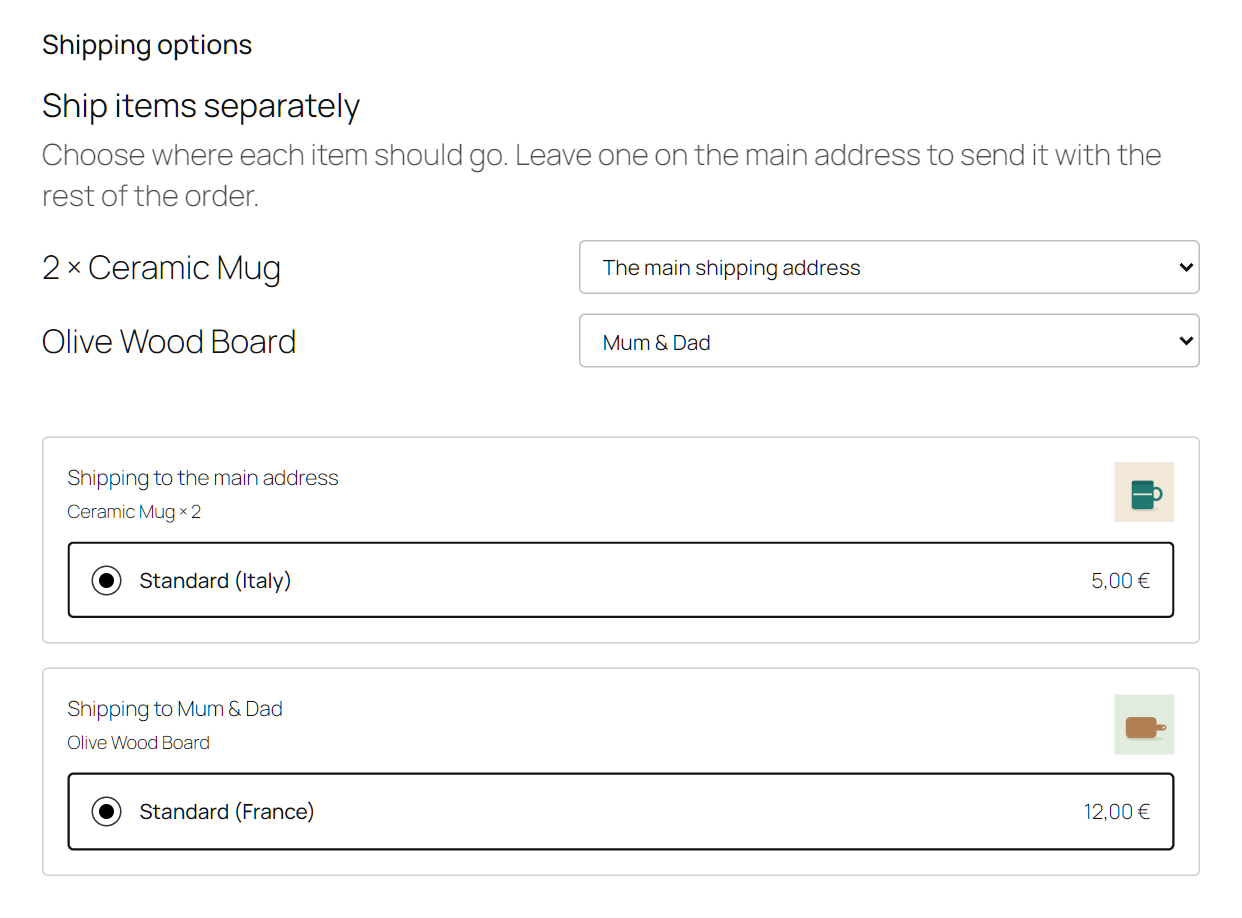
- Ship each product in the cart to a different saved address, in both checkouts
- One shipping package — and one shipping cost — per destination, quoted with your own shipping zones and methods
- Guests too, behind its own setting: they type each destination at checkout, and if they create an account there, those addresses are saved to it
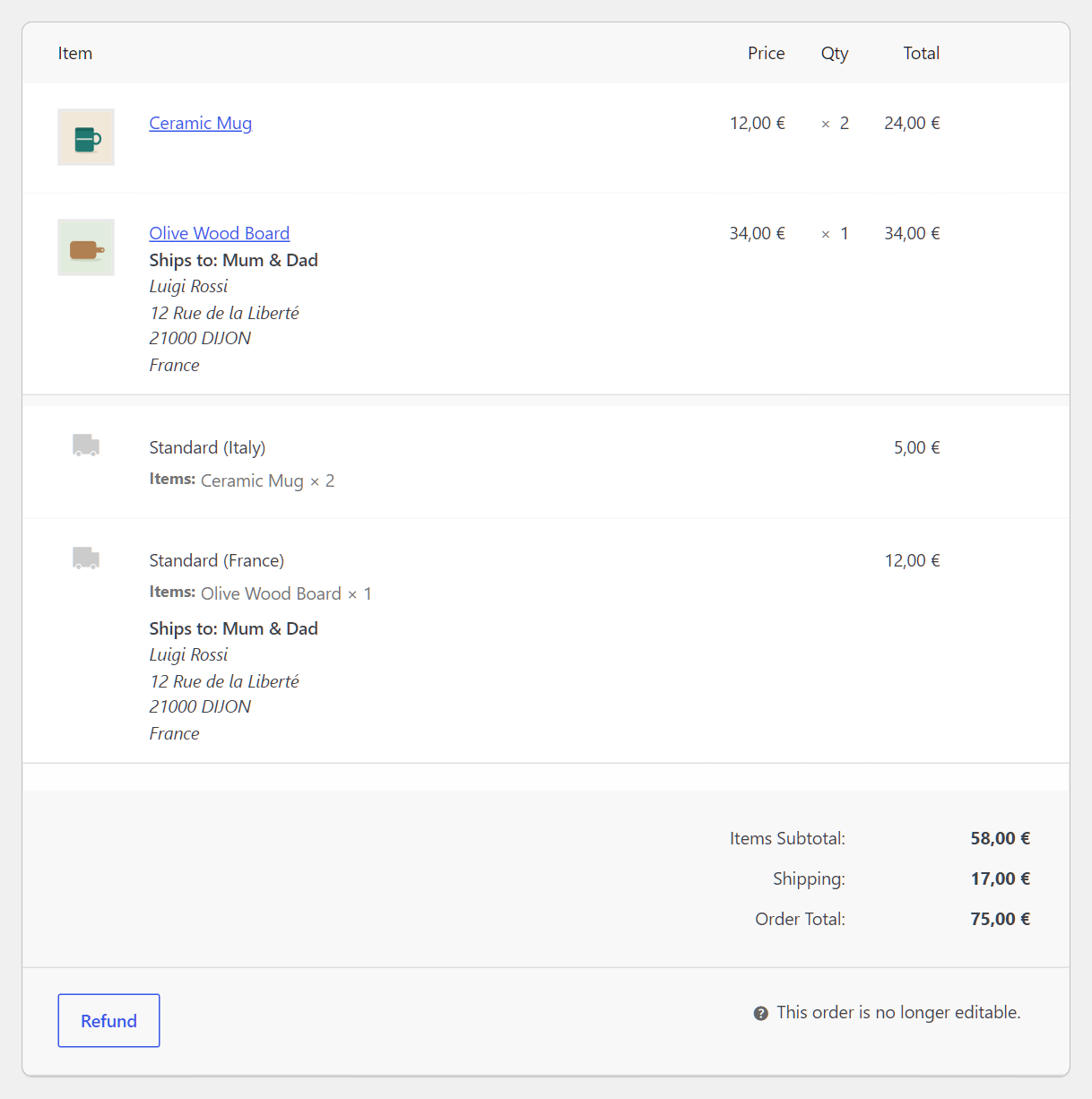
- The destination of every product on the admin order screen, in the order emails and in the customer’s order details
- Save as many addresses per customer as you like, with no cap
- Name each address — Home, Office, Mum — and set a default for billing and for shipping
- Add, edit and delete addresses from the My Account area
- Add and edit addresses without leaving the checkout, or turn that off and keep the address book in My Account
- Let customers download their own address book, and add addresses from a CSV — two separate switches, because only one of them writes to your store
- Preselect the customer’s default address at checkout, or keep the address WooCommerce already filled in
- Show the selector on the billing form, the shipping form, or both
- Billing and shipping address columns on the admin orders list, which you can hide from Screen Options
- Set the color of the address buttons to match your theme
- Supports High-Performance Order Storage (HPOS)
- Override any template from your theme, and change the rest with filters
There is no cap on the number of addresses, no time limit, and nothing switched off waiting to be paid for. The premium edition adds separate features; it does not unlock these.
Premium features
The free edition keeps the addresses and sends one order to several of them. The premium edition adds what a shop needs once those orders become routine, and lets you manage your customers’ address books yourself. If you sell to businesses, or your customers send gifts, this is the part you are here for.
- Send part of a quantity to another address — ten identical gifts to ten people — in both checkouts, behind its own setting
- Distribute a product among many addresses in one step: a quantity per address, applied with one button — made for corporate orders, behind its own setting
- For developers: share one cart line out among many saved addresses in a single call, with a PHP function or an AJAX action — made for corporate orders with dozens of recipients
- Or charge a single shipping cost for the whole order, if that suits your store better
- Charge a handling fee for each extra destination: a flat amount, or based on how many destinations there are
- Keep some things out of it: exclude individual products, or whole categories, so they always go to the main shipping address
- Hand a split order to Vanquish Shipping Tracking (premium): its order screen opens with one shipment per destination, products already assigned, so you only type the tracking numbers
- Store a delivery note with an address and carry it into the order notes
- Give each address its own shipping email, for whoever receives the parcel
- Restrict the address book by user role, and cap how many addresses each customer can save
- Search a customer’s address book, select several addresses at once, delete them together or duplicate one
- Import and export every customer’s addresses as CSV
- Download every setting as a file and load it back, here or on another store
- See a customer’s address book on their user profile, and pick a saved address when editing an order
- Add your own CSS to the My Account and checkout pages
- Translate the labels you write yourself, one text per language, with WPML or Polylang
Screenshots, plans and answers on the plugin’s page: vanquishplugins.com/plugins/multiple-addresses.
Questions before buying Premium? Ask at vanquishplugins.com/support/pre-sales.
More WooCommerce plugins by Vanquish
- Vanquish Upload Files for WooCommerce – let customers upload files (even large ones) on the product, cart, checkout and order pages, for custom, personalized and print-on-demand products.
- Vanquish Shipping Tracking for WooCommerce – tracking numbers on orders and emails, with 1,600+ carriers and their logos, a direct tracking link and a Track button. No account needed.
- Vanquish Attach Me – Order & Product Attachments for WooCommerce – attach files to orders and products, show them to the customer and send them with the order emails.