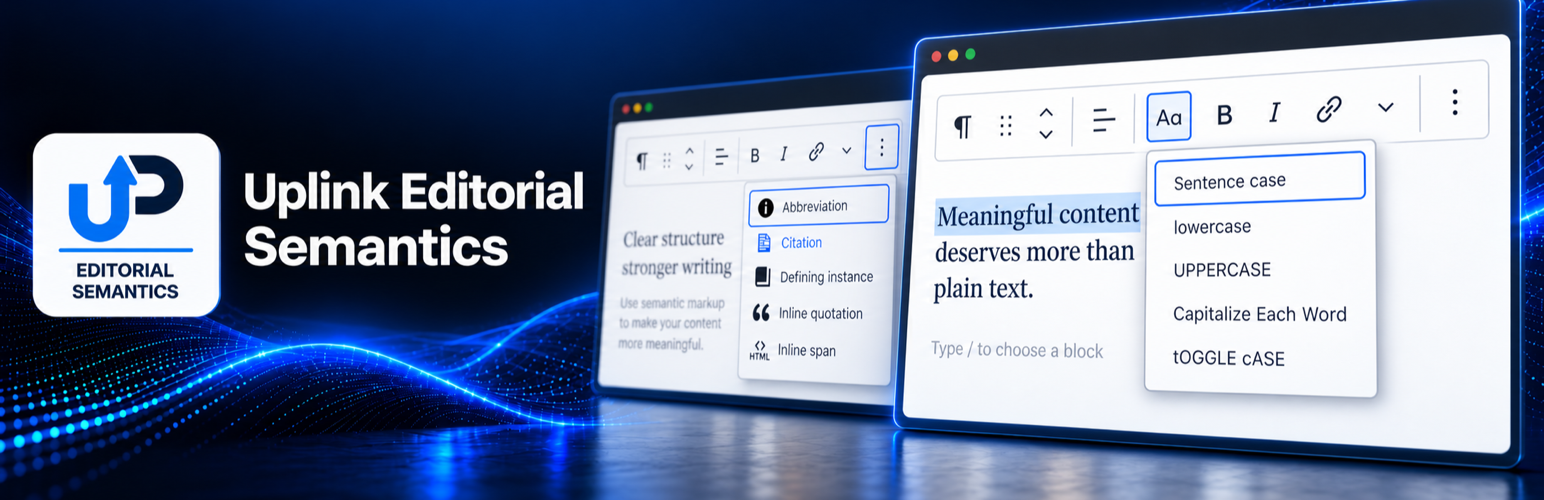

Uplink Editorial Semantics
v1.1.1Stephen Walker · 2026年8月24日 上架
Adds semantic inline formats, controlled inline spans, and a structured quotation block to the WordPress Block Editor.
- 正在使用
- 30+
- 评分
- 暂无
- 累计下载
- 457
- 最近更新
- 2026年10月1日
贡献者
 Stephen Walker
Uplink Editorial Semantics adds editorial markup tools to Rich Text fields in the WordPress Block Editor. The saved content uses standard HTML and does not require front-end JavaScript.
Inline formats:
- Inline quotation (
q) with optional BCP 47 language and citation URL attributes. - Citation (
cite) for the title of a creative work. - Abbreviation (
abbr) with a required expanded form. - Defining instance (
dfn) for the occurrence of a term being defined. - Inline span (
span) with optional sanitized CSS classes and one customdata-*name/value pair for cases where no semantic element is appropriate. - Link attributes for adding one custom
data-*name/value pair and an optionalaria-labelto an existing native hyperlink. - Change case for converting selected text to sentence case, lowercase, uppercase, capitalized words, or toggled case without removing its inline formatting.
The Editorial Quotation block saves a figure containing a blockquote and an optional figcaption. Its quotation area accepts Paragraph, Heading, and List blocks. The plugin supplies no front-end styling, allowing the active theme to control presentation.
Development
Human-readable source is included in the plugin’s src directory, and the build configuration is included in package.json. Public source and contribution history are also available at https://github.com/stphnwlkr/uplink-editorial-semantics.
To build the production assets, install Node.js and npm, run npm install, and then run npm run build. The compiled files are written to the build directory.