

Unique Submissions for Elementor Forms
v1.0yonifre · 2024年12月2日 上架
Prevent duplicate submissions in Elementor Forms by checking for unique field values.
- 正在使用
- 300+
- 评分
- 3.0 / 5
- 累计下载
- 2,101
- 最近更新
- 2024年12月2日
1 条评价需要 WordPress 5.0+已测试到 6.7.12PHP 7.4+
贡献者
 yonifre
截图
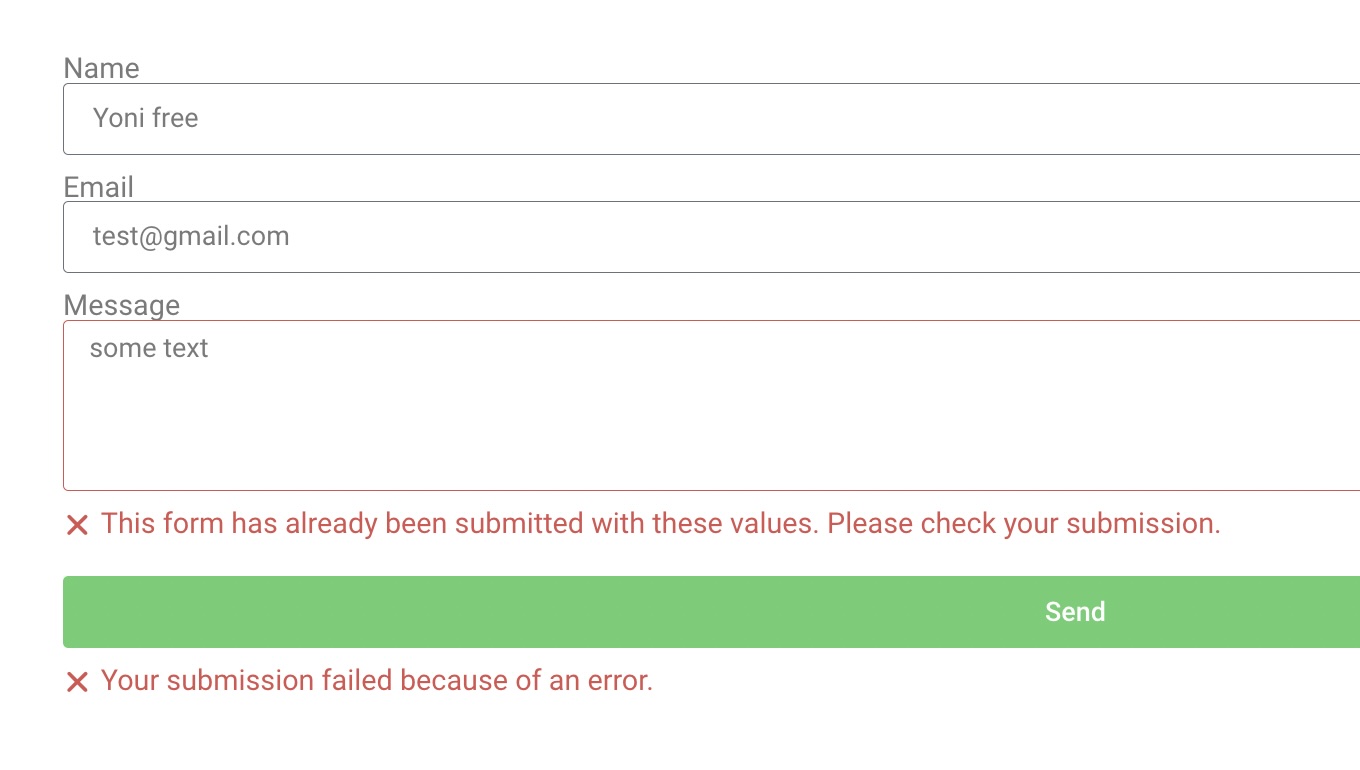

The Elementor Unique Submissions Plugin ensures that users cannot submit duplicate form entries in Elementor Forms. This plugin allows you to specify which fields to check for uniqueness, providing a flexible and efficient way to manage submissions.
Features
- Enable or disable uniqueness per form
- Select specific fields to check for duplicate submissions
- Prevent duplicate form entries while ensuring smooth user experience
- Compatible with WordPress 5.0+ and Elementor Pro
Usage
- Open any Elementor form in the Elementor editor
- In the form settings, navigate to the “Unique Submissions” section
- Toggle the “Enable Unique Submissions” option to “Yes”
- Select the fields you want to use for uniqueness checks
- Save the form and publish it
How it works
- When a form is submitted, the plugin checks the specified fields for duplicate values
- If a duplicate is found, the submission is rejected with an error message