

UniPAY Payment Gateway For WooCommerce
v2.4unipaydev · 2018年8月13日 上架
Extends WooCommerce 6.2.0 to Process Payments with UniPAY gateway
- 正在使用
- 100+
- 评分
- 5.0 / 5
- 累计下载
- 6,170
- 最近更新
- 2026年10月22日
5 条评价需要 WordPress 6.0+已测试到 7.1.5PHP 7.4+
贡献者
 unipaydev
截图


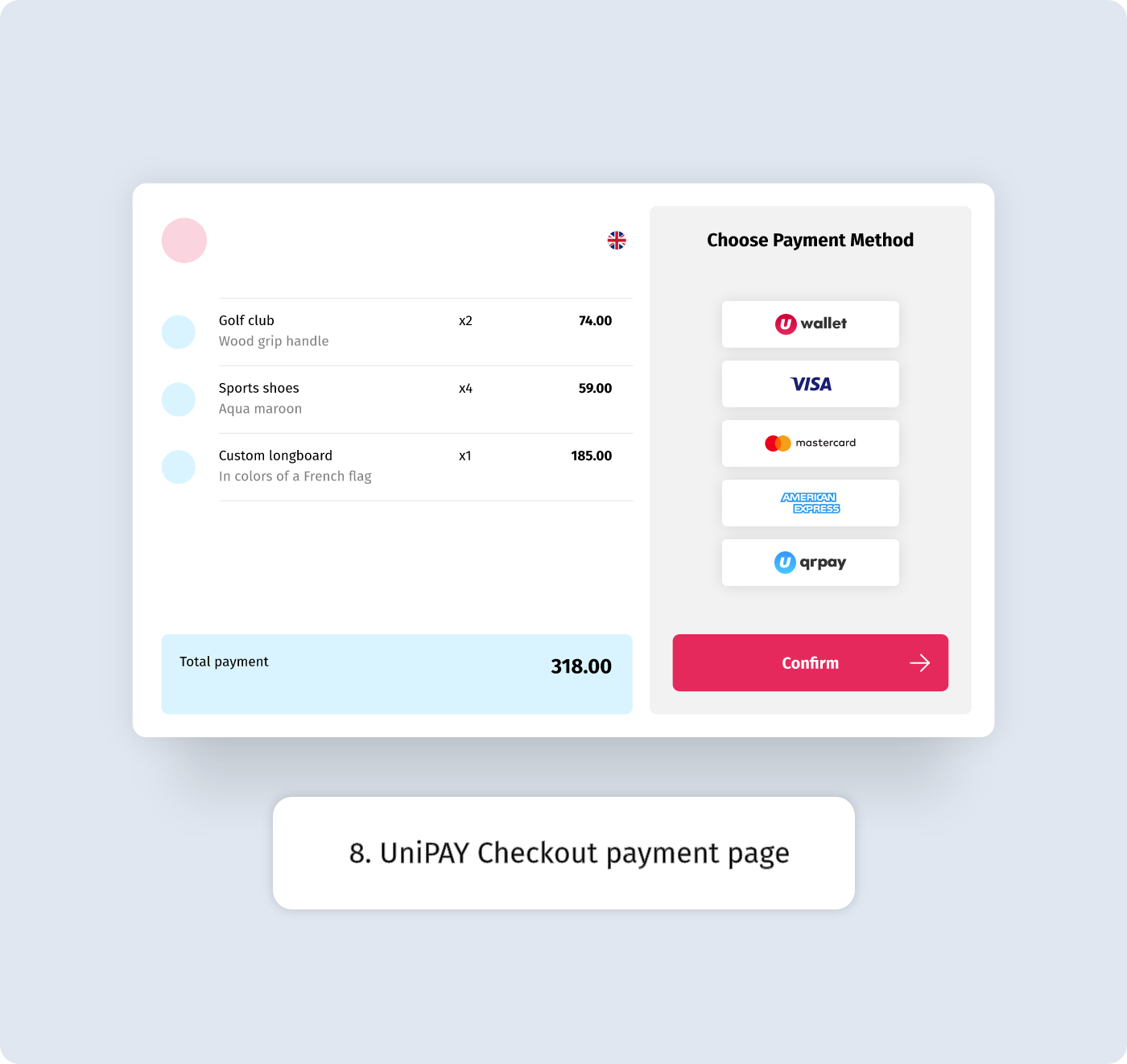
In a few simple steps you can start accepting credit card payments with UniPAY Checkout on your WordPress site.
UniPAY Payment Gateway For WooCommerce plugin is the official UniPAY.com plugin. with easy integration setup, it integrates all UniPAY payment methods into your woocommerces shop: UniPAY wallet, Visa, MasterCard, AMEX and QR PAYMENTS
ABOUT UniPAY.com
you can get more informaiton about checkout solution on UniPAY.com pages.
SUPPORT
You can contact support for this plugin thourght our contact page.