

UnCopy
v1.1.0UnCopy Team · 2021年7月31日 上架
This Plugin is used to Protect your website content from copy, save image, view source, inspect element, disable javascript, disable right click and d …
- 正在使用
- 10+
- 评分
- 暂无
- 累计下载
- 5,788
- 最近更新
- 2021年7月31日
需要 WordPress 3.1+已测试到 5.8.20PHP 7.2+
贡献者
 UnCopy Team
截图


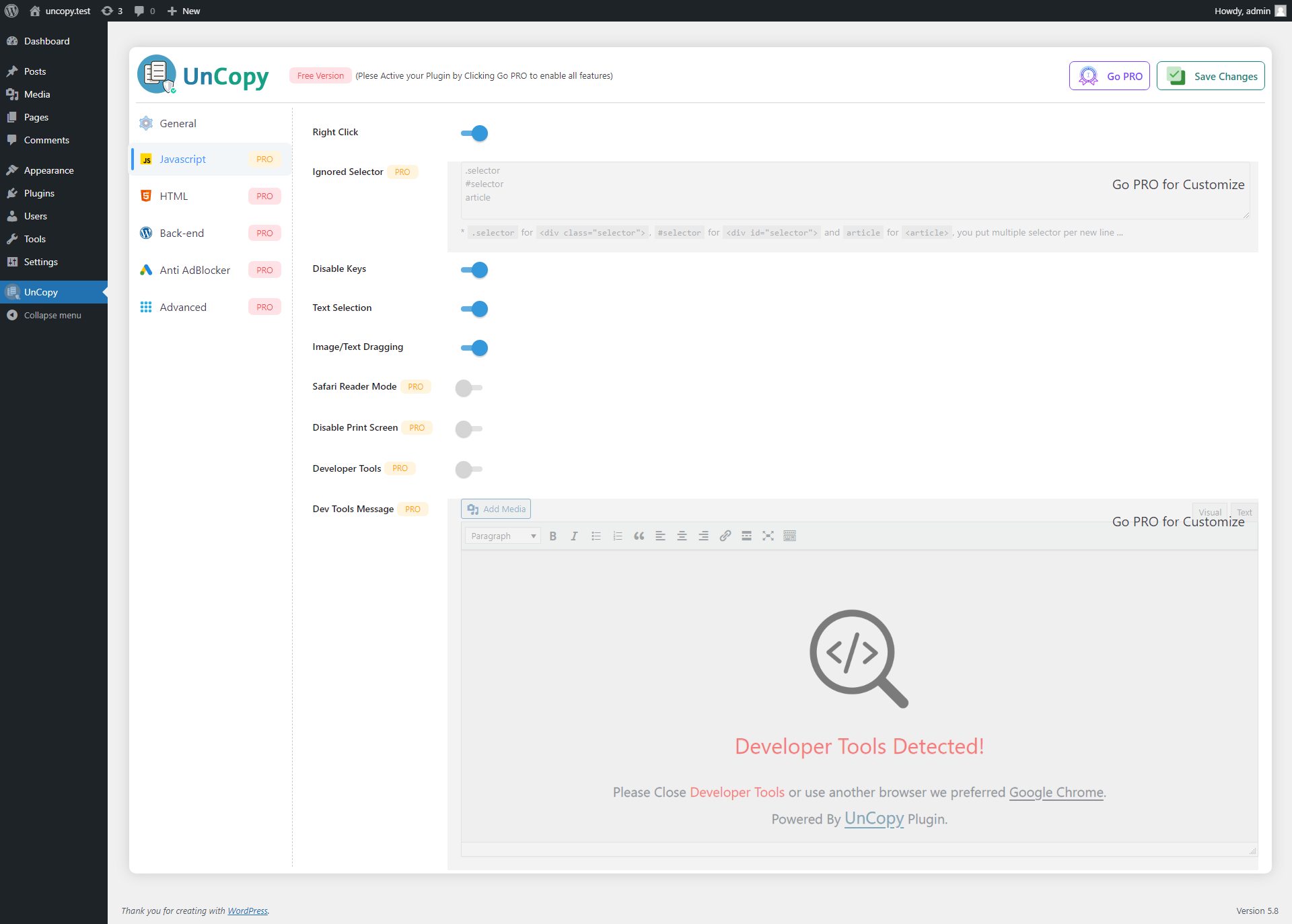


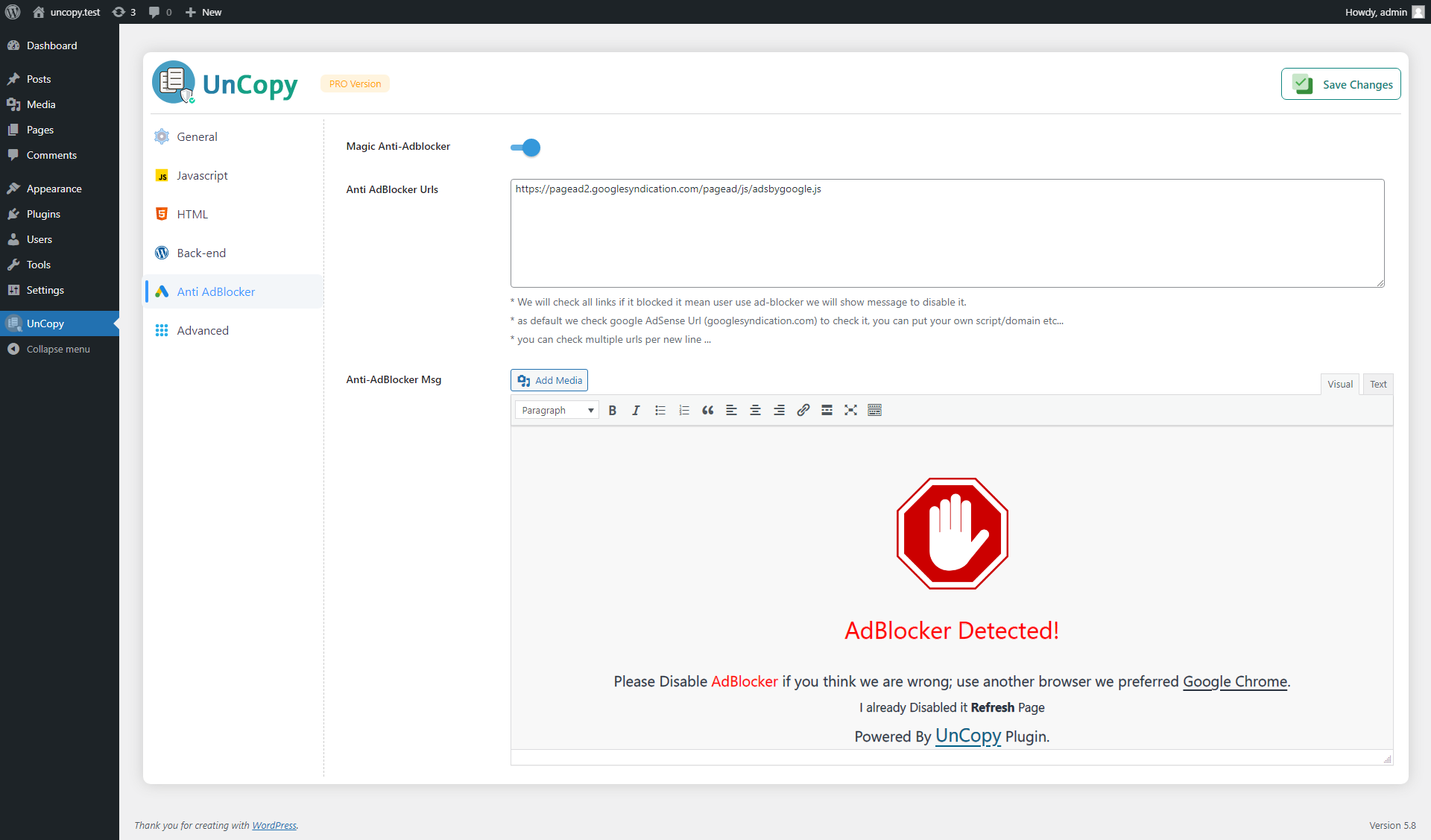
This Plugin is used to Protect your website content from copy, save image, view source, inspect element, disable javascript, disable right click and disable adblocker etc.
when user is logged in, he can access everything without any of the above restrictions it will be look like plugin disabled.
= Free Features=
- Disable Right Click.
- Disable View Source (Ctrl+U).
- Disable Inspect Element (Developer Tool) Keys ( F12 / Ctrl+Shift+C / Ctrl+Shift+I / Ctrl+Shift+K).
- Disable following keys (Ctrl+C), Cut (Ctrl+X), Paster( Ctrl+V ).
- Disable Text Selection.
- Disable Image drag & drop.
- Message will be show in website when Javascript Disabled, and content will be fully protected
= PRO Features=
- All Free Features Included.
- Back-end Protection: you can disable (wp-json) permanently to make sure your content can’t access by others, you want to (disable/enable) a specific endpoint? don’t worry you can customize it as you want.
- Anit-AdBlocker: if you are Advertising inside your website, of course, you need this feature, it shows the message to users to disable AdBlocker otherwise they can’t access your website, and we have different strategies to make sure it works using (Manual, Automatic) strategies.
- Customize Anit-AdBlocker.
- Customize Right Click Disabled you can enable specific parts of your website.
- Disable Right Click in Safari Reader Mode.
- Disable Print Screen Button Inside Page.
- Disable Inspect Element (Developer Tool) Permanitly by showing a message when the user opens it, and you can customize that message as you want.
- Customize Disabled Javascript Message.