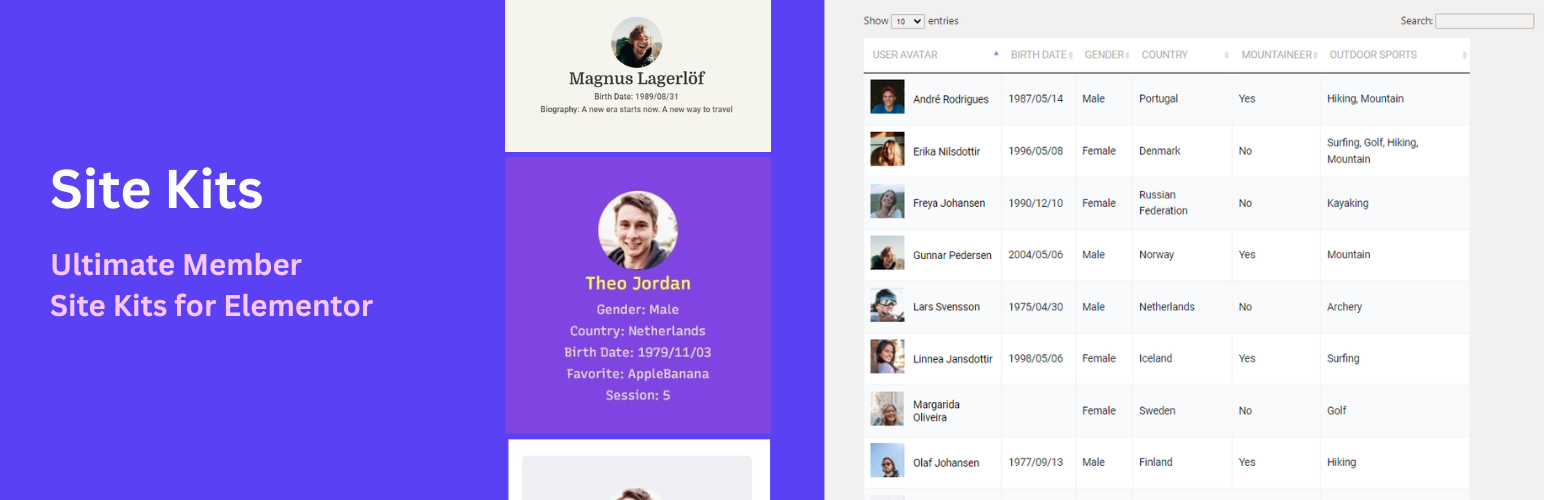

MemberKits – Ultimate Member for Elementor
v3.0.1UserElements · 2022年6月19日 上架
Style Ultimate Member login, register, directory, and profile pages in Elementor.
- 正在使用
- 400+
- 评分
- 5.0 / 5
- 累计下载
- 1.7 万
- 最近更新
- 2026年9月1日
贡献者
 UserElements
截图
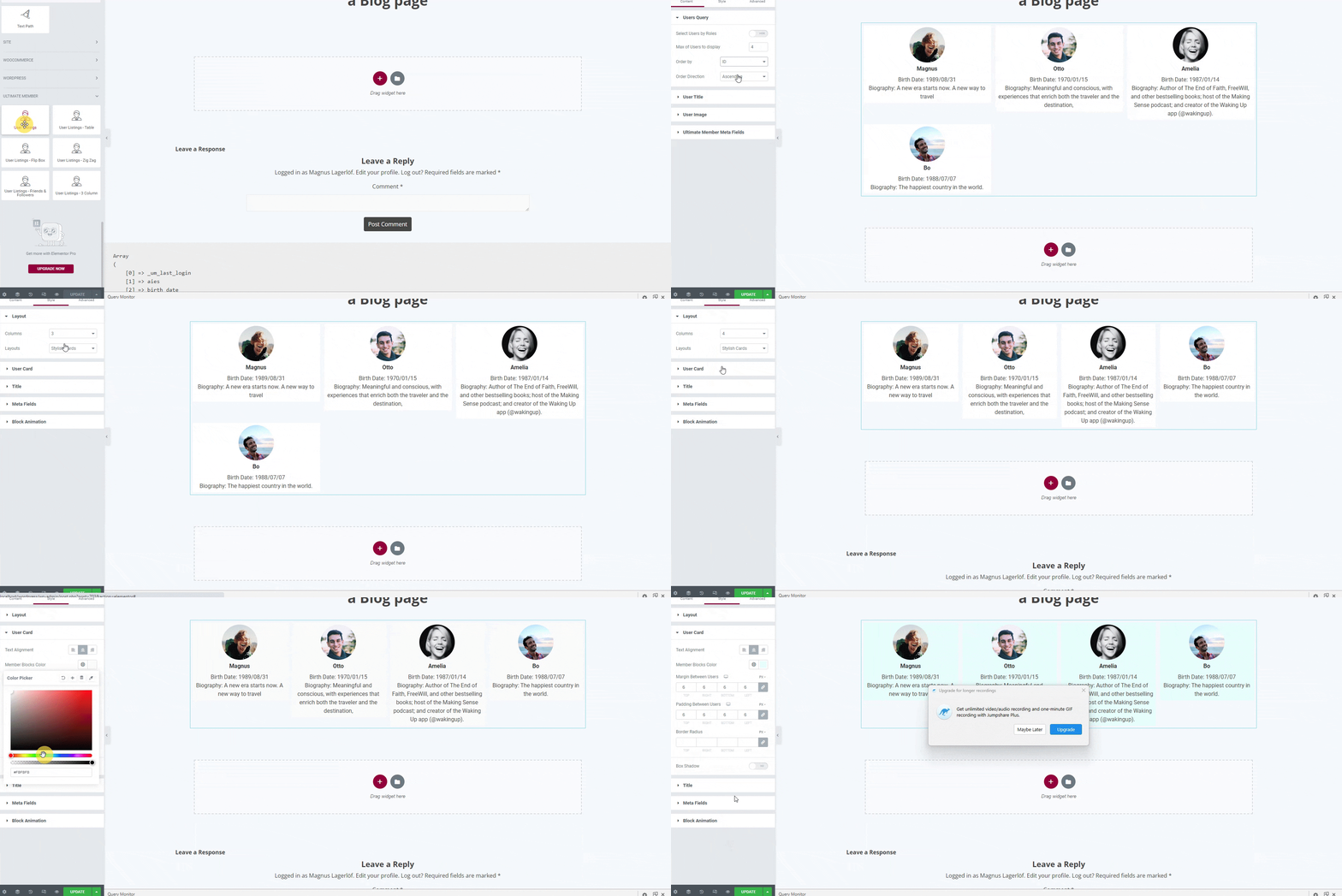


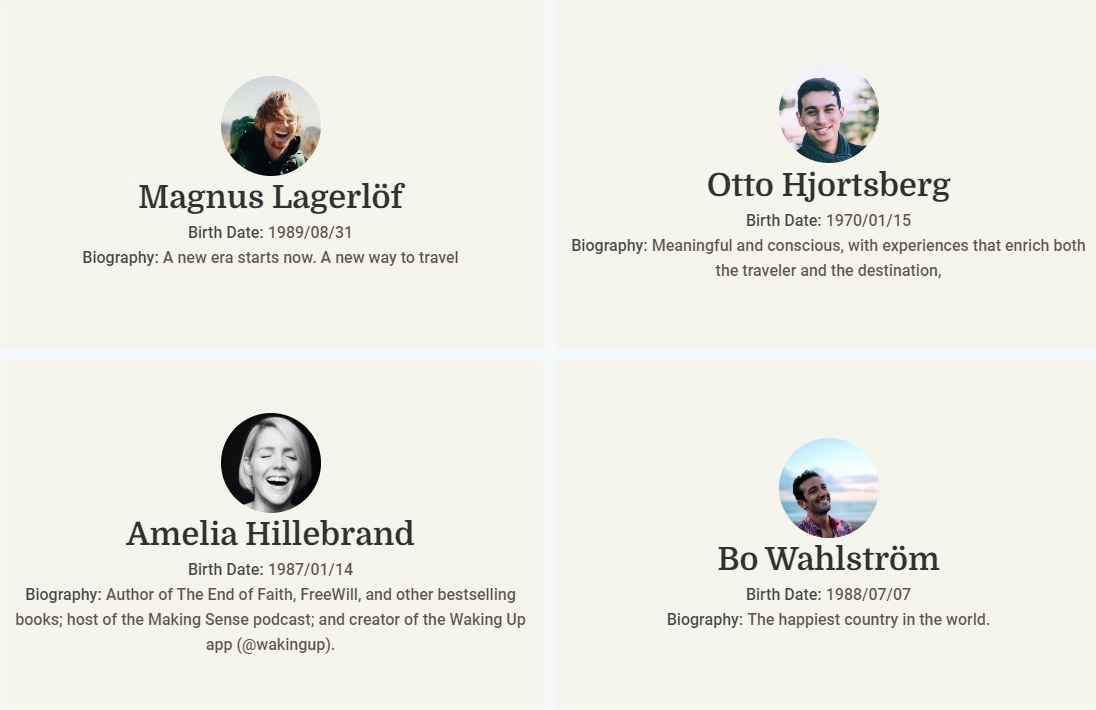


Style the Ultimate Member pages you already have.
If your site runs Ultimate Member, the default login, register, directory, and profile pages rarely match the rest of the design. This plugin adds Elementor widgets for those pages so you can change colors, typography, spacing, cards, and fields visually — without custom CSS and without rebuilding the site.
Works with the free version of Elementor. Elementor Pro is not required. Built specifically for Ultimate Member.
Live Demos | Go Pro | Documentation
Why site owners install this plugin
- Style the login page in Elementor — Replace the default Ultimate Member login form with a branded layout visitors will trust.
- Style the register page the same way — One widget handles both login and register. Field layout, buttons, labels, and spacing stay in the editor.
- Build a searchable member directory — AJAX live search, role or custom field filters, and card or list layouts.
- Keep editing in Elementor — Change colors, typography, spacing, cards, and fields visually without custom CSS.
- Use your existing Ultimate Member pages — Drop widgets onto the login, register, password reset, and members pages you already mapped in Ultimate Member.
What the free version includes
Login, register, and password reset in Elementor
- Login / Register Form widget for Ultimate Member forms
- Password Reset widget
- Logout widget
- Field layout controls: multi-column rows, reorder fields, hide labels, control gaps
- Visual styling for buttons, inputs, labels, spacing, borders, shadows, colors, and typography
Member directory and user listings
- Directory Grid with AJAX live search
- Filter by role or custom Ultimate Member fields
- Card, list, and custom template layouts
- Numbered pagination, Load More, or Infinite Scroll
- Sort by display name, registration date, last login, post count, or custom field
- Show only approved Ultimate Member members
- WordPress Users widget works even without Ultimate Member
- Member Flip Cards widget for member or team displays
Profile and visibility widgets
- Profile Photo
- Profile Fields
- Profile Name
- UM Visibility for logged-in, logged-out, role-based, or field-based display rules
- Account widget for Ultimate Member account tabs
Optional — starter sites if you are launching from scratch
You do not need a kit to use the widgets. If you want a full starter site instead of styling pages you already have:
- Import Creator Community or Local Association from MemberKits Site Kits
- The importer can install Elementor and Ultimate Member if they are missing
- Pro unlocks additional starter sites, previewed from inside Free
Style login, register, and password reset in Elementor
Your login and register pages are where visitors decide whether your site feels trustworthy. This plugin lets you design those pages in Elementor instead of settling for the default Ultimate Member look.
Login / Register Form — One widget handles both forms. Drag it onto your login or register page, choose Login or Register, then style inputs, labels, buttons, typography, spacing, borders, and shadows. Works with your Ultimate Member forms. Login demo | Register demo | Step-by-step login tutorial
Password Reset — Build a branded password reset page that matches the rest of the sign-in flow. Live demo
Account — Style Ultimate Member account tabs (General, Password, Privacy, Notifications) in Elementor. Place it on the UM Account page.
Logout — Add a clean logout link for logged-in members using your Ultimate Member logout destination.
Build a searchable member directory in Elementor
Directory Grid — Display Ultimate Member users in responsive card or list layouts. Visitors search by name and results update instantly with AJAX. Filter by role or custom UM fields, choose numbered pagination, Load More, or Infinite Scroll, and sort by display name, registration date, last login, post count, or a custom field. Live demo | Directory tutorial
WordPress Users — List native WordPress users by role and user meta. Useful for staff directories, teams, authors, and contributor pages. Works without Ultimate Member installed.
Member Flip Cards — Create hover-to-flip profile cards for member spotlights, team sections, or featured users. Live demo
Profile widgets for Ultimate Member pages
Use Elementor to clean up and personalize Ultimate Member profile pages.
Profile Photo — Standalone avatar widget with size, border, radius, and filter controls. Profile page demo
Profile Fields — Output any mix of Ultimate Member fields for the viewed member. Supports text, URL, phone, image, and file fields with visibility rules. Live demo
Profile Name — Show the profile user’s display name, first name, last name, full name, username, or nickname with Elementor typography controls. Live demo
UM Visibility — Show or hide Elementor sections by login state, user role, or field value conditions.
Get started in minutes
Use the widgets on the Ultimate Member pages you already have.
- Activate the plugin with Elementor and Ultimate Member active.
- Open your login page in Elementor — add the Login / Register Form widget, choose Login, and style it.
- Do the same for Register — switch the form type to Register on your register page.
- Add Directory Grid to your members page for a searchable directory.
- Optional — import Creator Community from MemberKits Site Kits if you want a full starter site instead.
Per-page layouts back up the previous Elementor layout before applying changes. Site Kit imports can be undone from the Site Kits screen.
Find widgets in the Elementor panel under Member Pages (forms and profile) and Directories (directory grids and flip cards).
Why this is different from a normal Ultimate Member addon
Most Ultimate Member plugins add one shortcode option or one admin screen. This plugin is the Elementor design layer for the pages members actually use: login, register, password reset, profile, and the member directory.
It also includes one-click page layouts for those mapped Ultimate Member pages, and optional starter sites if you are starting a new community from scratch.
More free Ultimate Member tools from UserElements
These free plugins work great alongside MemberKits. Install them from Ultimate Member Our Plugins or Settings Our Plugins:
- Member Export for Ultimate Member — Export and import member data as CSV with filters, column mapping, and saved presets
- SEO for Ultimate Member — Privacy-aware profile sitemap, Yoast & Rank Math integration, Person schema, and Open Graph tags
- Faceted Search for Ultimate Member — Filter sidebar for member directories with live AJAX facet counts
Upgrade to Pro when you need more
The free plugin covers login, register, password reset, account, profile widgets, and directories. MemberKits Pro is for replacing the profile page and building advanced directories:
- Profile Page Builder — Replace the default Ultimate Member profile template with a custom Elementor layout
- Member Table — Sortable directory with clickable column headers, global AJAX search, and CSV / Excel export. Tutorial
- Faceted Directory — A full member listing with live facet counts, not a filter bar for Directory Grid
- Directory Map — Show members on a map
- Member Filter — Standalone filter panel with unlimited fields, dropdowns, checkboxes, and radio buttons
- Member Carousel — Touch-friendly slider for featured members, alumni spotlights, or testimonials
- Member Card Grid — Multi-column and zigzag directory layouts
- Member Search — Dedicated AJAX search bar, independent of the directory grid
- UM Directory Styler — Full Elementor visual control over the native Ultimate Member directory shortcode
- Member Loop Grid, Split View, and Alphabet Index — Advanced directory layouts with Elementor templates, side-panel browsing, and A–Z name navigation
- More starter sites — Alumni, startup, church, school, healthcare, and other Pro kits, previewed from the Free library
See all Pro features and live demos
Pricing: Free — unlimited sites. Pro from $45/year. All Access bundle also available.
Do not activate Free and Pro together. Pro replaces Free.
Who is this for?
- Ultimate Member site owners who already have login, register, and members pages and want them to match the rest of the site
- Membership site owners who need a branded login, register, profile, and directory experience in Elementor
- Community builders creating searchable, filterable member directories
- Agencies styling Ultimate Member for client sites
- Directory-style businesses and marketplaces where people browse, search, and filter members or professionals
- New community sites that want an optional starter kit after the widgets, not instead of them