
TZM Responsive Block Controls
v1.2.2Jakob Wiens · 2024年10月16日 上架
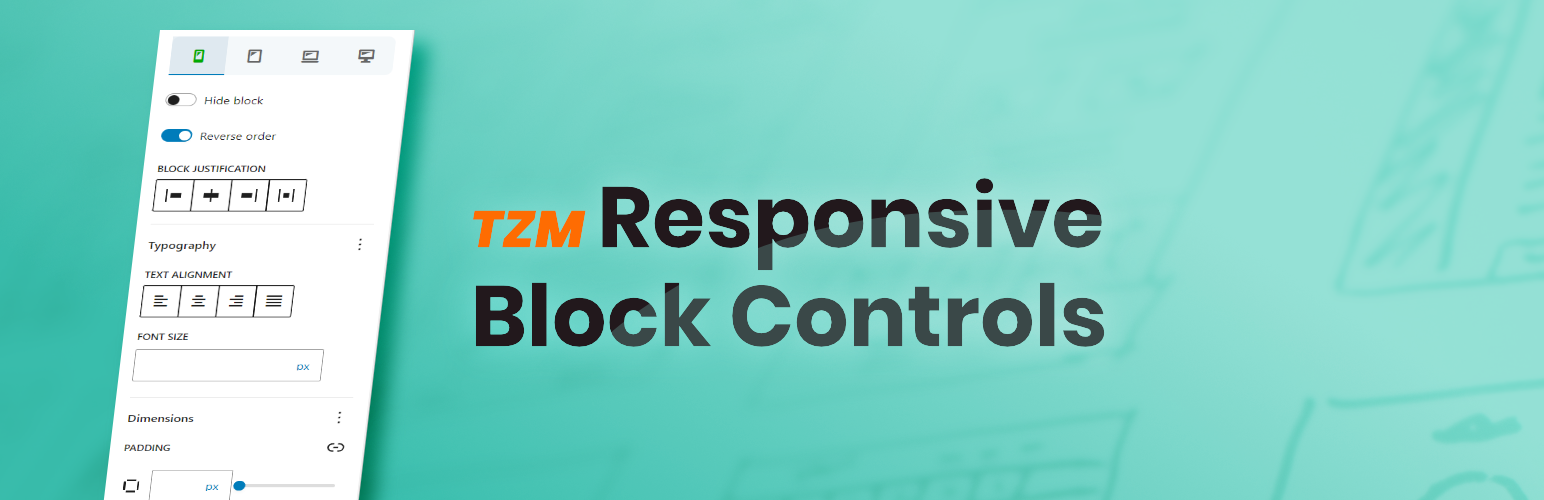
TZM Responsive Block Controls lets you customize blocks for different screen sizes. Control visibility, alignment, font size, spacing, and much more.
- 正在使用
- 100+
- 评分
- 5.0 / 5
- 累计下载
- 2,994
- 最近更新
- 2026年5月20日
贡献者
 Jakob Wiens
截图


While the (Gutenberg) Block Editor has brought a lot of amazing and powerful tools to web design, it still falls short in one crucial aspect: Responsive controls
TZM Responsive Block Controls is here to fill the gap!
This plugin enhances the Block Editor by adding a dedicated Responsive controls panel right inside your block’s settings tab.
The provided options allow you to customize how your blocks appear on different devices. No more need for complicated workarounds or custom CSS!
- Hide Blocks: Easily hide blocks on specific devices to create tailored, clutter-free layouts.
- Adjust Block Widths: Set custom block widths per device, ensuring your content looks great on all screen sizes.
- Reverse Direction: Reverse the direction/order of blocks (like ‘Columns’ or ‘Row’ blocks) for optimized layouts.
- Justify Blocks: Ensure fluid layouts by adjusting block justification across different devices.
- Optimize Focal Points: Fine-tune focal points for background images and other media on different screen sizes.
- Align Media and Text: Control horizontal alignment of media and text for consistent appearance across devices.
- Font Size Adjustments: Adjust font sizes for each device to ensure optimal readability and maintain visual hierarchy.
- Control Padding and Margins: Set custom padding and margins for each device to achieve perfect spacing.
- Adjust Block Gaps: Define custom spacing between blocks to maintain flow and balance on all device types.
- Customize Block Heights: Set different block heights across devices to maintain consistent layouts.
- Refine Border Radius: Customize the border-radius to achieve consistent rounded corners across different devices.
With such an extensive and exclusive feature set, TZM Responsive Block Controls provides everything you need to create stunning and visually appealing designs across different devices.
Source Code
The source code for TZM Responsive Block Controls is now available on GitHub!
Follow the development, report issues, and get involved in improving the plugin. We welcome contributions, feedback, and feature requests from the community.