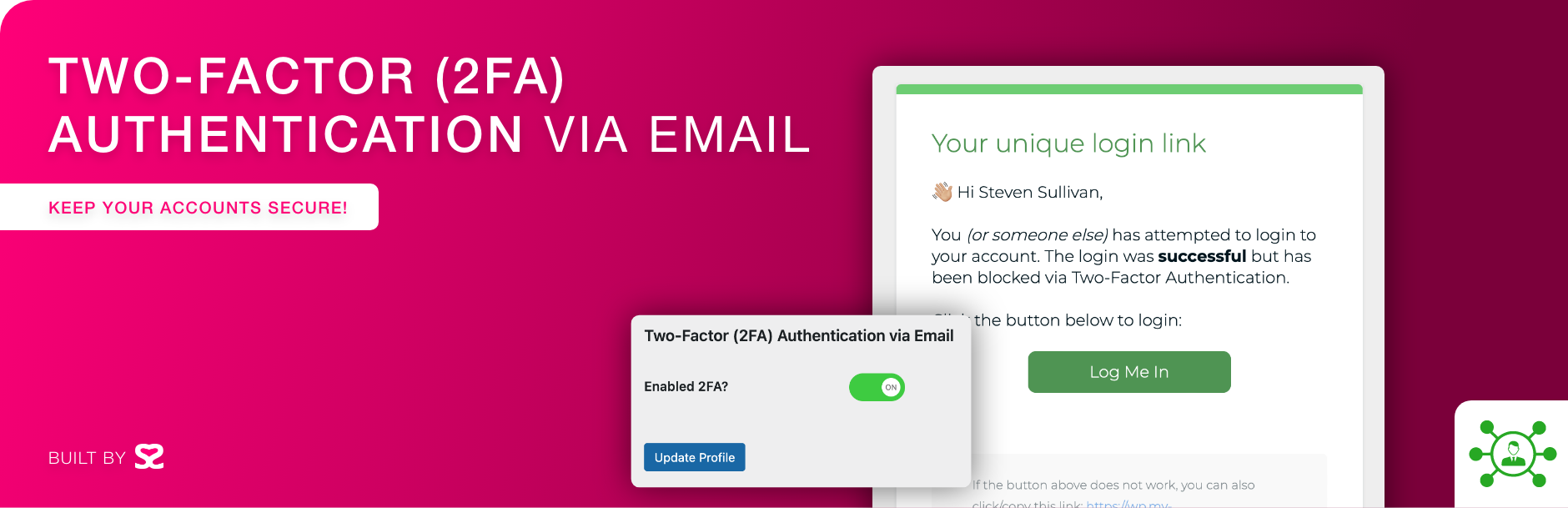

Two Factor (2FA) Authentication via Email
v1.9.12Sully · 2023年3月15日 上架
Enable one-click login with this WordPress Two-Factor Authentication (2FA) plugin, utilizing email for added security.
- 正在使用
- 9,000+
- 评分
- 5.0 / 5
- 累计下载
- 9.5 万
- 最近更新
- 2026年10月22日
贡献者
 Sully
截图


A simple, lightweight, yet effective plugin to enable two factor (2FA) authentication via email. You can enable this on an individual user basis, for all administrators, editors, or all accounts with one line of code in your wp-config.php file.
WordPress is the world’s most popular content management system (CMS), with over 40% of all websites running on it. As such, it has become a prime target for hackers looking to exploit vulnerabilities to gain unauthorized access to websites. One of the best ways to enhance the security of a WordPress site is to enable two-factor authentication (2FA) for administrators.
- Simply enable the plugin then edit a user account to enable 2FA for that individual user.
- Please make sure your WordPress website sends and receives emails correctly. The best way is to use a SMTP plugin.
Check out our other plugins:
- 🦄 Unicorn Panel – the new web hosting control panel built for multi-server fleets; FREE!
- 🎉 Media Library File Size
- ✨ Export Single Post Page
- 🙍♂️ View User Metadata
- 🔠 Enable Turnstile (Cloudflare) for Gravity Forms
- ⭐️⭐️⭐️⭐️⭐️ Gravity Forms to FreeScout