
Tutor LMS BunnyNet Integration
v1.0.2Themeum · 2022年12月29日 上架
Host your videos on BunnyNet bufferless high-speed streaming platform, and facilitate the videos to your students on your LMS platform powered by Tuto …
- 正在使用
- 1,000+
- 评分
- 5.0 / 5
- 累计下载
- 1.1 万
- 最近更新
- 2026年7月10日
贡献者
 Themeum
截图
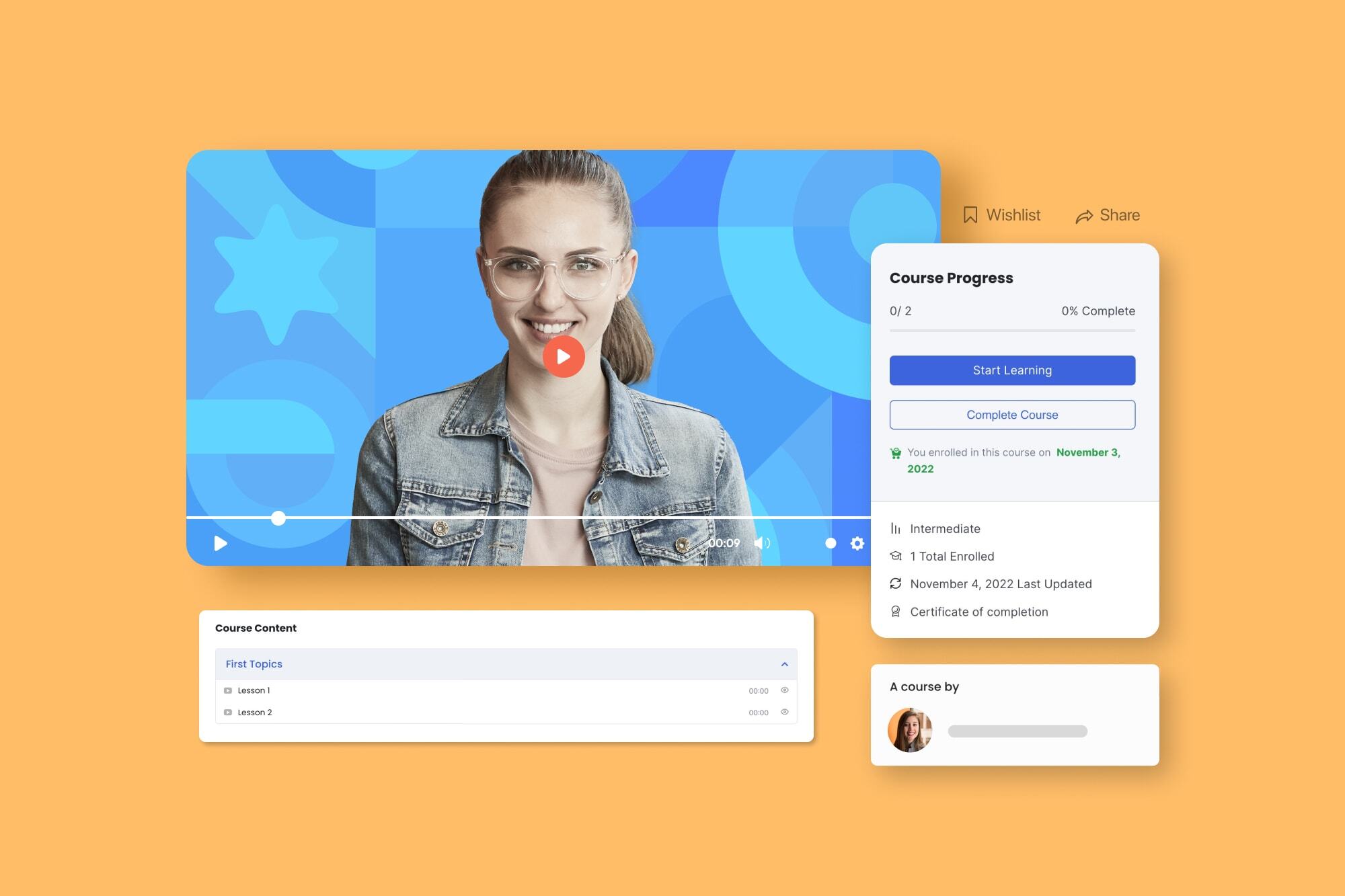

BunnyNet CDN offers bufferless high-speed streaming from anywhere in the world. This is accomplished by Bunny Stream, their premium streaming solution. Bunny stream uses a state-of-the-art CDN to store and deliver your videos whenever and wherever you need them. It offers robust security even offering hotlink protection and all of this in a very affordable package.
Tutor LMS BunnyNet integration allows you to host your lesson videos on Tutor LMS using BunnNets’ very own Bunny Stream. Your students all around the world will face no trouble loading up and playing your meticulously crafted course videos. This enhances the experience for students and you can rest easy knowing your videos are being delivered as intended.
Pre-requisites
For this integration, you need to install the Tutor LMS Free plugin because this plugin comes as an add-on plugin for the Tutor LMS to facilitate the BunnyNet video streaming service.
Get Started
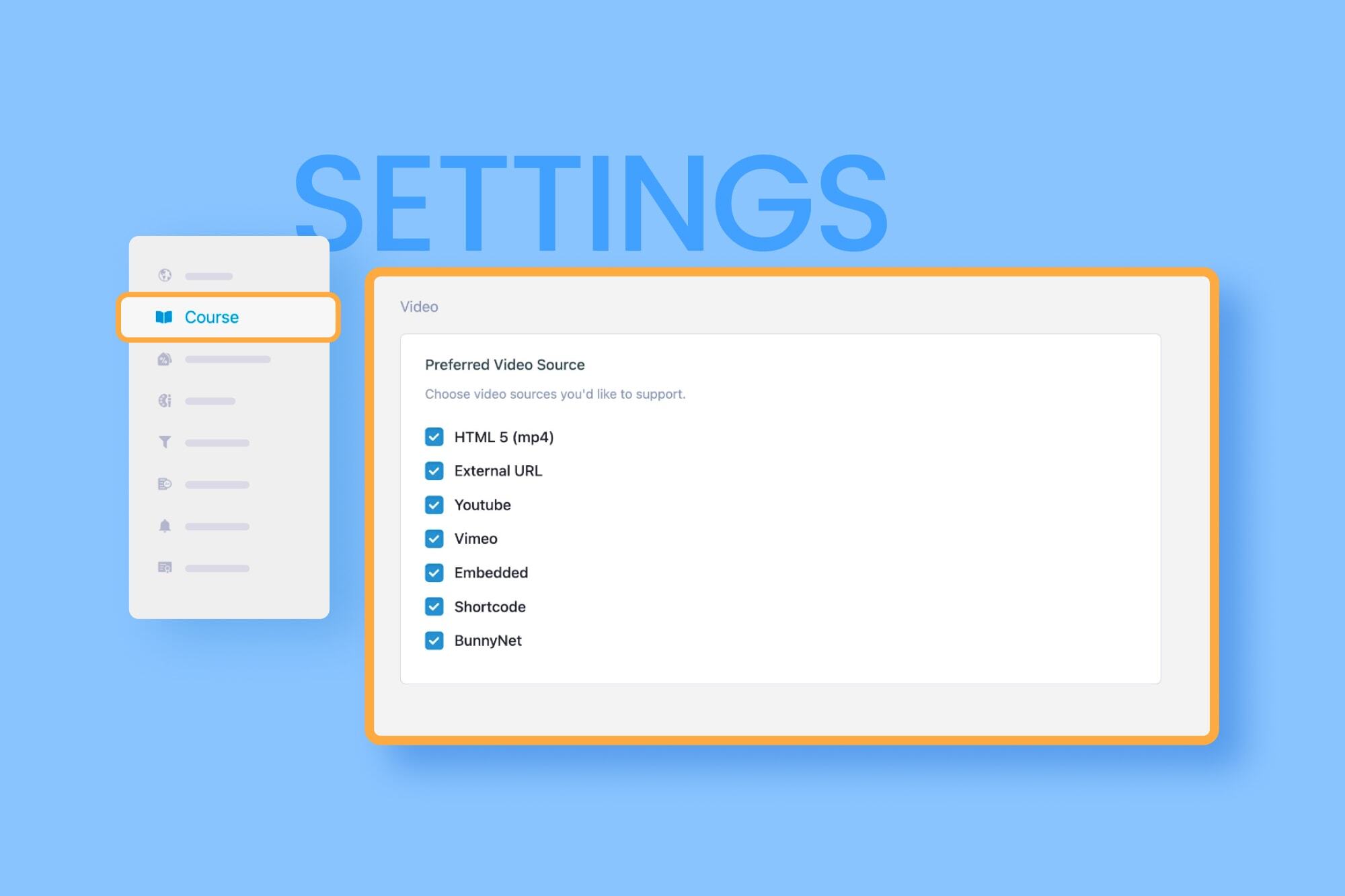
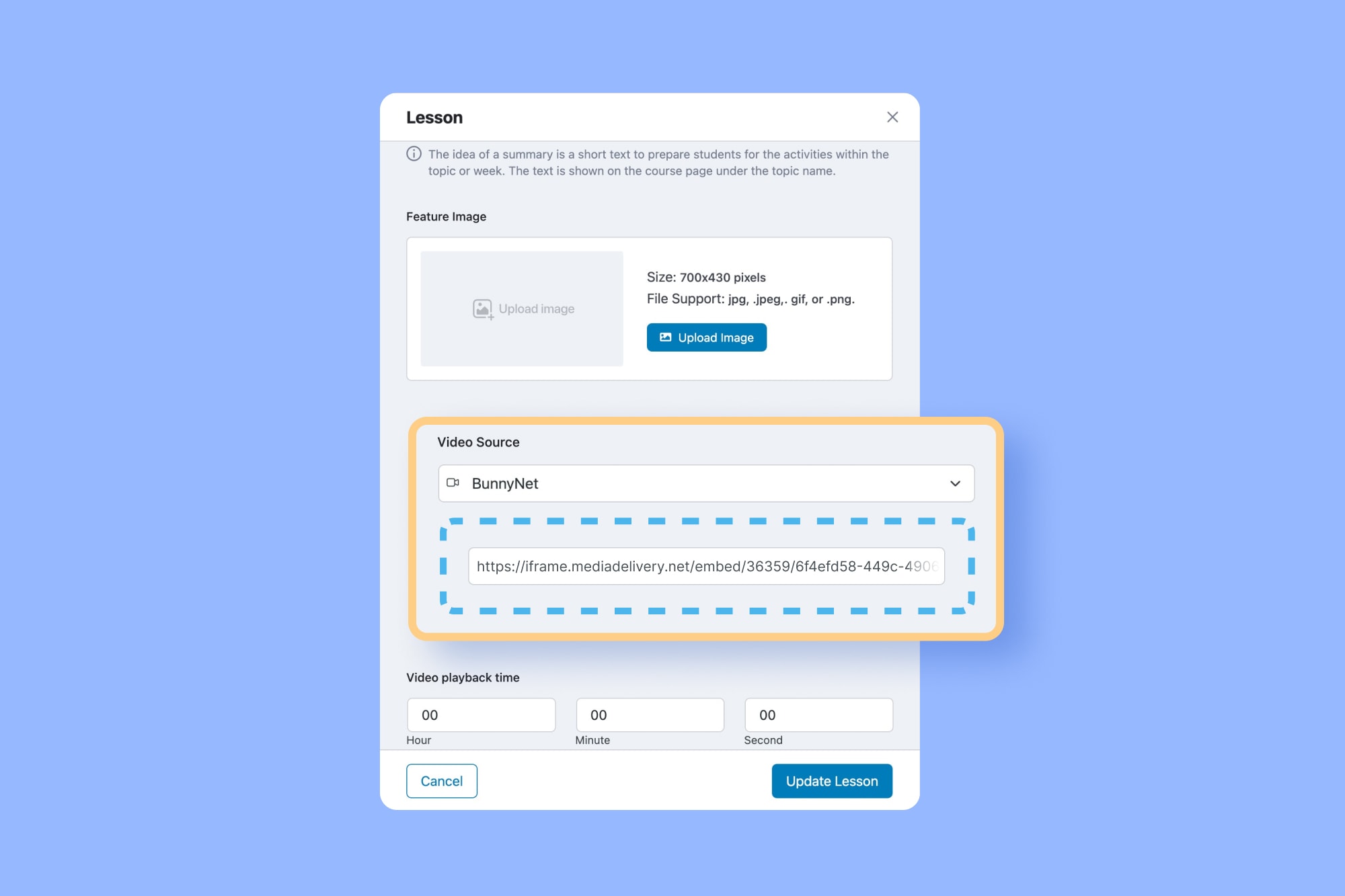
Step One: After installing Tutor LMS and the Tutor LMS BunnyNet Integration plugin, navigate to “Tutor LMS > Settings > Course”. From there scroll down to the preferred video source and find the BunnyNet option.
You need to toggle BunnyNet as your preferred video source.
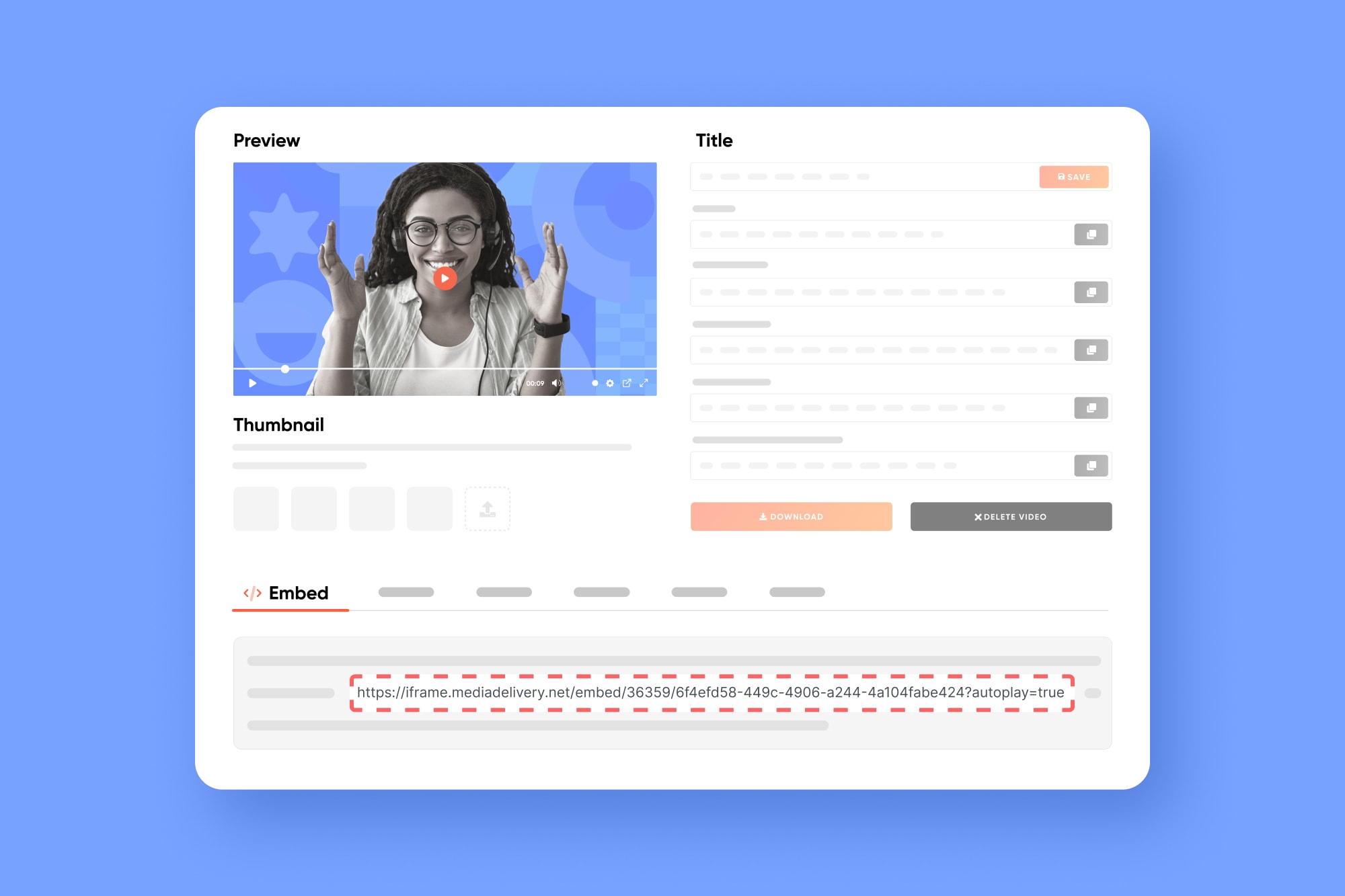
Step Two: Then log in to your BunnyNet account and open your video. This will bring you to the BunnyNet video setup. Here, you can set a thumbnail for your video, set a title, configure captions and so much more.
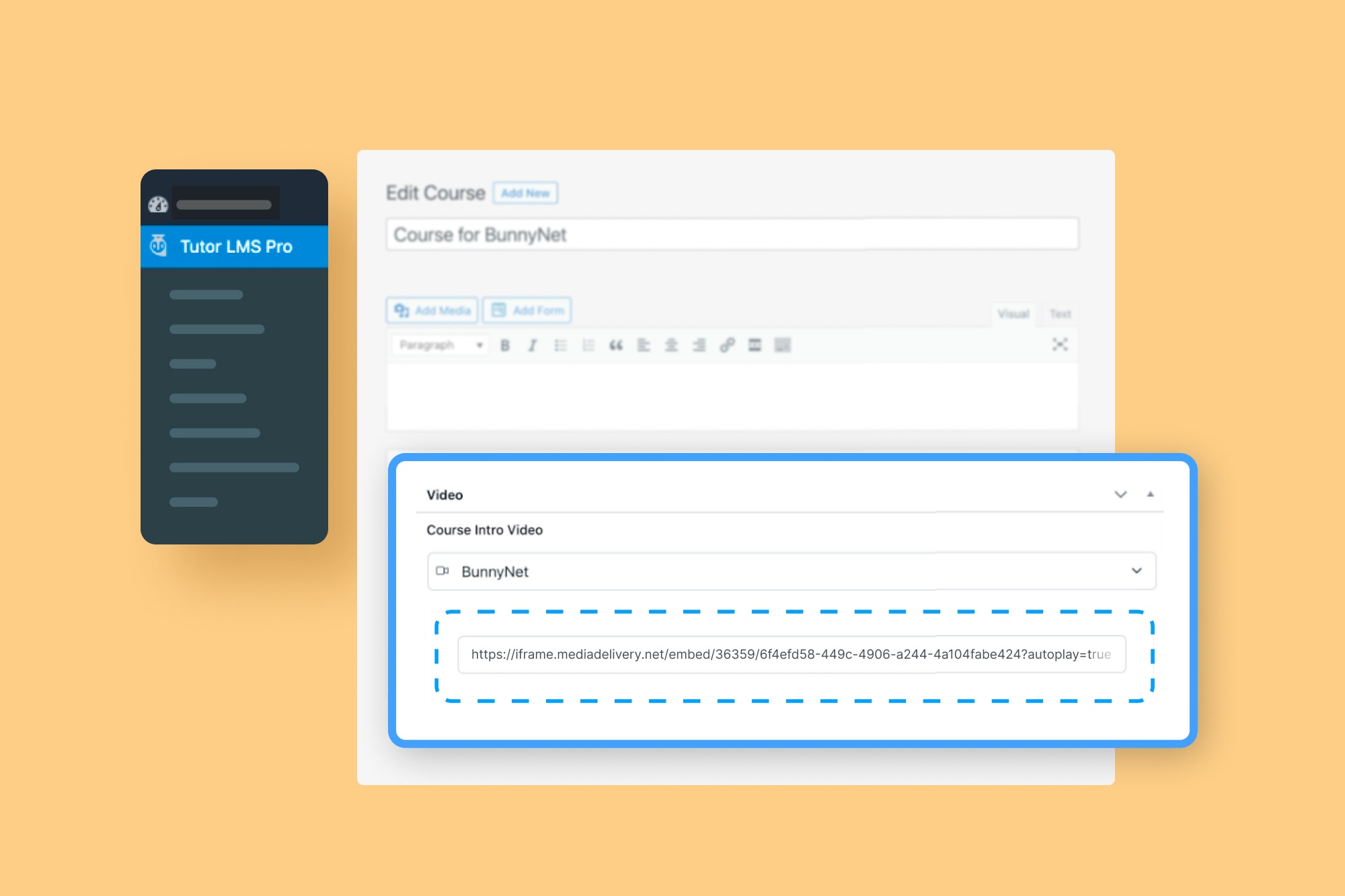
Step Three: Now you just need to copy the “Direct Play URL” from BunnyNet and go back to Tutor LMS. Then, simply paste the URL/link into the Course Intro or Lesson video field.
And there you have it, your video source will then be set to BunnyNet for you and your students to enjoy smooth streaming.