

TSO Stack Inspector
v1.0.9deadko · 2026年9月10日 上架
Find where plugin shortcodes, blocks, and metadata are used before you deactivate or uninstall.
- 正在使用
- 10 以下
- 评分
- 暂无
- 累计下载
- 806
- 最近更新
- 2026年11月25日
贡献者
 deadko
截图
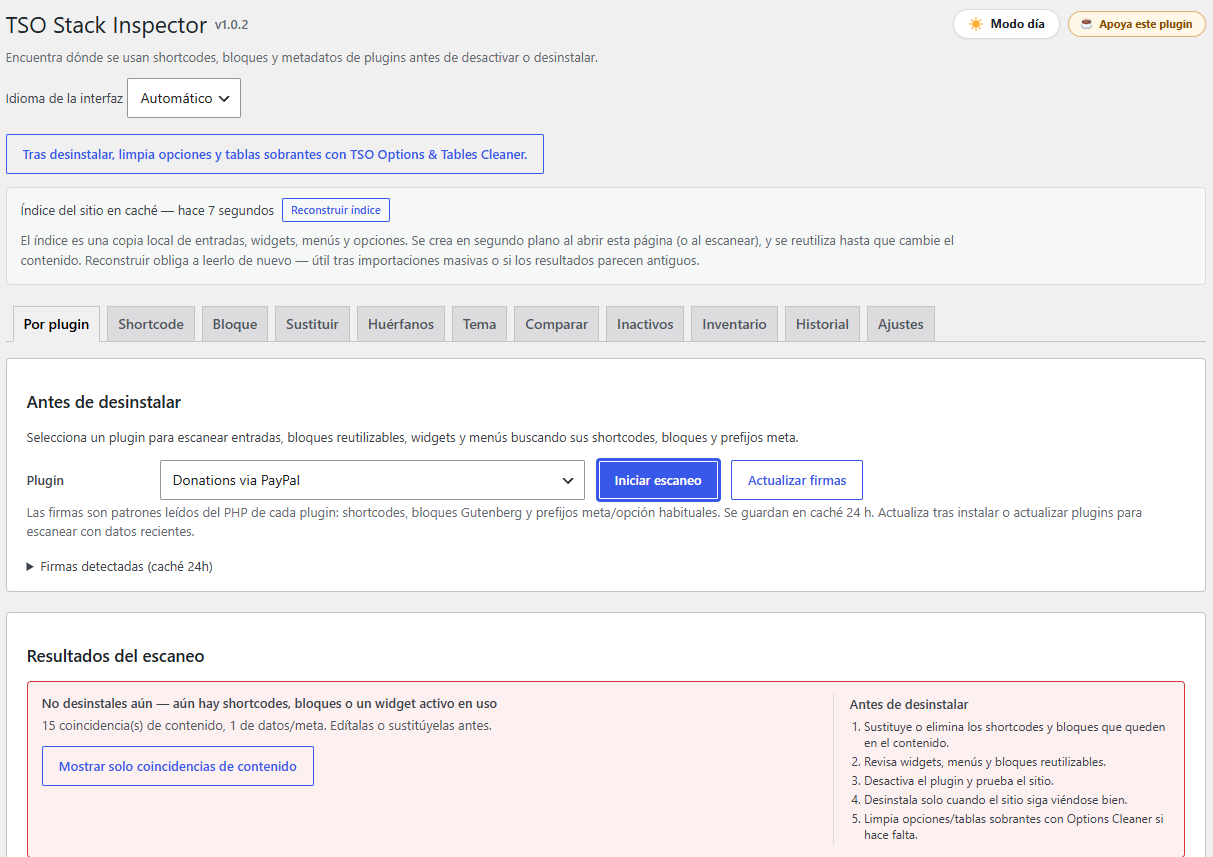
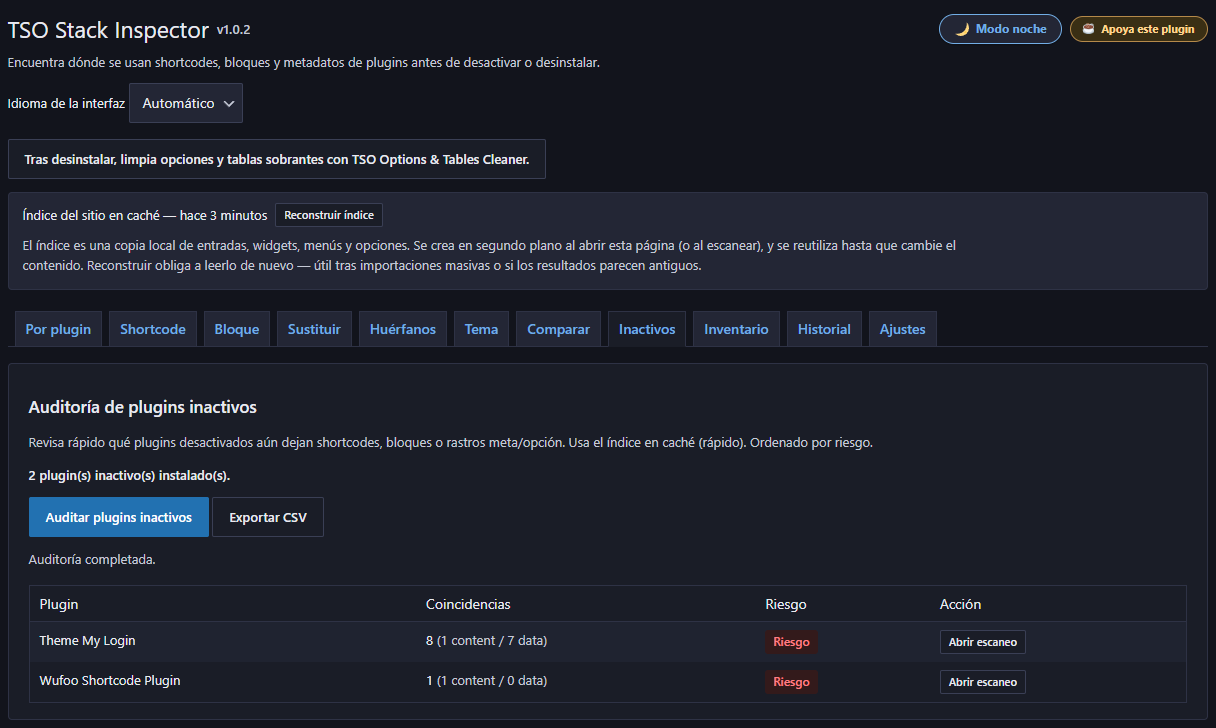
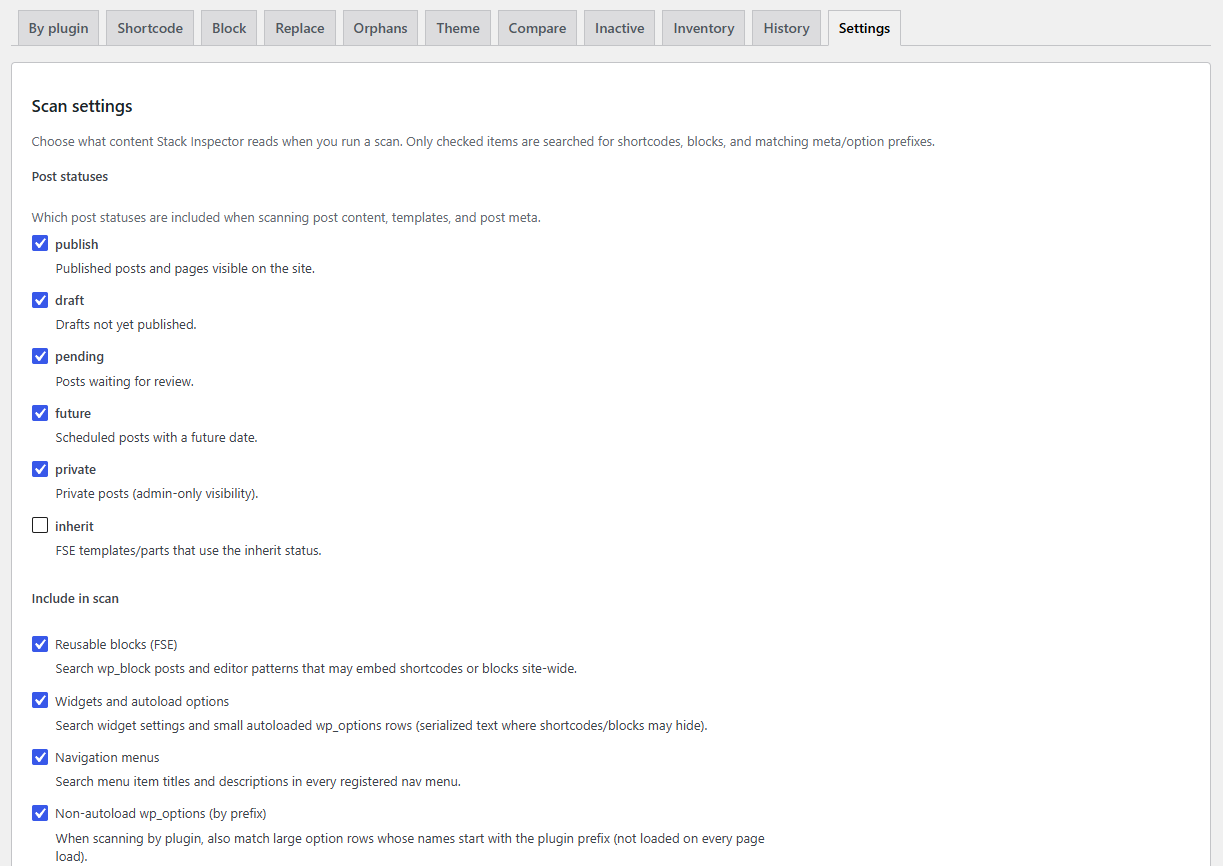
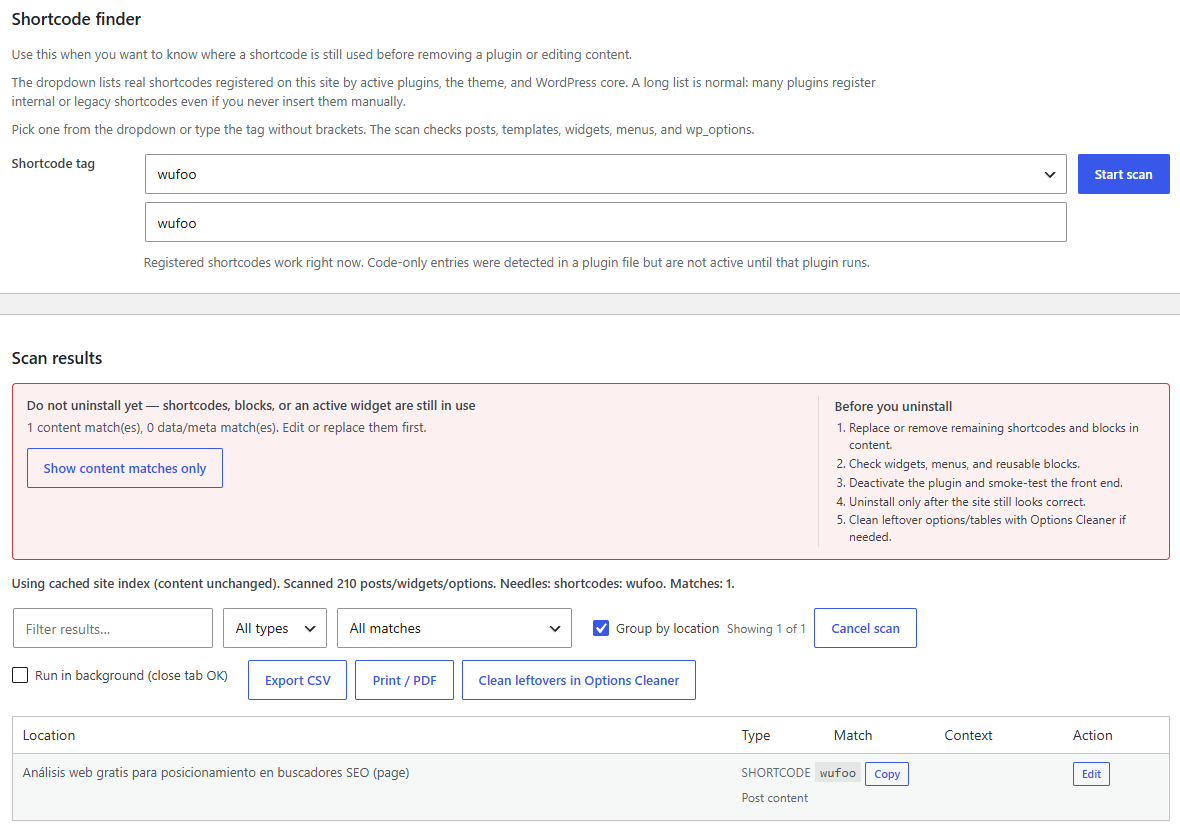
TSO Stack Inspector helps agencies and site owners answer a critical question before removing a plugin: where is it still used?
Scan posts, pages, custom post types, reusable blocks, Site Editor templates, widgets, navigation menus, and wp_options for:
- Shortcodes registered by a plugin or entered manually
- Gutenberg blocks declared by a plugin
- Post meta prefixes inferred from plugin code (including page-builder JSON meta)
Features
- By plugin — pick an installed plugin and run a batched scan before uninstall
- Risk verdict — after each scan, a clear safe / review / risk summary for uninstall decisions
- Replace (dry-run) — preview and apply shortcode/block renames in post content (batched, with confirmation and undo backups)
- Orphans — find shortcodes/blocks still in content but no longer registered
- History diff — compare two saved scans
- Inactive plugins audit — quickly see which deactivated plugins still leave traces (uses the site index)
- Shortcode finder — search any shortcode tag across the site
- Block finder — search a block namespace (e.g.
contact-form-7/contact-form-selector) - Theme scan — active or inactive themes
- Compare plugins — shared vs exclusive signatures before migrations
- Inventory — list registered shortcodes and discovered plugin signatures
- Scan history — limited, auto-pruned, with delete/clear
- Export CSV / Print PDF — download scan results, orphans, or inactive-plugin audits as CSV, or open a printable report after a scan
- Refresh signatures — rebuild the cached plugin profile without waiting 24 hours
- Options Cleaner link — jump to TSO Options & Tables Cleaner when installed to remove leftover options and tables after uninstall
- Site index — built in the background when you open the admin screen (or when you scan); reused for faster scans and audits
- Background scan — optional checkbox to keep a large scan running via WP-Cron after you close the admin tab; reopen the screen later to see the finished results
- Ignore list — hide noisy shortcodes, blocks, or meta/option keys from results
- Grouped results — scan hits grouped by location, with copy-tag and a pre-uninstall checklist
- Orphans Replace — jump from an orphan tag to the Replace tab already filled in
- Admin UI languages — English, Spanish, and Catalan in the admin screen; community translations via translate.wordpress.org after publication
How it works
The plugin reads your content and widget options locally. It does not send data to external services. To see what visitors really get, a plugin scan also requests a sample of pages from your own site (loopback requests, nothing leaves your server): your home page, the latest posts and page, shop pages, one entry and archive of each public content type and one page per custom template, up to 12 in all. It looks for files and markup of the scanned plugin in them. For sitemap, SEO and feed plugins it also reads robots.txt, the sitemaps it declares and your feed. The pages read are reused for two minutes while nothing that changes them has changed, and that saved copy is deleted when the two minutes pass. A page that answered 404 is skipped for a week, so scans do not fill your 404 log. Plugin signatures (shortcodes, blocks, meta prefixes) are discovered by scanning plugin PHP sources and cached for 24 hours. The site content index is stored under uploads and rebuilt when content or settings change.
Multisite
Works on WordPress Multisite: scans, caches, and settings are per-site. Uninstalling from the network admin cleans up every site in the network, not just the main site.
Limitations
- Static code scan may miss dynamically registered shortcodes or blocks
- Meta prefix detection is heuristic; always review results before uninstalling
- Very large sites run scans in batches; tick Background scan to let a long scan keep going via WP-Cron after you close the tab, or keep the tab open otherwise
Privacy Policy
TSO Stack Inspector stores only:
- Your admin UI language preference in user meta (
tso_stack_inspector_ui_lang) - Optional scan settings in
wp_options(tso_stack_inspector_scan_settings), including history size limit - A short index of recent completed scans in
wp_options(tso_stack_inspector_scan_history) - Temporary scan job data in transients (auto-expire)
- Optional site-index cache, scan-history JSON, and replace-backup JSON under
wp-content/uploads/tso-stack-inspector/(local disk only; directory is denied via.htaccess/web.config+ emptyindex.html; removed on uninstall when possible). One current site index is kept per user. History keeps the configured number of scans and drops repeated snapshots of the same matches. Files that nothing references anymore are deleted automatically. - Replace backup index in
wp_options(tso_stack_inspector_replace_backups, ~48h retention). The backup file is deleted when that window ends. - A short list of your own public URLs that answered 404 when sampled, in a transient (one week)
- The last read of your own public pages, as compressed JSON under
wp-content/uploads/tso-stack-inspector/(reused for two minutes, then the file is deleted)
No data is transmitted to external servers: the only requests the plugin makes go to your own site. Scans run only when an administrator starts them from TSO Plugins Stack Inspector.