TranslateCart – Multilingual Checkout for WooCommerce
v1.1.8outlawgt · 2026年1月25日 上架
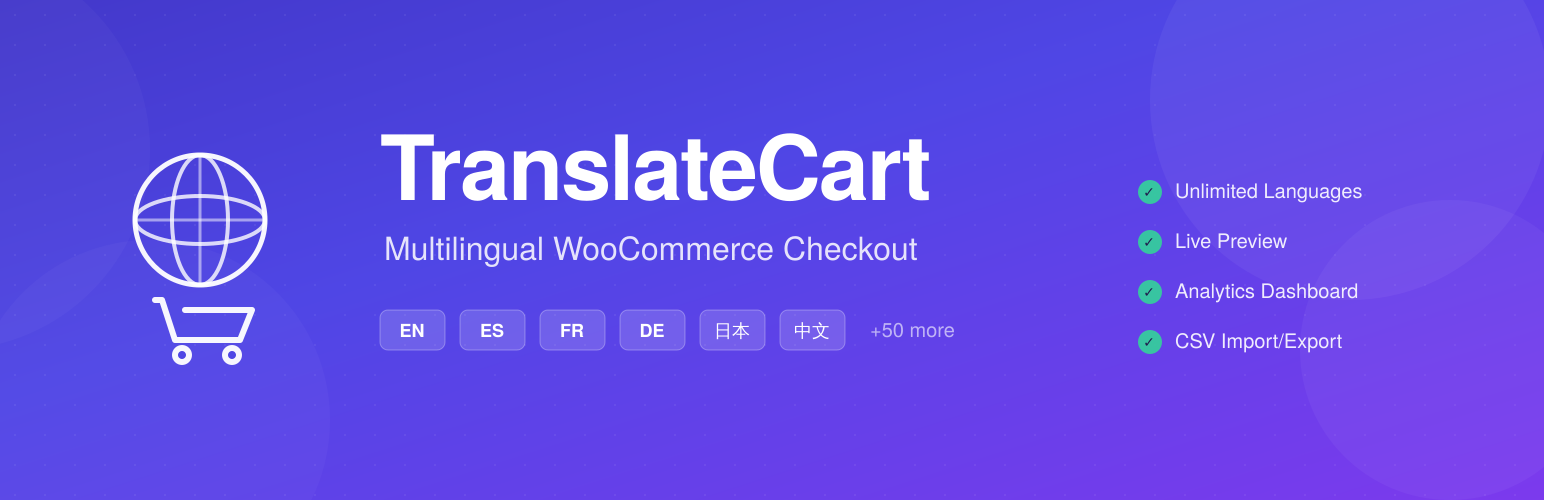
Translate your WooCommerce checkout into any language. Simple setup, no coding required.
- 正在使用
- 10 以下
- 评分
- 5.0 / 5
- 累计下载
- 699
- 最近更新
- 2026年5月21日
贡献者
 outlawgt
截图


TranslateCart lets you translate your WooCommerce checkout fields into multiple languages so international customers can complete their purchase in their preferred language.
Unlike heavy multilingual plugins that translate your entire site, TranslateCart focuses specifically on the checkout — the most critical page for conversions.
What You Can Translate
- Field labels (First Name, Last Name, Address, etc.)
- Placeholder text inside input fields
- Field descriptions and help text
- Validation error messages
- Section headings (Billing, Shipping, etc.)
- Button text
How It Works
- Add your languages (Spanish, French, German, etc.)
- Enter translations for each checkout field
- Customers see the checkout in their browser’s language
That’s it. No shortcodes, no page builders, no complicated setup.
Key Features
Works With Block & Classic Checkout
Supports both WooCommerce checkout types out of the box.
Language Selector
Add a simple language switcher so customers can choose their preferred language. Works as a widget, shortcode, or auto-displays on checkout.
Live Preview
See exactly how your translated checkout looks before going live.
CSV Import/Export
Manage translations in a spreadsheet. Bulk import from CSV or export for external translation services.
Detect Third-Party Fields
Automatically detects custom checkout fields added by other plugins and lets you translate them too.
Analytics Dashboard
Track which languages your customers use at checkout.
Pro Features
Need more? TranslateCart Pro adds:
- Custom checkout fields — Add your own fields (text, dropdown, date picker, checkbox, etc.)
- 10 field types — Text, textarea, select, radio, checkbox, date, time, number, heading, hidden
- Conditional logic — Show fields based on cart total, products, or categories
- Email translation — Translate WooCommerce order emails
- Block Checkout field support — Custom fields work in Block Checkout too
Free vs Pro
Included in Free:
- Translate field labels, placeholders, and descriptions
- Translate validation messages
- Language selector widget
- Live checkout preview
- CSV import/export
- Analytics dashboard
- Block & Classic Checkout support
Pro adds:
- Custom checkout fields builder
- 10 field types (text, dropdown, date picker, checkbox, etc.)
- Conditional field logic (show/hide based on cart, products)
- WooCommerce email translation
- Priority support