

Torque – Optimise the transport of your Website
v1.0.0Hexydec · 2021年9月2日 上架
A Wordpress plugin to optimise the transport of your website to the client. Reduce the load on your server and make your Wordpress website fly!
- 正在使用
- 10 以下
- 评分
- 暂无
- 累计下载
- 9,836
- 最近更新
- 2025年1月31日
贡献者
 Hexydec
截图
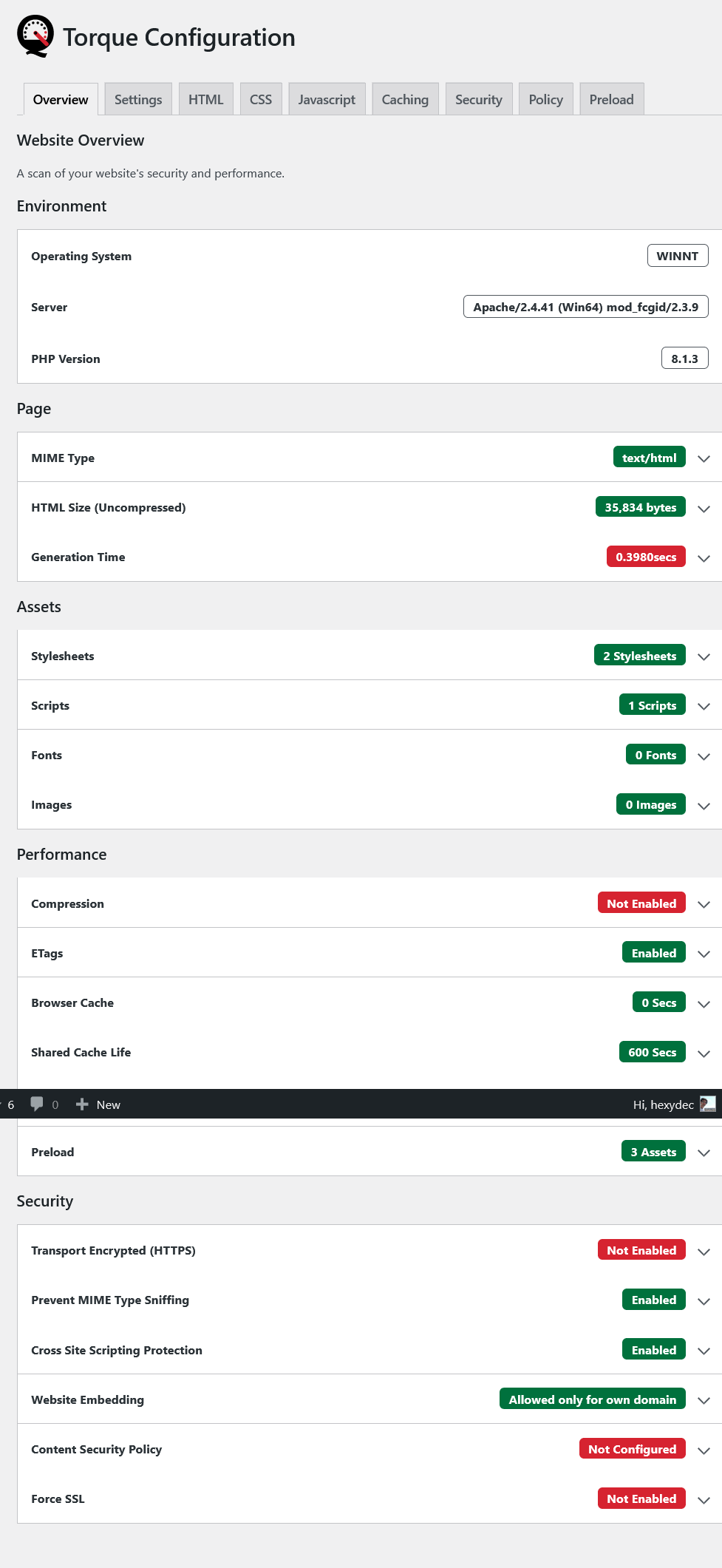


Take advantage of best in class minification to squeeze every byte out of your HTML, CSS, and Javascript, combine this with the control over cache headers, lazy loading, and more, and your website will not only be noticeably faster, your server will be under less load, enabling you to serve more clients with your existing metal.
The plugin also includes a suite of security features to help you secure your website, including full control over Content-Security-Policy, which enables you to control which domains can embed assets on your website, and what domains you can connect to. This prevents malicious scripts from being able to run and more.
Features
- Site Analysis
- Environment information
- Page information such as MIME type, output size and compression ratio
- Asset counts and sizes with recommendations
- Performance metrics with descriptions and recommendations
- Security metrics with descriptions and recommendations
- Minification
- Minify your HTML (Uses HTMLdoc)
- Minify and cache your inline CSS (Uses CSSdoc)
- Minify and cache your inline Javascript (Uses JSlite)
- Combine Files
- Combine and minify CSS files
- Combine and minify Javascript files
- Lazy load images
- Headers
- Set shared cache timeout
- Set client cache timeout
- Enable client to check whether their cached page is still valid, and send an HTTP 304 response if it is
- Security
- Disable MIME sniffing
- XSS protection
- Control how the site can be embedded
- Enable HSTS to force browsers to only connect over HTTPS
- Specify Content-Security-Policy to control what domains can connect and embed content in your site
- Preload
- Select which assets to preload with first load
- Preload combined stylesheets
- Administration panel to control all features, including all minification optimisations
- Print minification stats in the console
See the Torque Github homepage for more information.