

TicketDrum – Event Tickets & QR Check-in
v1.3.2TicketDrum.com · 2026年10月20日 上架
Sell event tickets on your own site, no WooCommerce needed. QR tickets, phone check-in, promo codes, waitlists. Paid direct to your Stripe account.
- 正在使用
- 10 以下
- 评分
- 暂无
- 累计下载
- 322
- 最近更新
- 2026年10月26日
贡献者
 TicketDrum.com
截图

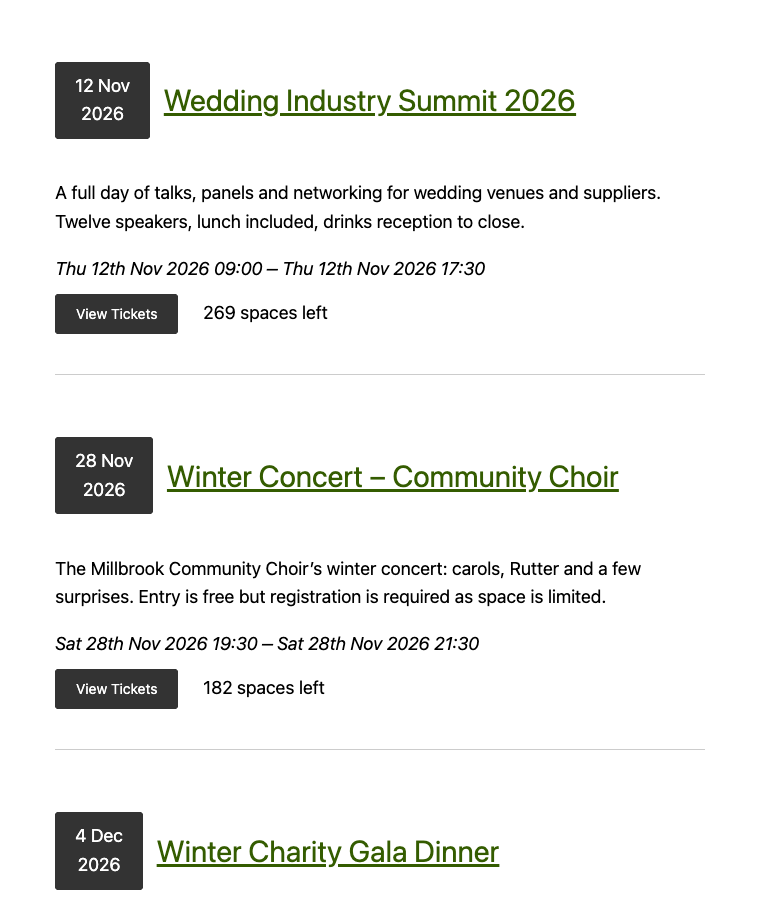
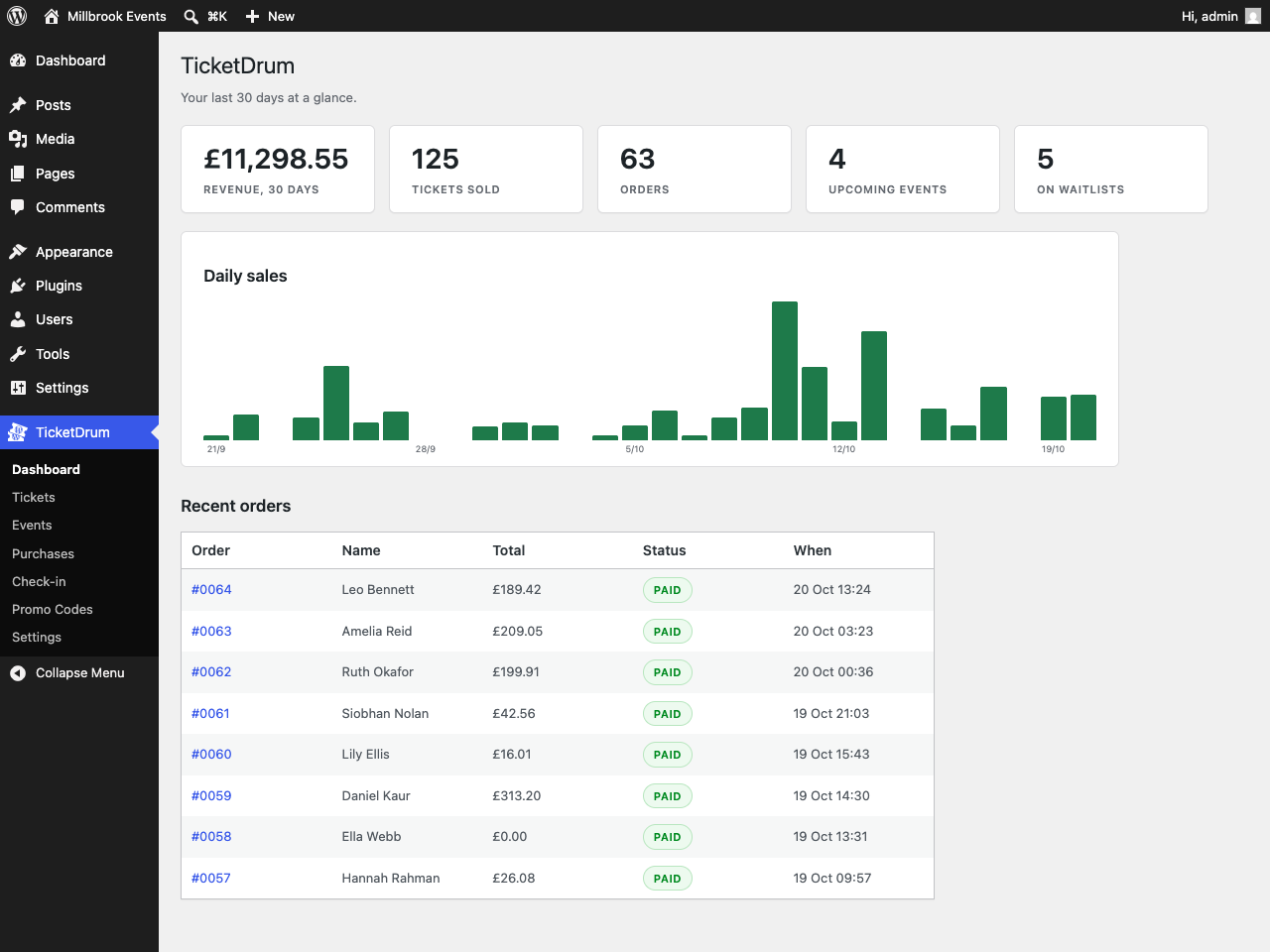
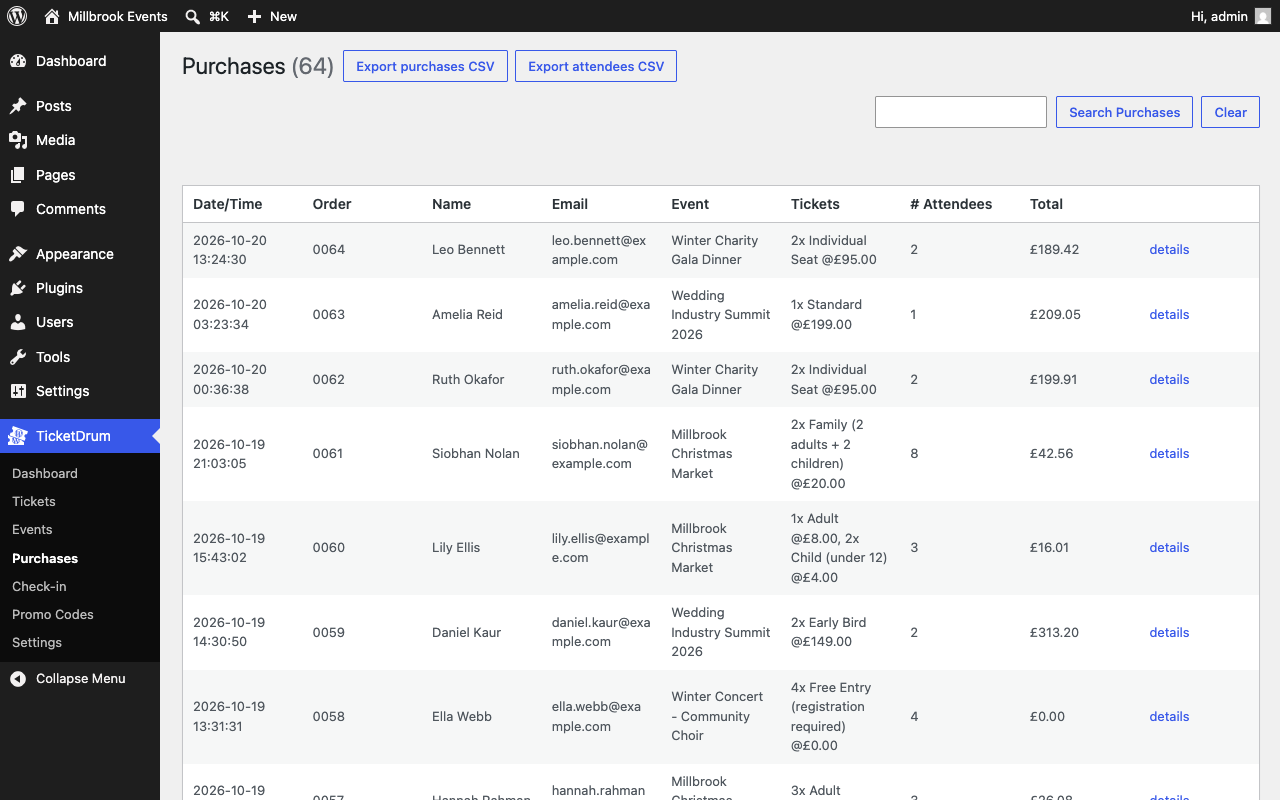
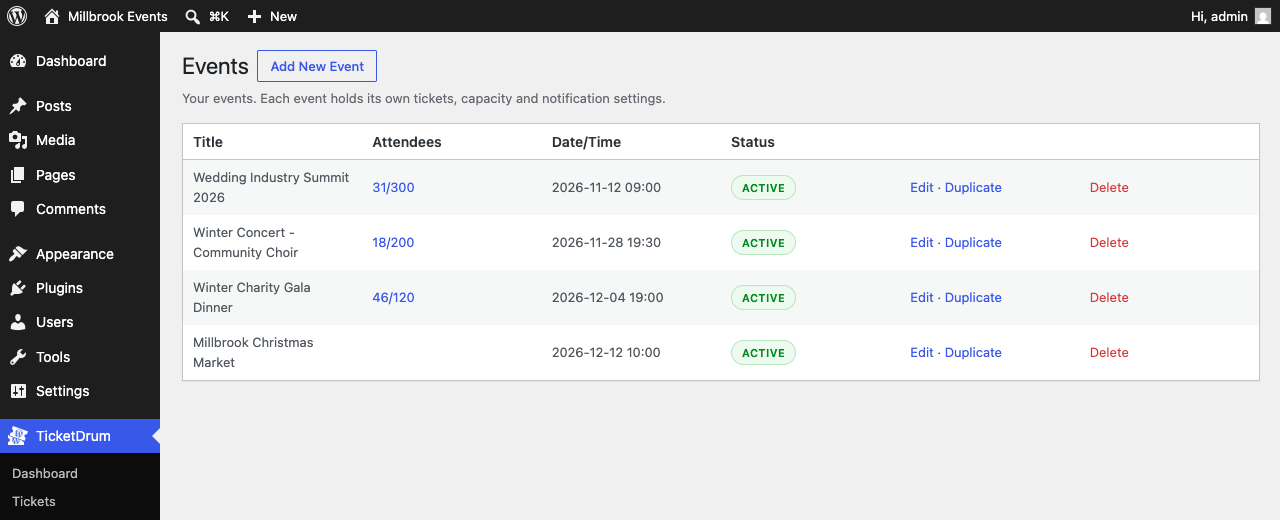
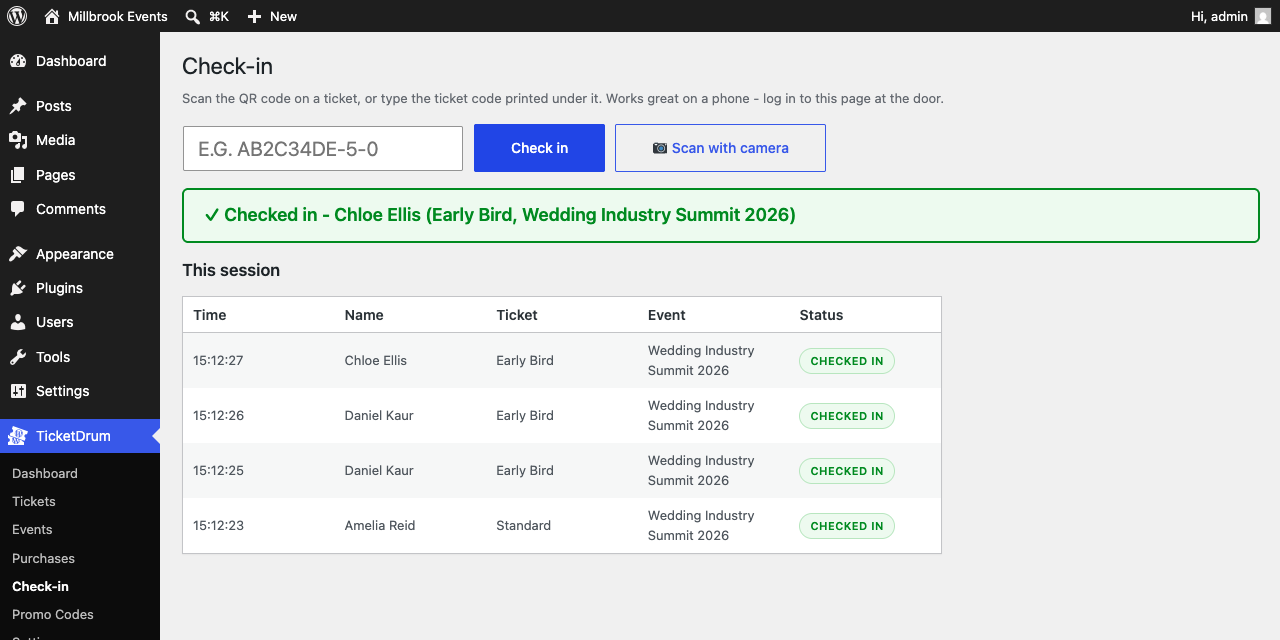

TicketDrum (Ticket Drum) turns your WordPress site into your own box office. No WooCommerce required, no paid add-ons, no subscription – one all-in fee of 4.9% + 30p per paid ticket (card processing included), and free tickets are always free.
Everything included:
- Sell tickets on your own pages with the TicketDrum block (or a shortcode)
- Payments direct to your own Stripe account – we never hold your money
- PDF tickets with QR codes, attached to every confirmation email
- Door check-in: scan QR codes with your phone camera, no extra app
- Promo codes with usage limits and expiry dates
- Waitlists that automatically email buyers when spaces open up
- One-click refunds (our fee is refunded to you too)
- Printable receipts, automatic Stripe receipts, add-to-calendar files
- Custom checkout fields, attendee lists and CSV exports
- Sales dashboard, capacity limits and oversell protection
- Event structured data for Google event rich results
Pricing: the plugin is free. We charge 4.9% + 30p (or equivalent in your selling currency) per paid ticket, collected automatically through Stripe – card processing costs are included in that fee. By default the booking fee is paid by the ticket buyer, so you keep 100% of your ticket price.
Everything except card payments works with no account. To take card payments, connect your free TicketDrum account in one click – see the FAQ for how it works.
Your buyers’ data stays on your site. All email is sent by WordPress itself, so buyer names, email addresses, tickets and receipts are never sent to us. The only personal data that leaves your server is what Stripe needs to take a card payment.
External services
This plugin uses two external services: the TicketDrum service (operated by us) and Stripe. They are what makes card payment possible. Details of what is sent, when, and why:
1. TicketDrum service (ticketdrum.com / api.ticketdrum.com)
TicketDrum operates the Stripe Connect platform account through which card payments are processed. The plugin sends nothing to the service until you click Get Started on the TicketDrum dashboard. After that, it contacts api.ticketdrum.com in exactly two situations, and in neither is any personal data sent:
- When you click Get Started: your site’s domain name is sent so the service can register the site and issue the account ID that identifies it.
- When you connect or disconnect Stripe (Settings Stripe): your account ID is sent to fetch or revoke the Stripe Connect credentials issued to the platform for your Stripe account.
That is the complete list. No buyer or visitor data, no order data, no email content, no usage statistics, no analytics and no error reports are ever sent. Confirmation emails, tickets and receipts are generated and sent entirely by your own site using WordPress’s own wp_mail function.
Terms of service: https://www.ticketdrum.com/content/terms – Privacy policy: https://www.ticketdrum.com/content/privacy
2. Stripe (api.stripe.com / js.stripe.com)
Stripe processes all card payments; payments go directly to your own connected Stripe account. The checkout page loads Stripe.js from js.stripe.com (required by Stripe for PCI-compliant card collection – card details are entered into Stripe’s own secure fields and never touch your server). When a buyer pays, the order amount, currency, order description and the buyer’s name and email address are sent to api.stripe.com to create and confirm the payment and a customer record in your Stripe account.
Terms of service: https://stripe.com/legal/ssa – Privacy policy: https://stripe.com/privacy