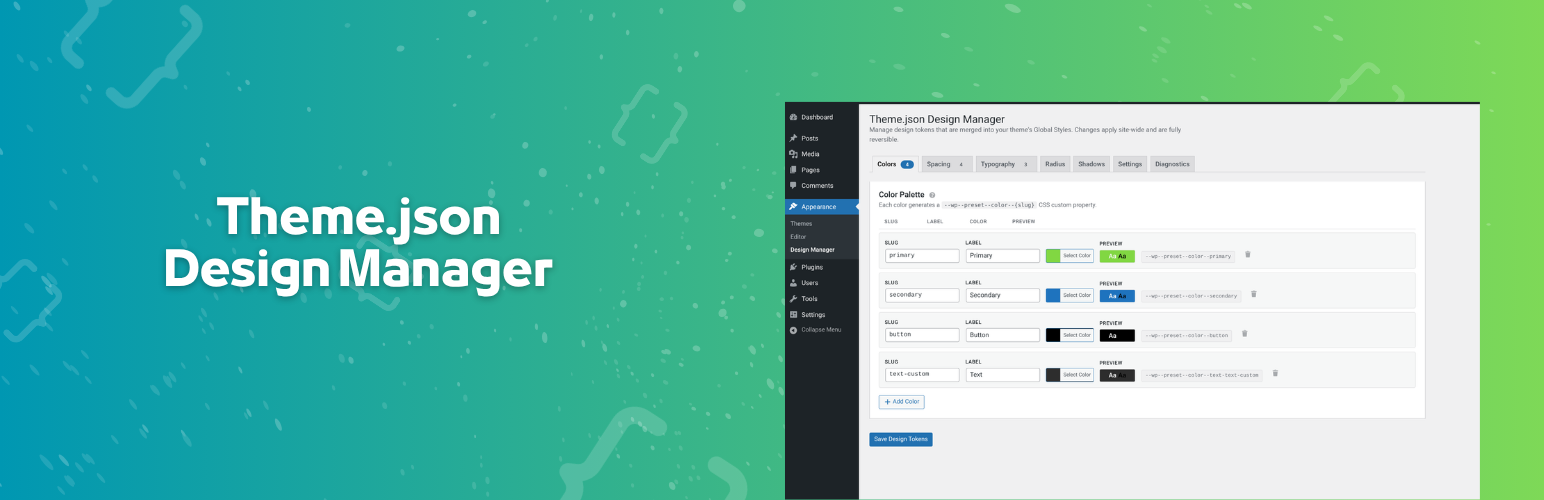

Theme.json Design Manager
v1.0.0sulaimandauda · 2026年3月24日 上架
Manage design tokens — colors, spacing, typography, border radius, and shadows — that integrate with WordPress Global Styles via theme.json.
- 正在使用
- 10 以下
- 评分
- 暂无
- 累计下载
- 423
- 最近更新
- 2026年3月25日
需要 WordPress 6.1+已测试到 6.9.12PHP 7.4+
贡献者
 sulaimandauda
截图


Theme.json Design Manager provides a user-friendly admin interface for managing design tokens that are automatically merged into your theme’s theme.json Global Styles pipeline. No code editing required.
Features
- Color Palette — Define semantic color tokens with live contrast previews. Generates
--wp--preset--color--{slug}CSS custom properties. - Spacing Scale — Create spacing tokens with drag-to-reorder support. Generates
--wp--preset--spacing--{slug}CSS custom properties. - Typography Scale — Set font size tokens with optional fluid
clamp()support. Generates--wp--preset--font-size--{slug}CSS custom properties. - Border Radius — Define radius presets. Generates
--wp--custom--border-radius--{slug}CSS custom properties. - Shadow Presets — Create box-shadow tokens with live previews. Generates
--wp--preset--shadow--{slug}CSS custom properties. - Hide Defaults — Optionally hide theme/core default presets from the editor for a clean, curated design system. CSS custom properties are preserved.
- Reserved Slug Protection — Automatically detects and renames color slugs (e.g. “text”, “link”) that conflict with WordPress core CSS marker classes, preventing color override issues in the editor.
- Diagnostics Tab — View runtime data including stored tokens, merged palette by origin, generated CSS variables, preset classes, and settings at a glance.
How It Works
The plugin stores design tokens in the WordPress database and merges them into the theme’s Global Styles via the wp_theme_json_data_theme filter. Tokens use WordPress’s native slug-based merge system — matching slugs are replaced, new slugs are appended.
All changes are fully reversible. Deactivating the plugin restores original theme styles.
Developer-Friendly
- Filter hooks for extending tokens before merge (
gdtm_tokens_before_merge) - Action hooks after save (
gdtm_after_save) and for custom tab content (gdtm_after_tab_content) - Admin tab filter (
gdtm_admin_tabs) for registering additional tabs