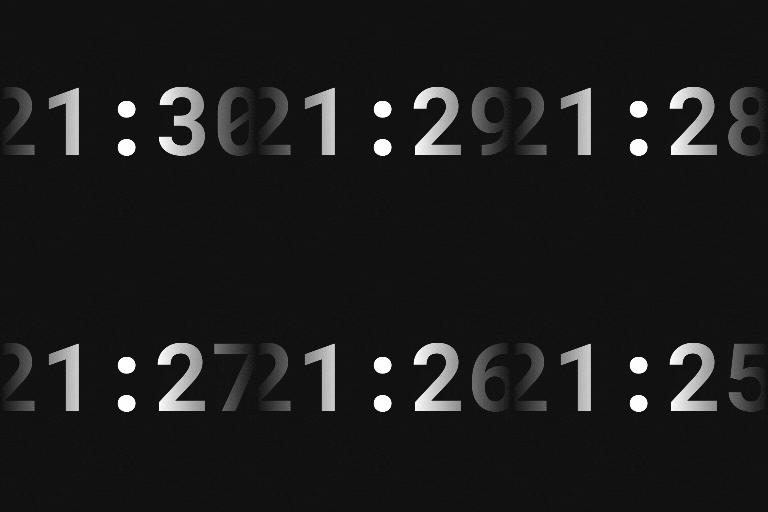
The Countdown Timer
v1.0.0Konstantin Pankratov · 2025年4月19日 上架
The only countdown timer you'll ever need!
- 正在使用
- 30+
- 评分
- 暂无
- 累计下载
- 938
- 最近更新
- 2025年4月19日
需要 WordPress 5.0+已测试到 6.8.13PHP 7.2+
 Konstantin Pankratov
截图
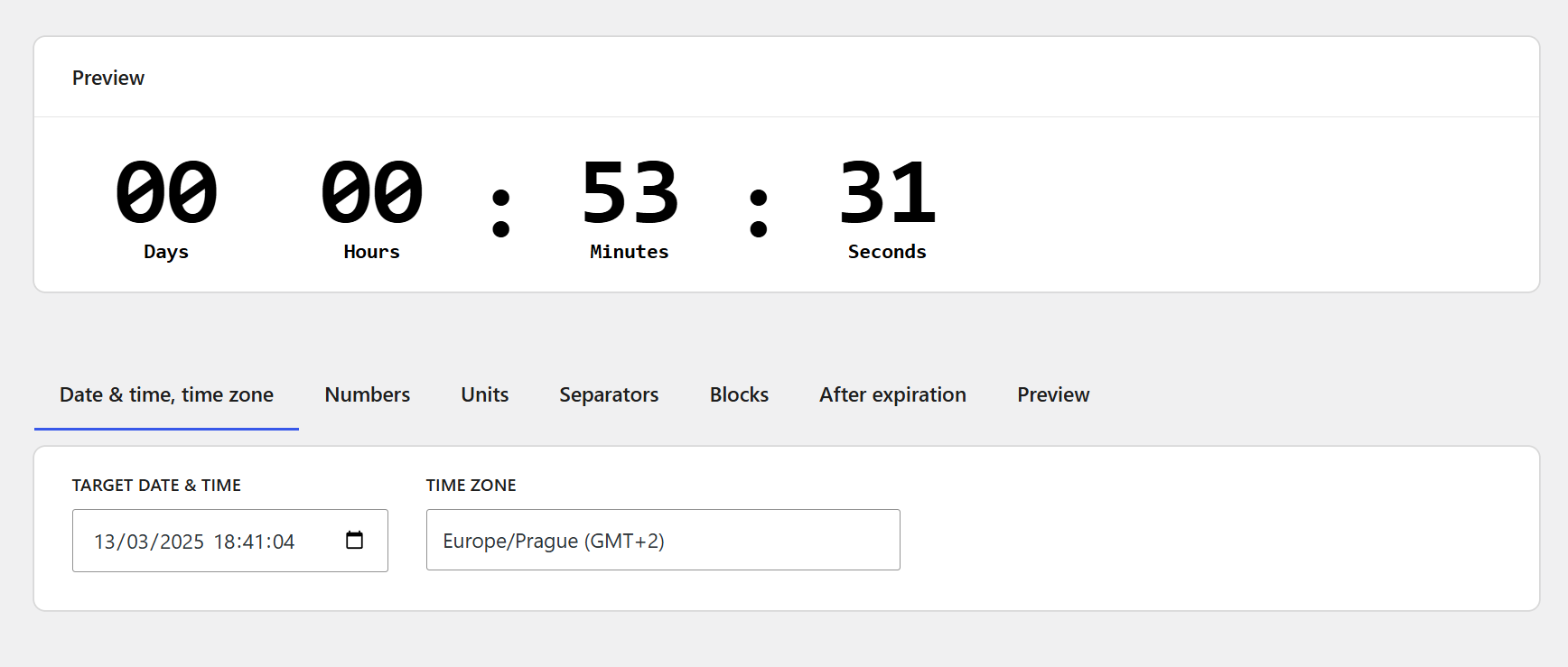
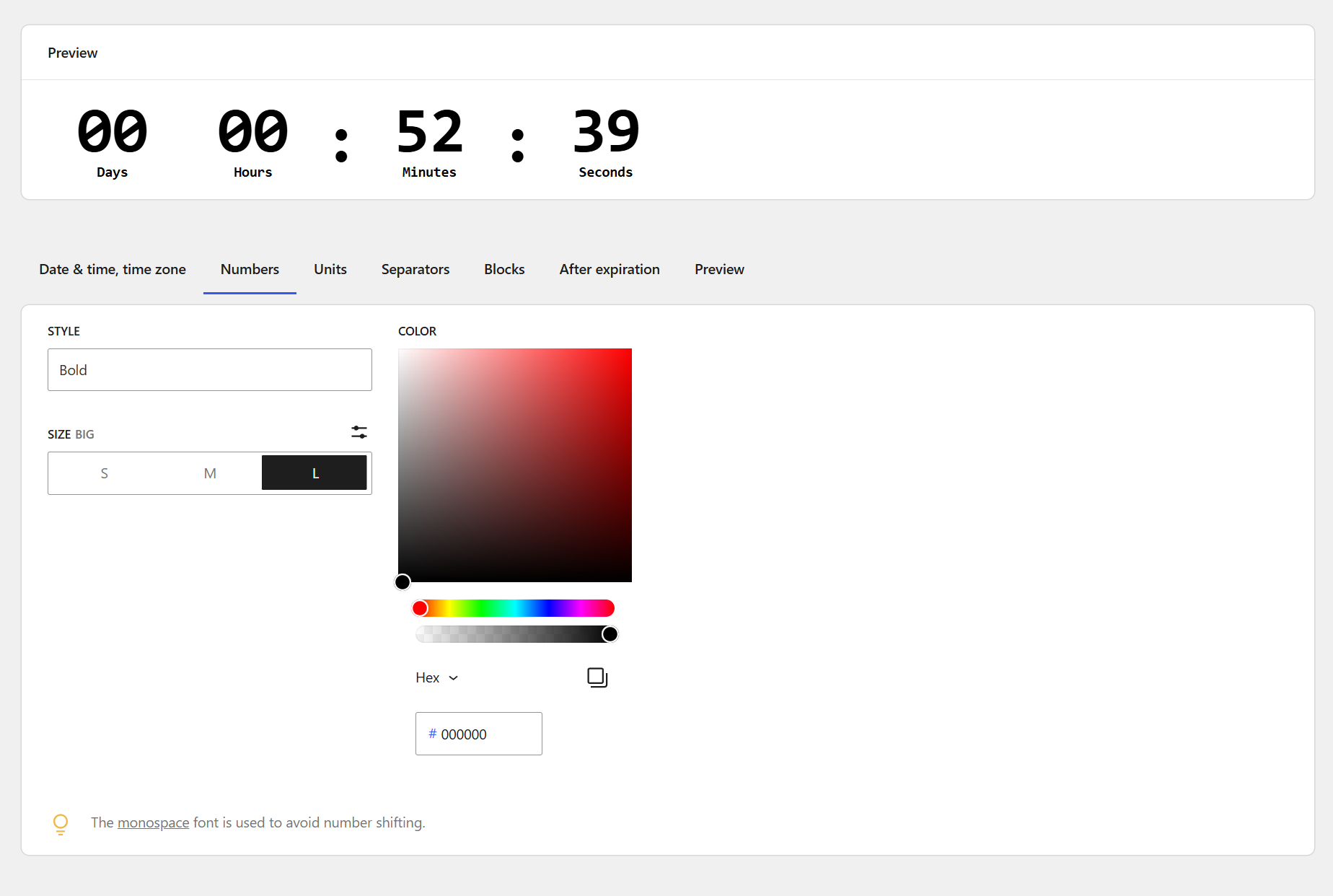
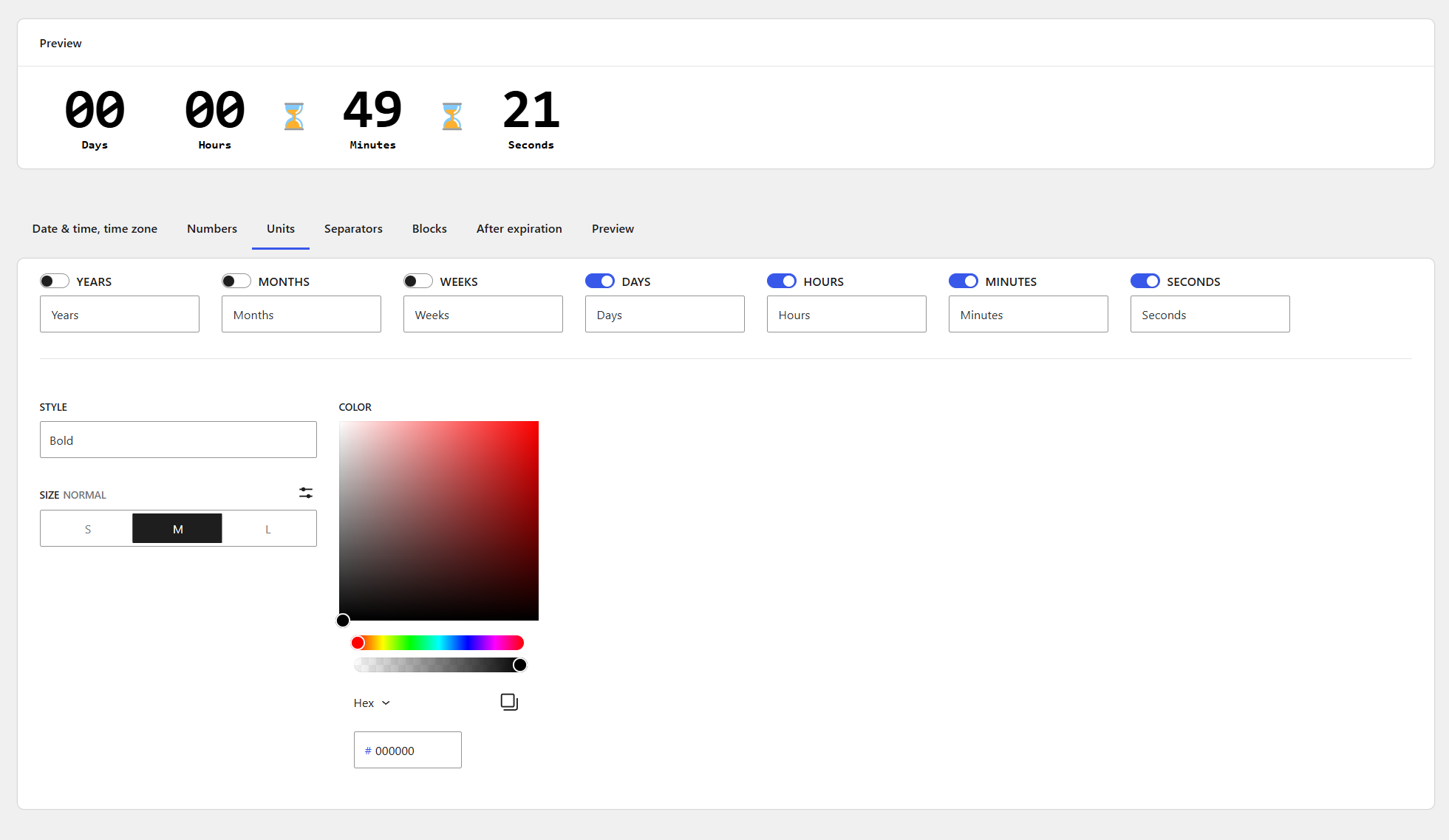
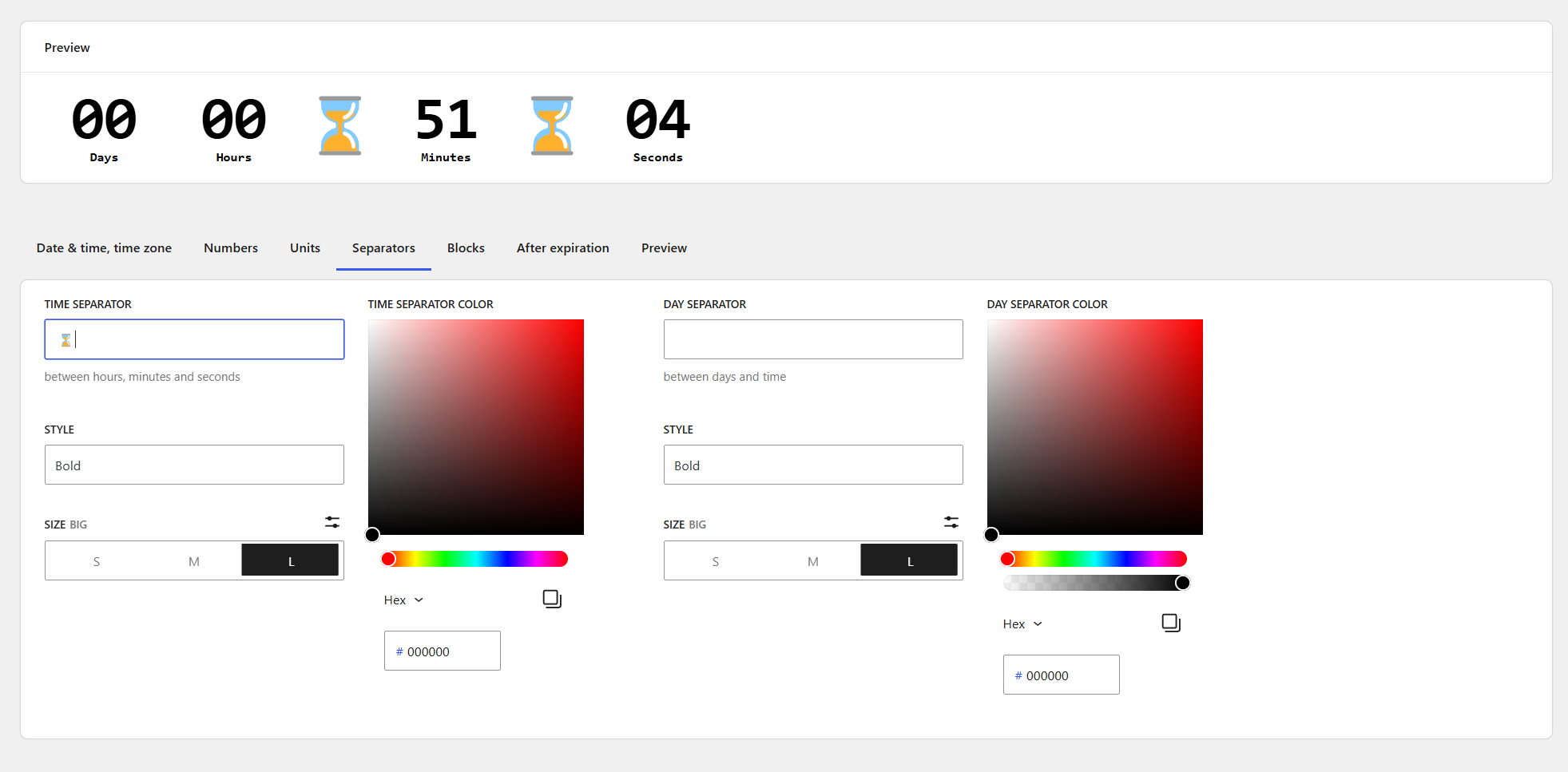
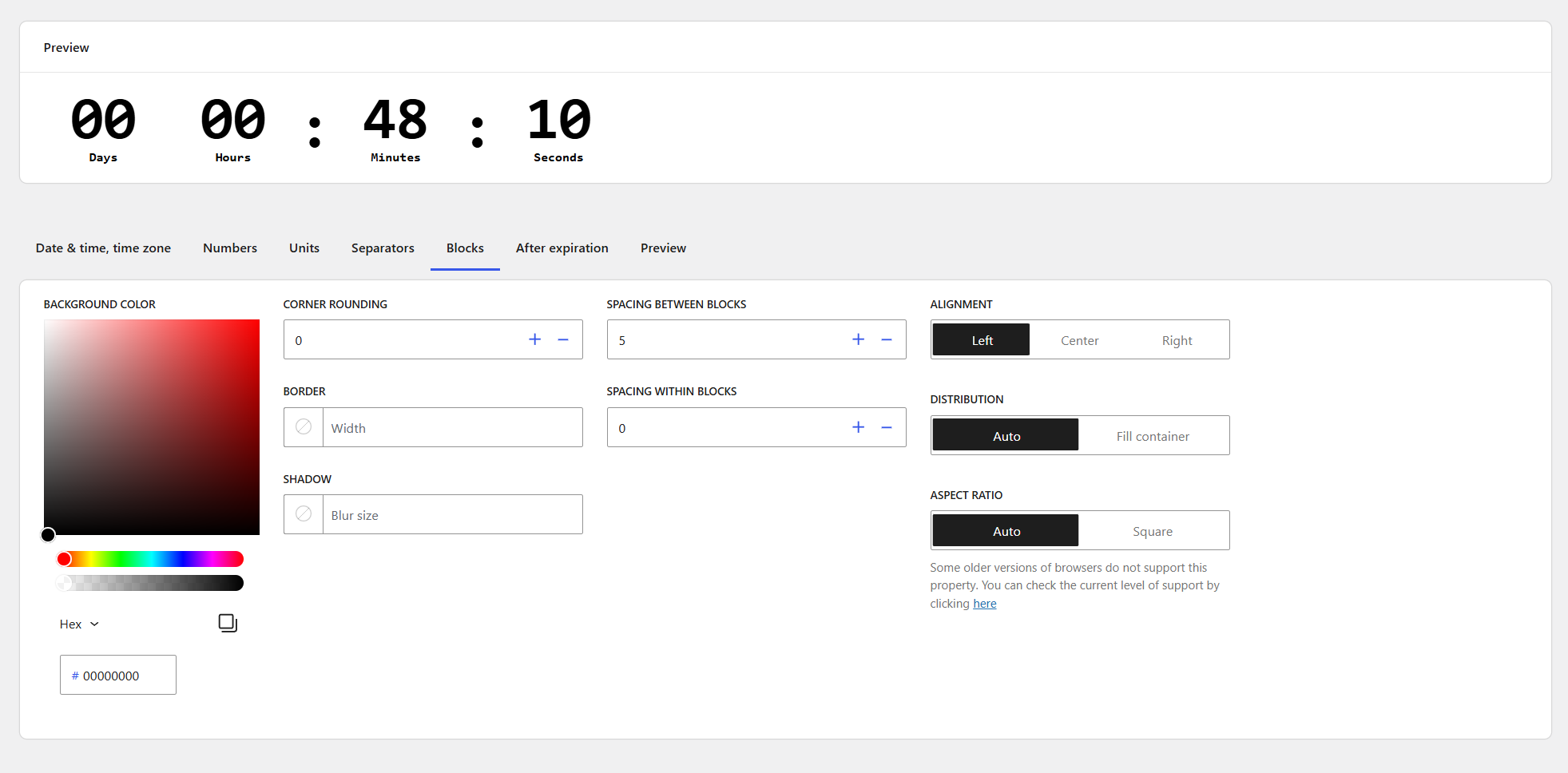
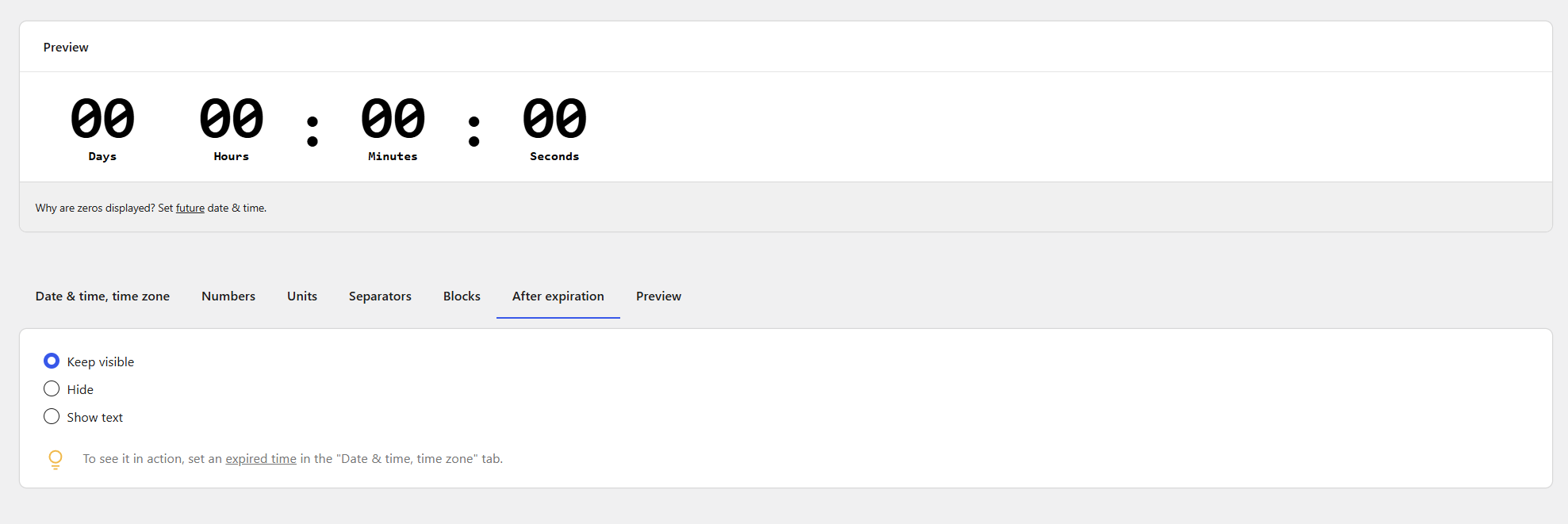
The Countdown Timer offers a user-friendly countdown block that lets you quickly set up a timer for events, product launches, special offers, and more.
Its main features include:
- Designed to be minimal: no unnecessary menu items, just a simple tool under the Tools tab.
- Built for the WordPress ecosystem: uses official components for a seamless experience.
- Customizable time settings: easily set the target time, date, and time zone.
- Flexible units display: choose which units to display – years, months, weeks, days, minutes, seconds.
- Styling options: adjust colors, backgrounds, margins, alignment, border radius, and separators to seamlessly match your site’s design.
- Optimized performance: the plugin separates editor scripts from front-end scripts, ensuring that only the essential code is loaded on the live site.
Usage
- Go to Tools > The Countdown Timer to create a new timer.
- Customize your timer: set the date, time, appearance, and behavior.
- Click Publish to save it.
- Copy the shortcode and paste it anywhere – in a post, page, or widget.
Development
This plugin uses React for its front-end interface. The complete unminified source code is available at:
- GitHub repository: https://github.com/KonstantinPankratov/WordPress-Plugin-Countdown-Timer
To build the plugin from source:
1. Clone the repository
2. Run cd react
3. Run npm install
4. Run npm run build