Text Snipper
v1.0jordanwebdev · 2016年12月11日 上架
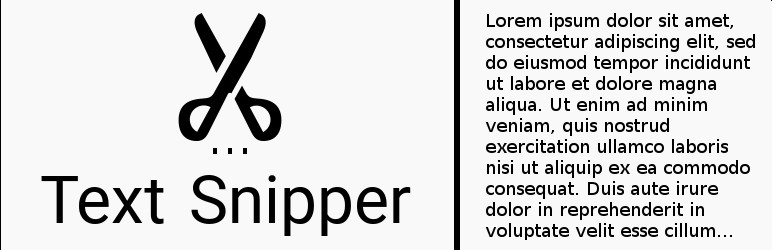
An easy to use text truncator that trims down multi-line overflowing text and adds an ellipses("...") to it.
- 正在使用
- 50+
- 评分
- 3.0 / 5
- 累计下载
- 2,882
- 最近更新
- 2016年12月19日
1 条评价已测试到 4.7.40
贡献者
 jordanwebdev
This plugin allows you to specify in the settings page a CSS class, and then looks for any elements that contain it and trims the text down so that it does not overflow its container’s height. This is for vertical trimming of multi-line text, and also works if the element has direct children.
HOW TO USE
Once you install and activate the plugin, there will be a new tab for it under the “settings” admin menu. Go to this page, and enter the name of the CSS class you are using in your HTML to specifiy which elements should be truncated. Click save, and that’s it!
License
Copyright 2016 Jordan Carter

This program is free software; you can redistribute it and/or modify
it under the terms of the GNU General Public License as published by
the Free Software Foundation; either version 3 of the License, or
(at your option) any later version.

This program is distributed in the hope that it will be useful,
but WITHOUT ANY WARRANTY; without even the implied warranty of
MERCHANTABILITY or FITNESS FOR A PARTICULAR PURPOSE.  See the
GNU General Public License for more details.

You should have received a copy of the GNU General Public License
along with this program; if not, write to the Free Software
Foundation, Inc., 51 Franklin St, Fifth Floor, Boston, MA  02110-1301  USA