
Texora Renamer Lite
v1.0.1Relax Plugins · 2026年11月2日 上架
Find text displayed on your WordPress website and replace it without editing theme files or changing your original content.
- 正在使用
- 10 以下
- 评分
- 暂无
- 累计下载
- 456
- 最近更新
- 2026年11月13日
需要 WordPress 6.0+已测试到 7.1.5PHP 7.4+
贡献者
 Relax Plugins
截图

Find it. Rename it. Relax.
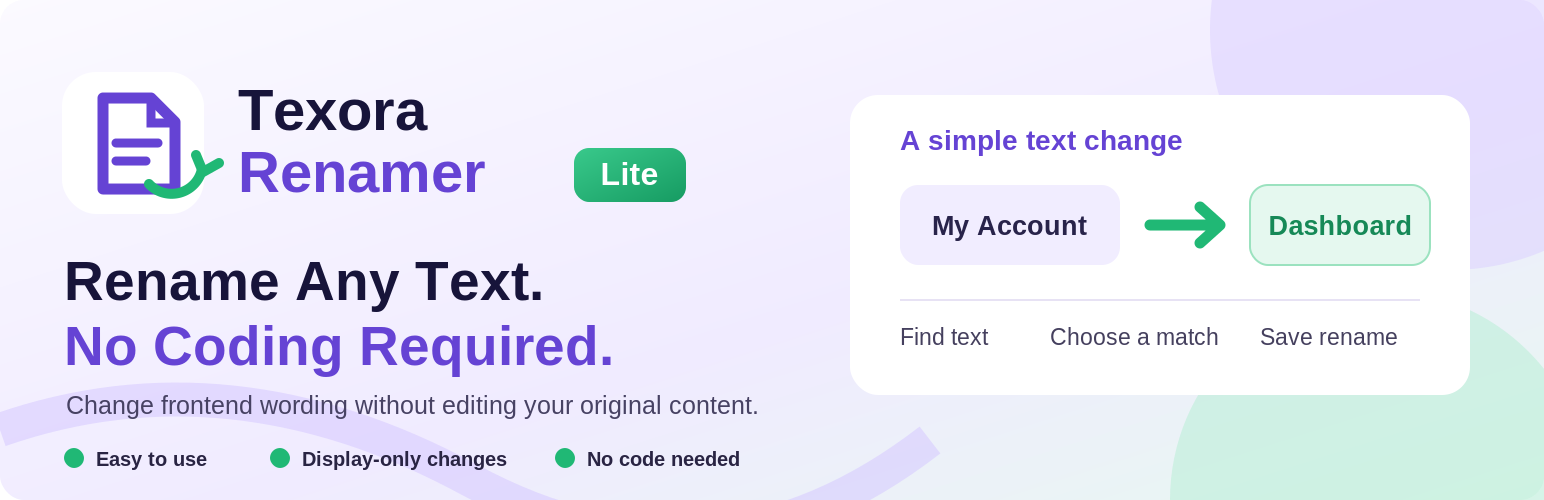
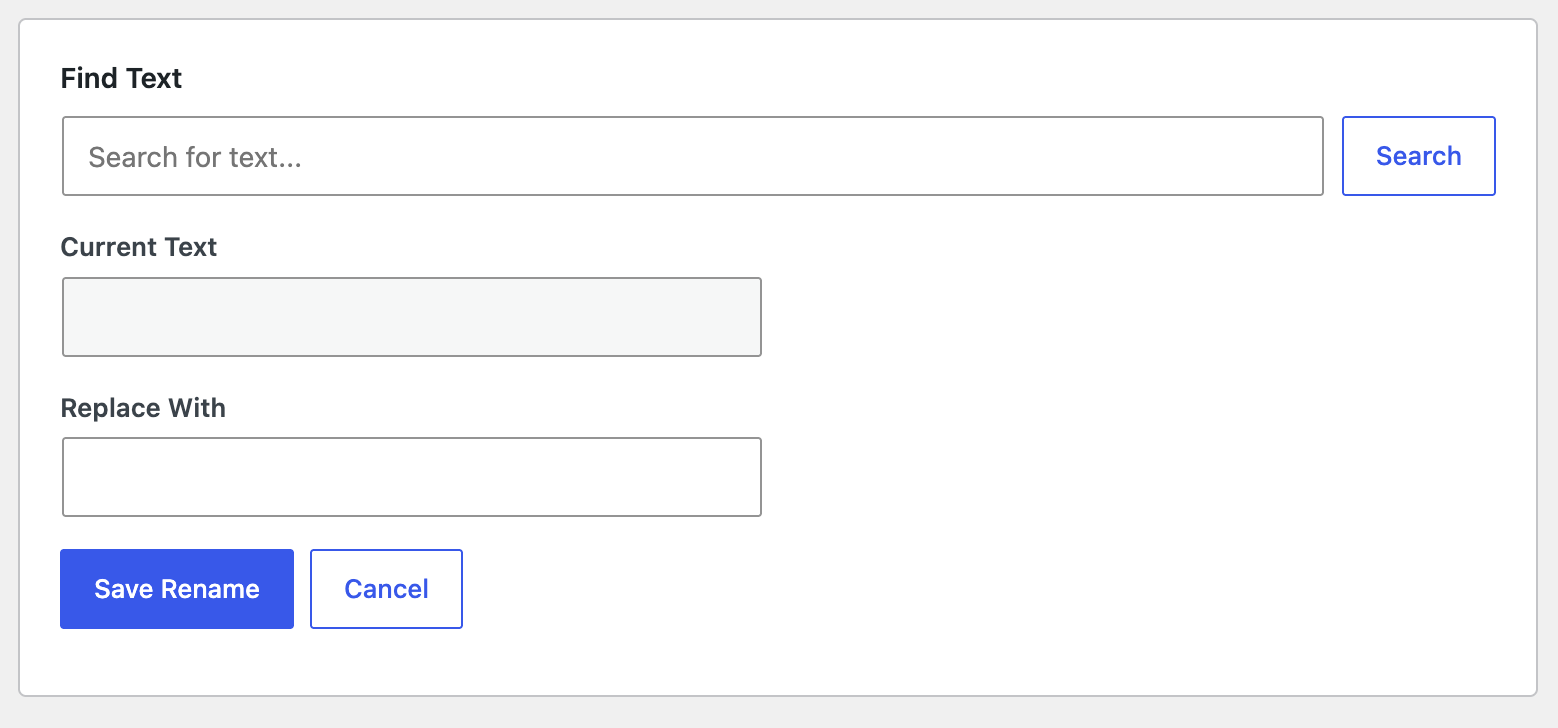
Texora Renamer Lite helps you change text visitors see on your website. Search for text, choose a match, enter replacement text, and save a rename rule. The replacement is applied to frontend output; your original posts, pages, and database content are not rewritten.
The plugin is designed for site owners who want to adjust wording without editing theme templates or writing code.
Features
- Visual Selector: open any page of your site and click text, or highlight words with your mouse, to create a rename. The selected text can still be edited by hand before saving. A “Visual Rename” shortcut is added to the admin bar for administrators.
- Search published WordPress content, titles, excerpts, navigation menu items, taxonomy terms, site title, and tagline for matching text.
- Search supported widget and theme/plugin option values for matching text.
- Choose a found text match and review its surrounding context before creating a rule.
- Use an exact phrase you can see on the frontend when it is not found by the database search.
- Replace matching visible frontend text in rendered HTML, including text from themes and plugins.
- Replace supported WordPress translation strings, including plural and contextual strings.
- Includes handling for common customer-facing WooCommerce strings when WooCommerce is active.
- Replace supported text in document titles, menu item titles, widget titles, and selected text attributes such as title, alt, aria-label, placeholder, and value.
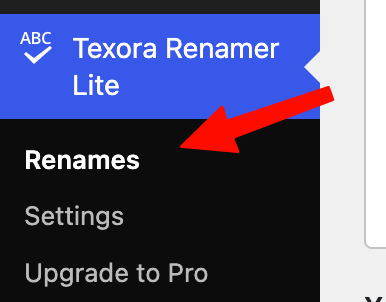
- Save and delete rename rules from the WordPress admin area.
- Original post, page, and database content is not modified by the replacement process.
- Rename rules are stored locally in your WordPress database.
Privacy
Texora Renamer Lite stores rename rules in the local WordPress database. The plugin does not send rename rules or website content to an external service.