

TechWizard Catalog Feeds for WooCommerce
v1.0.5techwizardkft · 2026年8月22日 上架
Create unlimited fixed-schema XML, CSV, JSON, and TXT product feeds from WooCommerce.
- 正在使用
- 10 以下
- 评分
- 5.0 / 5
- 累计下载
- 263
- 最近更新
- 2026年8月22日
贡献者
 techwizardkft
截图
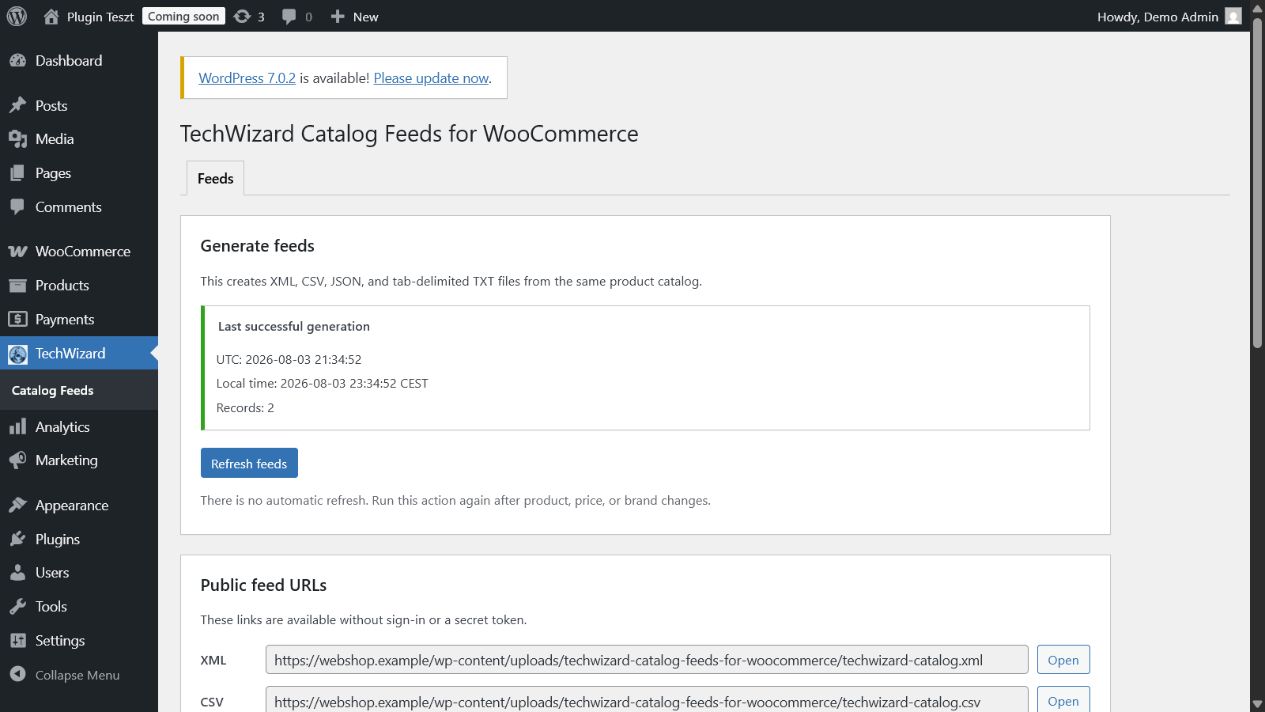
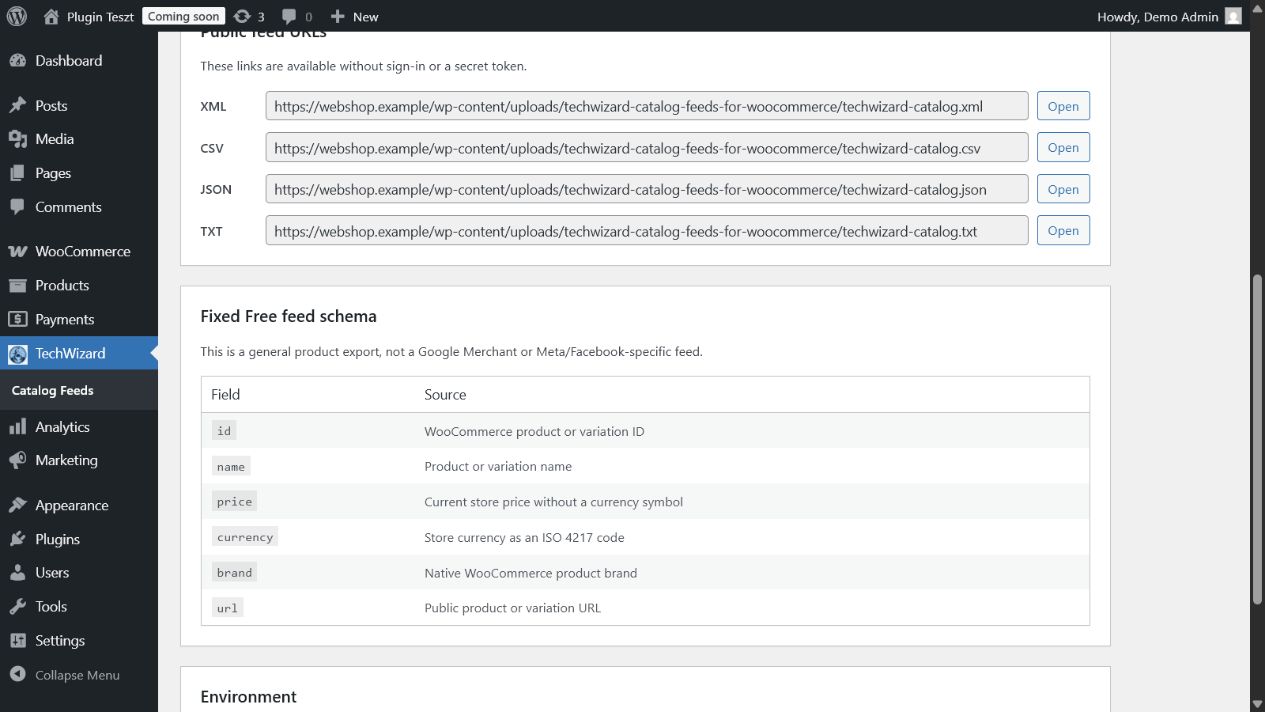
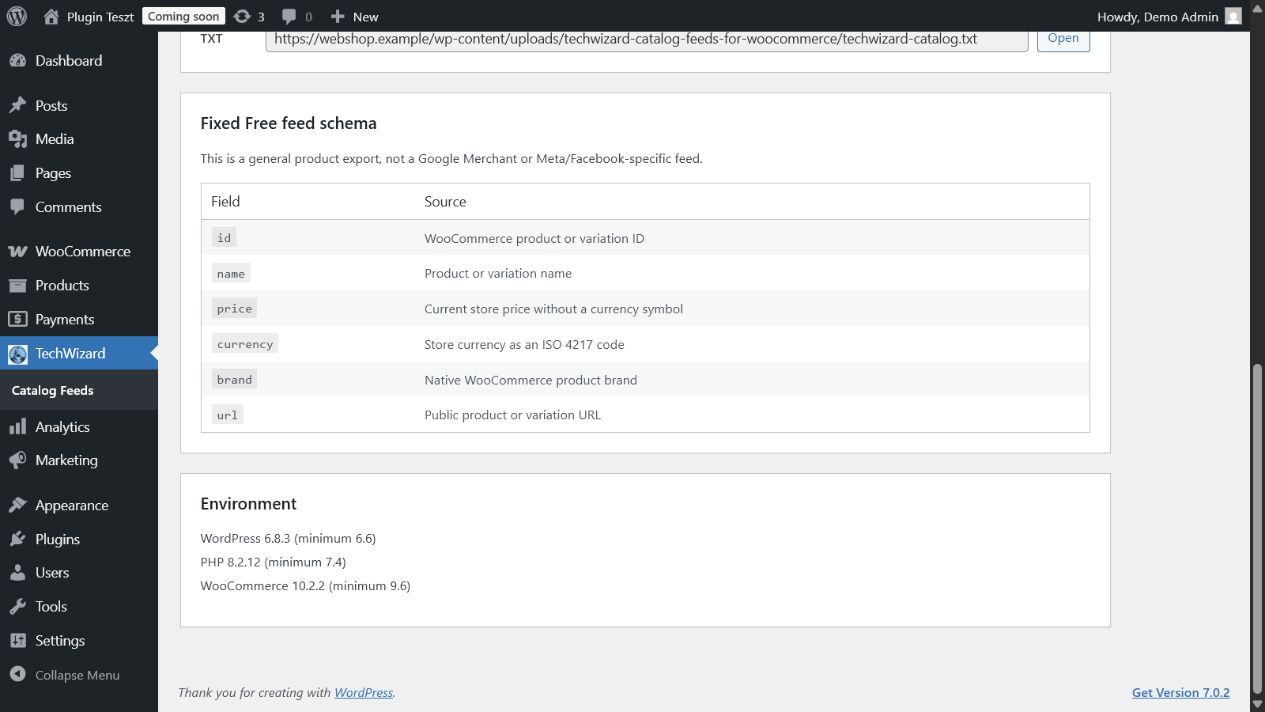
TechWizard Catalog Feeds for WooCommerce creates one consistent product catalog in four machine-readable formats: XML, CSV, JSON, and tab-delimited TXT.
Use it when you need a simple, predictable product export for a custom integration, spreadsheet workflow, catalog archive, or another system that can consume structured product data. There are no product-count, file-count, or generation-count limits.
Four formats from one catalog
- XML for systems and integrations that expect a structured document.
- CSV for spreadsheet tools, imports, and data processing workflows.
- JSON for applications, scripts, and custom integrations.
- Tab-delimited TXT for lightweight data exchange.
All four files are created from the same eligible WooCommerce products and variations, so their contents stay consistent across formats.
A clear six-field schema
Every format contains the same fields in the same order:
id– WooCommerce product or variation ID.name– Product or variation name.price– Current store price without a currency symbol.currency– Store currency as an ISO 4217 code, such as HUF or EUR.brand– Native WooCommerceproduct_brandvalue.url– Public product or variation URL.
The fixed schema removes mapping guesswork and makes repeated imports easier to maintain.
Reliable manual generation
A store administrator starts each refresh manually. WooCommerce Action Scheduler then processes resumable background batches, which keeps the workflow practical for larger catalogs.
The four files are published together only after a successful run. If a later refresh fails, the last successfully generated feeds remain available at their stable public URLs.
Privacy and control
The Free plugin does not send product, customer, store, or usage data to TechWizard or another external service. It contains no telemetry, custom updater, recurring automatic generation, or hidden Pro implementation.
Pro version
The Free plugin is a strong fit for general-purpose product exports. Choose the separately distributed Pro version when you need channel-ready catalog feeds instead of a simple fixed schema.
Catalog Feeds Pro adds:
- Google Merchant Center product feeds.
- Meta catalog feeds for Facebook and Instagram use cases.
- Channel-specific fields, values, and product-data mapping.
- Clearer feedback about missing or unsuitable source data.
- Separate workflows designed around Google and Meta catalog requirements.
The Pro version helps reduce manual feed preparation and makes it easier to identify product-data issues before submitting a catalog. Channel approval still depends on the store, products, destination account, and the platform’s current policies.
Explore Catalog Feeds Pro features and pricing
Free and Pro are separate products. The WordPress.org plugin remains fully usable without purchasing Pro and contains no locked Pro code, license client, or custom updater.