

Team Section Block – Showcase Team Members with Layout Options
v3.0.1bPlugins · 2022年2月22日 上架
Showcase your team members in various layouts and designs .
- 正在使用
- 1,000+
- 评分
- 3.0 / 5
- 累计下载
- 2.9 万
- 最近更新
- 2026年11月25日
 bPlugins
 Abu Hayat
 MD.SHIHAB SHAMIM
 Freemius
截图
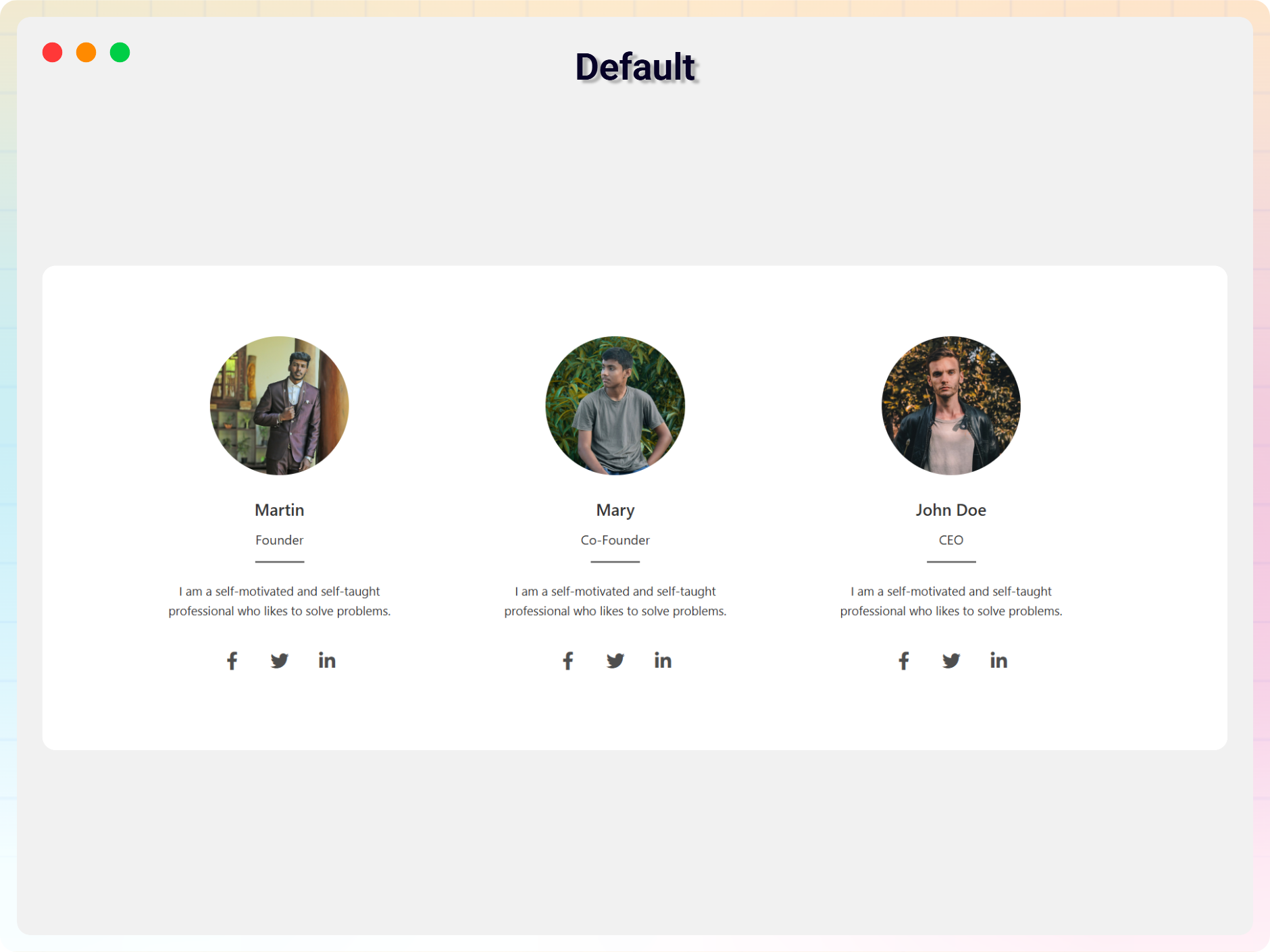
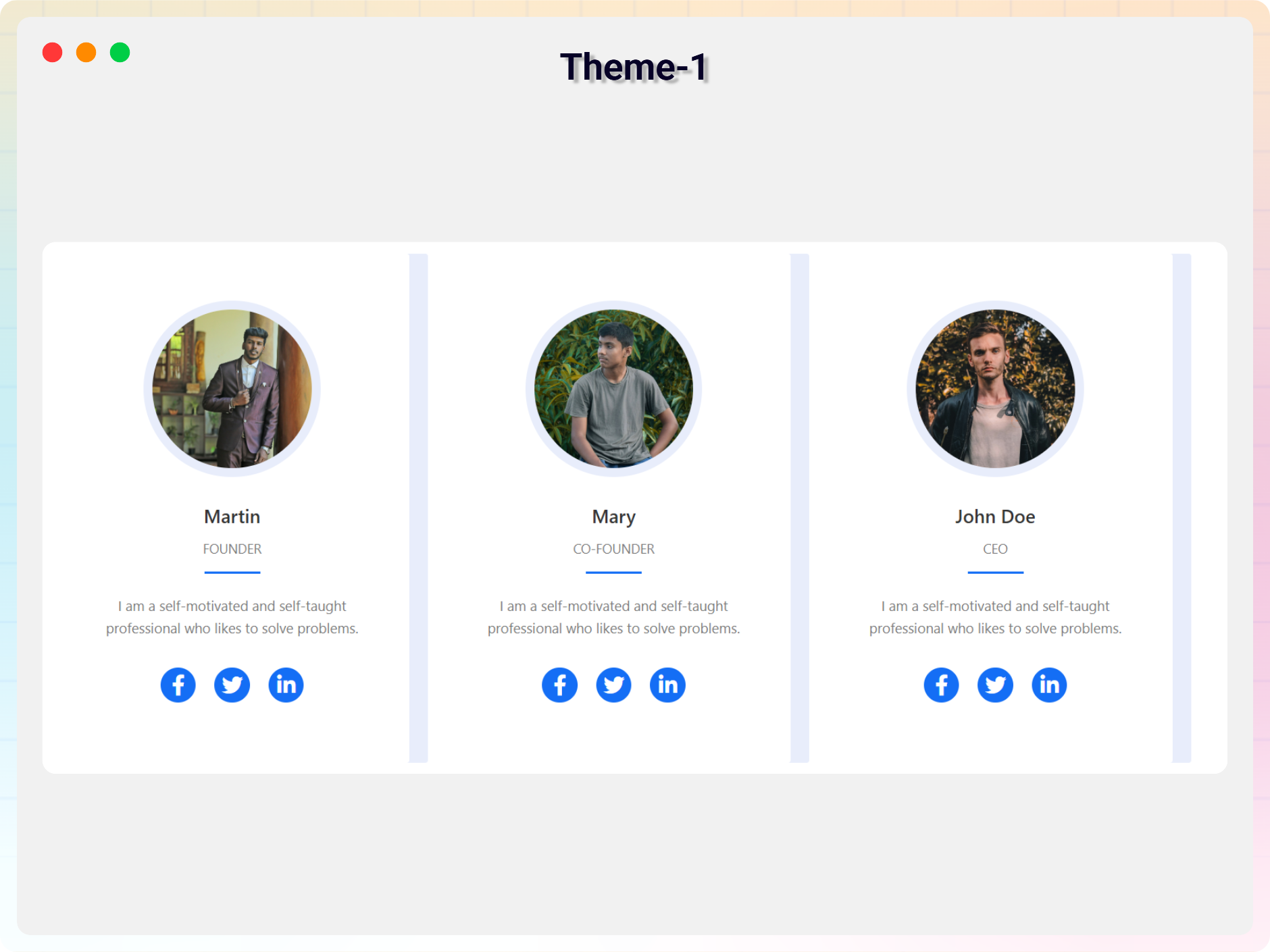
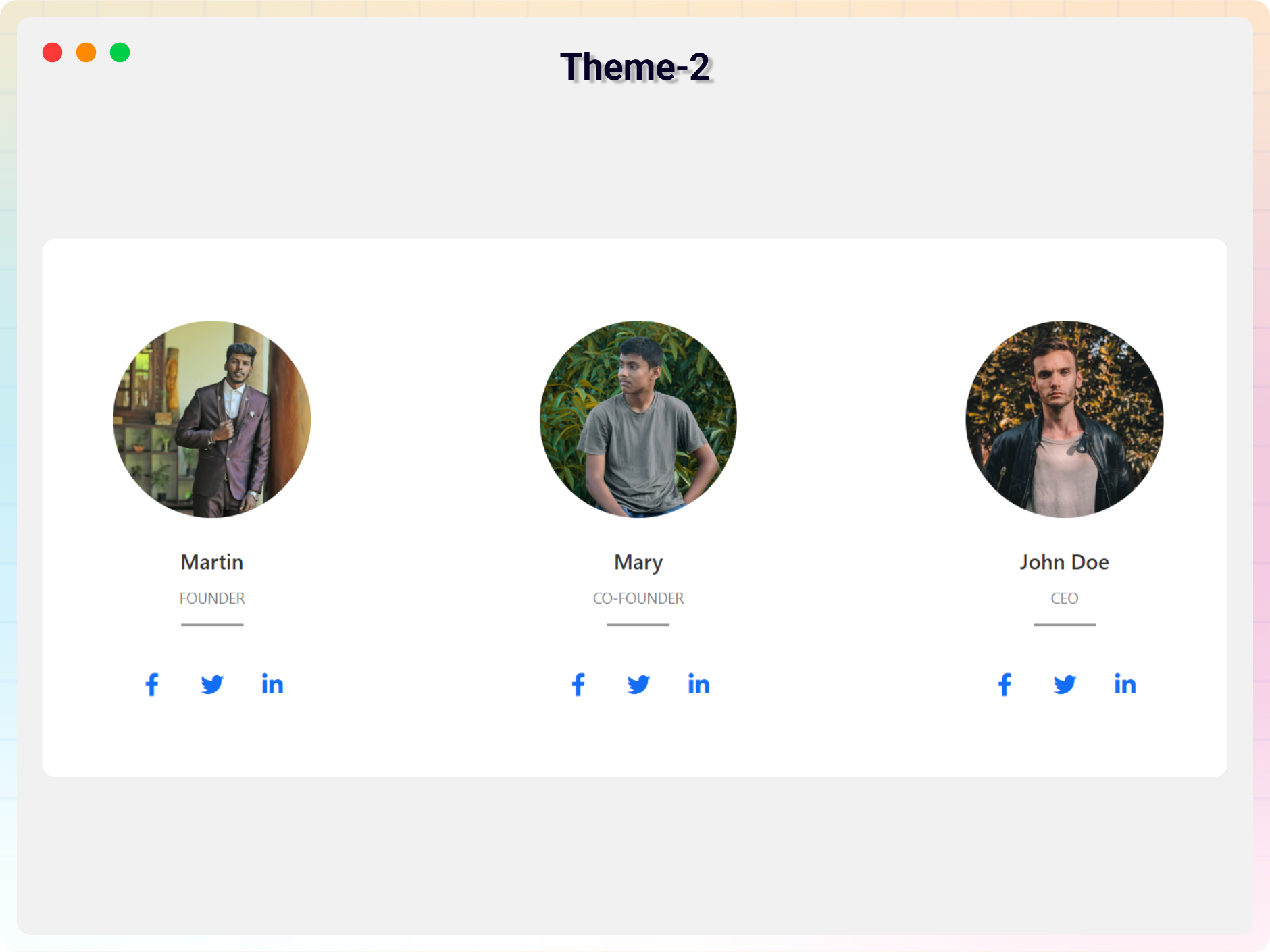
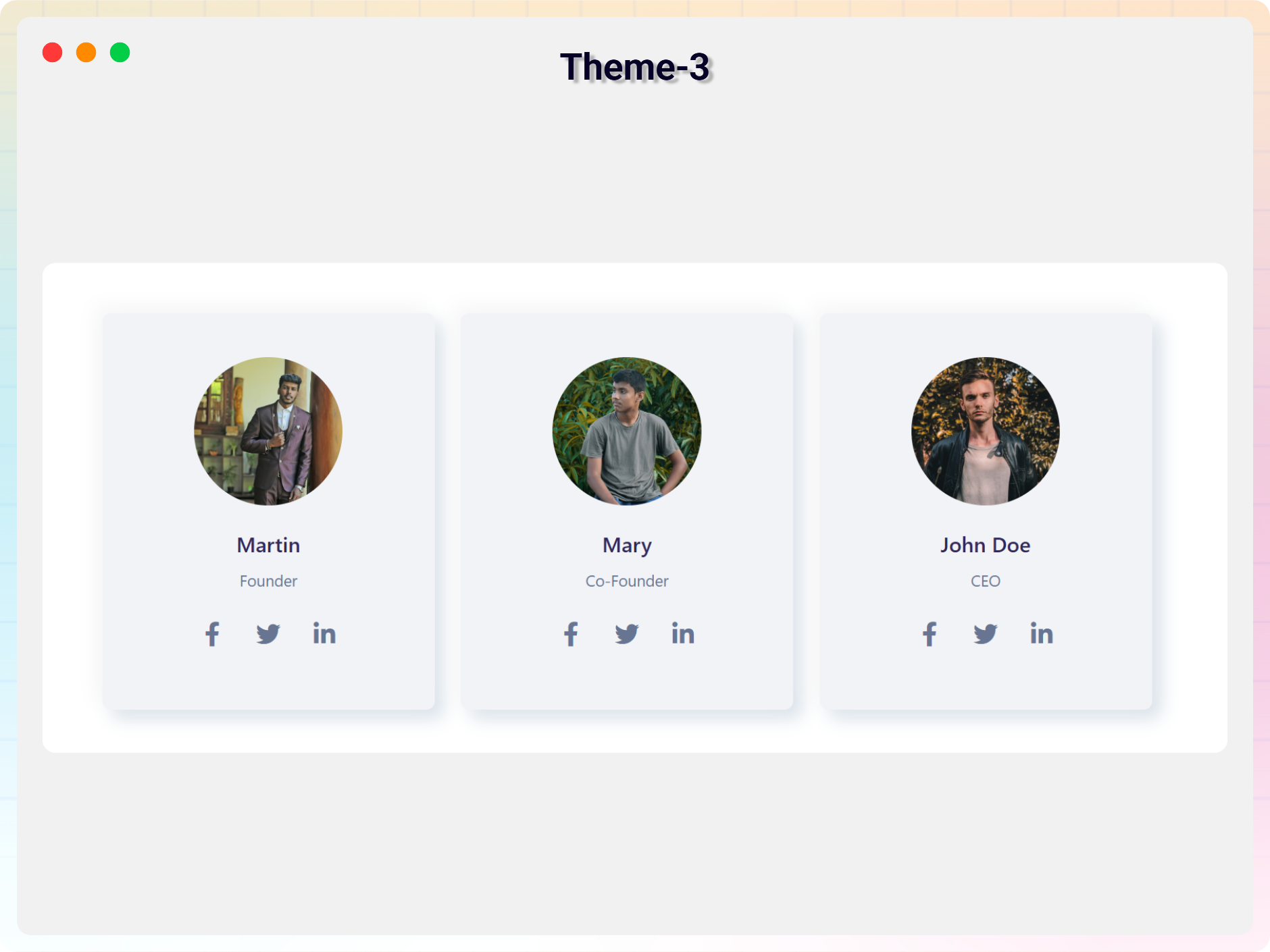
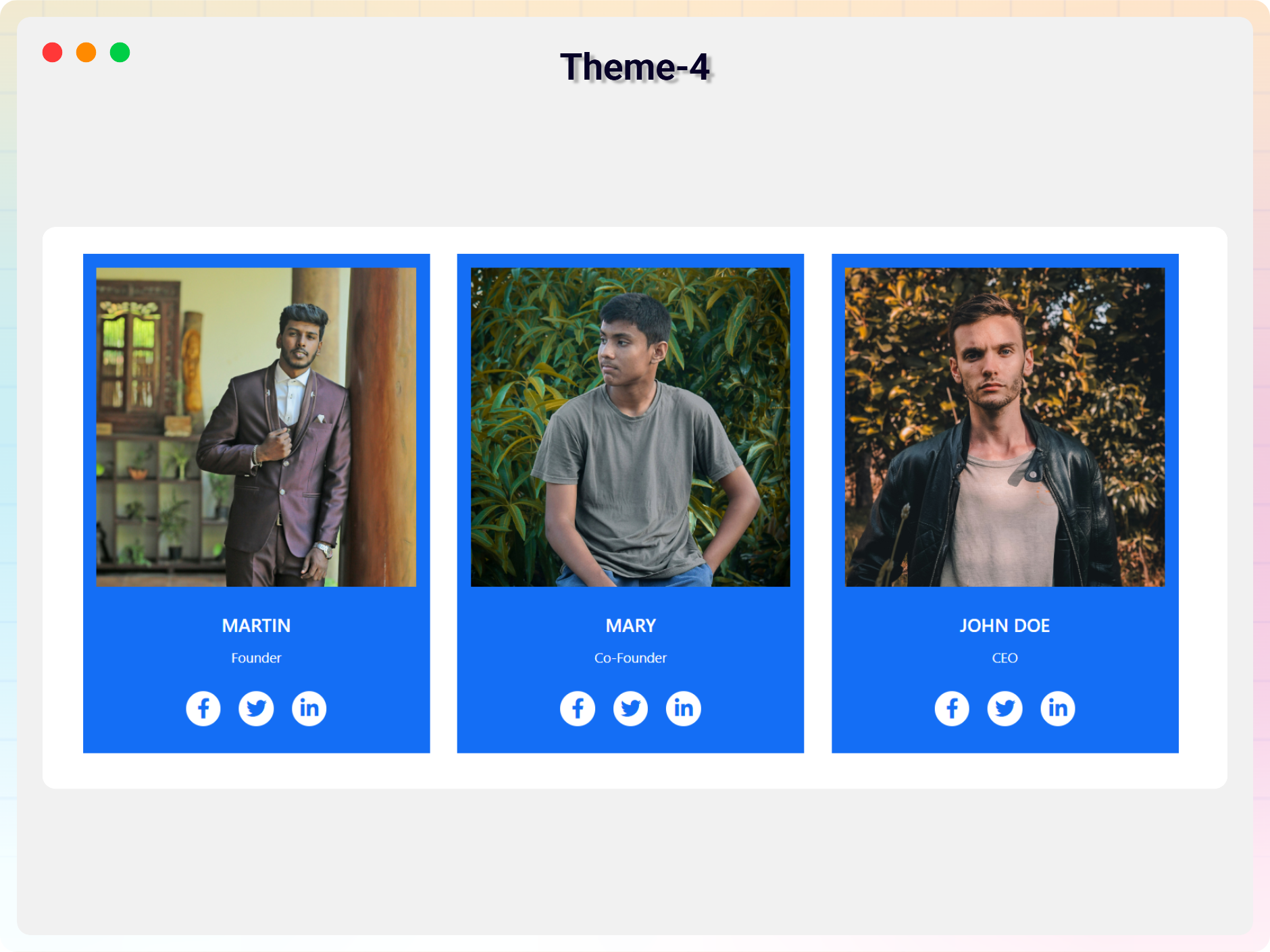
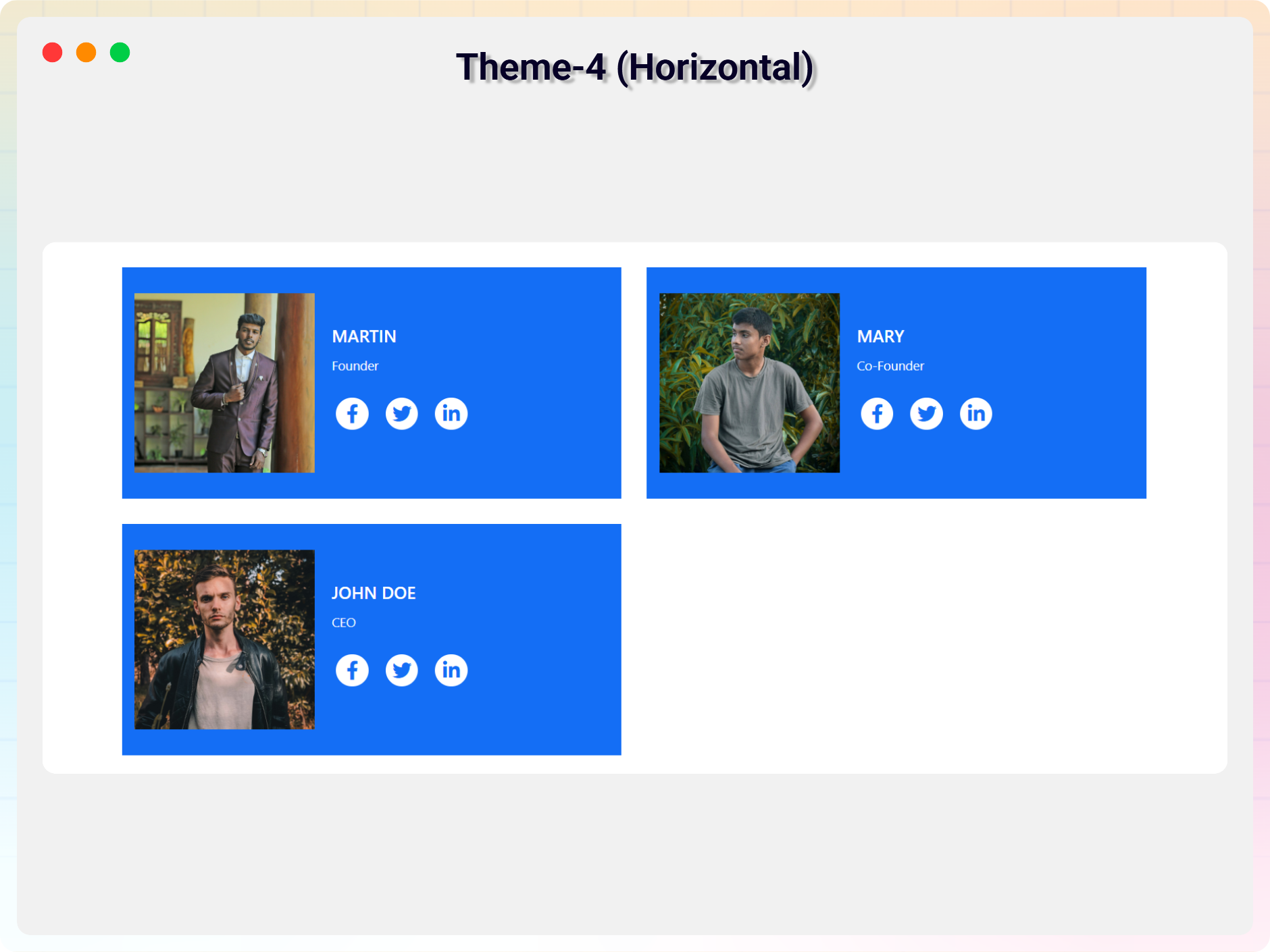
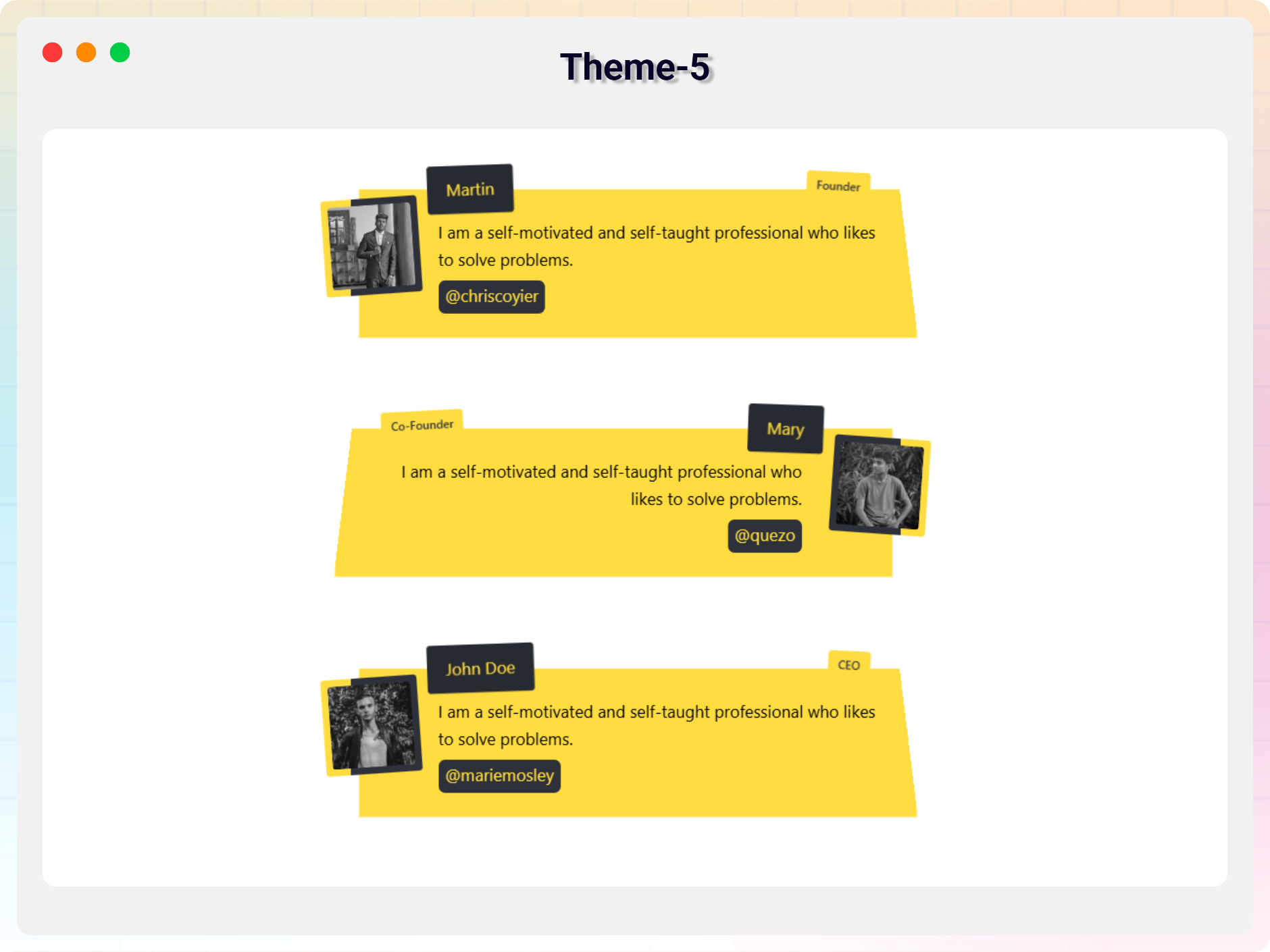
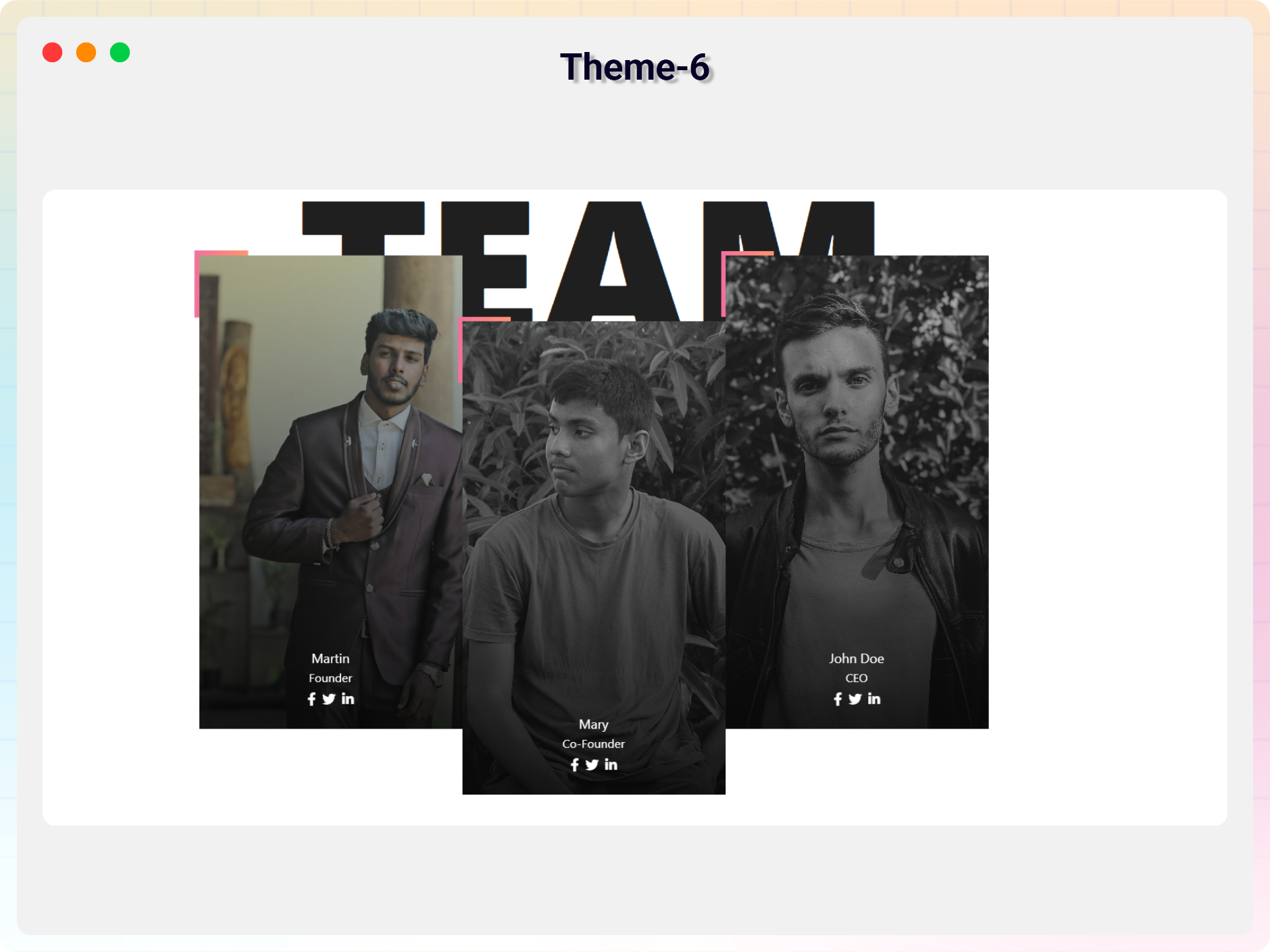
This block plugin makes the displays fully customizable, so you can create unique team showcases for your site. This is the best WordPress team plugin that displays in a fantastic way of your team members on your site. It is 100% responsive and mobile-friendly, which guarantees the best views across all devices.
Team Section | Demos | Pricing
Free Features
- Universal Shortcodes – Works with Gutenberg and all page builders.
- Easy to use.
- Multiple Team Layouts.
- Fully Responsive Design – Optimized for desktop, tablet, and mobile.
- Social Media Icons – Add social links for each member.
- It does not require much technical knowledge to use.
- It is lightweight because it relies on JavaScript.
- Team Builder Block – Build team sections with 43+ ready-made themes.
- 43+ Themes – Grid, Circle, Horizontal, Flip, Table, List, Special and Sidebar layouts.
- Member Details – Open member info in a Popup, Side Panel or Inline Drawer.
- Block Selector – Choose Team Section or Team Builder when adding a new shortcode.
- Shortcode Copy Box – Copy the [tsb id=X] shortcode with one click.
- Visual Theme Browser – Browse themes with thumbnails and switch from the block toolbar.
- Responsive Columns & Gap Controls.
- Element Visibility Controls – Show or hide member fields per device.
- Featured Members First, Scroll Animation and Image Filters.
- Typography & Color Controls.
Pro Features
- All Free features.
- Includes 11+ ready-to-use templates.
- Added 1+ new built-in blocks.
- Orbit Team – A Unique New Block
- Fully Responsive – Looks great on all devices.
- Member Styling – Customize photo, name, title, and bio.
- Typography & Color Controls – Full text and color customization.
- Photo Effects – Size, filter, and hover effects.
- Social Icons – Add and style social media links.
- Element Visibility – Show or hide any member content.
- Hover Effects & Animations – Smooth interactive effects.
- Layout Controls – Width, alignment, spacing options.
- Theme-Specific Features – Shapes, serials, stats, and more.
- Beginner Friendly – No coding required.
- Added 7+ New Blocks.
- 7+ Premium Blocks – Orbit Team, Interactive Team Profiles, Our Team Cards, Team Card Flip, Team Card Glass Effect, Team Profile, Team Section With Hover Effect.
- Team Builder: 21+ Premium Themes – Grid 9–12, Circle 5–6, Horizontal 6–9, Flip 4–6, List 5–7, Grid Slider, Grid Filter Single, Grid Filter with vCard, Grid Panel Slide, Group Filter.
- Team Builder: Carousel / Slider View – Autoplay, loop, speed, arrows and dots.
- Team Builder: Filter View – Group tabs, search, dropdown filters and Ajax filter.
- Team Builder: Query Controls – Number of members, order by, include and exclude groups.
- Team Builder: Pagination – Numbered pages, Load More button and infinite scroll.
- Team Builder: Carousel, Filter & Pagination Style Controls.
How to use
– First, install the Team Section plugin
– Add the Team Section block from the block category called “Widgets” in the Gutenberg editor.
– You can change block settings from the right-side settings sidebar.
– Enjoy!
- For installation help click on Installation Tab
Feedback
– Did you like this plugin? Dislike it? Have a feature request? Please share your feedback with us
Check out the Parent Plugin of this plugin-
bBlocks – A blocks collection and page building tool for Gutenberg.
Check out our other WordPress Plugins-
Html5 Video Player – Display videos as single and playlist in multiple skins.
PDF Poster – Display/Embed PDF files with different styles.
Html5 Audio Player – Listen audios with awesome visuals.
StreamCast – Customizable radio player with different skins.
3D Viewer – Embed 3D models and 3D products with interaction.
Advanced Post Block – Show posts and custom posts in different layouts.