
Take Notice
v2.0Alison Barrett · 2011年3月27日 上架
Add notices to all of your posts & pages at once. Customize where and how they appear.
- 正在使用
- 10+
- 评分
- 5.0 / 5
- 累计下载
- 6,365
- 最近更新
- 2014年4月17日
1 条评价需要 WordPress 3.5.1+已测试到 3.9.40
贡献者
 Alison Barrett
截图


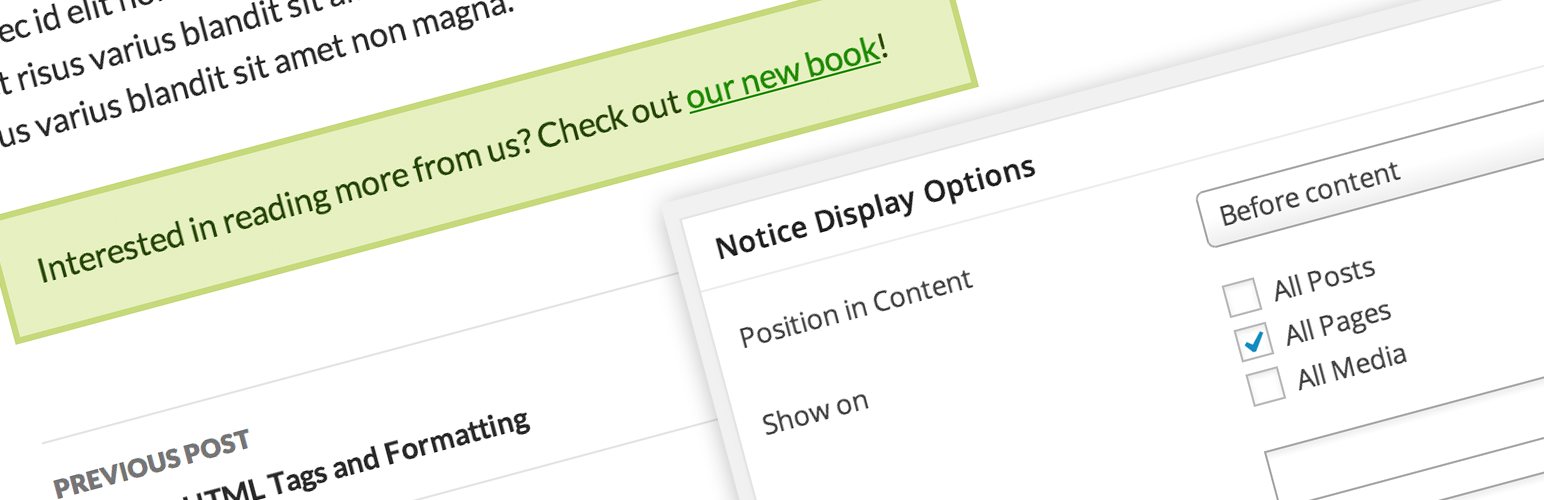
Take Notice lets you add one or more notice boxes across your entire site. For each notice, you can customize the following:
- Whether to appear on all posts (of any post type)
- Whether to appear on specific posts (of any post type)
- Whether to appear on posts with certain terms (of any taxonomy)
- Where to appear in the post (above or below the content)
- Color of notice box (custom colors or preset palettes)
- Whether to display the notice title with its content
Notices are a custom post type, so they can be managed and edited just like posts. You can add more than one notice at a time, and customize the above settings separately for each one. (See Screenshots for an example.)