

Sweepify – Images Cleaner
v1.0.0ExertPro · 2026年8月6日 上架
Safely scan, detect, and clean unused, orphaned, duplicate, and oversized media files. Nothing is permanently deleted without your review.
- 正在使用
- 10 以下
- 评分
- 暂无
- 累计下载
- 293
- 最近更新
- 2026年8月6日
 ExertPro
 suvronur
 Azizul Hakim
截图
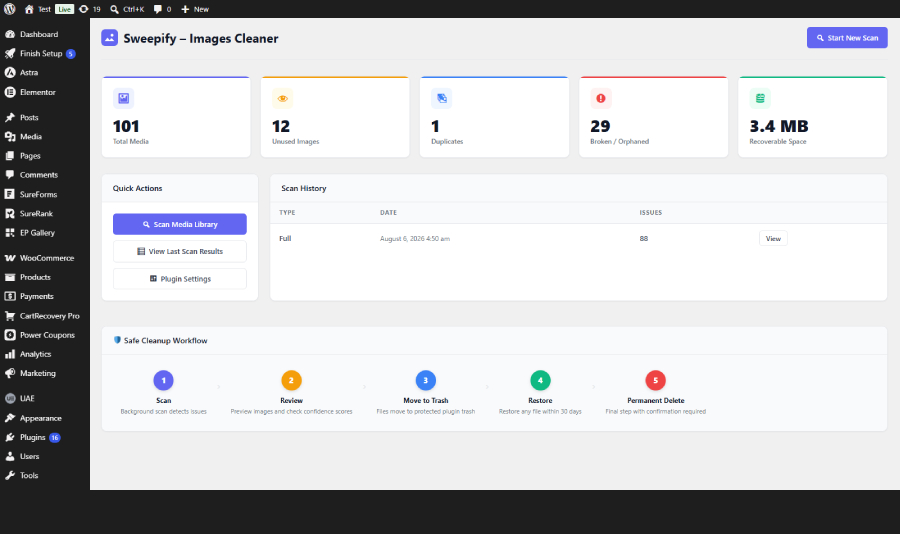
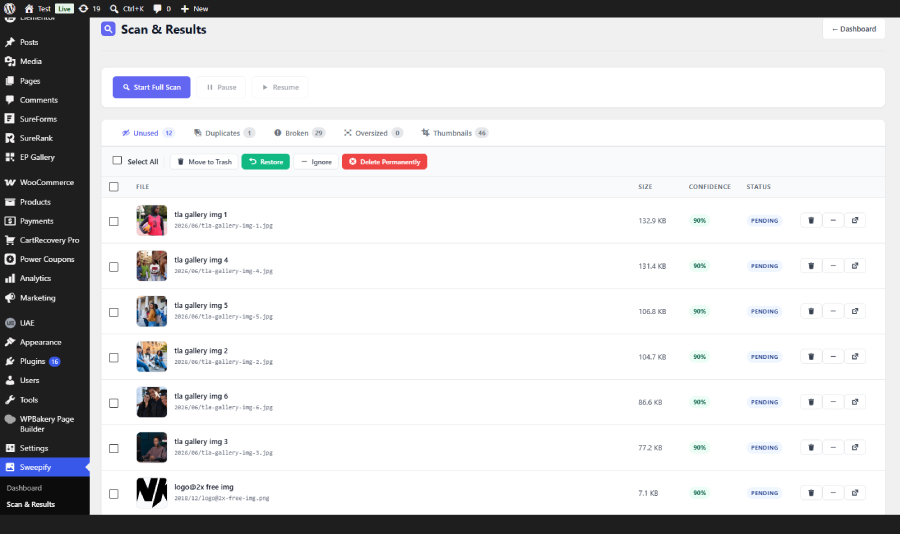
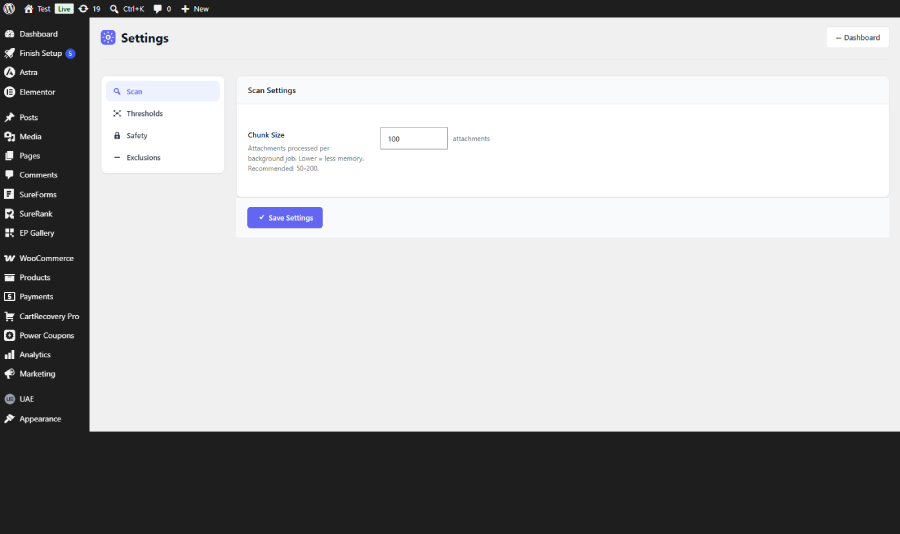
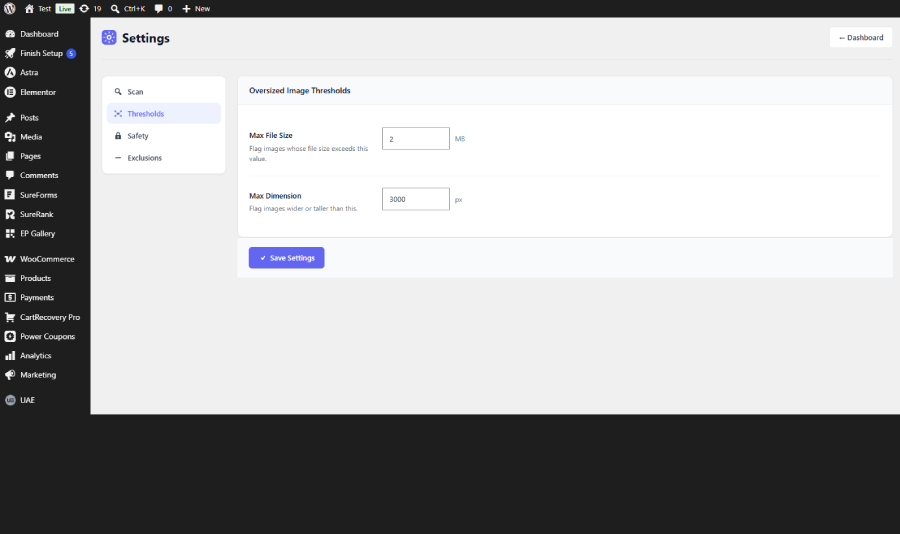
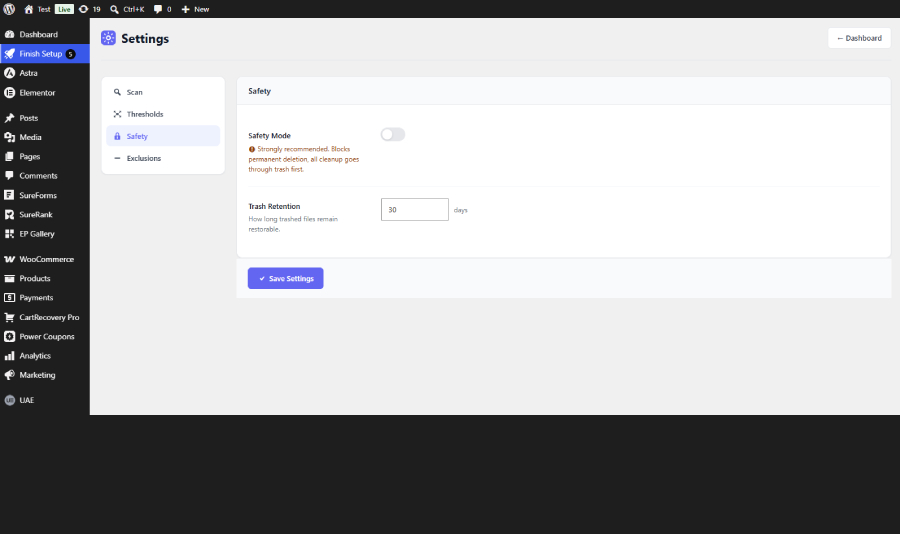
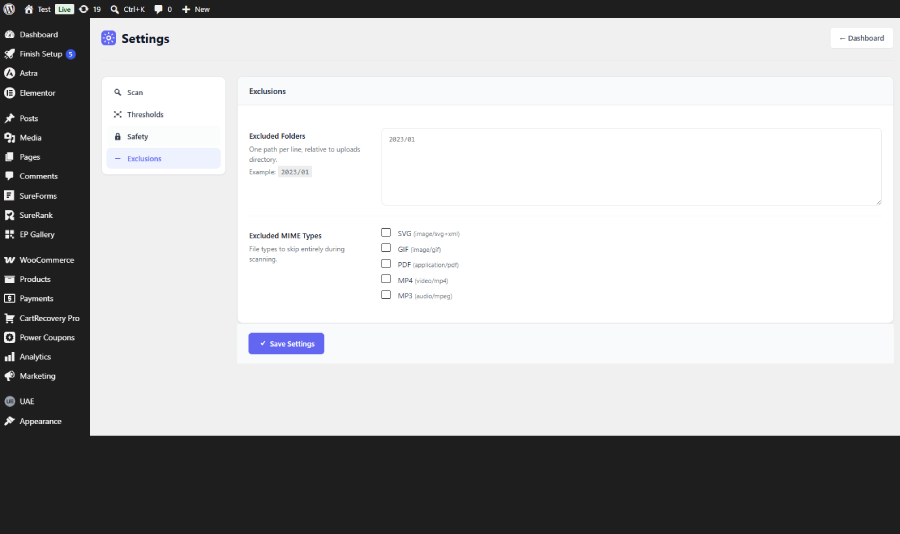
Sweepify – Images Cleaner gives you a safe, professional media management dashboard to reclaim disk space and keep your WordPress media library clean — without ever risking your live content.
Every cleanup action goes through a protected trash first. You can restore any file at any time before permanently deleting it.
Features
- Unused image detection — scans posts, pages, widgets, menus, theme mods, featured images, and site options
- Orphaned media detection — finds attachment records without files (phantom) and files on disk without attachment records (untracked)
- Duplicate detection — identifies duplicate files using MD5 hash comparison
- Oversized image flagging — configurable file size (MB) and pixel dimension thresholds
- Obsolete thumbnail detection — finds thumbnail sizes no longer registered in your theme
- Elementor deep scan — scans Elementor JSON data, backgrounds, galleries, and templates (requires Elementor)
- WooCommerce scanning — scans product images, galleries, variations, and category thumbnails (requires WooCommerce)
- ACF field scanning — scans image, file, and gallery fields (requires Advanced Custom Fields)
- Safe cleanup workflow — Scan Review Trash Restore Permanent Delete
- Plugin-controlled trash — trashed files are moved to your uploads directory and can be restored at any time
- Ignore list — exclude specific attachments, file paths, or folders from all scans
- Background processing — scans run in small chunks via WP-Cron to avoid timeouts on large sites
- Live progress bar — real-time scan progress via REST API polling
- Safety Mode — prevents accidental permanent deletion; all cleanup goes through trash first
How It Works
- Go to Sweepify in your WordPress admin menu
- Click Start New Scan
- Wait for the background scan to complete (progress bar shows live status)
- Review results by category: Unused, Duplicates, Broken, Oversized, Thumbnails
- Select files and click Move to Trash
- Restore any file from trash if needed
- Only permanently delete when you are confident
Safety First
Sweepify never permanently deletes anything automatically. Every file goes through a protected trash folder inside your uploads directory (uploads/wpic-trash/). You can restore any trashed file at any time.
Permanent deletion requires a timed confirmation token and, if Safety Mode is enabled, an extra confirmation step in Settings.