

SVG Block
v1.2.4Phi Phan · 2022年4月5日 上架
Display an SVG image as a block, which can be used for displaying images, icons, dividers, buttons
- 正在使用
- 4,000+
- 评分
- 5.0 / 5
- 累计下载
- 5.6 万
- 最近更新
- 2026年8月16日
贡献者
 Phi Phan
截图
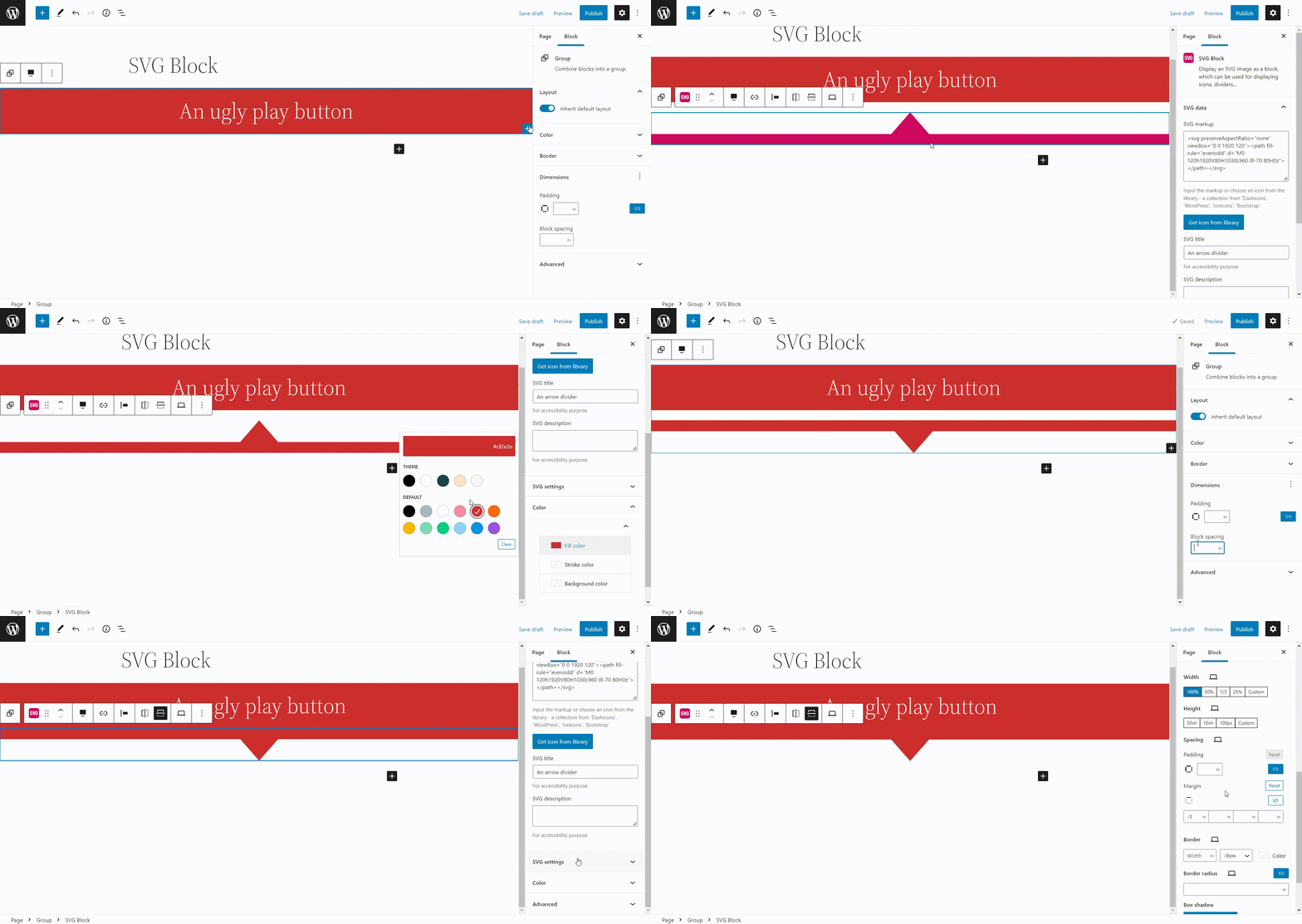
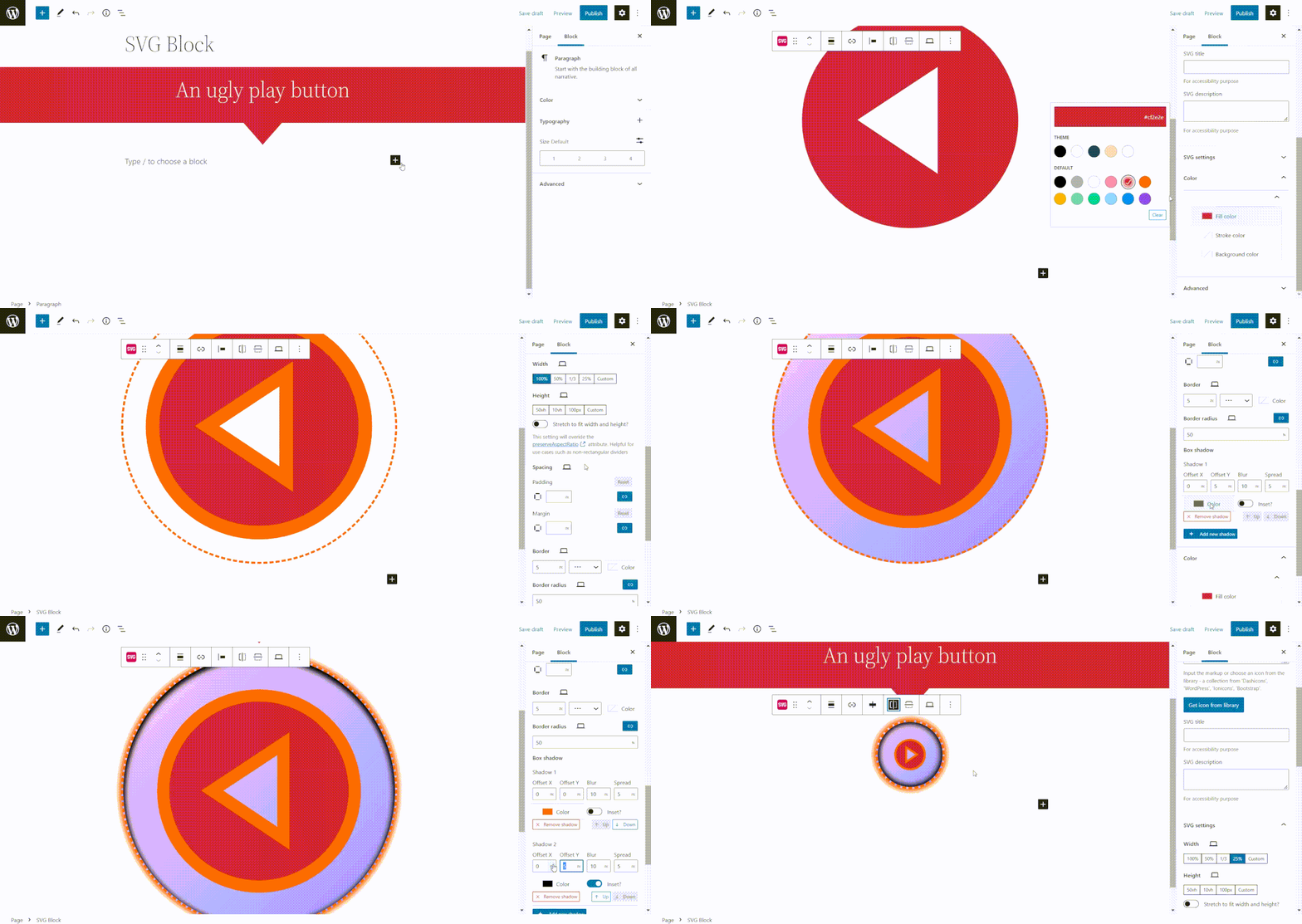
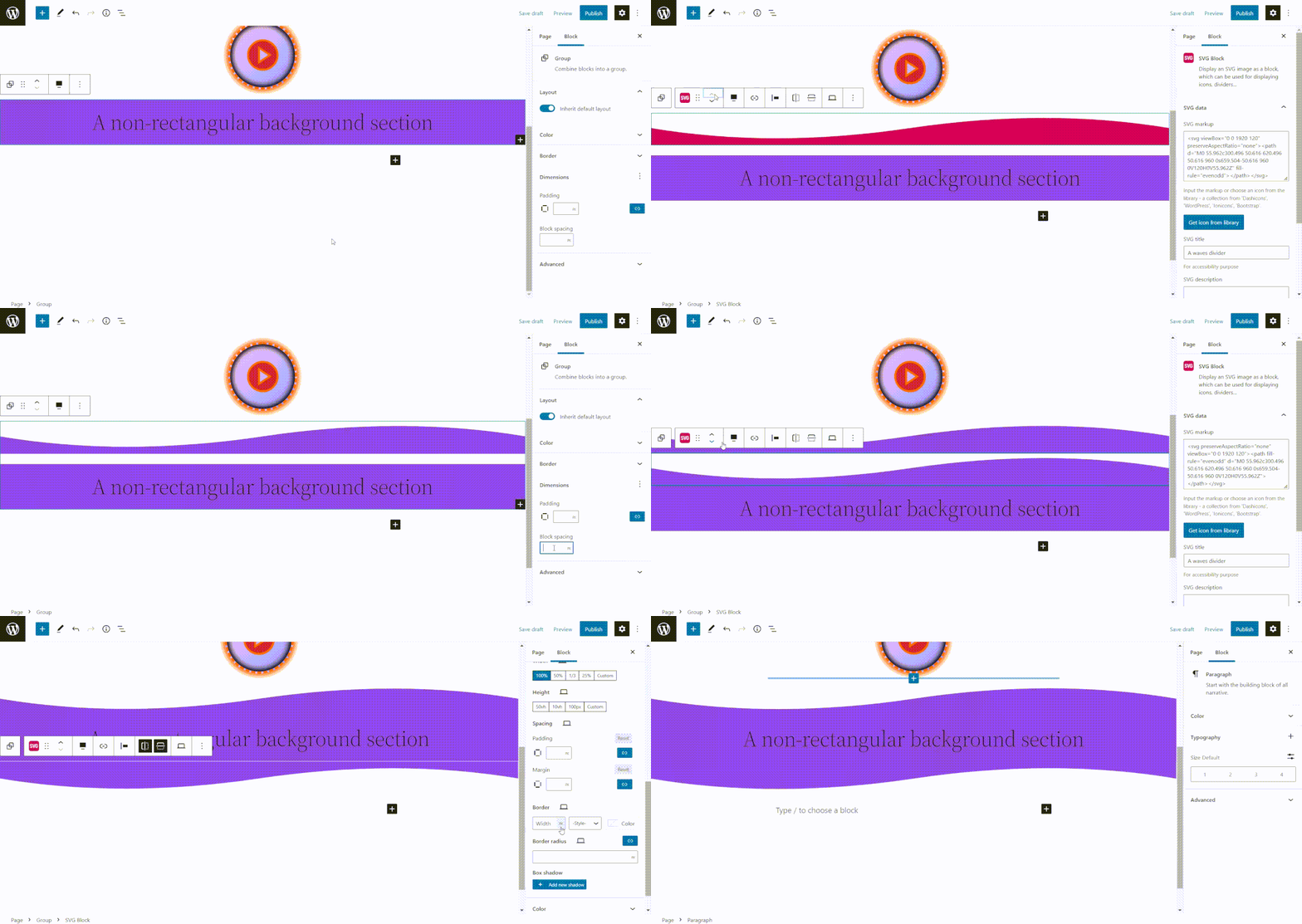
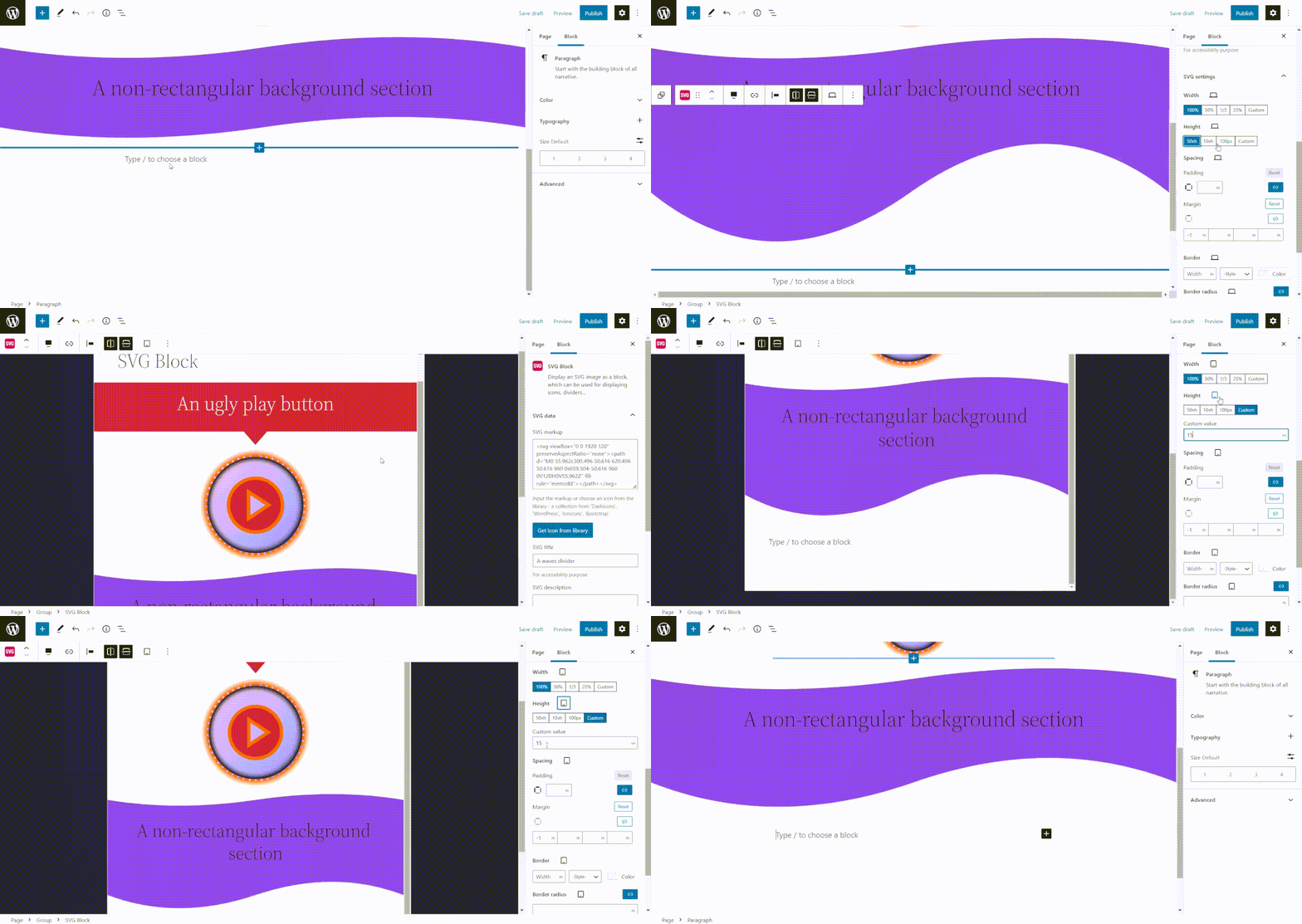
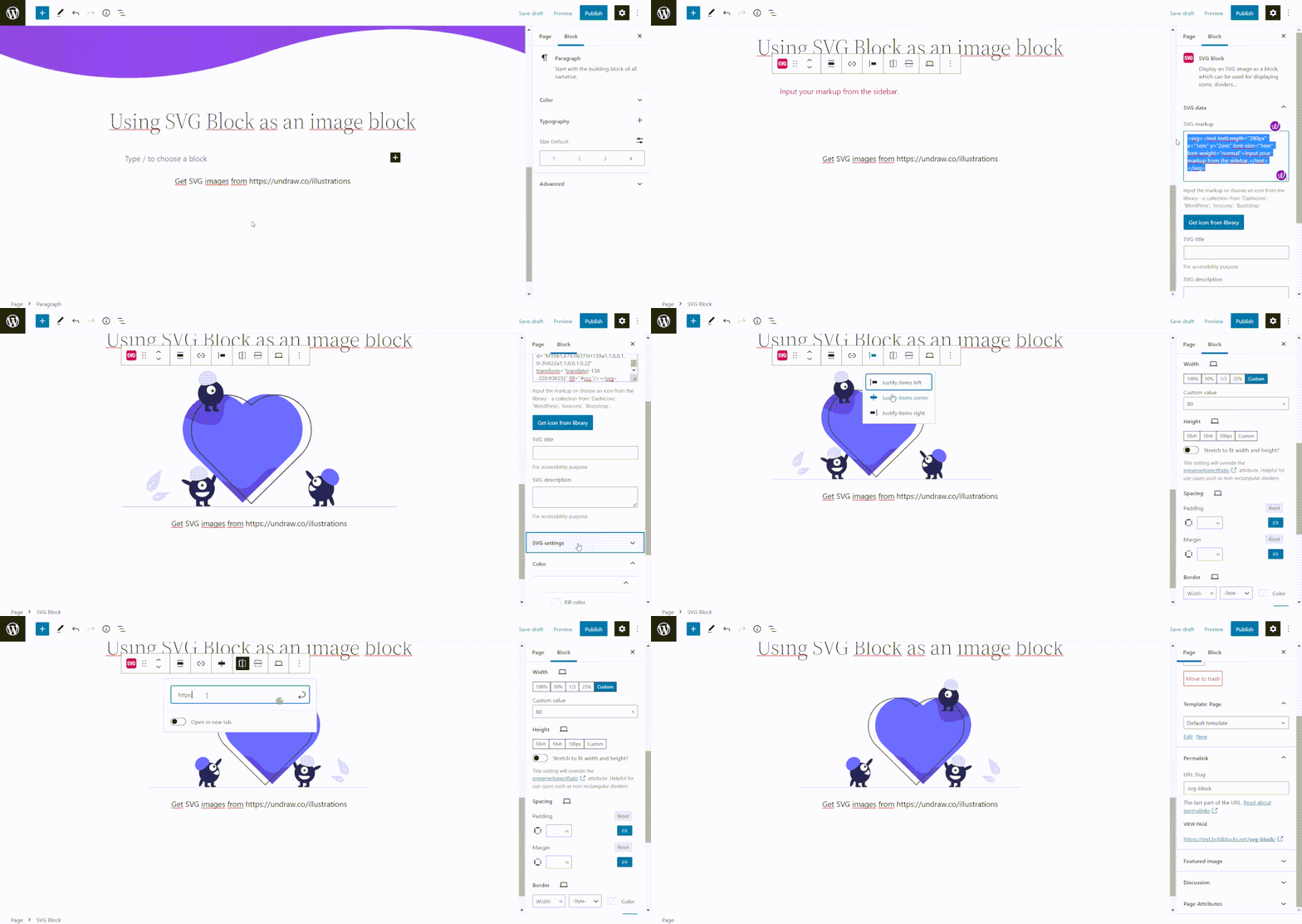
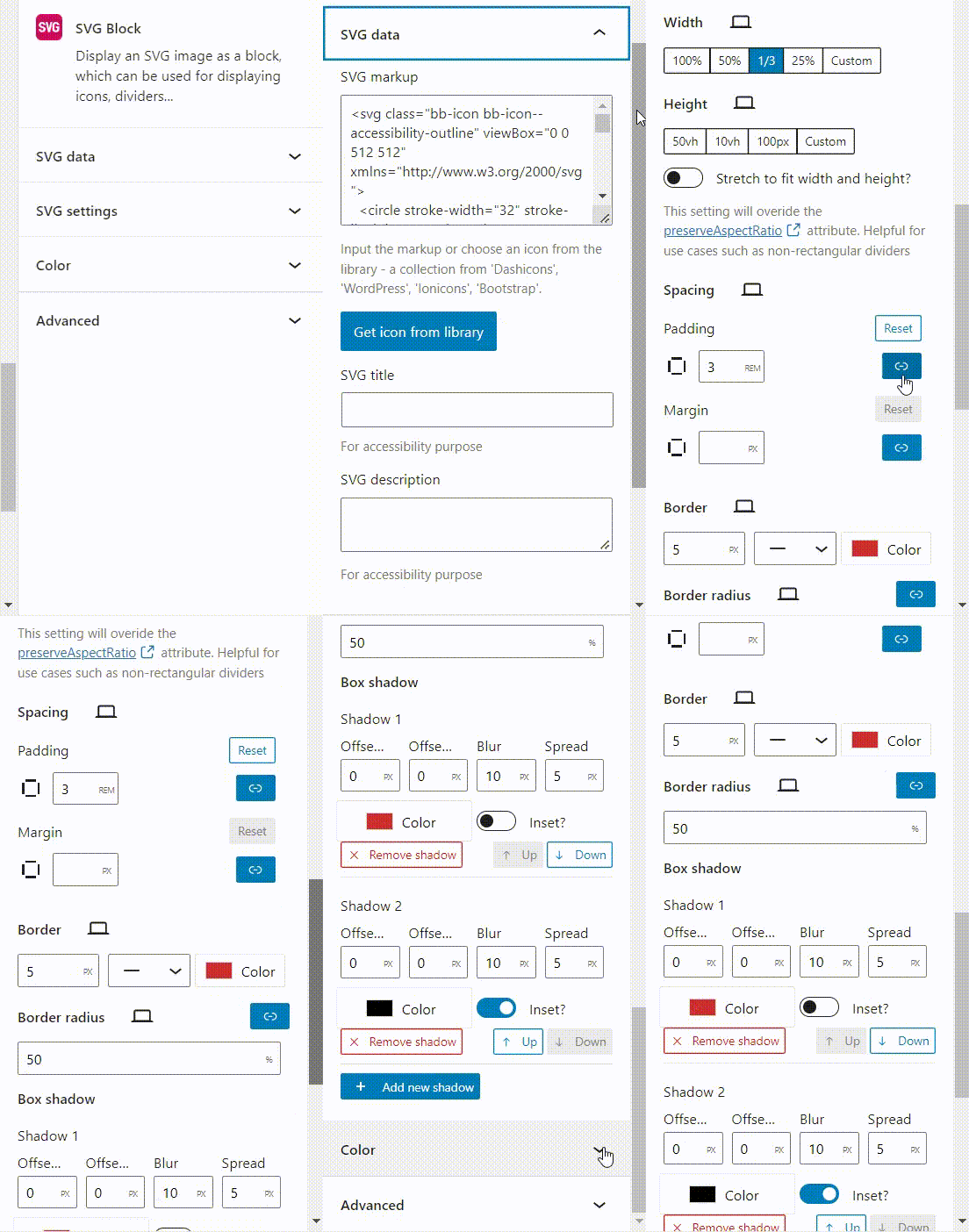

This SVG block allows you to display SVG images as inline HTML markup. You can either choose an icon from the icon library with more than 3000 icons or you can upload or input your custom SVG images directly in the block’s setting.
It also allows you to upload SVG images to the WordPress media library, and load them into the icon library. Only SVG files that have XML declaration at the top like <?xml version="1.0" encoding="utf-8"?> can be uploaded to the WordPress media library.
Key Features
- Accessibility ready with ‘img’ role, automatically generates title and description from settings.
- Automatically sanitize SVG markup to make it safe and lightweight.
- Include almost all settings to customize the SVG image.
- Include a collection of common non-rectangular dividers.
- An icon library included icons from “Bootstrap Icons”, “Ionicons”, “Dashicons” and new “WordPress Icons”.
- Allow uploading SVG images to the WordPress media library
- Automatically load SVG images from the media library into the icon library
Video tutorials
How to create an icon with custom styles using the icon library:
How to create a non-rectangular background section:
How to create icon buttons:
Please take a look at these custom block patterns that use this block to see how it can be applied to real-world sites.
If this plugin is useful for you, please do a quick review and rate it on WordPress.org to help us spread the word. I would very much appreciate it.
Please check out my other plugins if you’re interested:
- Content Blocks Builder – Build custom layouts and blocks visually in the Block Editor without needing a code editor, using only core blocks and native Gutenberg features.
- Meta Field Block – A single block to display custom fields in the Block Editor without coding. It supports ACF, MetaBox, WooCommerce, meta, rest field, shortcode and more. Works everywhere: in the Site Editor (FSE), the Block Editor, inside Query Loop, WooCommerce Product Collection, Term Query blocks, and even in template files.
- Icon separator – A tiny block just like the core/separator block but with the ability to add an icon.
- Breadcrumb Block – A simple breadcrumb trail block that supports JSON-LD structured data and is compatible with WooCommerce.
- Block Enhancements – Adds practical features to blocks like icons, box shadows, transforms, etc.
- Counting Number Block – A block to display numbers with a counting effect
- Better YouTube Embed Block – A block to solve the performance issue with embedded YouTube videos. It can also embed multiple videos and playlists.
The plugin is developed using @wordpress/create-block.