
Super Thorough Admin Color Scheme
v1.2Michelle Schulp Hunt · 2016年1月4日 上架
A super-thorough admin color scheme, which happens to be pink. Works as-is without any coding, or great for developers to use to build their own style …
- 正在使用
- 30+
- 评分
- 5.0 / 5
- 累计下载
- 4,293
- 最近更新
- 2016年11月21日
 Michelle Schulp Hunt
截图


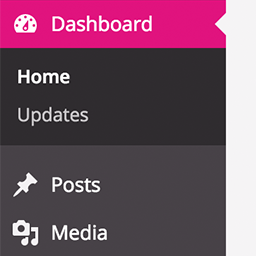
Works out of the box (no coding required) to create a warm pink & neutral admin color scheme.
Based on the work by meabhisek in the Romance Color Scheme, but extended to cover more of the wp-admin including media upload, focus colors, button colors and text shadows, etc.
Developers: You can use this as a base to create your own color scheme. The plugin will look for a file called admin-color.css in the root of your theme or child theme, and comes with admin-color.scss for you to edit and compile your own.
This plugin will look for admin-color.css in the root of your theme or child theme, and override the styles used in the plugin itself. It will be a complete override, so you’ll need to move the entire file over, otherwise styles will be missing. This is a developer tool, not an options interface. You’ll need to be comfortable writing CSS and/or Sass and adding files to your theme directory.
CSS:
In the Resources folder of the plugin, copy admin-color.css to the root of your theme or child theme, and edit colors as you like.
SCSS:
I’ve provided a Sass file with the necessary variables to make it easier to rapidly create new color schemes. It comes with a relative URL (based on the theme root) to import the other Sass files (mixins and styles) from the plugin itself. Grab that file from the Resources folder and use it to generate your own admin-color.css quickly.