
SubtleForms
v2.10.0Subtleforms · 2026年11月4日 上架
Build contact, multi-step and conversational forms on a visual canvas, then read every entry in a clean inbox. No account needed.
- 正在使用
- 10 以下
- 评分
- 暂无
- 累计下载
- 732
- 最近更新
- 2026年11月25日
 Subtleforms
 Muzammil Hussain
截图


SubtleForms is a form builder for WordPress. You build on a canvas that looks like the live form, publish with a shortcode or the SubtleForms block, and read every entry in an inbox inside wp-admin. One builder makes regular, multi-step and conversational forms, and everything described here is in this plugin and works without an account or a licence.
More tutorials on the SubtleForms YouTube channel.
Everything in the free plugin
- Visual drag and drop builder with a live canvas and undo
- Regular, multi-step and conversational (one question at a time) forms
- 40 field types, including file and image uploads, tabs and accordions
- 12 ready-made templates, plus a blank form
- Field widths to place fields side by side
- Conditional logic: show or hide a field based on other answers
- Appearance presets, or custom colours and fonts that start from your theme
- Desktop, tablet and mobile preview
- The SubtleForms block and a shortcode
- Entries inbox with search, filters, stars, flags, notes and a Trash
- Reports with a chart of recent submissions
- Email notifications with merge tags, plain text or HTML
- Confirmation message or redirect after submit
- Open and close dates, entry limits and logged-in-only forms
- CSV export of entries, JSON export and import of forms and entries
- Honeypot, minimum time and rate limiting on every form
- Optional Google reCAPTCHA, hCaptcha or Cloudflare Turnstile
- Full integration support for Mailchimp, Brevo, Kit, MailPoet, HubSpot and webhooks
- Import forms from Contact Form 7, Gravity Forms, Fluent Forms, WPForms and Ninja Forms
- Data retention settings and WordPress personal data export and erase support
- Translation ready, with an RTL stylesheet
Three form types, one builder
Start with a regular form that shows every field on one page. Add a Page Break and the same form becomes multi-step, with progress shown to the visitor. Switch to conversational and visitors answer one question at a time, full screen, then review their answers before they send. You change the type in the form settings and keep your fields.
Drag and drop builder
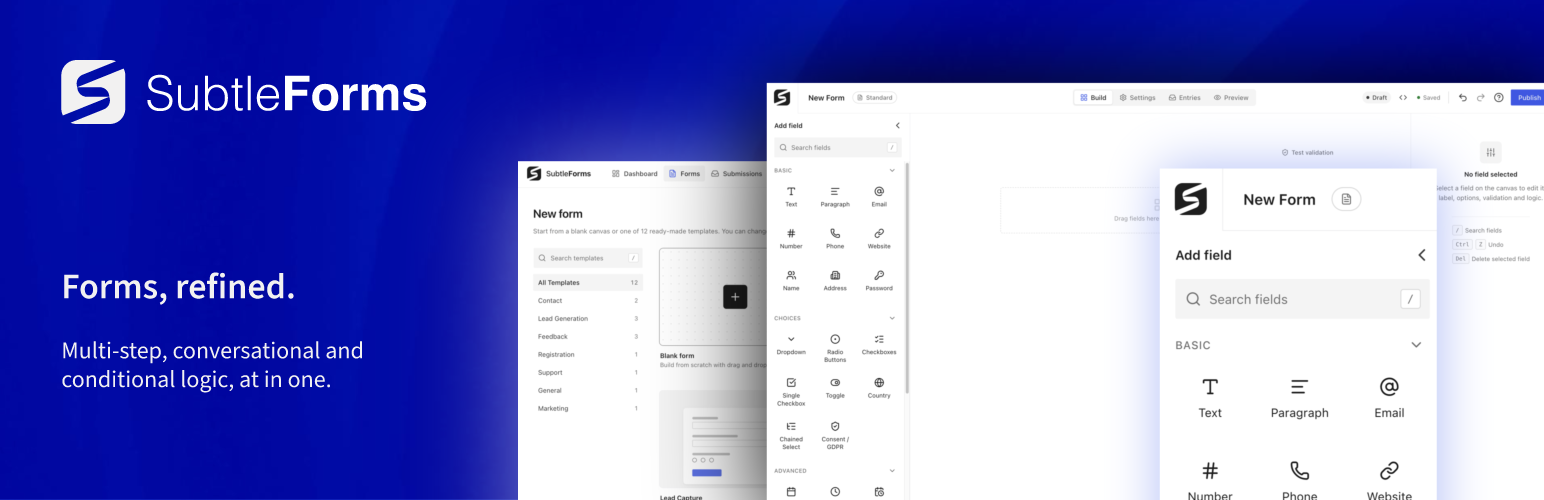
The field library is on the left, the canvas in the middle and the settings for the selected field on the right. The canvas shows the form as visitors see it, so there is no separate preview step to trust. Drag a field from the library, click it to add it after the current one, or press the slash key to search the library. Undo is in the header, and the Preview tab shows the form at desktop, tablet and mobile widths.
Fields included
- Basic: Text, Paragraph, Email, Number, Phone, Website, Name, Address and Password
- Choices: Dropdown, Radio buttons, Checkboxes, Single checkbox, Toggle, Country, Chained select and Consent
- Date and time, and more: Date, Time, Date and time, Rating, Opinion scale, NPS, Slider, Matrix, Colour picker, Rich text and Hidden
- Uploads: File and image uploads, with allowed types and size limits, kept private and downloaded by admins only
- Layout: Section heading, Custom HTML, Notice, Page Break, Repeater, Tabs and Accordion
- Spam protection: reCAPTCHA, hCaptcha and Turnstile fields
Ready-made templates
Start from a template and change what you need: Contact Form, Simple Contact, Contact + Attachment, Lead Capture, Newsletter, Newsletter Sign-Up, Free Resource Download, Product Feedback, Website Feedback, Customer Satisfaction (CSAT), RSVP and Bug Report. Or start with a blank form.
Conditional logic
Show or hide a field when other answers match. Hidden fields are not validated or saved, in the browser and on the server, so a hidden required field never blocks a submission.
Entries inbox and reports
Entries arrive in an inbox with tabs, search, filters and a reading pane. Mark entries read or unread, star or flag them, add notes, resend notifications, and move them to the Trash, one at a time or in bulk. The SubtleForms menu shows how many entries are unread, and Reports show a chart of recent submissions. Export entries as CSV whenever you need them.
Notifications and integrations
Send an email after each entry to the people you choose, with merge tags such as {all_fields} and {field:email}, in plain text or HTML. After submit, show a confirmation message or send visitors to another page. SubtleForms has full integration support for Mailchimp, Brevo, Kit, MailPoet, HubSpot and webhooks, set up under Settings, Integrations and switched on per form.
Looks like your site
Pick an appearance preset, or switch to custom mode and set colours, fonts, fields and buttons with controls that start from your theme. Or let the form inherit the look of your active theme. You get a warning when text and background colours do not have enough contrast.
Fast and light
SubtleForms adds its scripts and styles only to pages that contain a form, and loads the code for bigger fields such as date pickers, uploads and conversational forms only when a form uses them. For a simple contact form, the plugin’s own JavaScript is about 35 KB and its stylesheet about 11 KB, both gzip-compressed.
Spam protection and privacy
Every form has a honeypot, a minimum time check and rate limiting, with no setup. You can add Google reCAPTCHA, hCaptcha or Cloudflare Turnstile under Settings, Security and privacy. Choose how long entries are kept, and use the WordPress personal data export and erase tools for a person’s entries. SubtleForms sends no usage data or telemetry.
Move from another form plugin
Under Settings, Tools, Migrate, copy forms you made with Contact Form 7, Gravity Forms, Fluent Forms, WPForms or Ninja Forms. Forms arrive as drafts with their fields, rules, choices, notifications and thank-you message, and your original forms are not changed.
Accessible and translation ready
Fields have labels, errors are announced and tied to their fields, and dropdown, country, phone and date fields work with the keyboard. The plugin loads an RTL stylesheet for right-to-left sites and includes a translation template.
SubtleForms Pro
SubtleForms Pro is a separate plugin sold at subtleforms.com/pro. It adds more fields, advanced conditional logic, form analytics, payments, more integrations, entry PDFs and more templates.
Documentation, tutorials and support
- Documentation: subtleforms.com/docs
- Video tutorials: youtube.com/@subtleforms
- Support forum: wordpress.org/support/plugin/subtleforms
External services
SubtleForms works without any external service. Each service below is used only after a site administrator turns it on, and only for that site’s forms.
Google reCAPTCHA
Spam check. The form page loads the script from google.com, and on submit the site sends the response token and the visitor’s IP address to https://www.google.com/recaptcha/api/siteverify. Terms of Service, Privacy Policy.
hCaptcha
Spam check. The form page loads the script from js.hcaptcha.com, and on submit the site sends the response token and the visitor’s IP address to https://hcaptcha.com/siteverify. Terms of Service, Privacy Policy.
Cloudflare Turnstile
Spam check. The form page loads the script from challenges.cloudflare.com, and on submit the site sends the response token and the visitor’s IP address to https://challenges.cloudflare.com/turnstile/v0/siteverify. Terms of Use, Privacy Policy.
Mailchimp, Brevo and Kit
After an entry is saved, the site sends the email address, the answers the administrator mapped, tags and subscription status to the connected service: https://.api.mailchimp.com, https://api.brevo.com or https://api.kit.com. Mailchimp Terms of Use, Privacy Policy; Brevo Terms of Use, Privacy Policy; Kit Terms of Service, Privacy Policy.
HubSpot
After an entry is saved, the site sends the email address and the answers the administrator mapped to https://api.hubapi.com to create or update a contact. Terms of Service, Privacy Policy.
Webhooks
Each entry is sent as JSON only to the URL the administrator enters.