

- 正在使用
- 10 万+
- 评分
- 4.6 / 5
- 累计下载
- 151 万
- 最近更新
- 2026年9月29日
贡献者
 InstaWP
 Marius L. J.
截图
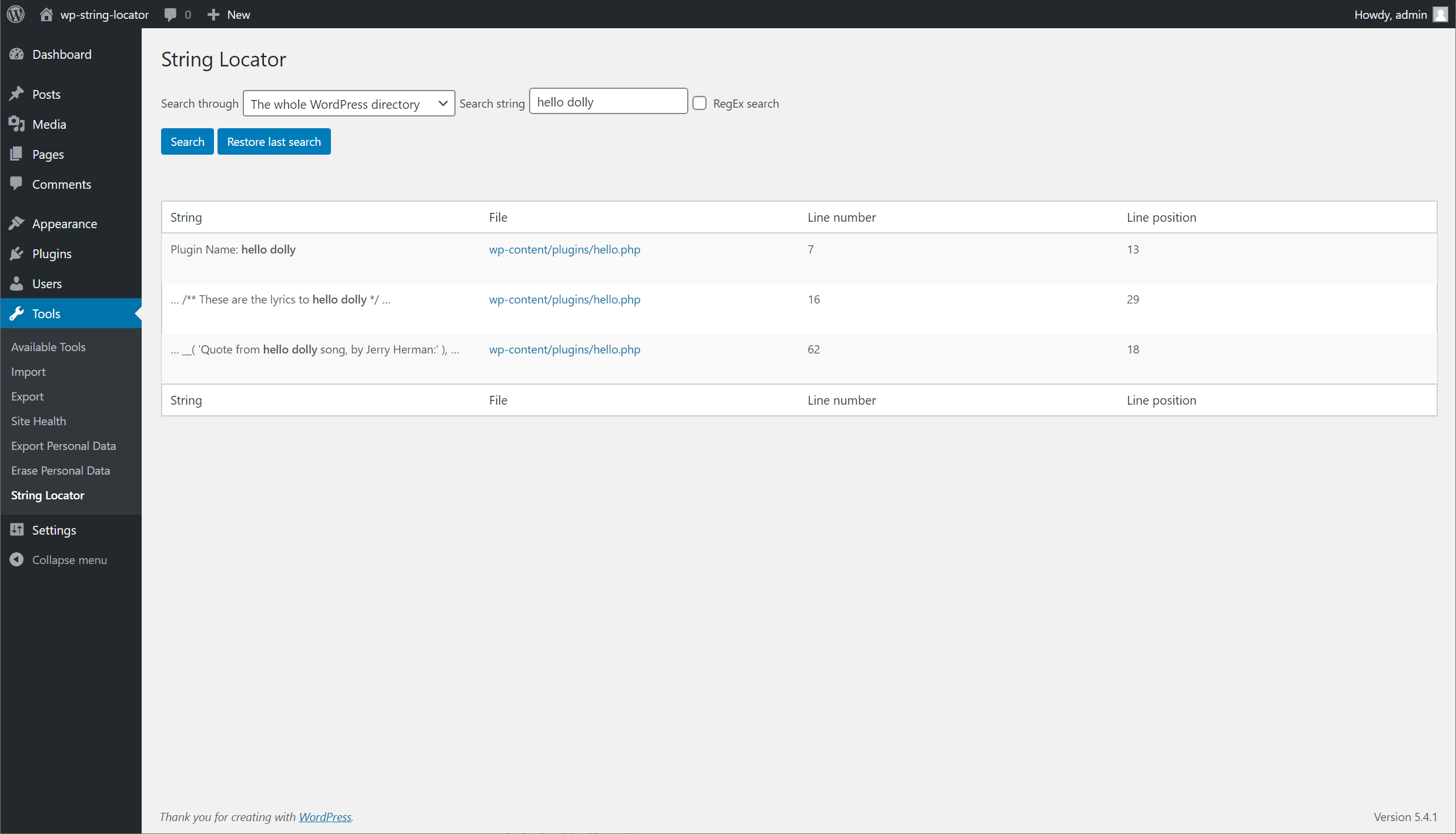
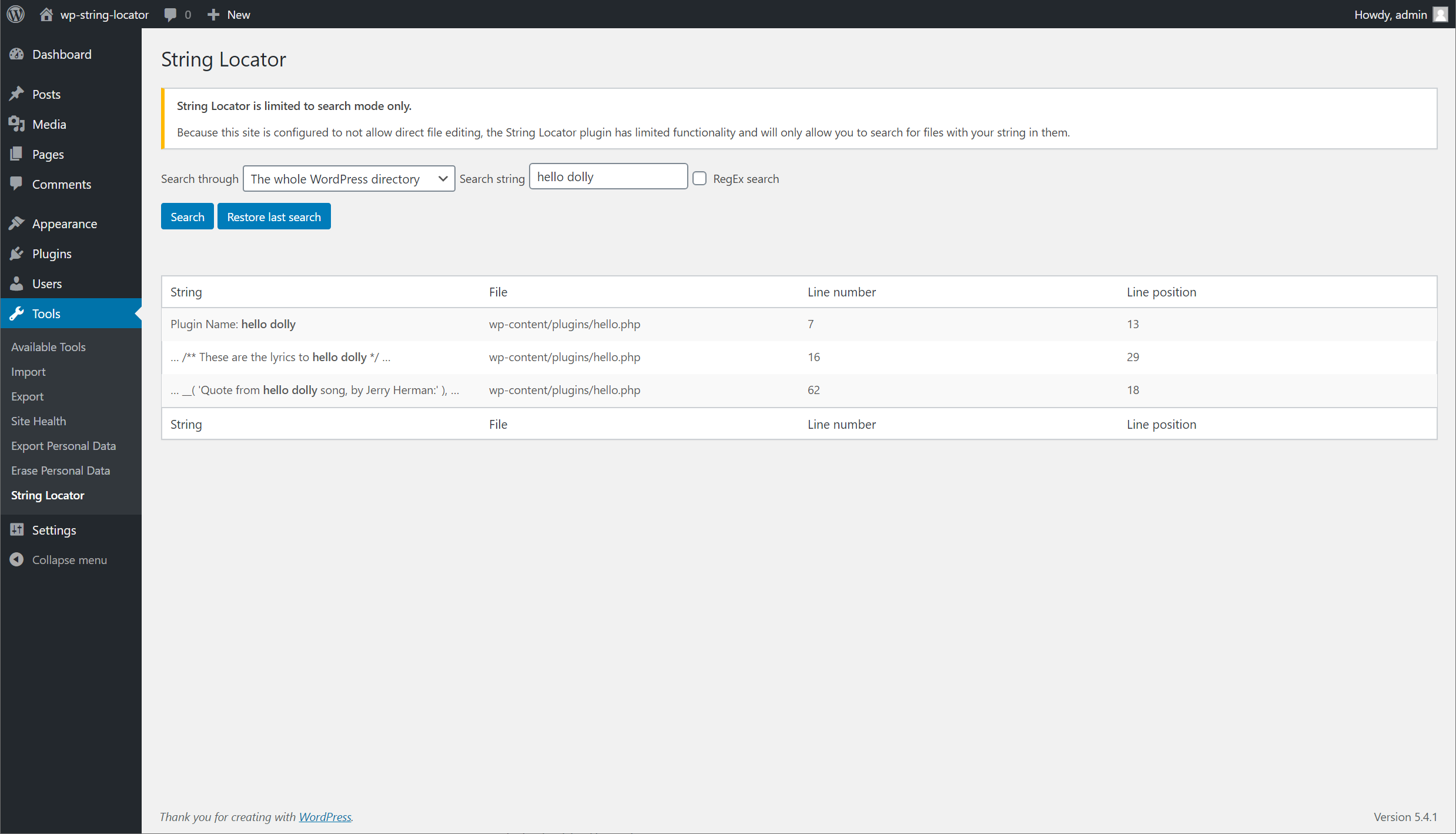

When working on themes and plugins you often notice a piece of text that appears hardcoded into the files, you need to modify it, but you don’t know what theme or plugin it’s in, and certainly not which individual file to look in.
Easily search through your themes, plugins or even WordPress core and be presented with a list of files, the matched text and what line of the file matched your search.
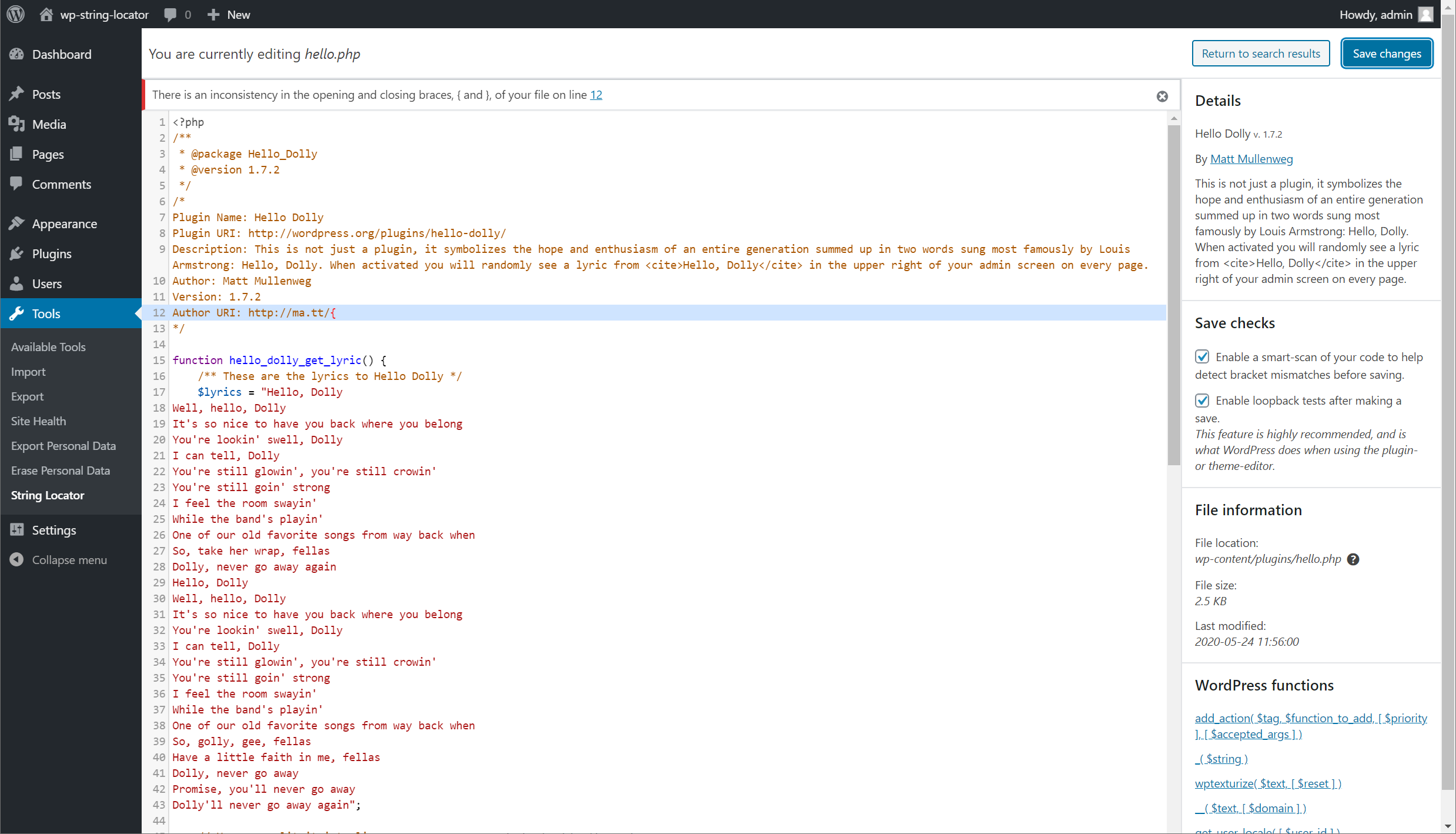
You can then quickly make edits directly in your browser by clicking the link from the search results.
By default a consistency check is performed when making edits to files, this will look for inconsistencies with braces, brackets and parenthesis that are often accidentally left in.
This drastically reduces the risk of breaking your site when making edits, but is in no way an absolute guarantee.
Create a replica of your live site a.k.a – WordPress Staging site before testing substitutions.