

StoreCanvas Lite – Product Options, Product Designer & Personalization for WooCommerce
v1.4.0Tillpress · 2026年10月13日 上架
Add WooCommerce product options and a live product designer: text, photos, engraving, file uploads, conditional fields and option prices. Free.
- 正在使用
- 10 以下
- 评分
- 暂无
- 累计下载
- 565
- 最近更新
- 2026年11月18日
贡献者
 Tillpress
截图
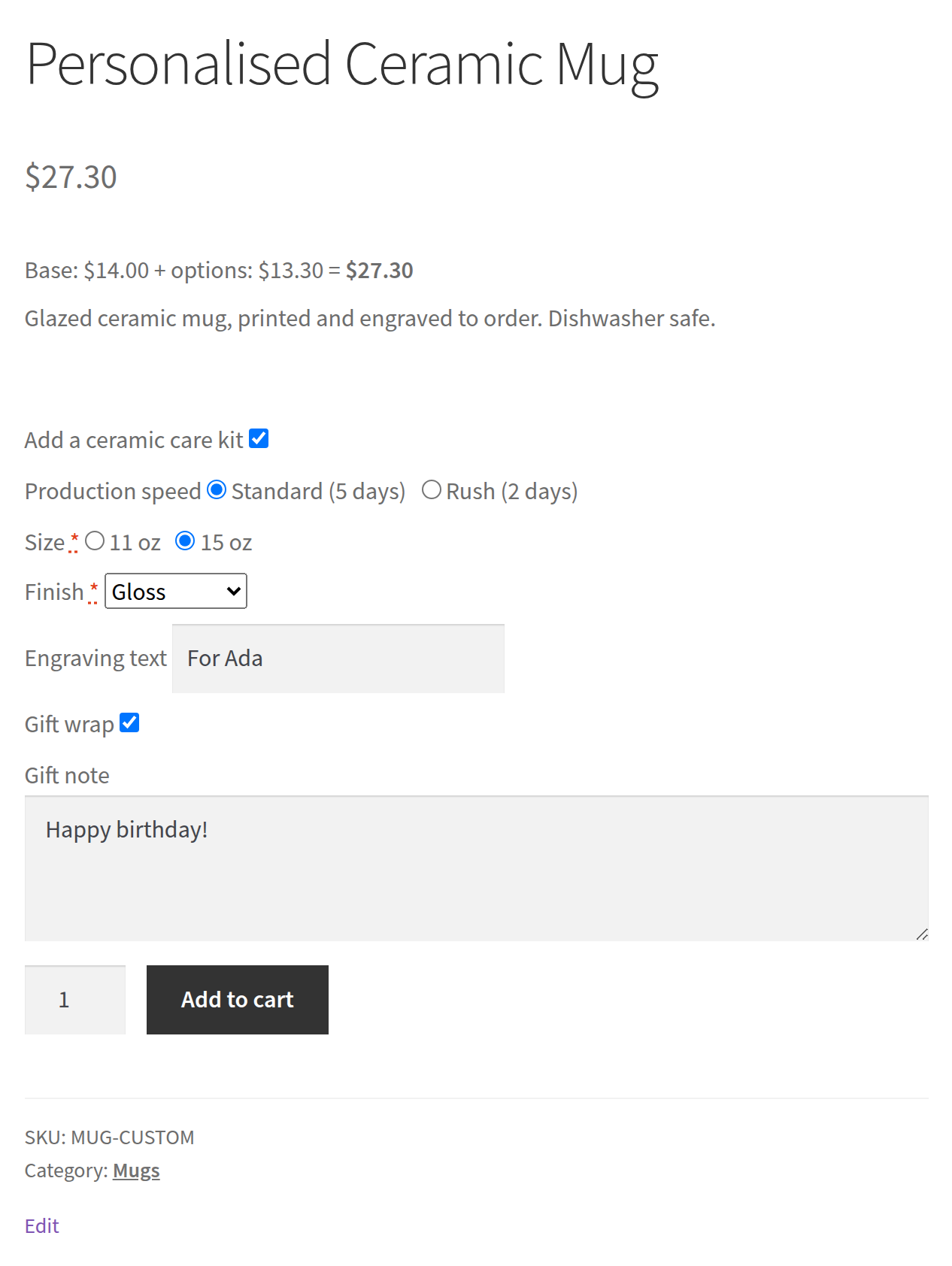
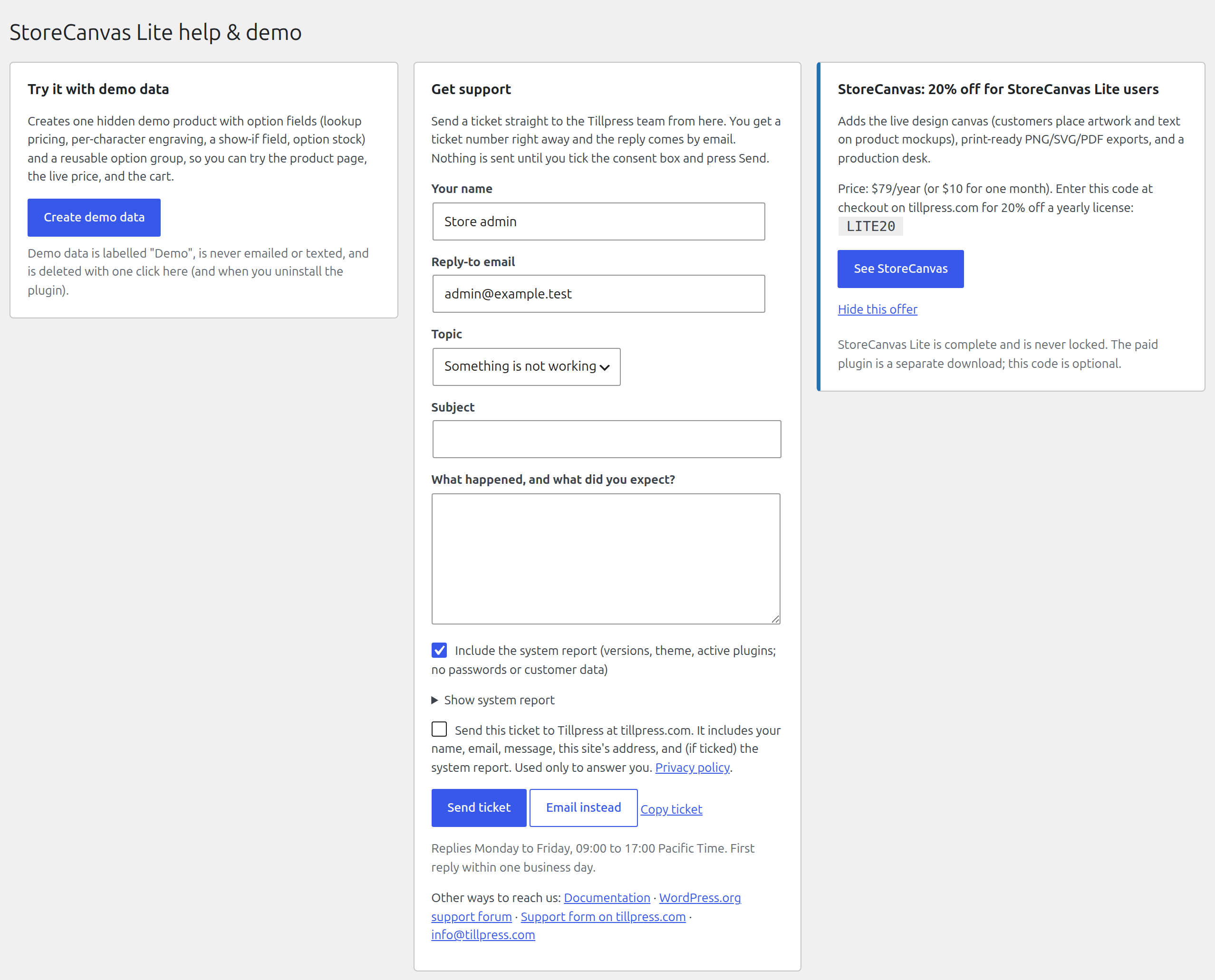
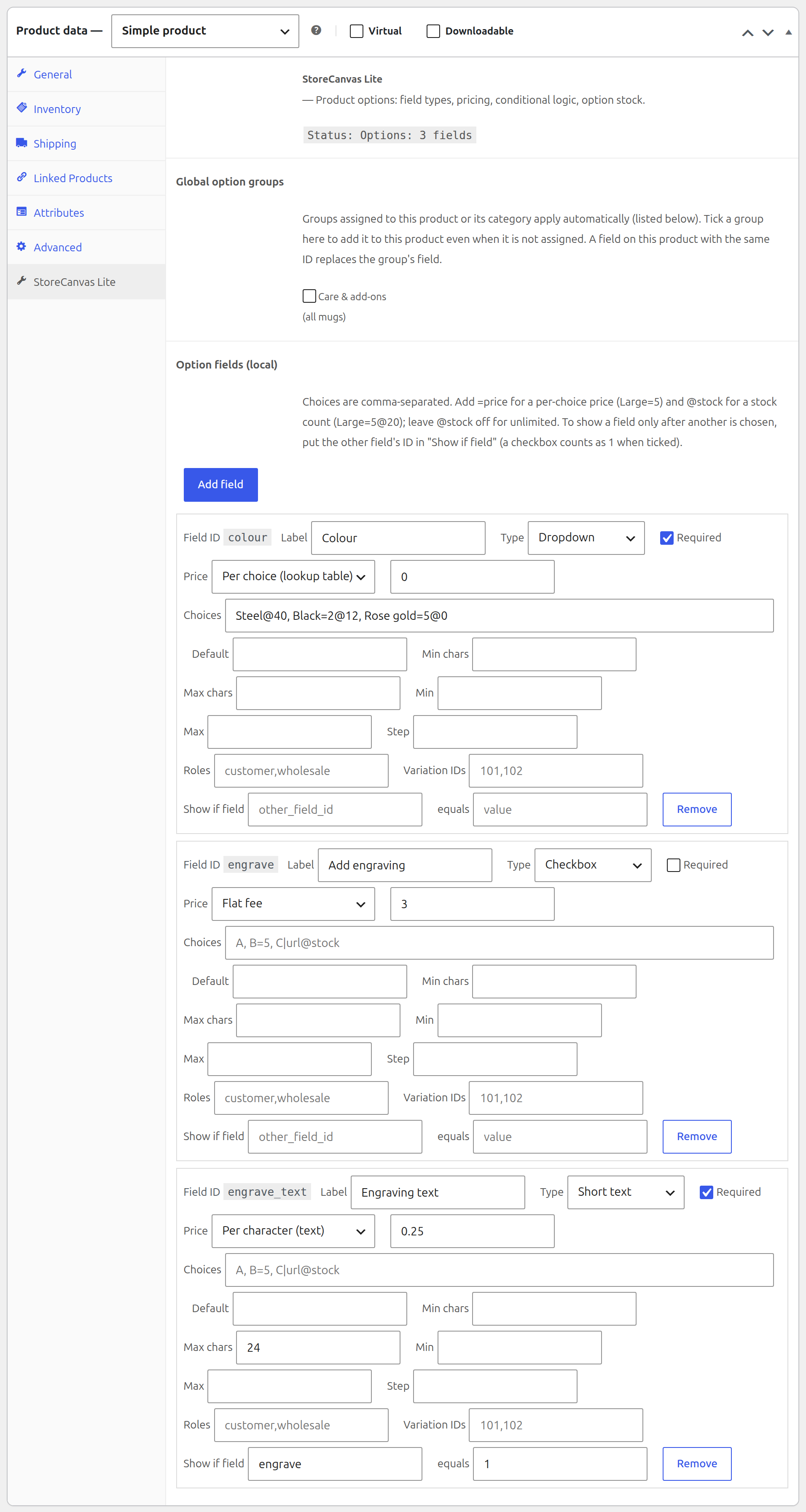
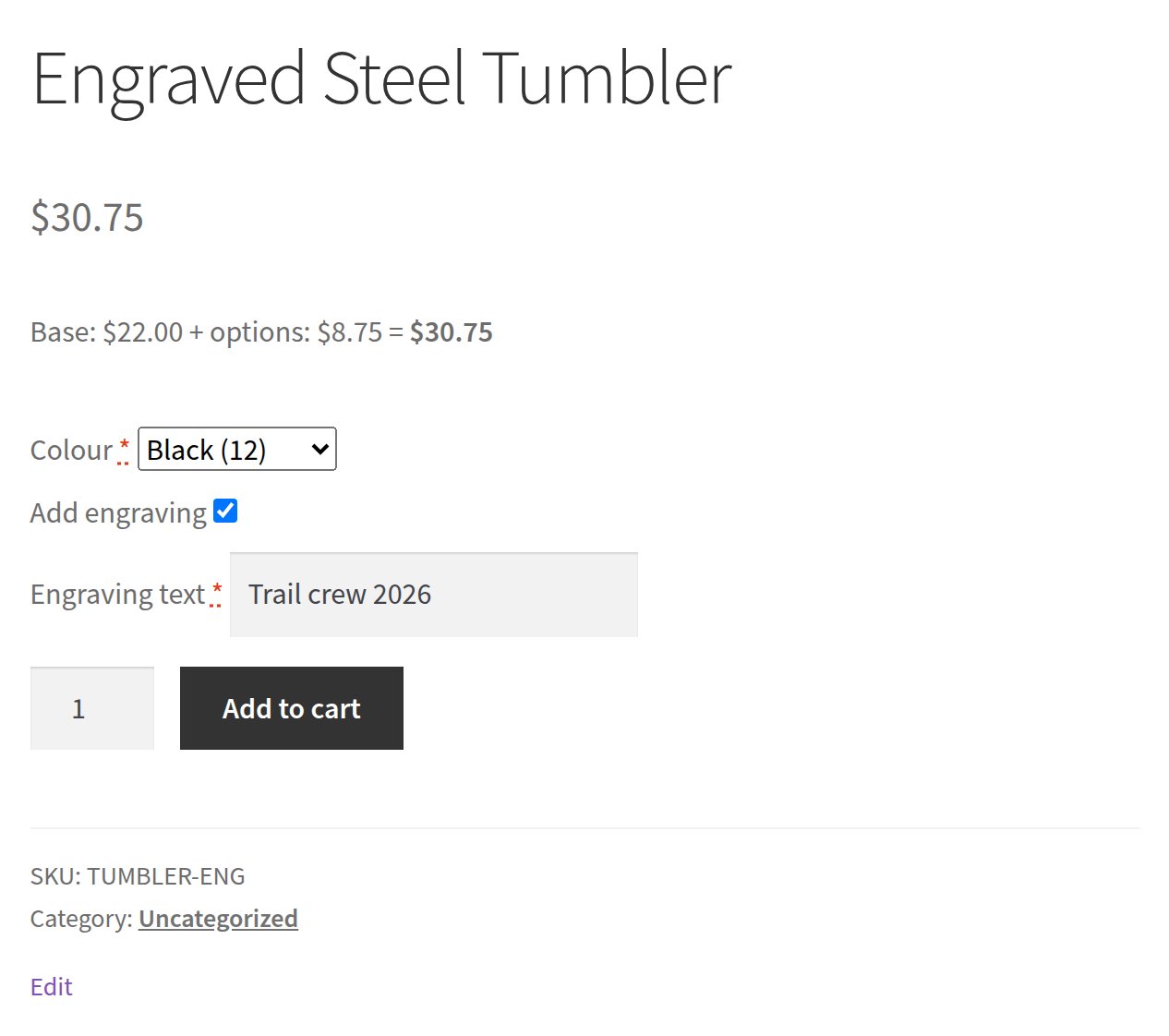
StoreCanvas Lite is a free WooCommerce product options and product personalization plugin. Add extra fields to any product (sizes, finishes, engraving text, gift wrap, file uploads), price each choice, and let customers place their own text and photos on the product with a live design canvas. It all runs on your own store: no SaaS subscription, no per-order fee, no credits, no license key and no phone-home.
Live demo | Documentation | Support
Use it to
- Sell personalized gifts: names, dates and messages, priced per letter
- Let customers upload a logo or photo and design it onto a mug, shirt or sign
- Add paid extras like gift wrap, rush production or premium finishes
- Show a field only when it matters (a gift note only when gift wrap is ticked)
- Offer bulk pricing: “buy 10 or more, 10% off each”
- Track stock per choice, so a sold-out color can’t be ordered
Who it is for
- Personalized gift, engraving and print shops
- Print-on-demand and custom apparel stores
- Any WooCommerce store that needs extra product options without a monthly fee
Features
- 15 field types: dropdown, radio buttons, checkbox, multi-select, short text, long text, email, phone, phone (tel), number, date, colour picker, image choice, file upload and section heading.
- 5 ways to price a field: a flat fee, a percent of the product price, an amount times a number the customer enters, an amount per character typed (engraving), or a different price for each choice (lookup table). Negative amounts work as discounts; the price never drops below zero.
- Live price on the product page that matches what the cart charges, on classic and block themes.
- Quantity discounts: “buy 10 or more, 10% off each” or “25 or more, $3 off each”, up to 10 tiers per product. A “Buy more, pay less” table shows on the product page, and the quantity counts every item of that product in the cart, in any option or size.
- Conditional fields with AND/OR rules: show a field only when other fields match, for example “Gift note” when “Gift wrap” is ticked, or “Rush date” when Size is Large AND Quantity is more than 10. Rules can test is, is not, contains, more or less than, empty and “is one of”. Hidden fields are never charged or required.
- File uploads with limits: customers attach a file (a logo, a photo, a print-ready PDF) to the order. You choose the allowed types (JPG, PNG, GIF, WebP, PDF) and a size limit per field. Every file is checked on the server, stored in a protected folder and offered to you as a download link on the order.
- Stock per choice: give any choice its own stock count. Sold-out choices are disabled on the product page, stock goes down when an order is placed and comes back when an order is cancelled, fails, or a refund restocks it.
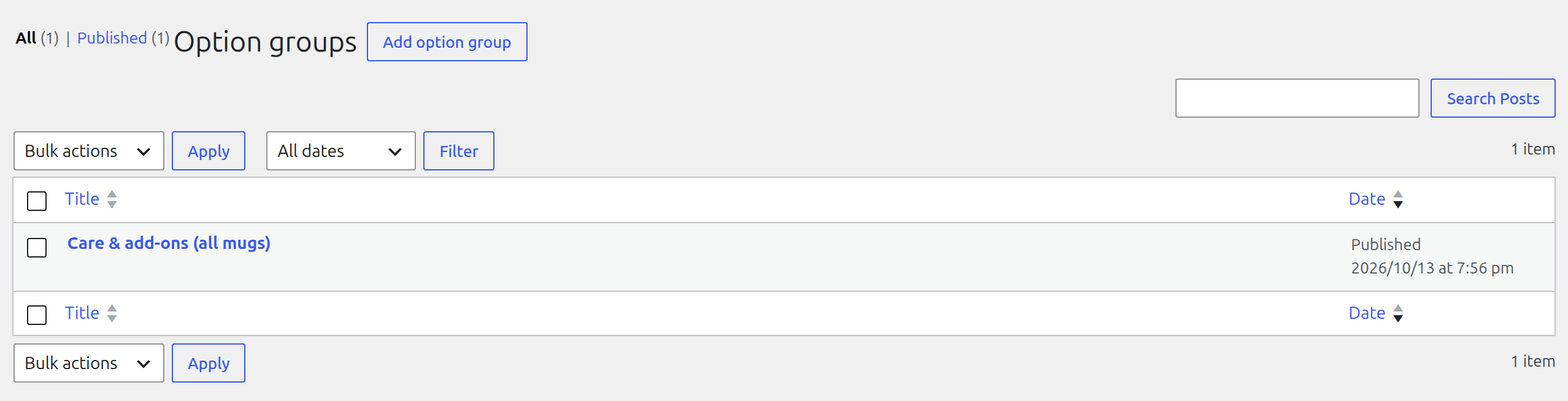
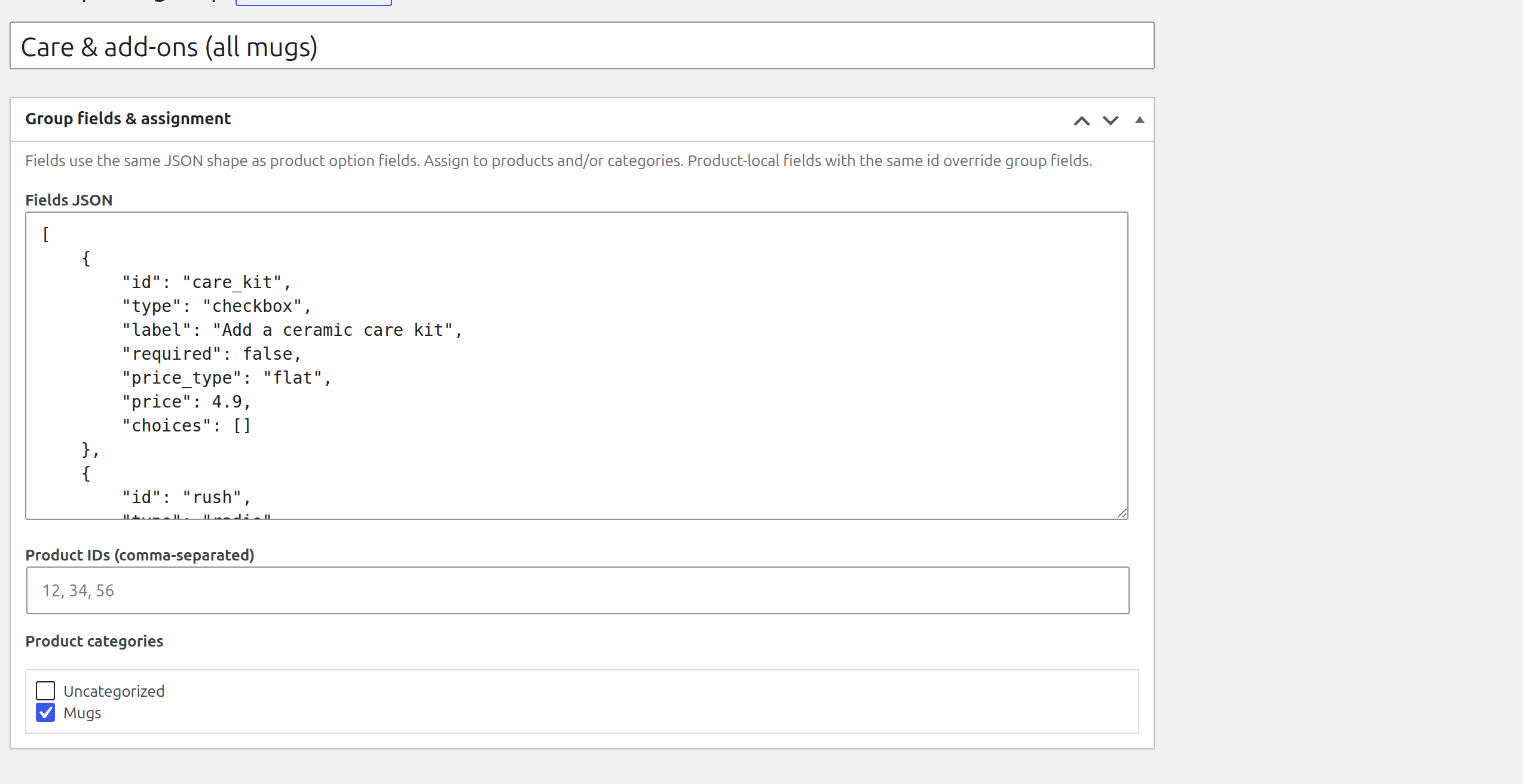
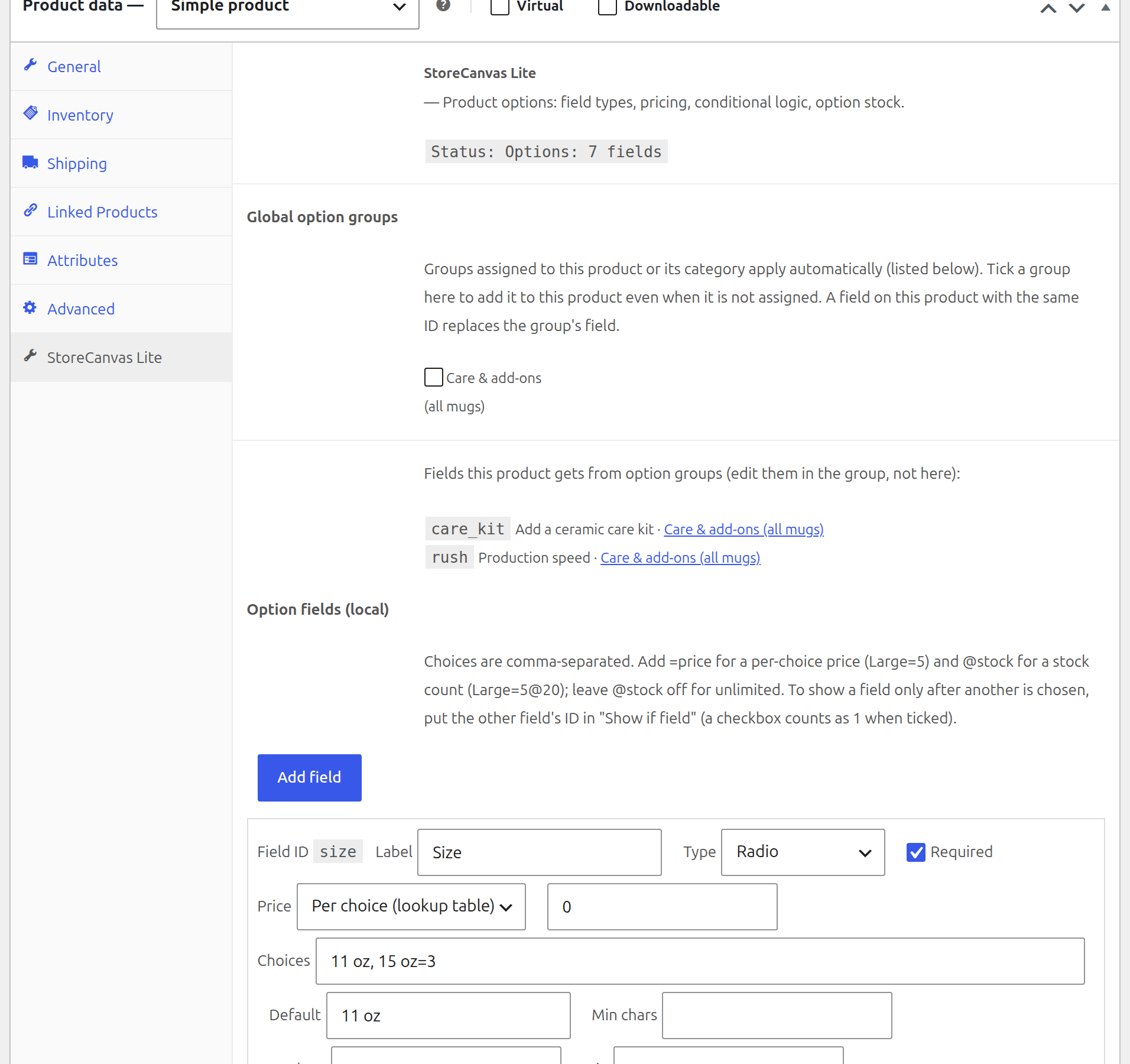
- Option groups: build a set of fields once (for example “Gift options”) and apply it to whole product categories or a list of products.
- Per role and per variation: show a field only to certain user roles (for example wholesale) or only for certain variations of a variable product.
- Validation: required fields, minimum and maximum characters, number ranges and steps, and email, colour and date formats are checked before add to cart.
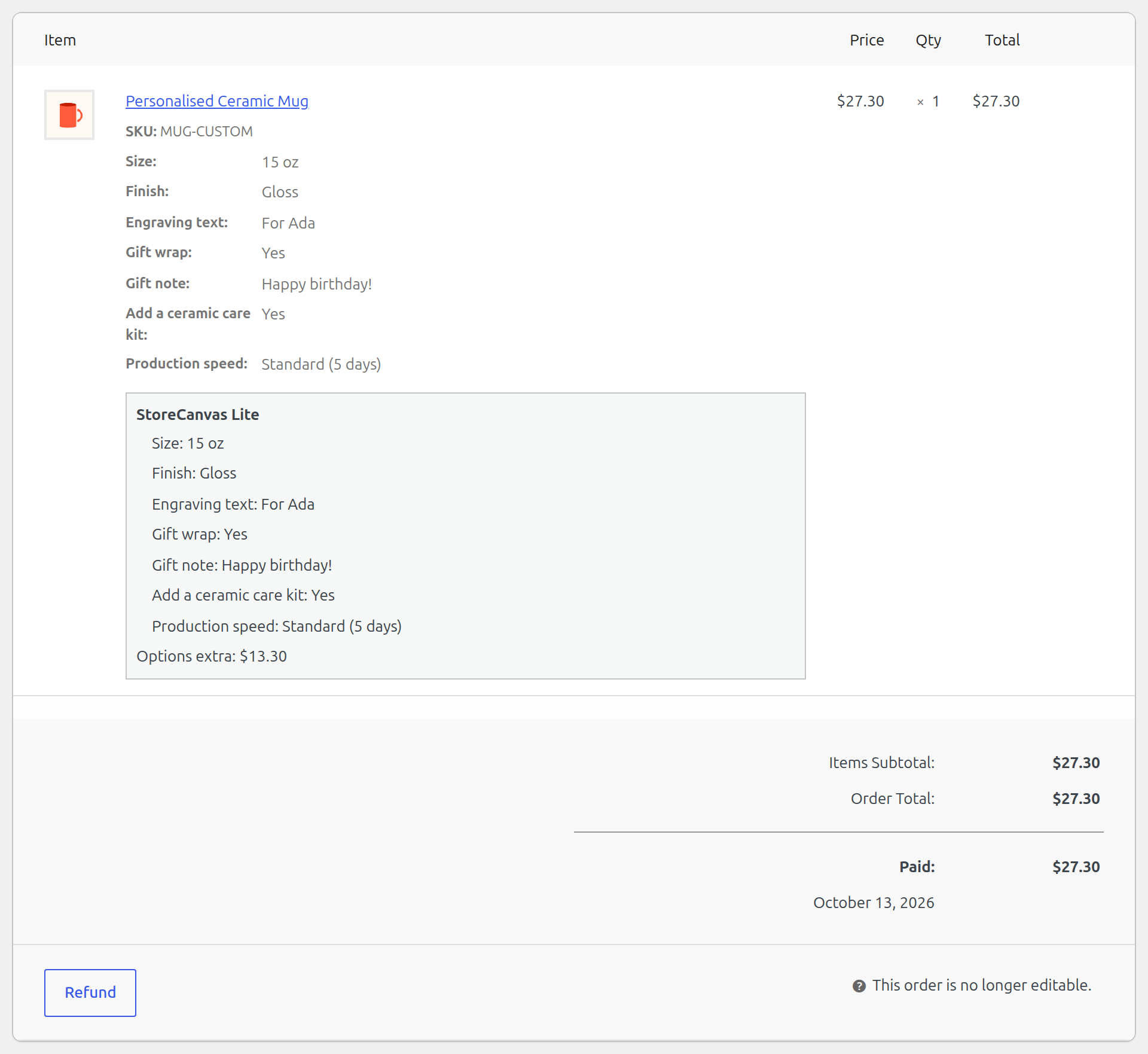
- Orders: each choice and its price appear as line-item details in the cart, checkout, emails and admin order screen.
- Compatible with WooCommerce HPOS (custom order tables), the block cart and block checkout.
- Customer design canvas (free): a front and (optionally) a back, each with its own product photo, print area and safe margin. Customers add text (5 built-in fonts, any colour, bold, outline), upload PNG or JPEG images and add clip-art from a small built-in set, then move, resize, rotate, layer, delete and undo with a mouse, a finger or the keyboard. The front can follow the chosen variation’s photo (the shirt color). Optional: require a design, turn photo uploads or clip-art off, limit the number of layers and charge a flat design fee (added through the same server-side pricing as the options). The design preview of each side shows in the cart, checkout, order emails and My Account; the admin order screen has a download link for a print-ready PNG of each side (the print area only, transparent background), the previews and every original photo.
- Save design and “My designs”: customers save a design and load it again later. Logged-in customers keep up to 20 designs in their account; guests keep them in their browser.
- Templates: start a product from T-shirt (front and back), Mug or Business card (3.5 x 2 in, two sides); it fills in the print areas, back side, safe margin and canvas shape.
- Design proof email: from the order screen, Order actions > “Send design proof to customer” emails the customer the preview of each designed item so they can reply with changes. An order note records each send.
- Help & demo page with a one-click demo product and a support ticket form.
External services
StoreCanvas Lite has no license check, no telemetry, no account, and makes no outbound requests during normal use. The one exception is a support ticket you choose to send.
The customer design canvas uses no outside service: its fonts are bundled with the plugin, customer photos are uploaded only to your own site, and nothing is sent to Tillpress or anyone else.
Support tickets (only when you send one): the Help & demo page has a support form. When an administrator fills it in, ticks the consent box, and presses Send ticket, the plugin sends the name, reply-to email, topic, subject, message, this site’s address, and (if ticked) a system report of WordPress/WooCommerce/PHP versions, theme, and active plugin names to the Tillpress support desk at https://tillpress.com/wp-json/tp/v1/support. Nothing is sent automatically, in the background, or on a schedule, and no passwords, keys, or customer/order data are included. Service provider: Tillpress (Alex Software Holdings LLC). Privacy policy: https://tillpress.com/privacy/ — Terms: https://tillpress.com/terms/ . “Email instead” opens the same ticket in your own email app and sends nothing from the site.
Privacy
Design canvas. When a customer uses the design canvas, these files are stored on your own server, in wp-content/uploads/sclt-designs/ (never in the Media Library and never sent anywhere else): the design preview image and print-ready PNG of each side, every PNG/JPEG photo the customer uploads for the design, and, on the cart line and order item, the design itself (texts, font, colour and positions). Guests can use the canvas without an account.
- The folder is protected: file names are long random strings, the folder blocks direct access and listing (
.htaccessandindex.php; on nginx add adenyrule for/wp-content/uploads/sclt-designs/), and files are only shown to shop staff or through signed links that expire (1 day in the cart, 60 days in order emails and order pages). - Photos uploaded for a design that was never ordered are deleted automatically after 7 days. Files of placed orders are kept with the order so you can produce it.
- Saved designs (“My designs”). A logged-in customer’s saved designs are stored in their user account (user meta
_sclt_saved_designs, up to 20) and the photos in them are kept in the protected folder until the customer deletes the design. A guest’s saved designs stay in their own browser (localStorage); the photos in them are kept on your server for 90 days and then deleted. - Uninstalling the plugin deletes the whole
sclt-designsfolder, including files of past orders (download what you still need first, or adddefine( 'SCLT_KEEP_DESIGNS_ON_UNINSTALL', true );to wp-config.php to keep them). - Suggested privacy-policy text: “If you design a product on our site, the text and images you add are stored on our website so we can produce your order. Images from designs you do not order are deleted after 7 days. If you save a design, it is kept in your account until you delete it (or, without an account, in your browser, with its images kept on our website for 90 days).”
File upload fields. Files a customer attaches to a file upload field are stored the same way, in the same protected folder, with the same rules: random names, no direct access, staff download links on the order, and deletion after 7 days when the cart never became an order.
The rest of StoreCanvas Lite stores only the option choices made with an order, as part of that order.