

StoreAccountant
v1.0.5LaunchLab · 2026年6月25日 上架
StoreAccountant - WooCommerce accounting workflow exports with persisted records and background processing.
- 正在使用
- 10 以下
- 评分
- 暂无
- 累计下载
- 372
- 最近更新
- 2026年6月30日
贡献者
 LaunchLab
截图
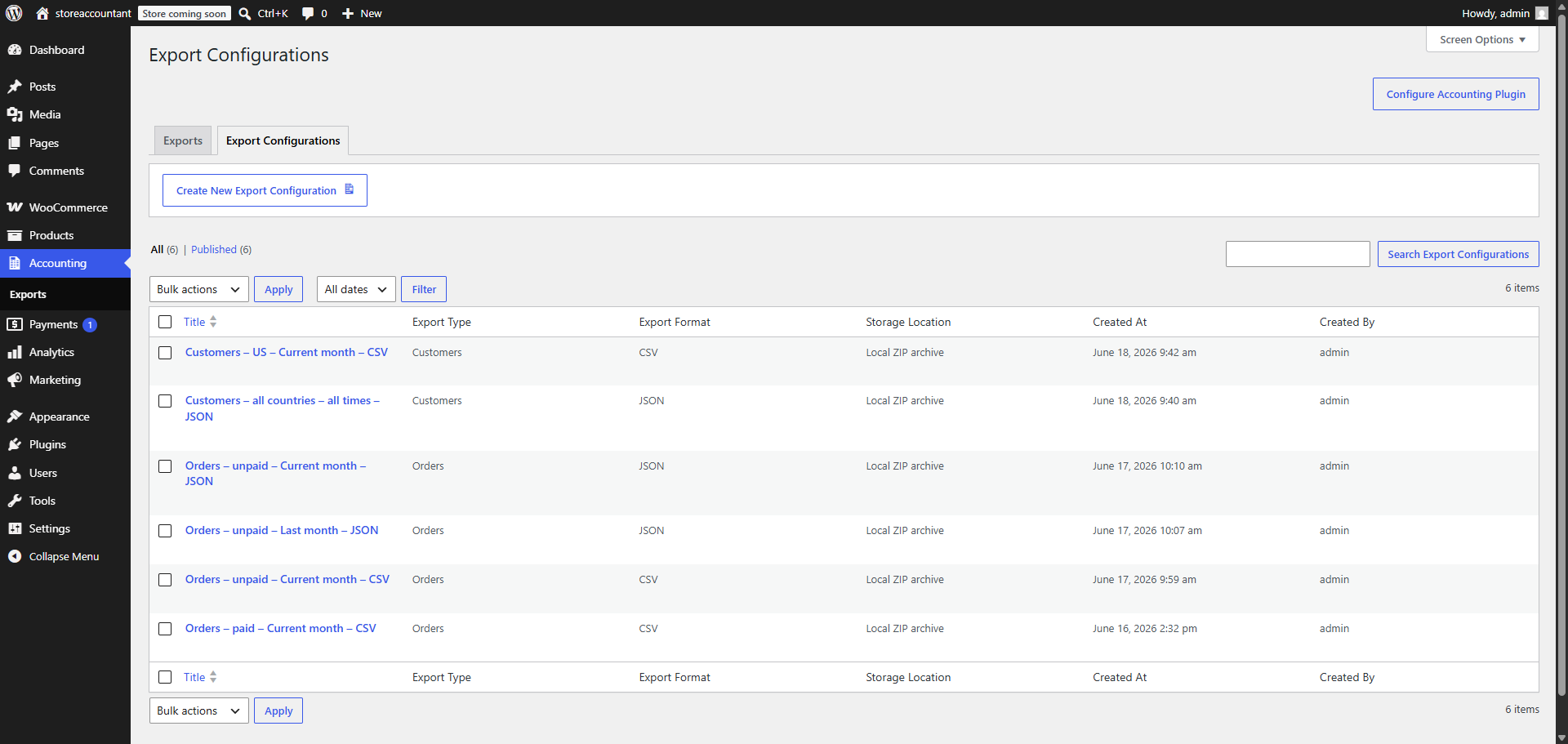
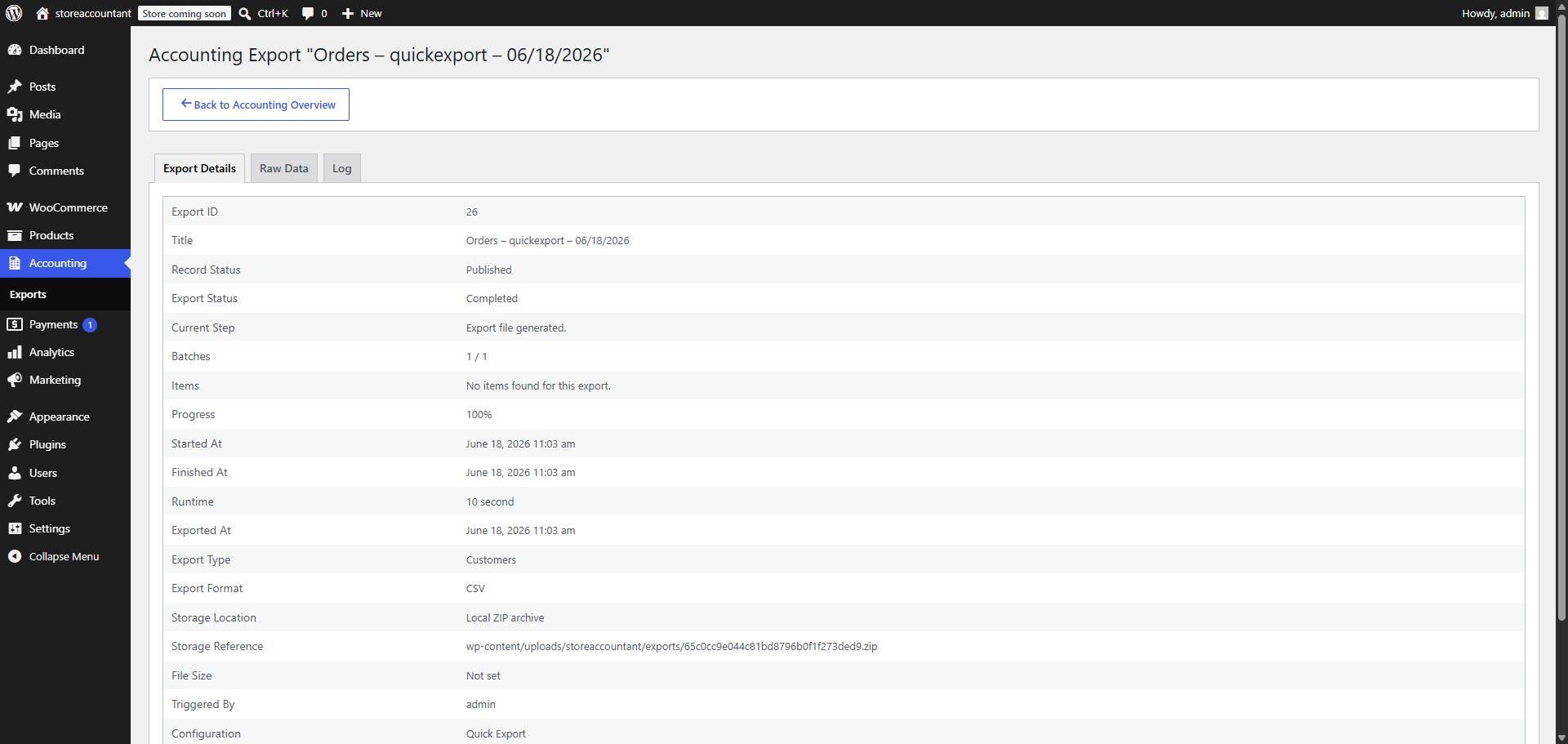
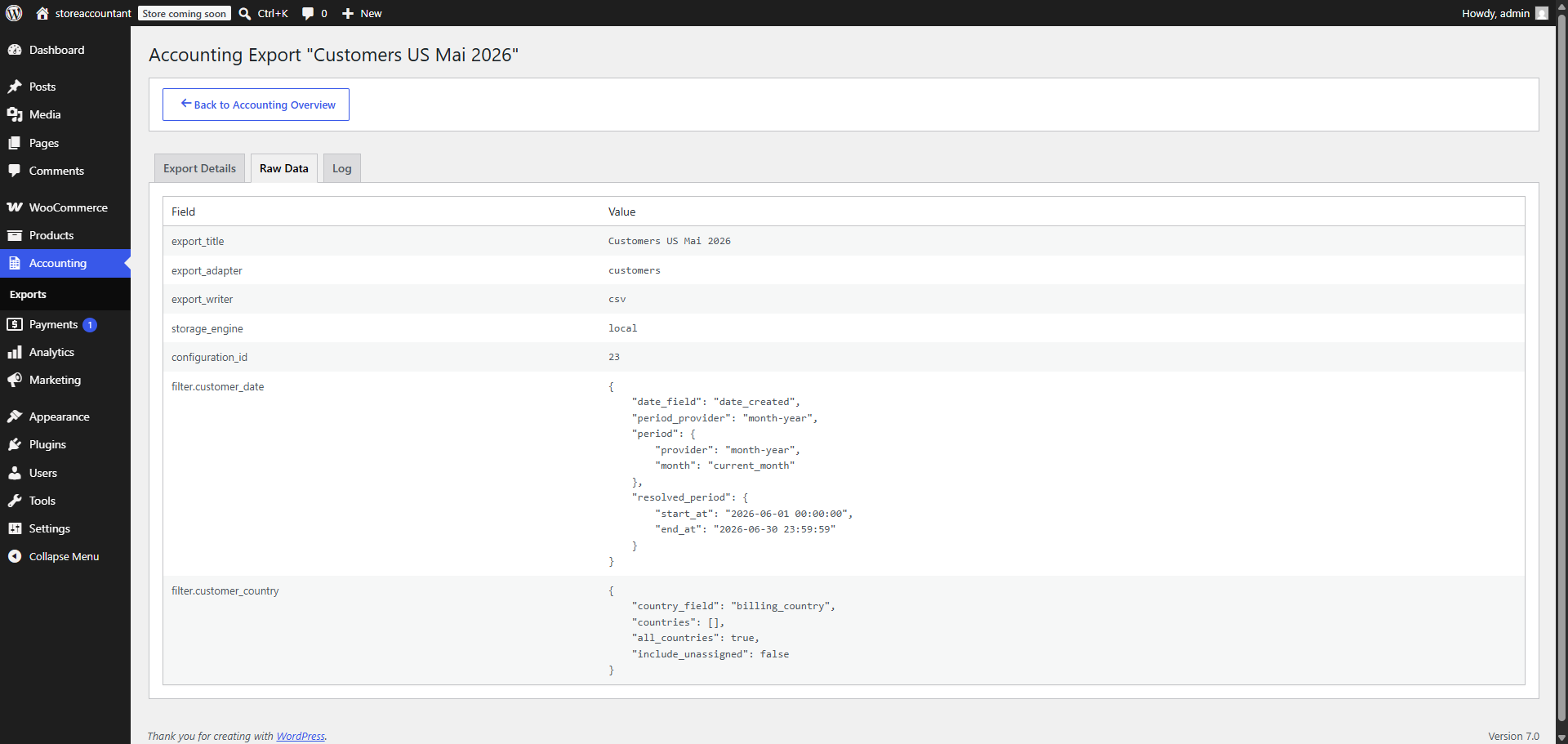
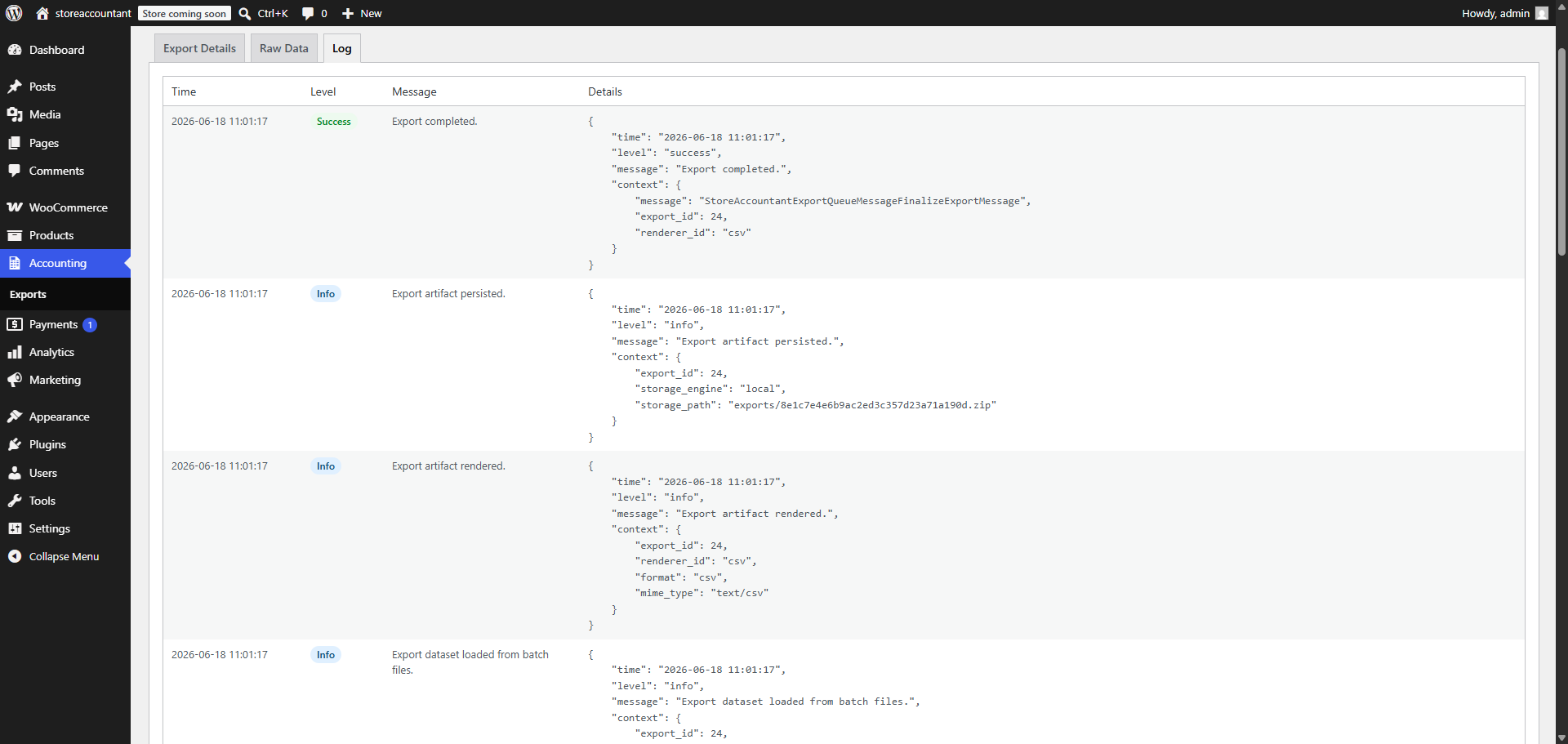
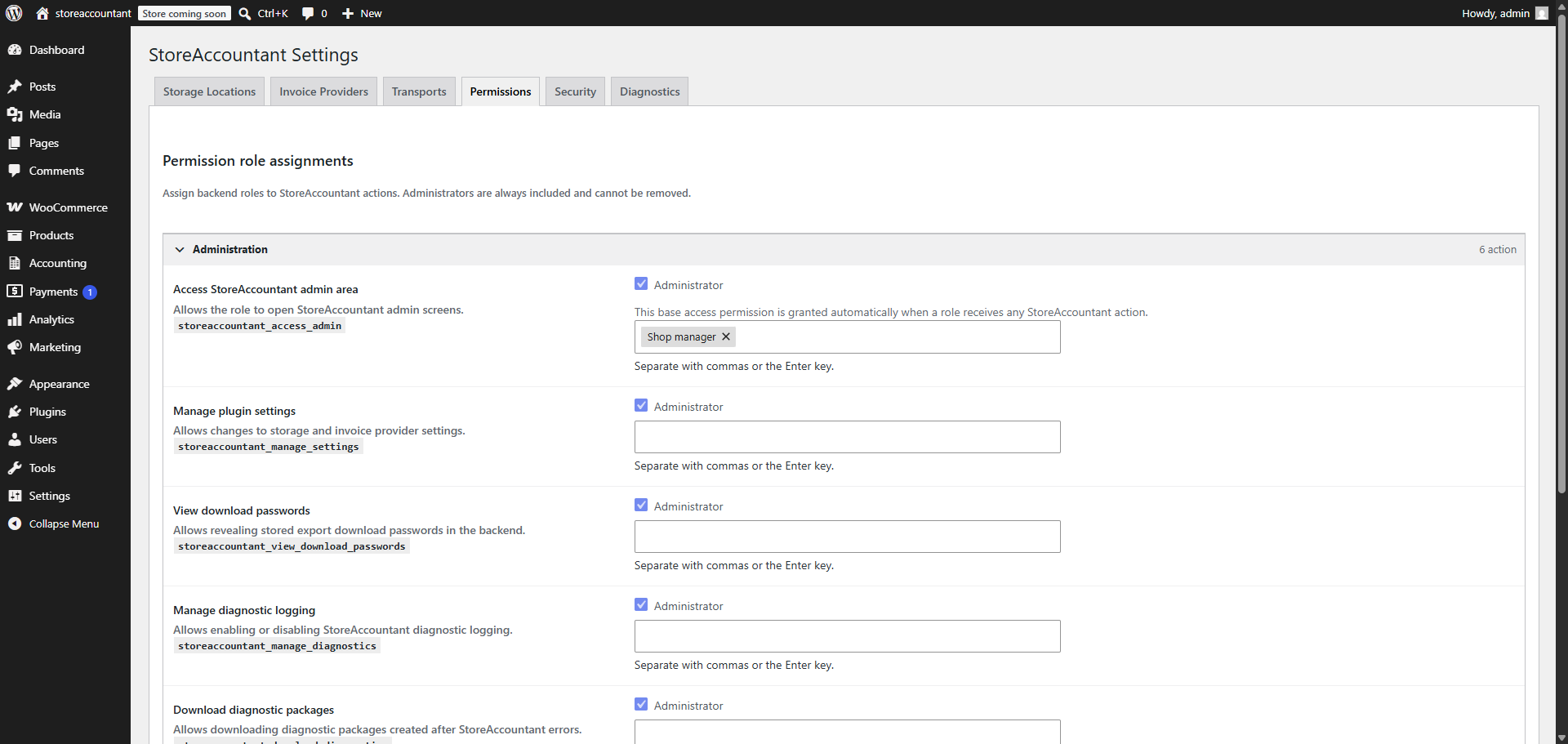
StoreAccountant is a WordPress/WooCommerce plugin for accounting export workflows.
It creates saved export records for WooCommerce orders, products, and customers, processes exports in the background, and stores generated files with protected download access.
User Guide EN
User Guide DE
Developer Guide
Github
Key features
✅ Advanced order, customer, and product exports
✅ Configurable export formats (CSV, JSON)
✅ Password-protected export downloads
✅ Filters for export periods, order statuses, and customer countries
✅ Configurable columns and field mapping
✅ Support for custom order and customer fields
✅ Tax rate and tax amount fields for order exports
✅ Invoice fields and invoice PDF attachments when a supported invoice plugin is active
✅ Local and password-protected storage
✅ Asynchronous background processing for better performance
How to configure exports
After activation, go to Accounting > Exports in the WordPress admin area.
Use Create New Export for a quick one-time export, or create an export configuration that can be reused.
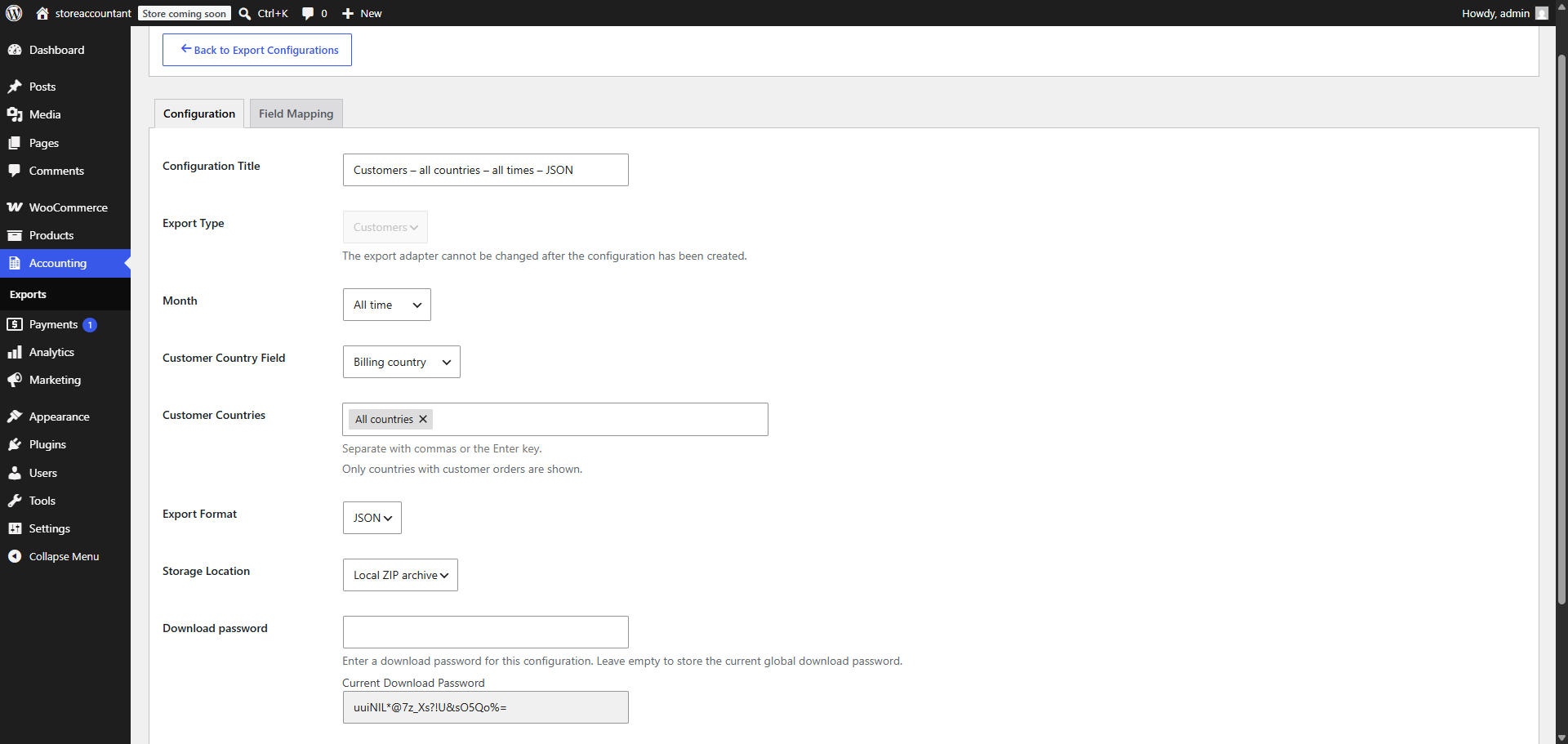
When creating an export, choose the export type, export format, storage location, filters, and field mapping.
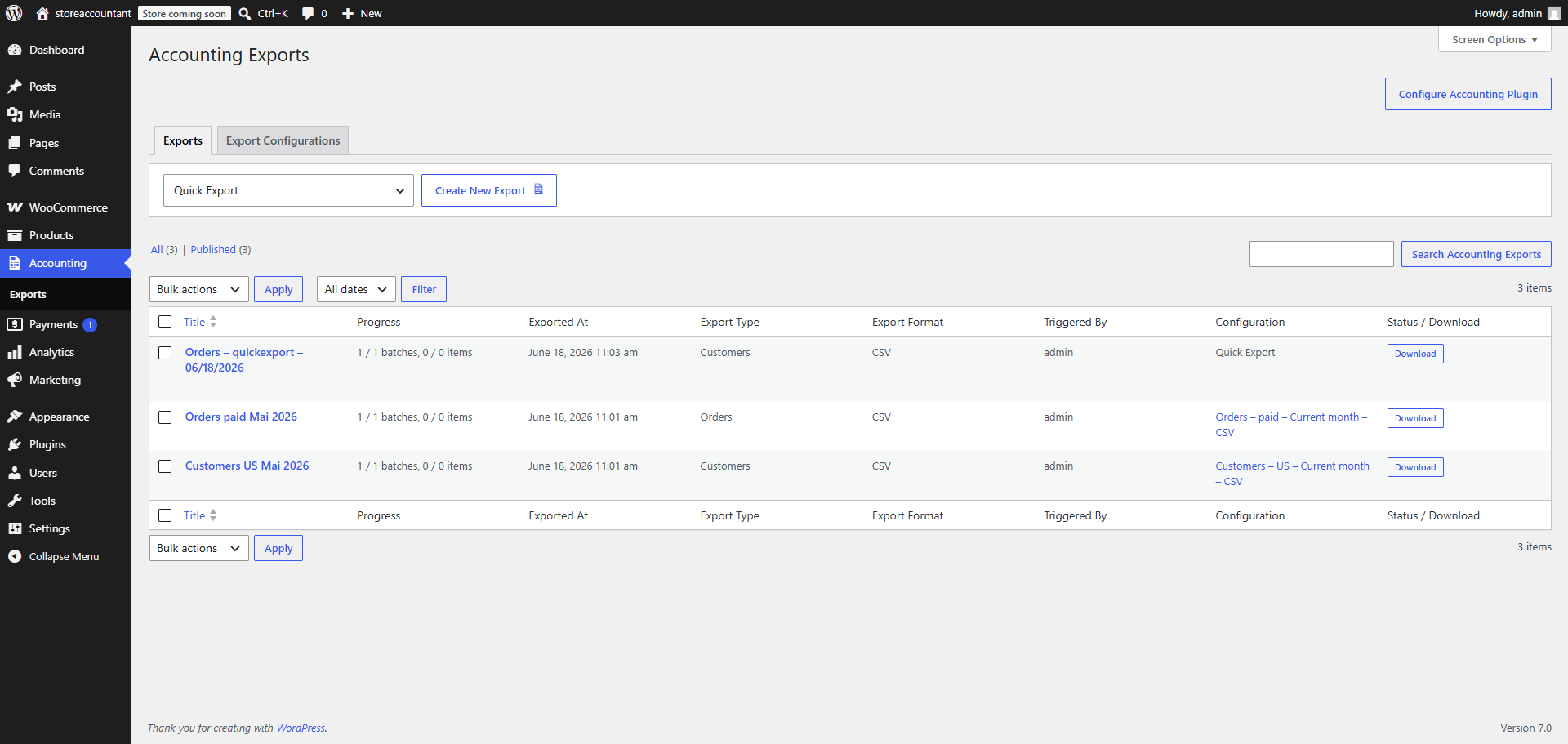
StoreAccountant saves every export as a record in the admin area so you can review its status and download the generated file when processing is complete.
General export features
Field mapping
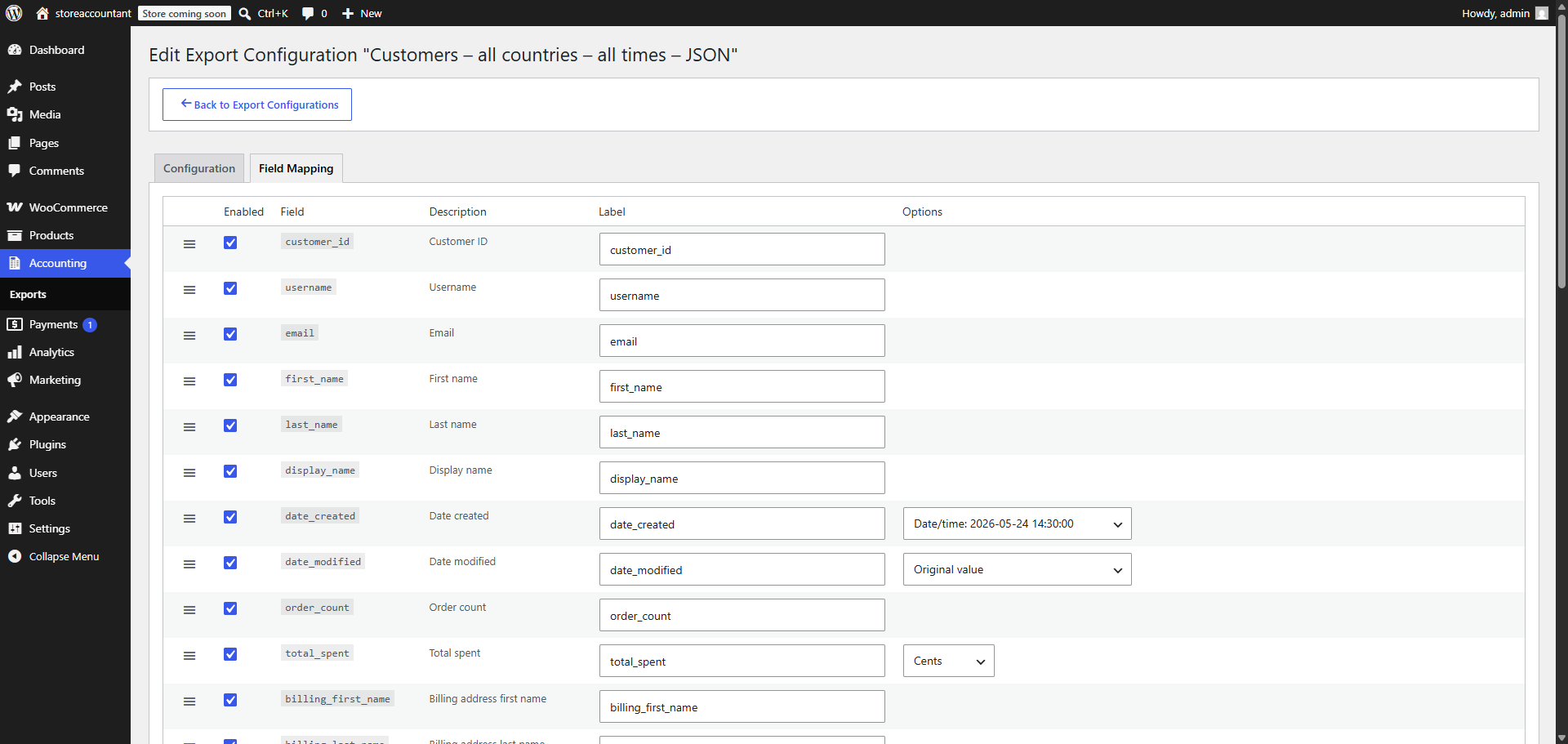
You can map fields from the WooCommerce order to the export. Renaming fields is also possible.
Value formatting is also supported, including date and time formatting, cents or full amounts, and similar export-specific options.
Custom fields can be included in the exported columns.
Order exports
Filters
Filter orders by date period and order status.
Configurable columns
You can choose which columns from an order should be in the export.
Custom fields
Custom fields will also be configurable and taken into account in the export.
Tax fields
Add tax rates and tax amounts to the export in simple or extended mode.
Invoices
Export invoice fields and attach invoice files to the export.
Note: Currently, we only support the
PDF Invoices & Packing Slips for WooCommerce
plugin. Additional invoice plugins will be supported in future updates.
Customer exports
Filters
Filter customers by date period and country. Country filters can use billing or shipping countries.