Sticky Sidebar for Ads and Blocks
v1.0.5Rasel Ahmed · 2022年9月7日 上架
Easily create sticky blocks or widgets on your WordPress site with full customization.
- 正在使用
- 40+
- 评分
- 5.0 / 5
- 累计下载
- 4,050
- 最近更新
- 2025年8月26日
贡献者
 Rasel Ahmed
截图


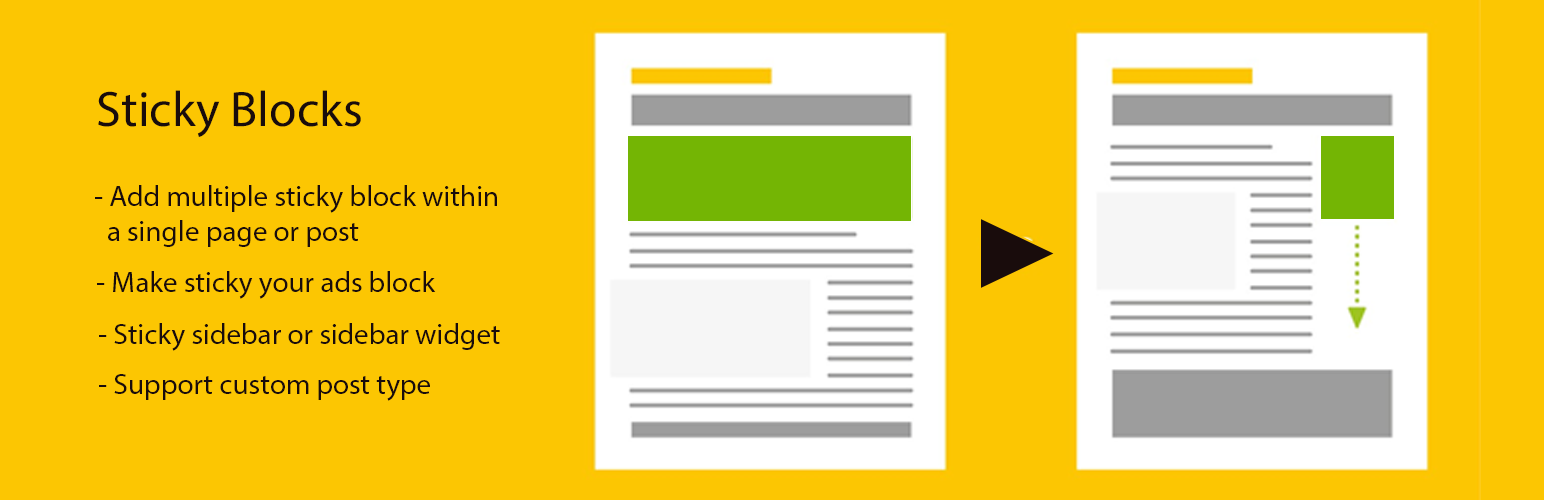
Make a sticky sidebar or widget or any block you want for any ads or Google adsense just adding the class or ids from the sticky section. You can add multiple sticky block within same page or post even any custom post and taxonomy as well.
Manage Sticky Blocks
In wp dashboard , there is a menu called “Sticky Blocks & Sticky Ads” to Add and Remove a Sticky Block from there.
You have to put the four different selector from settings
– Container or whole conatiner wrapper class or id
– Columns class or IDs if you have multiple column then select two columns only
– Add class or id from sticky block or section or sidebar section
– [b] Please make sure you have proper selectors to make the block sticky.
That’s it done! for more support and information you can contact us Support Here