

Stay-Board Booking
v1.0.0Stay-Board · 2026年8月15日 上架
Embed your Stay-Board booking widget as a shortcode or block — guests pick a room, check availability, and book directly.
- 正在使用
- 10 以下
- 评分
- 暂无
- 累计下载
- 243
- 最近更新
- 2026年8月15日
贡献者
 Stay-Board
截图
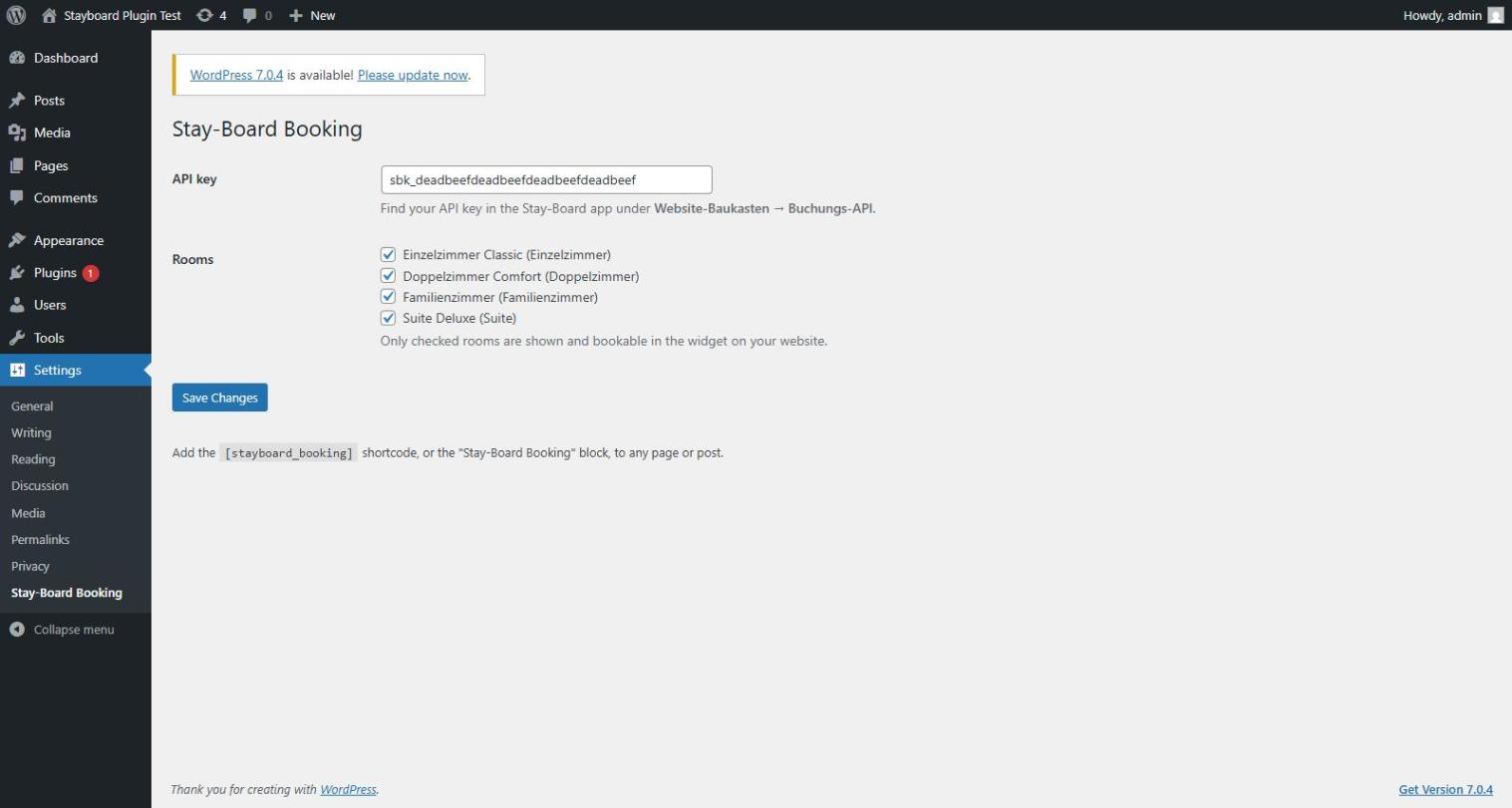
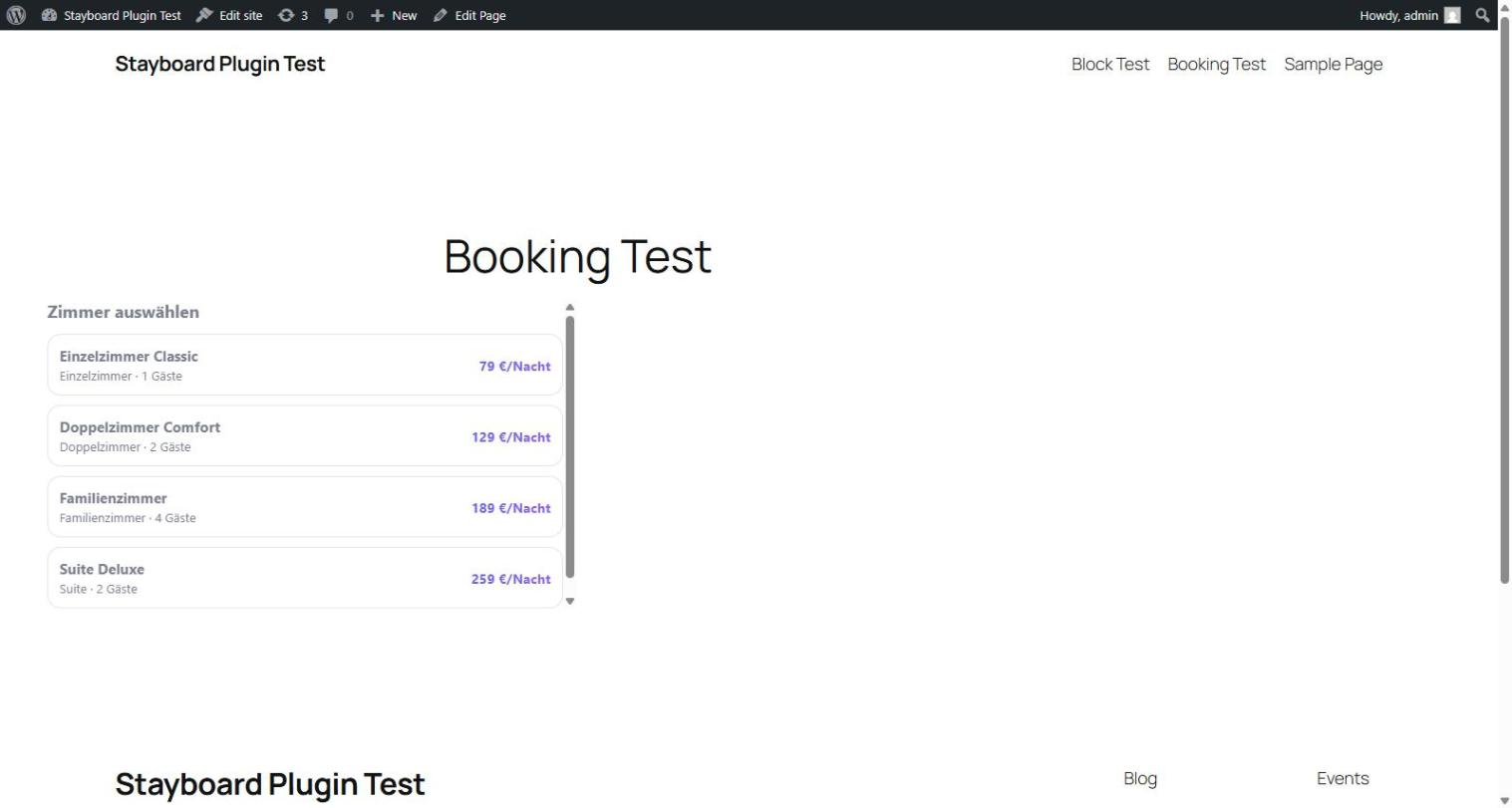
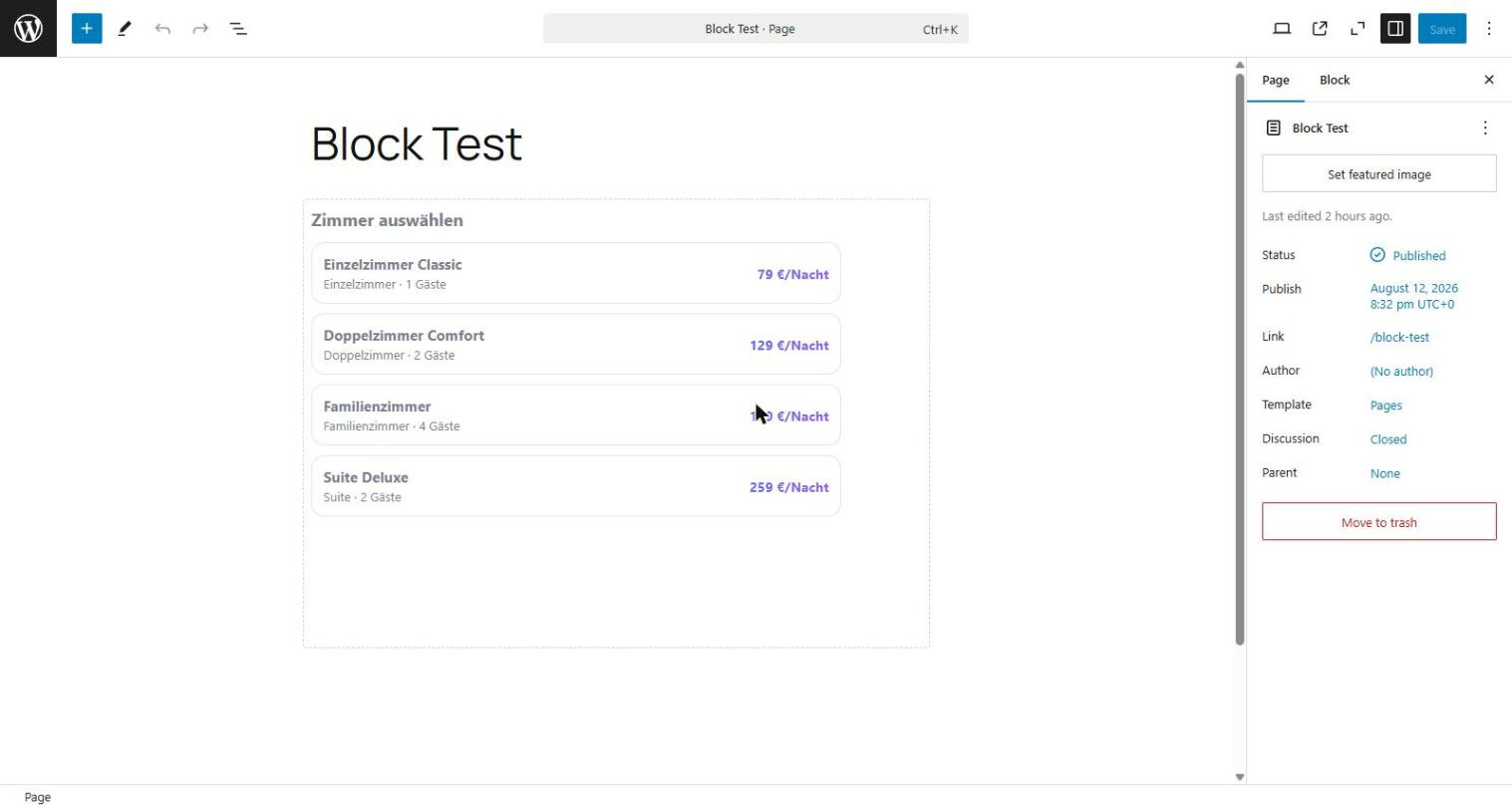
Stay-Board Booking connects your WordPress site to your Stay-Board hotel management account. Paste your API key into the plugin settings, then add the [stayboard_booking] shortcode or the “Stay-Board Booking” block to any page or post. Visitors get a self-contained booking widget: room list with photos and prices, a date picker, an availability check, and a request form — no other setup required.
By default every active room in your Stay-Board account is bookable through the widget. On the plugin settings page you can uncheck any room you’d rather not offer on this website (e.g. staff rooms, or a category you sell elsewhere only) — the change applies immediately, no republishing needed.
By default, every submission lands as a pending booking request in your Stay-Board calendar — nothing books instantly, and you confirm or decline each request from the Stay-Board app, exactly like requests arriving through any other channel. If you’d rather skip that step, your Stay-Board account has an “Instant booking” setting (App Buchungsanfragen) that turns submissions into confirmed, calendar-locked bookings right away instead. Either way, no payment is collected on your site.
You need an active Stay-Board account with the “Buchungs-API” module enabled to generate an API key. Visit stay-board.com if you don’t have an account yet.
Features
- Shortcode
[stayboard_booking](optionalheightattribute, default 640) - Gutenberg block with a live editor preview and a height setting
- Choose exactly which rooms are bookable through the widget on this site
- Automatic iframe resizing — no fixed scrollbars
- No guest data stored on your WordPress site; submissions go straight to Stay-Board
External services
This plugin communicates with stay-board.com, a hosted service operated by Stay-Board, in two ways: a visitor-facing iframe/widget, and a server-side connection from your WordPress admin settings page.
- Booking widget (visitor-facing): as soon as a page containing the shortcode or block is viewed, the visitor’s browser loads
https://stay-board.com/widget/{your-api-key}in an iframe. If a visitor fills in and submits the booking form inside that iframe, their browser sends the following data directly to stay-board.com (it never passes through your WordPress server): selected room, check-in/check-out dates, number of adults/children, guest name, email address, optional phone number, and an optional message. This data is used to create a booking (pending request, or confirmed instantly if instant booking is enabled in your Stay-Board account) in your connected Stay-Board account. - Plugin settings page (admin-facing, server-to-server): when you open Settings -> Stay-Board Booking, your WordPress server sends your API key to
https://stay-board.com/booking-api/room-visibility(GET) to list your rooms and which are currently bookable. When you save the settings page, your WordPress server sends your API key and your room selection to the same endpoint (POST) to store the change. No guest data is involved in these two calls. - Governing terms: this data is subject to Stay-Board’s Privacy Policy and Terms of Service.
No data is sent to stay-board.com merely by installing the plugin — only when you open or save its settings page, or when a page using the shortcode/block is actually viewed (loads the iframe) or a visitor submits the form.