
Status Desk – Custom Order Status for WooCommerce
v1.7.5wedoingood · 2026年10月11日 上架
Add custom order status to WooCommerce: colors, icons, customer emails, one-click next-status buttons and bulk status changes. Safe deletion.
- 正在使用
- 10 以下
- 评分
- 5.0 / 5
- 累计下载
- 641
- 最近更新
- 2026年11月21日
贡献者
 wedoingood
截图


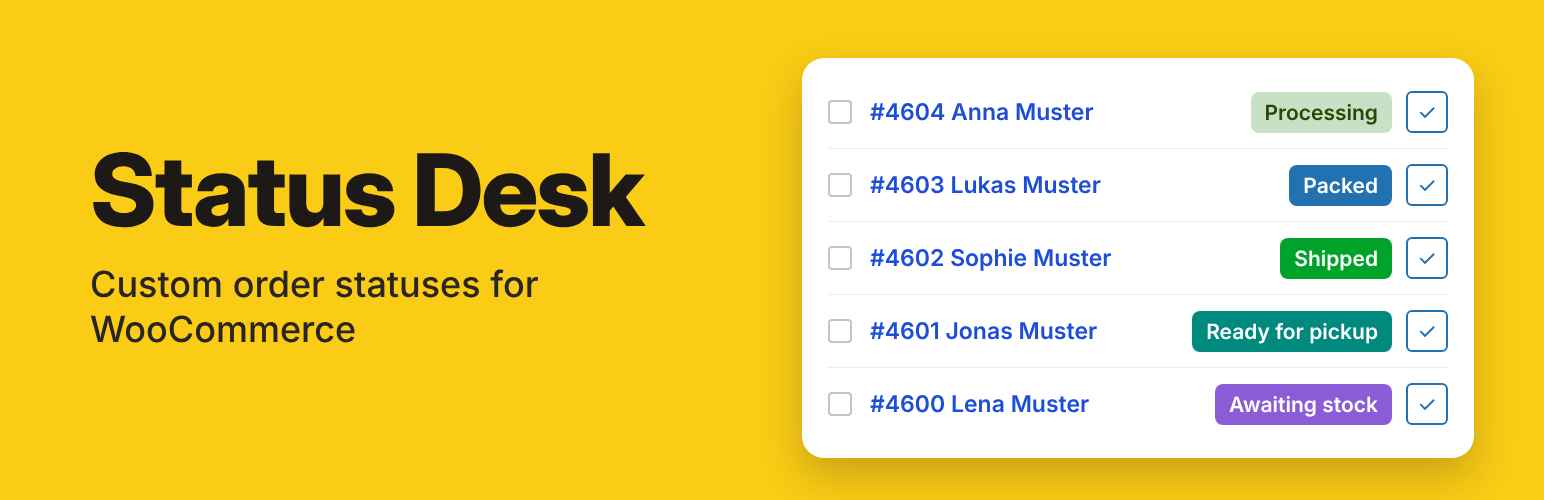
Status Desk adds your own order statuses to WooCommerce — “Packed”, “Shipped”, “Ready for pickup”, “Awaiting stock” — and helps your team move orders through them quickly.
Statuses
- Create unlimited custom order statuses with a stable slug.
- Badge color and icon in the orders list (text color is picked automatically for contrast).
- Choose where each status appears in WooCommerce status lists.
- Ready-to-use example: Packed Shipped in one click.
Customer emails
- Email the customer when an order moves to a custom status.
- Each email is a regular WooCommerce email (WooCommerce Settings Emails): edit subject, heading, text and format, or switch it off.
- Each status email goes to a customer only once per order, so an order moved back and forth does not send the same email twice. Send it again on purpose from the order actions.
- Placeholders: {site_title}, {order_number}, {order_date}, {status}. The template can be overridden in your theme.
Faster order handling
- One-click next-status buttons for your statuses, in the orders list and in the order preview.
- Bulk actions: “Change status to …” for every custom status.
Order behavior per status
- Treat orders as paid.
- Let customers pay for the order (Pay button in My Account).
- Keep order items and totals editable.
- Include or exclude the status in WooCommerce Analytics and reports.
- Show or hide the status in admin lists and filters.
Safe by design
- A status cannot be deleted while any order still uses it — including orders in the Trash.
- Built-in WooCommerce statuses cannot be overwritten.
- Existing orders are never changed automatically.
- Switching from another custom-status plugin? Import its statuses with one click, then deactivate it.
Compatibility
- High-Performance Order Storage (HPOS) and legacy order storage.
- Cart and Checkout blocks (the plugin does not change checkout).
- No external requests, no tracking, no custom database tables.
Status Desk Pro
A paid add-on for shops where more than one person handles orders. Everything in Status Desk, plus:
✔ Orders move on by themselves — after a set time, for all orders or for one payment method.
✔ Team emails for each status — the items, the address and your note, right away or once a day.
✔ Late orders get flagged — set a time limit for each status.
✔ Bank transfers in their own status — a starting status for each payment method.
✔ Status messages in My Account — fewer “Where is my order?” emails.
✔ Status history on every order — who moved an order, and when.
And many more features: see the full list of Status Desk Pro features
More about Status Desk: wedoingood.com/plugins/status-desk