

Statify
v2.0.4pluginkollektiv · 2011年3月16日 上架
Visitor statistics for WordPress with focus on data protection, transparency and clarity. Perfect as a widget in your WordPress Dashboard.
- 正在使用
- 10 万+
- 评分
- 4.8 / 5
- 累计下载
- 293 万
- 最近更新
- 2026年11月8日
贡献者
 pluginkollektiv
截图
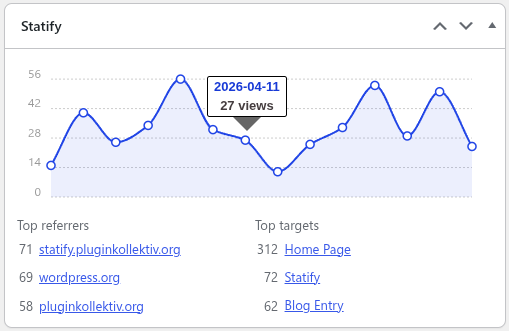
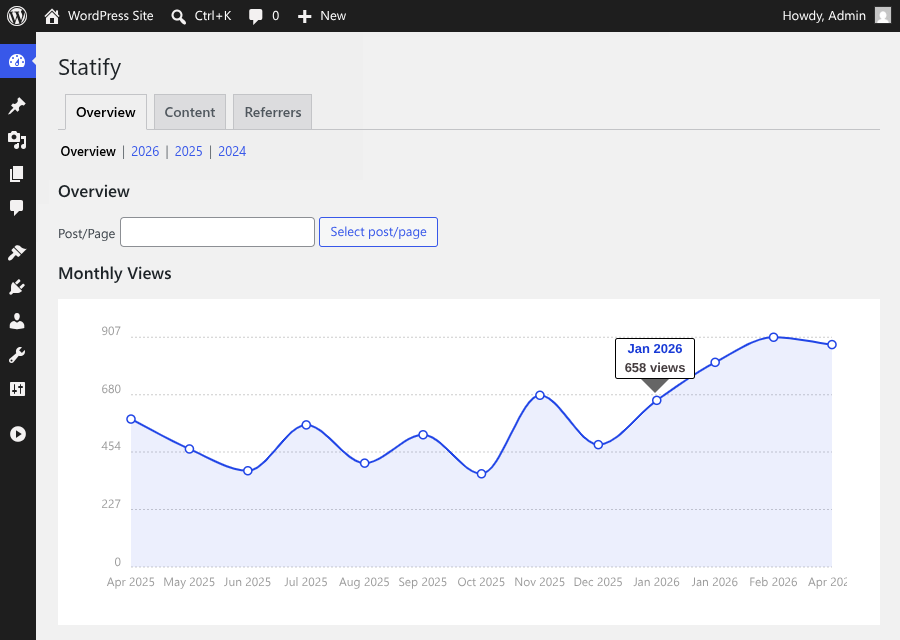
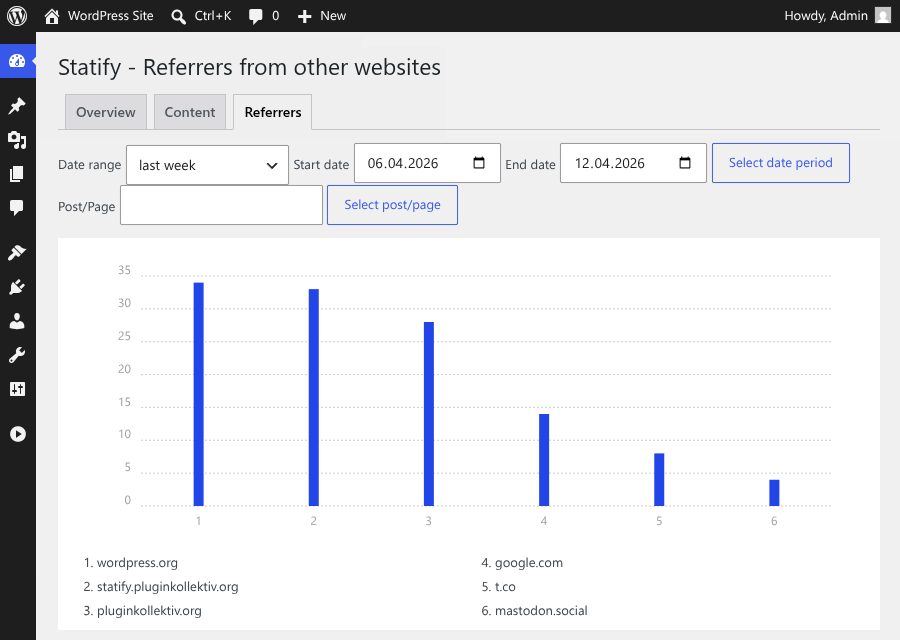
Statify provides a straightforward and compact access to the number of site views. It is privacy-friendly as it uses neither cookies nor a third party.
An interactive chart is followed by lists of the most common reference sources and target pages. The period of statistics and length of lists can be set directly in the dashboard widget.
Data Privacy
In direct comparison to statistics services such as Google Analytics, WordPress.com Stats and Matomo (Piwik) Statify doesn’t process and store personal data as e.g. IP addresses – Statify counts site views, not visitors.
Absolute privacy compliance coupled with transparent procedures: A locally in WordPress created database table consists of only four fields (ID, date, source, target) and can be viewed at any time, cleaned up and cleared by the administrator.
Due to this tracking approach, Statify is 100% compliant with GDPR and serves as an lightweight alternative to other tracking services.
Display of the widget
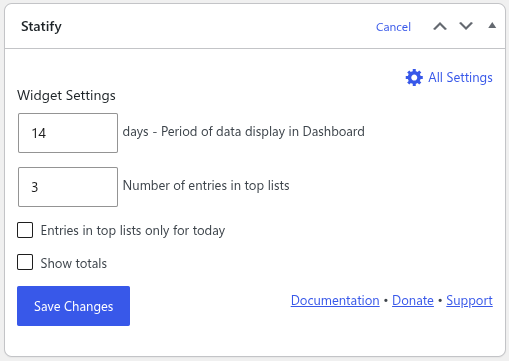
The plugin configuration can be changed directly in the Statify Widget on the dashboard by clicking the Configure link.
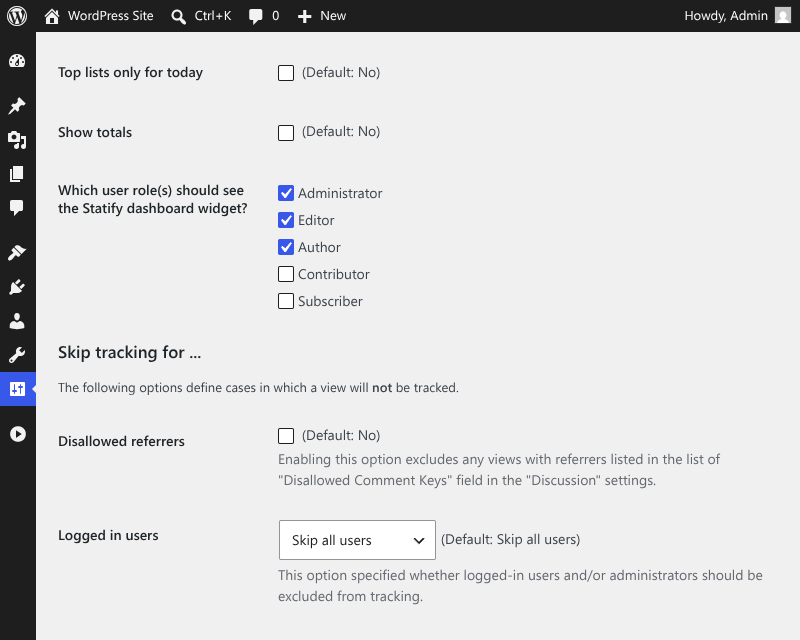
The amount of links shown in the Statify Widget can be set as well as the option to only count views from today. Of course, older entries are not deleted when changing this setting.
The statistics for the dashboard widget are cached for four minutes.
Period of data saving
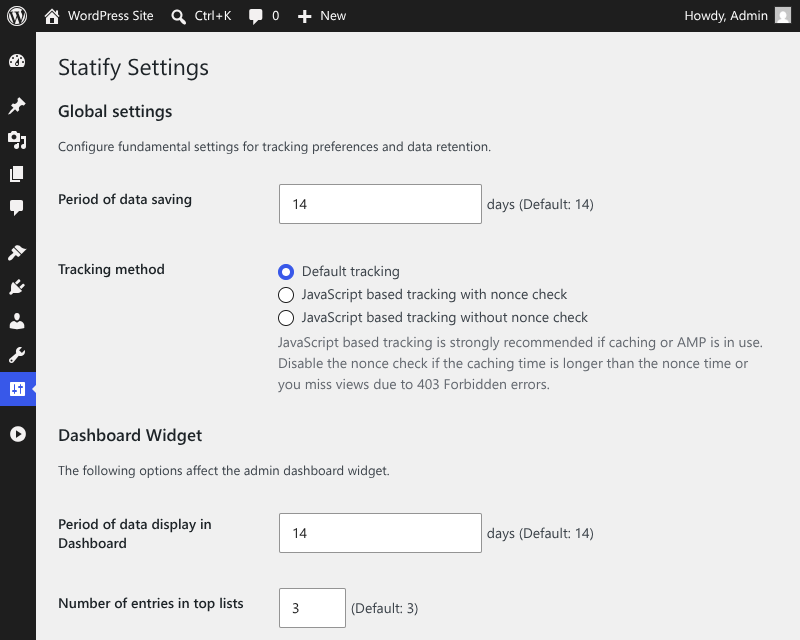
Statify stores the data only for a limited period (default: two weeks), longer intervals can be selected as option in the widget. Data which is older than the selected period is deleted by a daily cron job.
An increase in the database volume can be expected because all statistic values are collected and managed in the local WordPress database (especially if you increase the period of data saving).
JavaScript tracking for caching compatibility
For compatibility with caching plugins like Cachify Statify offers an optional switchable tracking via JavaScript. This function allows reliable count of cached blog pages.
For this to work correctly, the active theme has to call wp_footer(), typically in a file named footer.php.
Skip tracking for spam referrers
The comment blacklist can be enabled to skip tracking for views with a referrer URL listed in comment blacklist, i. e. which considered as spam.
Support
If you’ve problems or think you’ve found a bug (e.g. you’re experiencing unexpected behavior), please post at the support forums.
Contribute
- Active development of this plugin is handled on GitHub.
- Pull requests for documented bugs are highly appreciated.
- If you want to help us translate this plugin you can do so on WordPress Translate.