
StaticForm App
v1.2.6staticform · 2026年6月30日 上架
Embed StaticForm forms in WordPress using a shortcode, Gutenberg block, or Elementor widget.
- 正在使用
- 10 以下
- 评分
- 暂无
- 累计下载
- 673
- 最近更新
- 2026年11月11日
需要 WordPress 5.8+已测试到 7.1.5PHP 7.4+
贡献者
 staticform
截图
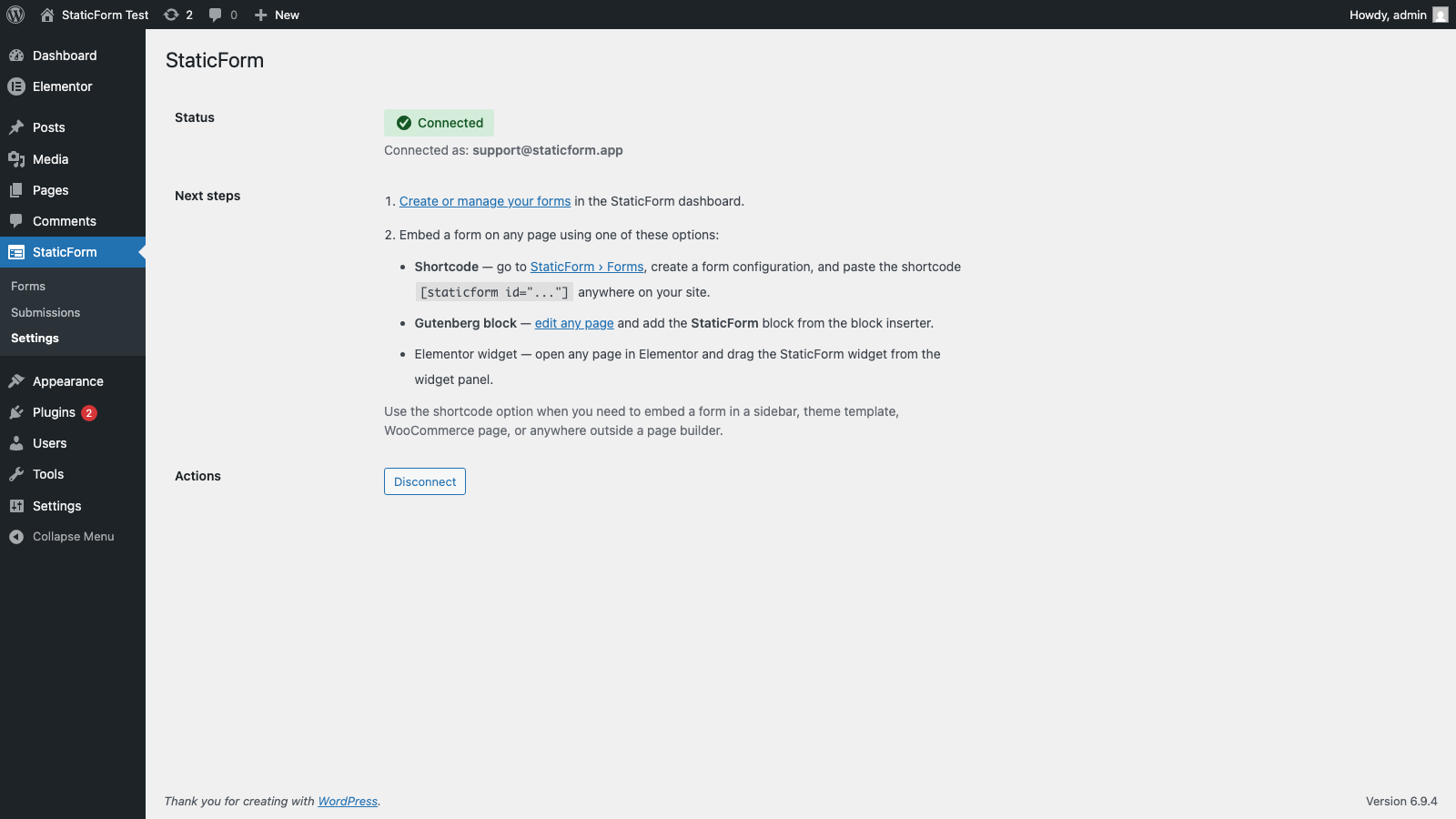
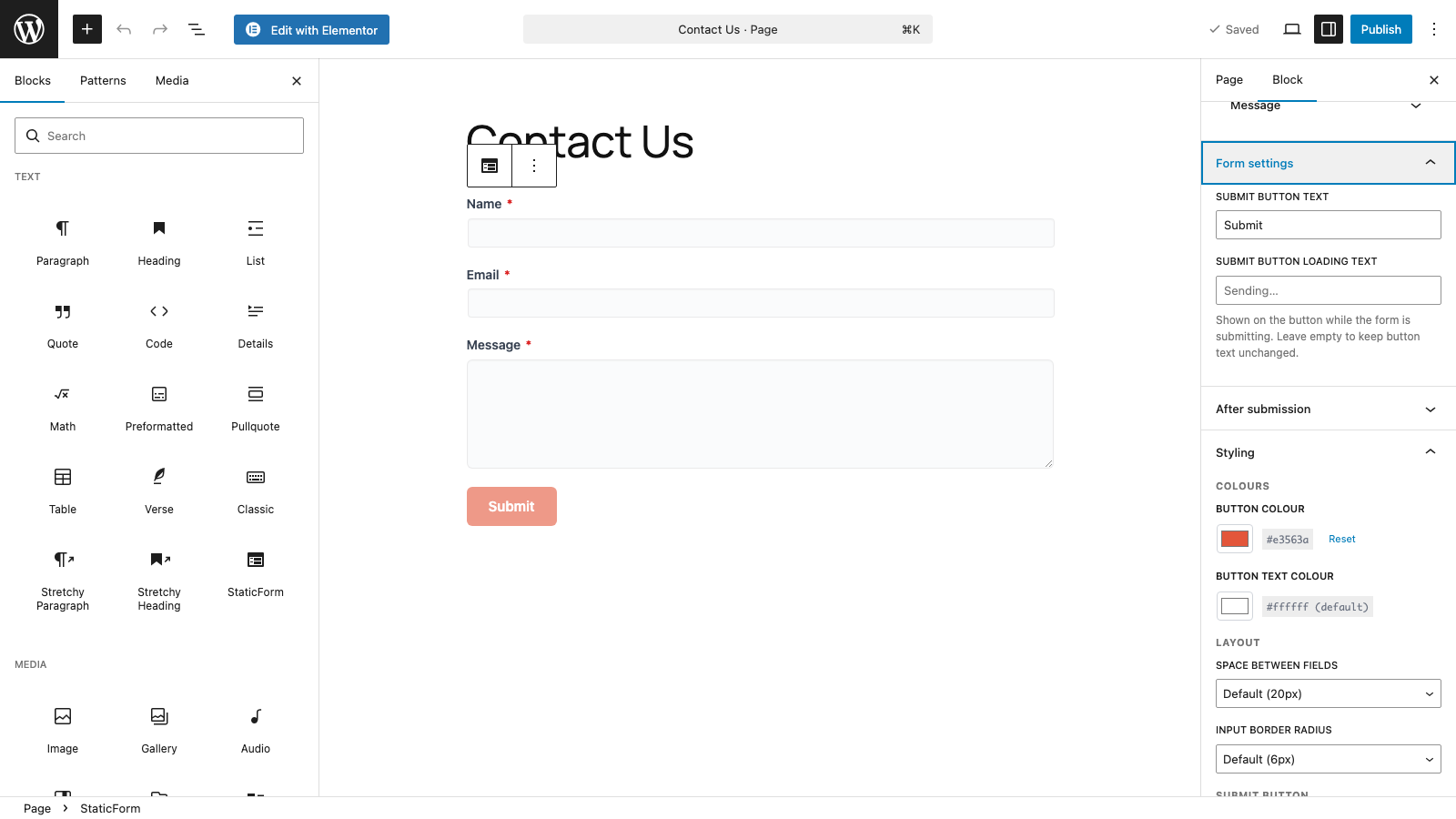
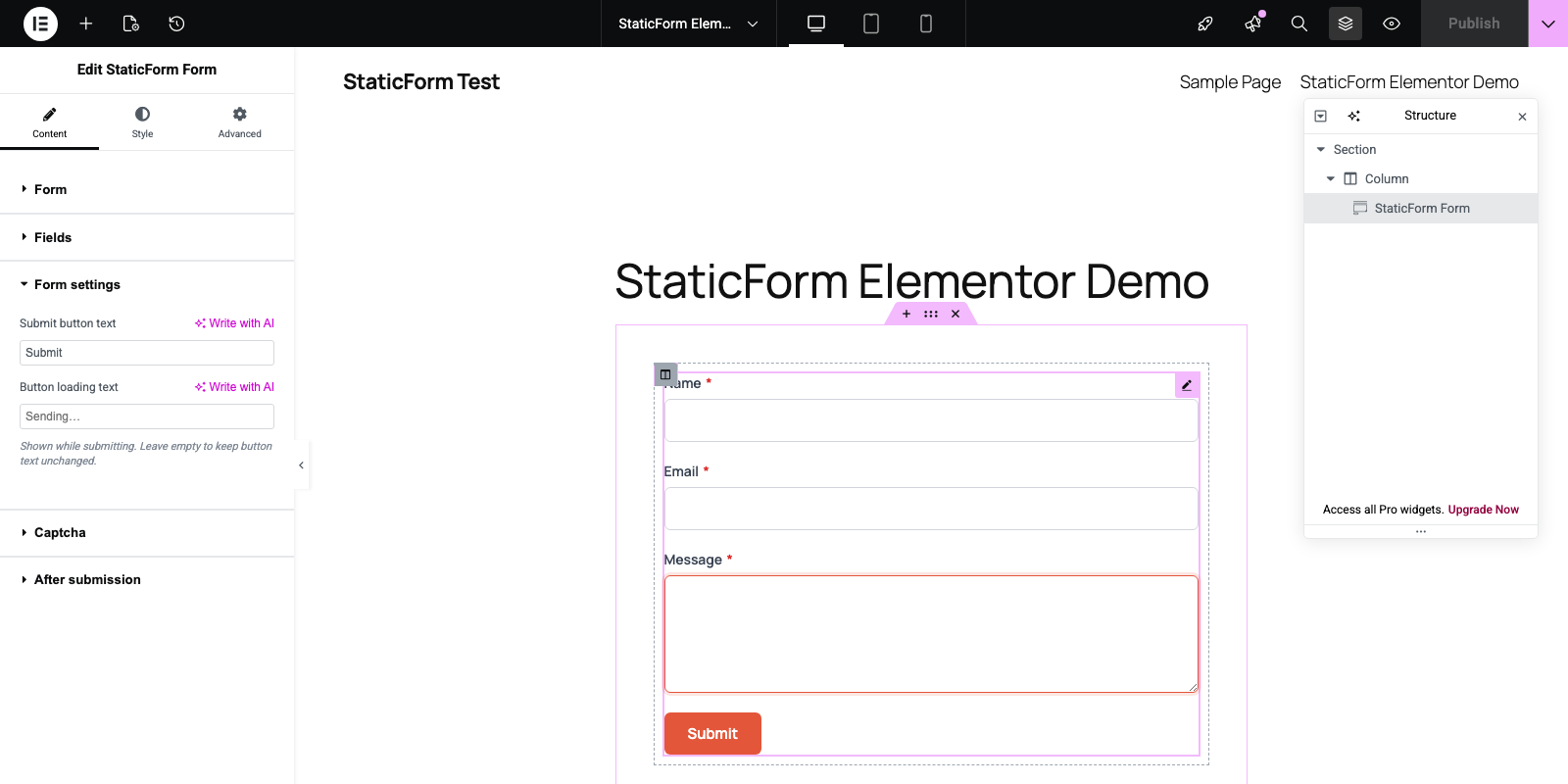
StaticForm for WordPress lets you connect your StaticForm account and embed your forms anywhere on your site — no coding required.
Key Features
- API Key Authentication – Connect your StaticForm account securely with an API key
- Three Embedding Methods – Shortcode, Gutenberg block, and Elementor widget
- Per-form Styling – Customize accent color, button radius, field spacing, and more per form
- Captcha Support – Configure reCAPTCHA v2/v3, reCAPTCHA Enterprise, hCaptcha, or Cloudflare Turnstile per form
- Custom Success Behavior – Show a message, redirect, or display an animation after submission
- Field Customization – Override labels and placeholder text per form
How It Works
- Install and activate the plugin
- Go to StaticForm > Settings and enter your API key
- Create forms in the StaticForm web app at https://app.staticform.app
- Embed forms using a shortcode, Gutenberg block, or Elementor widget
Shortcode Usage
Embed a form by its StaticForm form ID:
[staticform-app id=”your-form-id”]
Requirements
- WordPress 5.8 or higher
- PHP 7.4 or higher
- A StaticForm account (free signup at https://staticform.app)
External Services
This plugin connects to the StaticForm API (https://api.staticform.app). Specifically:
- Your API key is validated with the StaticForm API when saved in Settings
- Form configurations are fetched from the StaticForm API when a page containing a form is rendered
- Form submissions are sent to the StaticForm API when a visitor submits a form
StaticForm’s terms of service: https://staticform.app/terms
StaticForm’s privacy policy: https://staticform.app/privacy
Privacy Policy
This plugin connects to StaticForm’s external API at https://api.staticform.app. When using this plugin:
- Your StaticForm API key is stored encrypted in the WordPress database
- Form configurations are retrieved from the StaticForm API
- Form submissions entered by your site visitors are sent to the StaticForm API for processing
- No form submission data is stored locally in WordPress
For full details, see: https://staticform.app/privacy
Support
- Documentation: https://docs.staticform.app
- Support: https://staticform.app/support