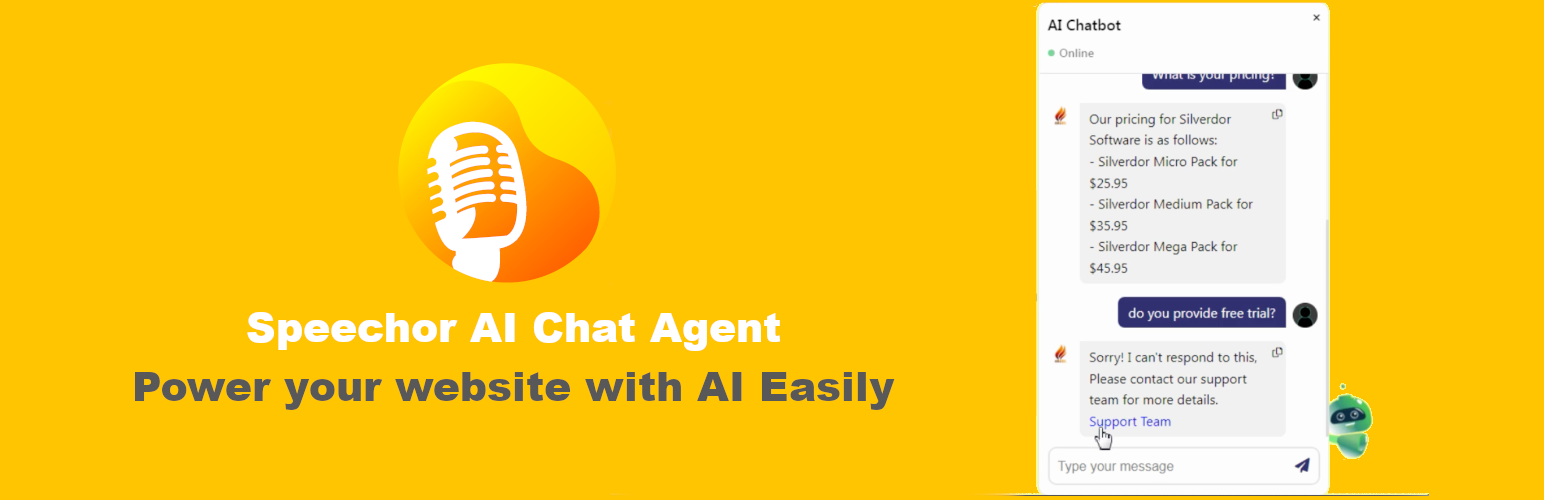

Speechor AI Chat Agent
v1.3.0markabdel · 2025年5月21日 上架
Speechor AI Chat Agent - Integrate customized AI chat widgets into your website
- 正在使用
- 10 以下
- 评分
- 5.0 / 5
- 累计下载
- 1,197
- 最近更新
- 2025年8月5日
贡献者
 markabdel
截图


Speechor AI Chat Agent allows you a fast and smart integration of customized AI chat Agents, supports most of popular ai llm providers, The AI chat agent will be able to provide accurate responses to your customers, give support, sell products, provide discount codes etc. Speechor AI Chat Agent will keep your website visitors engaged, and boosts sales, while you’re sleeping. To get started: activate the plugin, you can create multiple agents and integrate them by short codes into pages.
Speechor AI Chat Agent features:
- Create custom Ai chat agents with custom instructions and data context.
- Customize the Chat box, agent avatar, user avatar and more.
- Easy to manage the status online/offline of each Agent.
- Simple integration to pages with short codes.
- Control and limit the maximum questions a customer can ask to an agent.
Supported LLM providers :
Speechor AI Chat Agent Supports the most popular LLM (AI companies) providers:
- OpenAI
- Deepseek
- xAI
Setup Speechor AI Chat Agent and create your 1st Agent:
How to get your LLM API key and model name:
- Create your account with one of the supported LLM providers: OpenAI, Deepseek and xAI
- Nivigate to the dashboard and create an API key copy it into your Agent creation form.
- Get the name of the model you want to use (depends on the LLM provider) copy it into the form.
External Services
This plugin connects to 3 AI models providers (OpenAI, Deepseek and xAI) APIs to respond to your website vistors questions sent from the chat widget. The plugin collects the visitor question and the instructions and the reference data you provided when you created the chat widget, then send all this data to one of the AI Third parties (OpenAI, Deepseek or xAI) depending on which one you have selected when you created the chat widget, then this third party respond back to your website visitor.
The third party companies linked to this plugin are:
* “OpenAI, L.L.C”: terms-of-use privacy-policy
* “Hangzhou DeepSeek Artificial Intelligence Co., Ltd”: terms-of-use privacy-policy
* “X.AI LLC”: privacy-policy legal security