
SoftIcon Ready-Made Template
v1.4.0SoftIcon · 2026年10月28日 上架
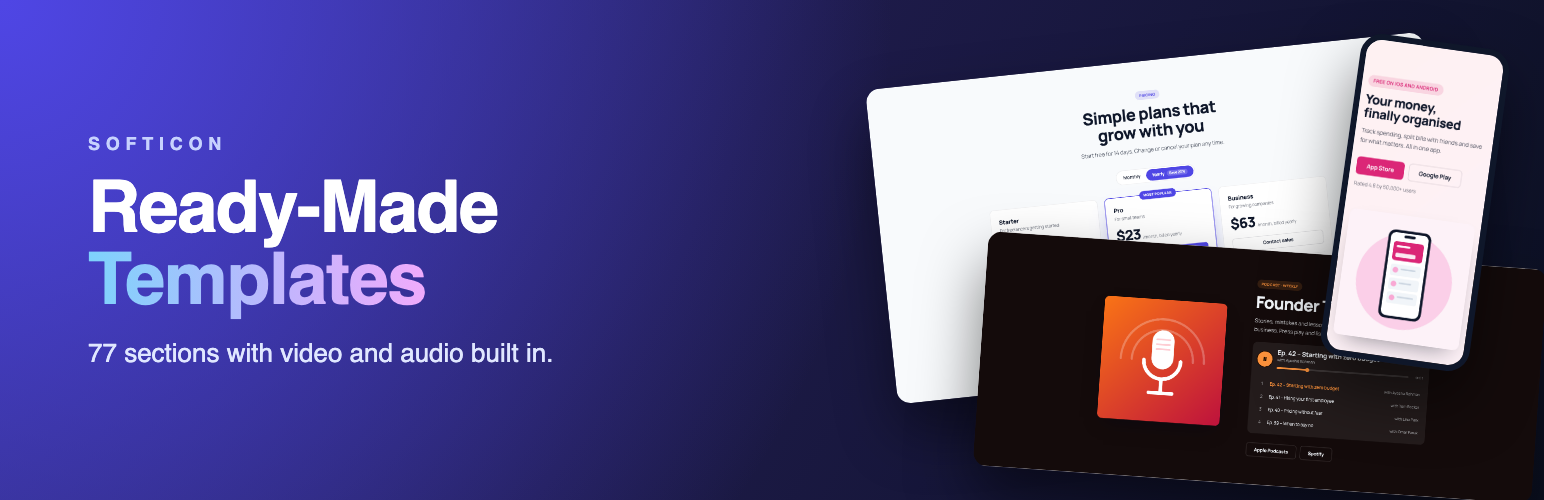
Block templates and one-click landing page kits: 82 sections like hero, pricing, FAQ and team, with video popup and podcast player built in.
- 正在使用
- 10+
- 评分
- 暂无
- 累计下载
- 563
- 最近更新
- 2026年11月24日
贡献者
 SoftIcon
截图
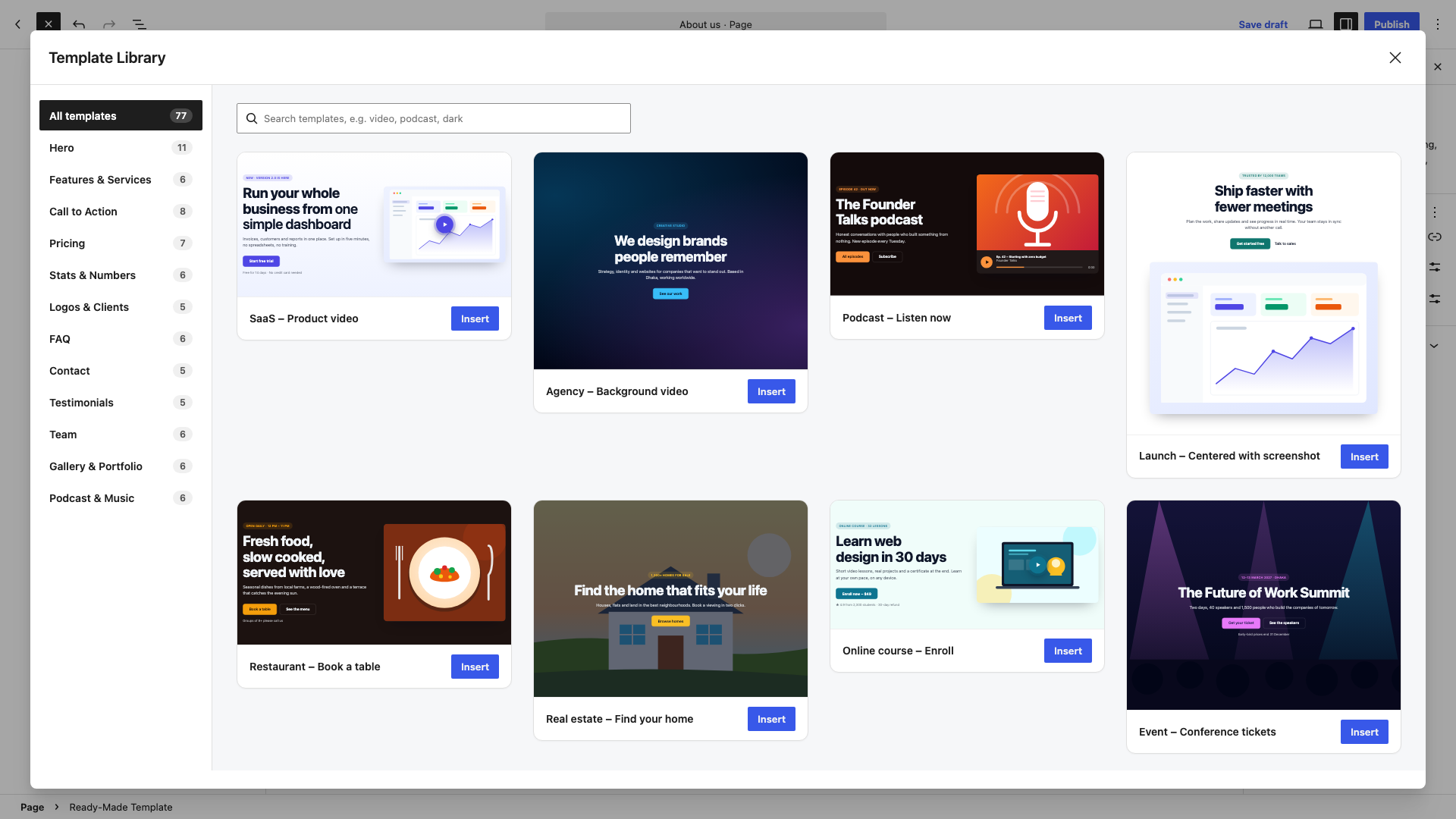
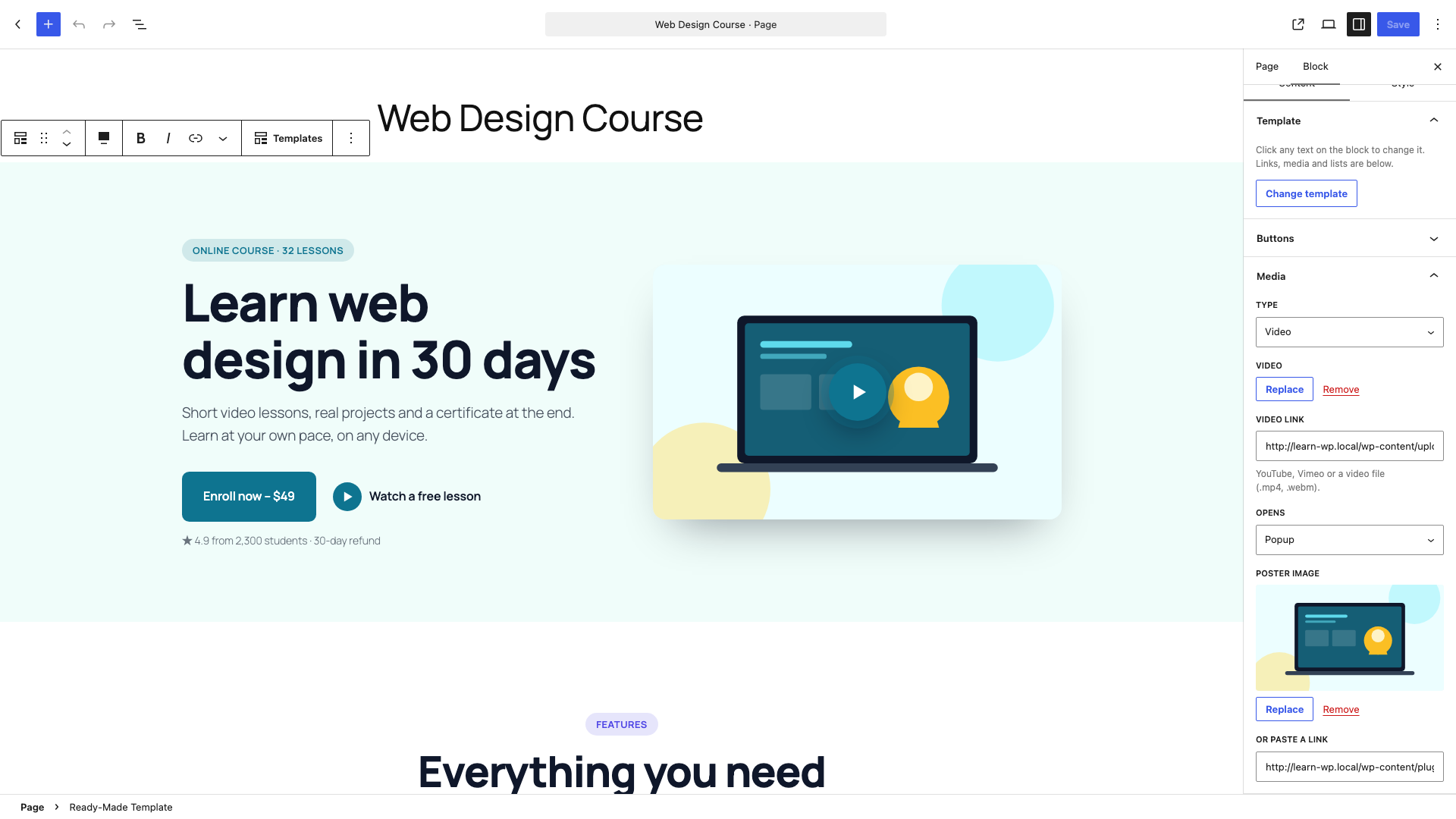
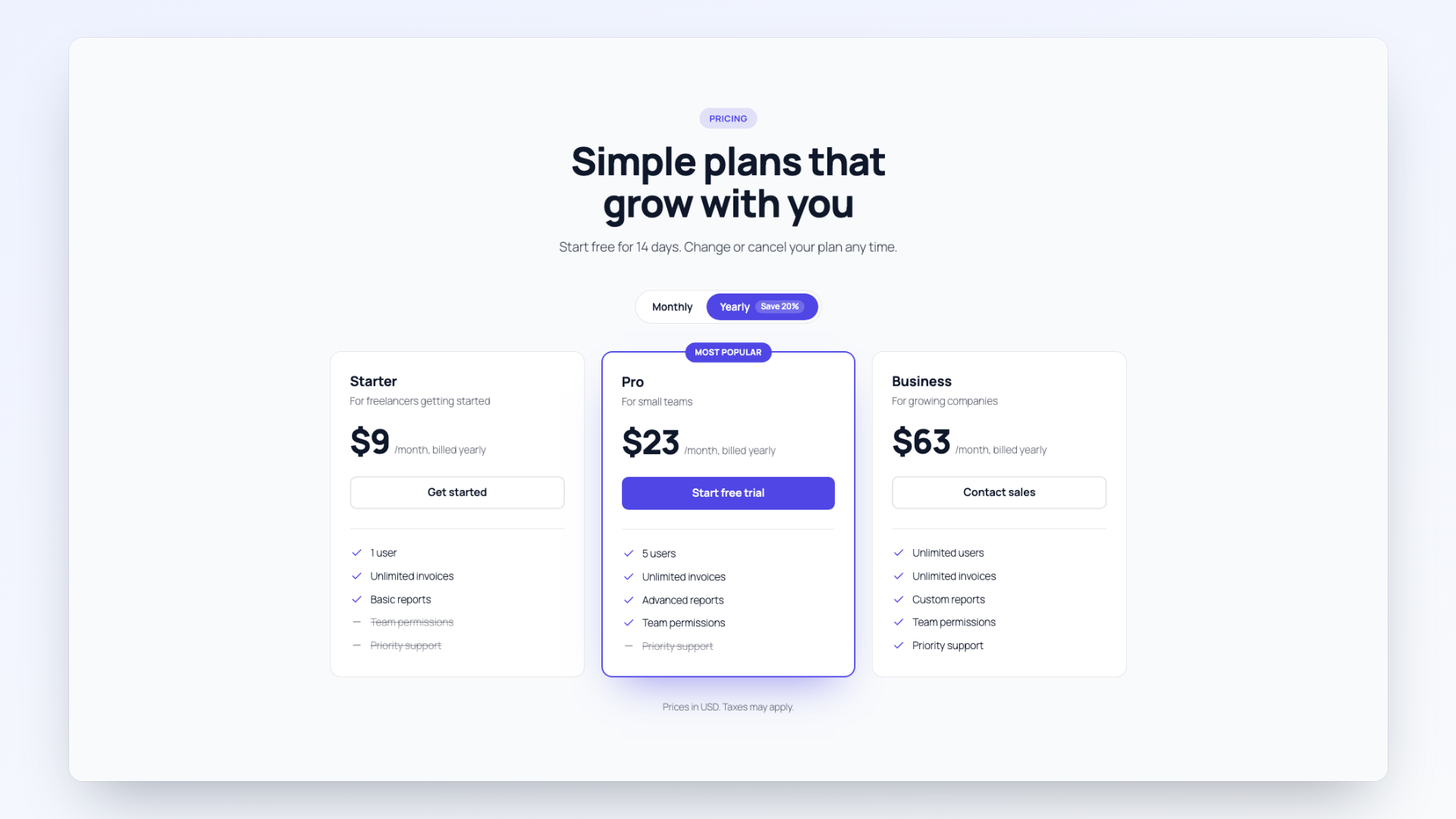
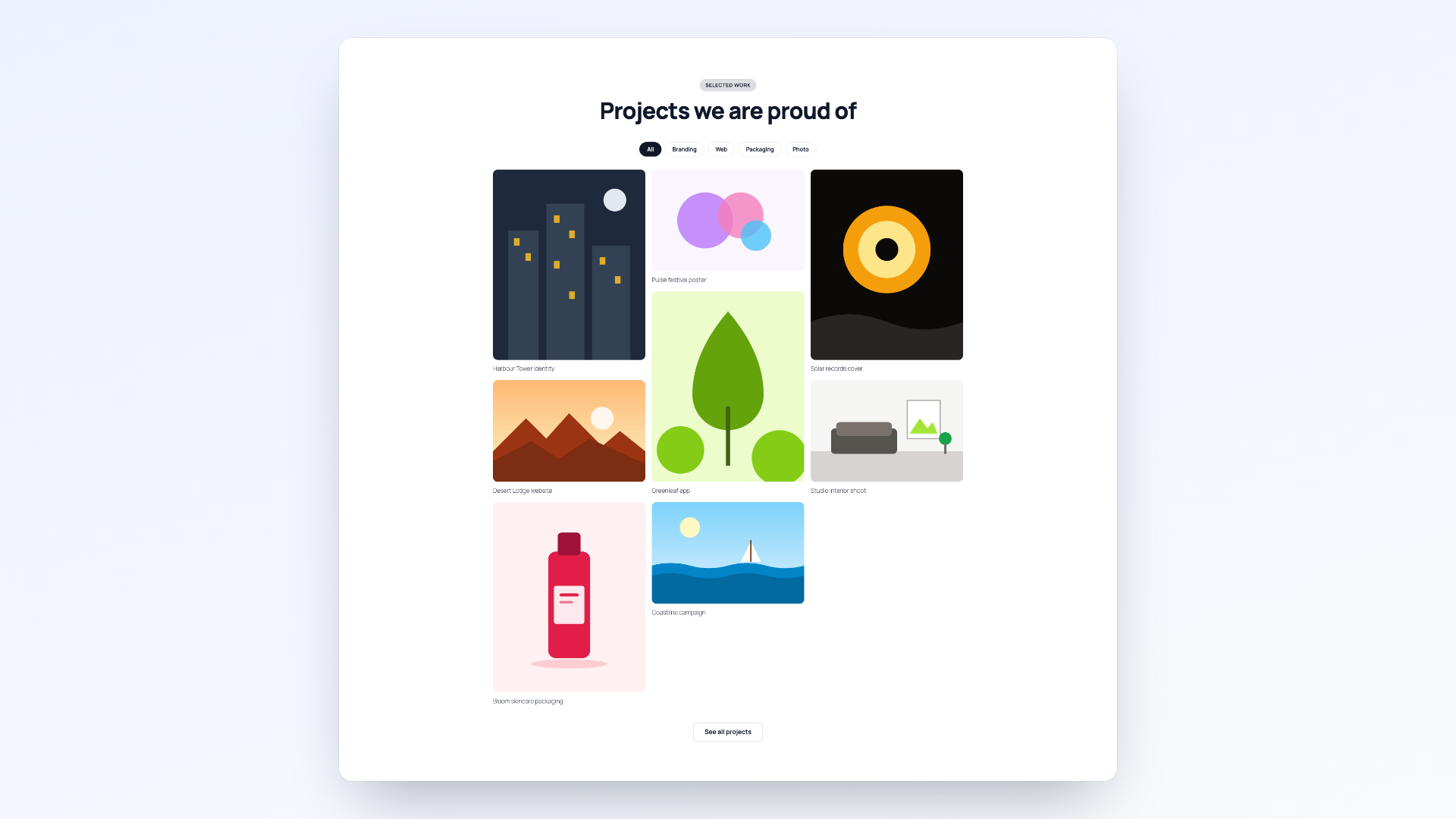
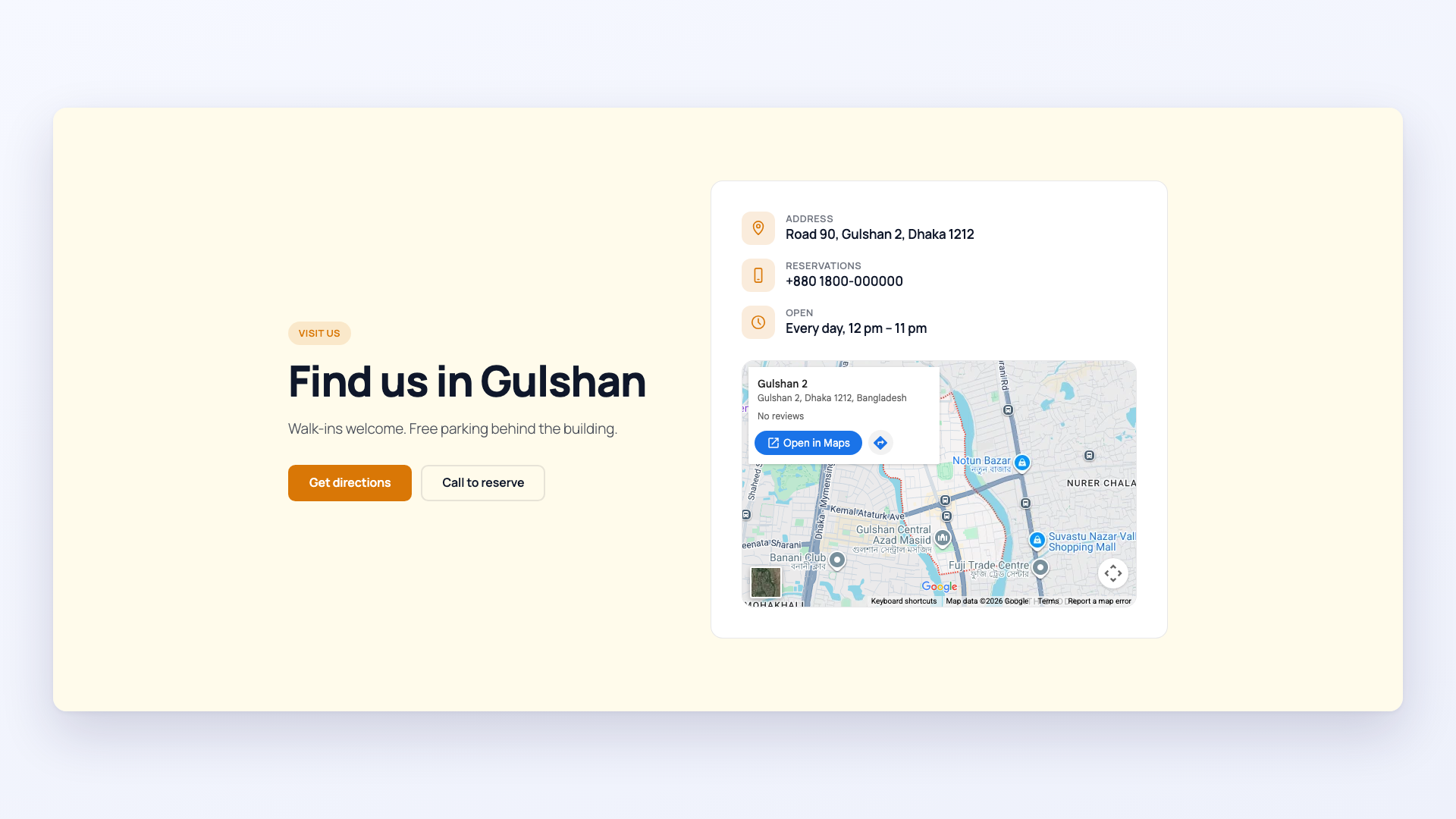
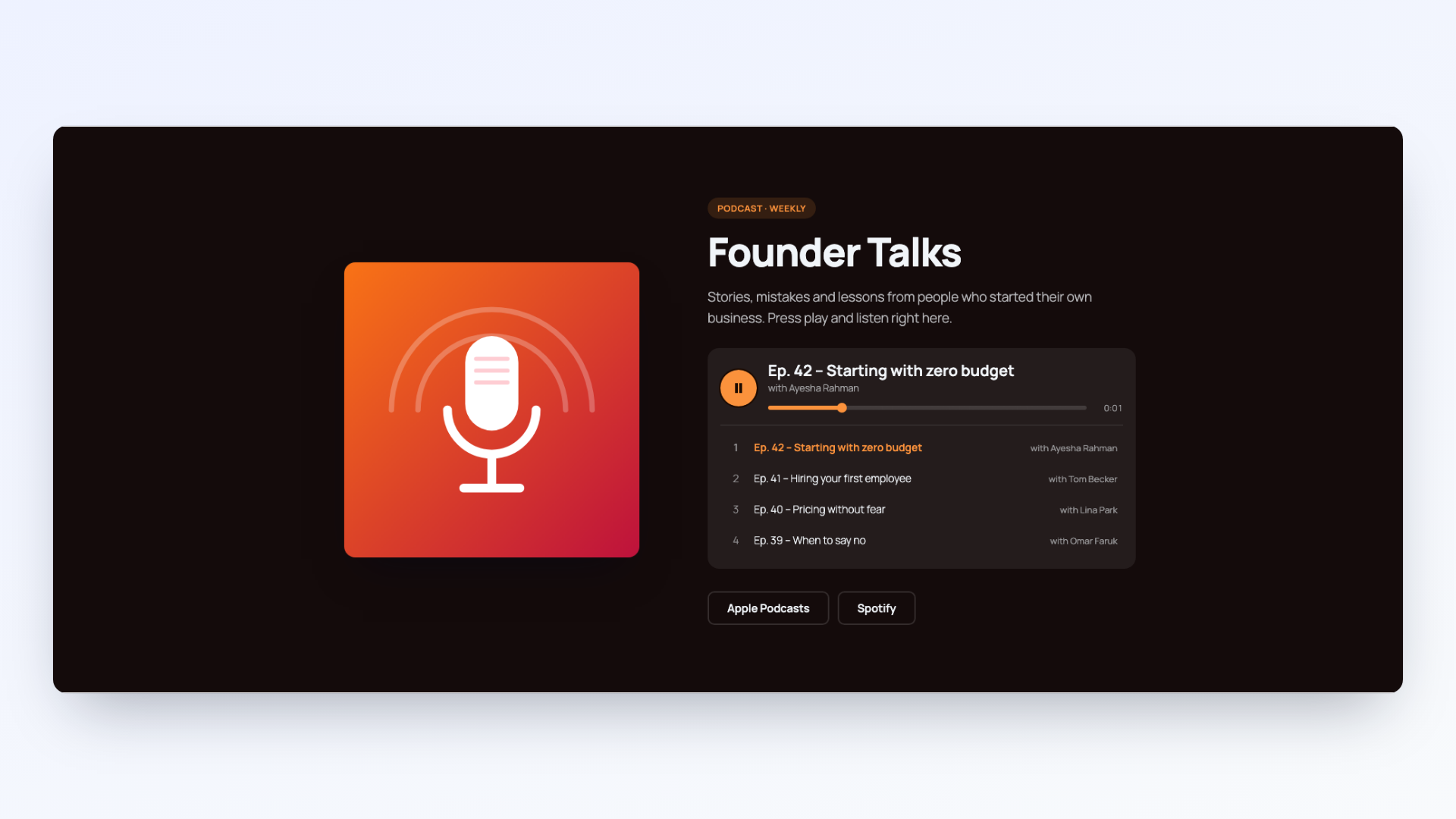

SoftIcon Ready-Made Template brings ready-made templates to the Gutenberg block editor: 82 page sections in 12 categories and 9 landing page kits that build a whole page in one click. Insert the Ready-Made Template block, pick a section or a full landing page, then click any text on the block to change it. Media, links and colors are in the sidebar. For the Classic Editor, Elementor and other page builders, save a section or a whole page under Ready-Made All Sections and paste its shortcode.
Demo | Documentation | Support
It works like a library of block patterns, with one difference: most pattern and template libraries are built from plain blocks, so a video popup, a background video or a podcast player needs another plugin. Here they are part of the template. No page builder needed.
Video tutorials: add your first section, edit a template, video and audio and smart sections. Or watch the 30-second trailer and the whole playlist.
Why choose SoftIcon Ready-Made Template?
- Whole pages in one click – a page kit inserts a complete landing page, every section in matching colors and text written for that kind of site.
- Your brand color on the whole page – pick a color before you insert a page kit, or set one section’s accent on every section with one click. On dark sections a lighter shade is used, so buttons stay easy to see.
- Classic Editor and page builders too – save a section or a whole page kit once and show it anywhere with a shortcode, such as
[softicon_template id="123"]: the Classic Editor, Elementor, Divi, Beaver Builder, widgets or a theme file. - A dashboard that gets you started – Ready-Made Dashboard shows every template and page kit as a live preview, opens any of them in a new page, and lists your saved sections with their shortcodes.
- One block, many templates – every template is the same block, so you learn it once.
- Video and audio built in – background video, video popups, play buttons, video and voice testimonials, podcast and music playlists.
- Live previews – the library shows each template as it really looks, not a screenshot.
- Edit in place – headings, text, quotes and button labels are edited right on the block.
- Light on your pages – background videos load only when they scroll into view, YouTube uses the privacy-enhanced domain, and nothing loads for a template without media.
9 page kits
- SaaS / Startup (9 sections) – video hero, logos, features, how it works, numbers, reviews, pricing, FAQ, free-trial banner
- Agency / Studio (8) – showreel hero, clients, services, portfolio, team videos, quote, packages, project brief
- Restaurant / Café (6) – hero, why guests come back, food gallery, voice reviews, FAQ, map and directions
- Online Course (7) – course hero, what you learn, student videos, numbers, enrolment, FAQ, countdown
- Podcast / Creator (6) – listen-now hero, episode playlist, press, voice reviews, audio FAQ, subscribe
- Event / Launch (7) – event hero, countdown, speakers, films, tickets, FAQ, contact
- Portfolio / Freelancer (6) – showreel hero, clients, case studies with filter, services, client quote, contact card
- Gym / Fitness (8) – hero, class previews, member results, coach videos, memberships, member videos, FAQ, free-week banner
- Real Estate / Property (7) – search hero, property tour with video, why buy with us, numbers, agents, reviews, viewings and map
Each section of a kit is its own block: change, move or remove any of them. One undo takes the whole kit out again.
82 templates in 12 categories
- Hero (12) – product video popup, designer portfolio with showreel, full-screen background video, podcast player, restaurant, real estate, online course, event, fitness, app download, AI product
- Features & Services (8) – icon cards, four-column benefits, zigzag product tour with video, agency services, local business, app highlights, free course lesson previews, fitness class previews
- Call to Action (8) – gradient banner, box, sale and event countdowns, side-by-side bar, background video, app download, course enrollment
- Pricing (7) – monthly / yearly switch, free and Pro, agency packages, single course offer, gym memberships, hourly services
- Stats & Numbers (6) – counters that count up as they scroll into view
- Logos & Clients (5) – logo row, moving logo row, partner grid, “as featured in”
- FAQ (6) – accordion, heading beside questions, grid, video answers, audio answers; FAQ structured data for search results
- Contact (5) – details on a card beside the heading, with map, project brief, centered, clinic appointment; email, call, WhatsApp and directions buttons
- Testimonials (6) – review cards, video testimonials, a wall of six video stories, voice reviews, a large single quote, minimal
- Team (6) – photo cards, round photos, names over photos, video introductions, doctors, founders
- Gallery & Portfolio (7) – masonry with filter, grid, carousel, video reels, restaurant, photographer, property tour with photos and video
- Podcast & Music (6) – episode playlist, album, audio message, meditation, audiobook, sermons
Media and interaction
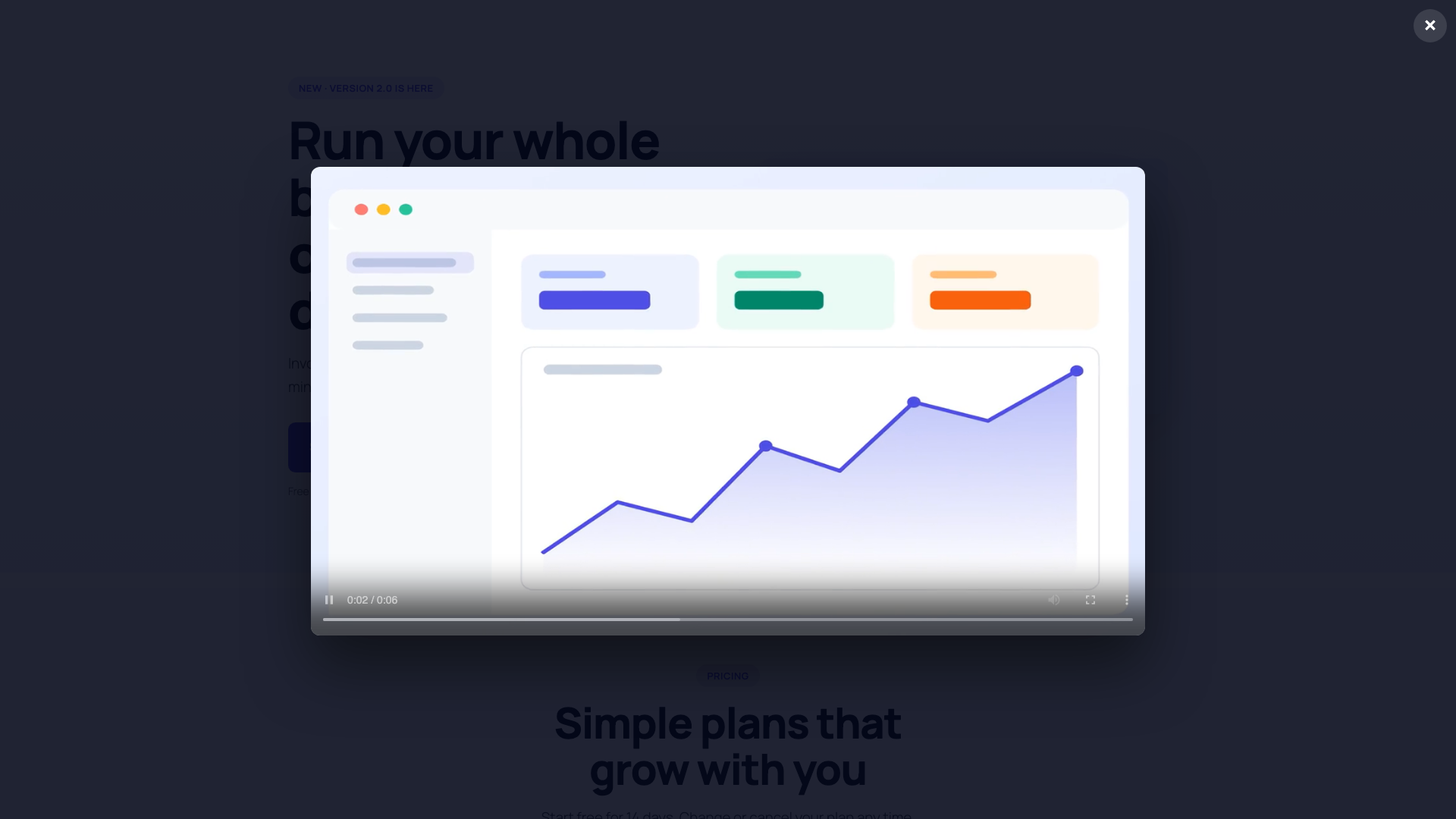
- Video: YouTube, Vimeo or a video file (.mp4, .webm), in a popup or in place
- Background video: a muted loop from a file, YouTube or Vimeo, with a poster image. Visitors who ask their device for reduced motion see the poster only
- Audio: a player with progress bar and playlist. Only one player sounds at a time
- Gallery lightbox for images and videos, with arrow keys, filter buttons and a carousel
- Countdown timer, monthly / yearly price switch, counting numbers, moving logo row
- Contact details with email and phone links, buttons for email, calls, WhatsApp or directions, and a Google Map
Style
- Light or dark base colors, plus text, accent and card colors
- Background color, gradient, image or video, with an overlay
- Layout options for every section: alignment, media position, columns, style variations
- Width, height, spacing and corner radius
- Wide and full width alignment
External services
The sections can show content from three outside services, and the plugin’s dashboard talks to Freemius. Nothing is loaded from YouTube, Vimeo or Google Maps unless you add a link or a map address to a block, and nothing about you or your site goes to Freemius unless you opt in.
YouTube (Google) plays YouTube videos you link in a block.
- What is sent and when: when a visitor presses play on a YouTube video, or a section with a YouTube background video scrolls into view, the visitor’s browser loads the video from youtube-nocookie.com. YouTube receives the video ID, the visitor’s IP address and the usual browser information.
- Terms of service: https://www.youtube.com/t/terms
- Privacy policy: https://policies.google.com/privacy
Vimeo plays Vimeo videos you link in a block.
- What is sent and when: as for YouTube, the video loads from player.vimeo.com when the visitor presses play or a background video scrolls into view. Vimeo receives the video ID, the visitor’s IP address and browser information.
- Terms of service: https://vimeo.com/terms
- Privacy policy: https://vimeo.com/privacy
Google Maps shows a map in a Contact section when you enter an address.
- What is sent and when: when the map comes near the screen, the visitor’s browser loads it from maps.google.com. Google receives the address you entered, the visitor’s IP address and browser information.
- Terms of service: https://maps.google.com/help/terms_maps/
- Privacy policy: https://policies.google.com/privacy
Freemius (wp.freemius.com, api.freemius.com) for the optional opt-in described in the FAQ (“Does the plugin collect any data?”).
- What is sent and when: only after you click “Allow & Continue” on the opt-in screen: your name and email, the site address, title and language, an anonymous site ID, your WordPress, PHP and plugin versions, and when the plugin is activated, deactivated, updated or deleted. A deactivation reason you choose is sent when you delete the plugin.
- Terms of service: https://freemius.com/terms/
- Privacy policy: https://freemius.com/privacy/
YouTube on the dashboard: a video tutorial plays in a popup from youtube-nocookie.com only when you click it on the dashboard. Same terms and privacy policy as YouTube above.
Privacy
- The plugin adds no cookies and does no tracking of your visitors.
- Data about you or your site goes to Freemius only if you opt in, as described in the FAQ; Skip sends nothing.
- In the editor it remembers, in your own WordPress user settings, how many templates you have inserted and whether you have answered the review request. Nothing about your visitors is stored.
- It collects nothing from visitors. Outside services load only as described under “External services”.
Credits and third-party code
The plugin bundles no third-party libraries. vendor/fs-lite is the author’s own small Freemius opt-in client, under the same license as the plugin.
- JavaScript: the editor and front-end scripts use only the WordPress packages that ship with WordPress itself (React,
@wordpress/blocks,@wordpress/block-editor,@wordpress/components,@wordpress/i18nand others). They are loaded from WordPress core, not copied into the plugin. - Build tool:
@wordpress/scripts(GPLv2 or later) builds thebuildfolder fromsrc. It is a development tool and is not part of the plugin. - Images and icons: every illustration, logo, portrait and icon in the templates and in
assetswas made for this plugin by its author. They are released with the plugin under GPLv2 or later. The company names in the logo templates are made up. - Shared helper:
src/vendor/softicon-toolsis the author’s own code, shared between SoftIcon plugins, under the same license. - Product names in sample text: names such as YouTube, Vimeo, Spotify, Apple Podcasts, App Store and Google Play appear only as example button or link text. They belong to their owners; the plugin is not affiliated with them.
Development
The human-readable source code is included in the plugin, in the src folder (JavaScript, SCSS and the block files). The build folder is generated from it with @wordpress/scripts.
To build it yourself you need Node.js 18 or newer:
npm install
npm run build

src/vendor/softicon-tools holds a small helper shared between SoftIcon plugins, written by the same author under the same license.