

Social Login by BestWebSoft
v1.4.5bestweblayout · 2017年1月31日 上架
Add social media login, registration, and commenting to your WordPress website.
- 正在使用
- 60+
- 评分
- 5.0 / 5
- 累计下载
- 1.1 万
- 最近更新
- 2025年6月12日
贡献者
 bestweblayout
截图
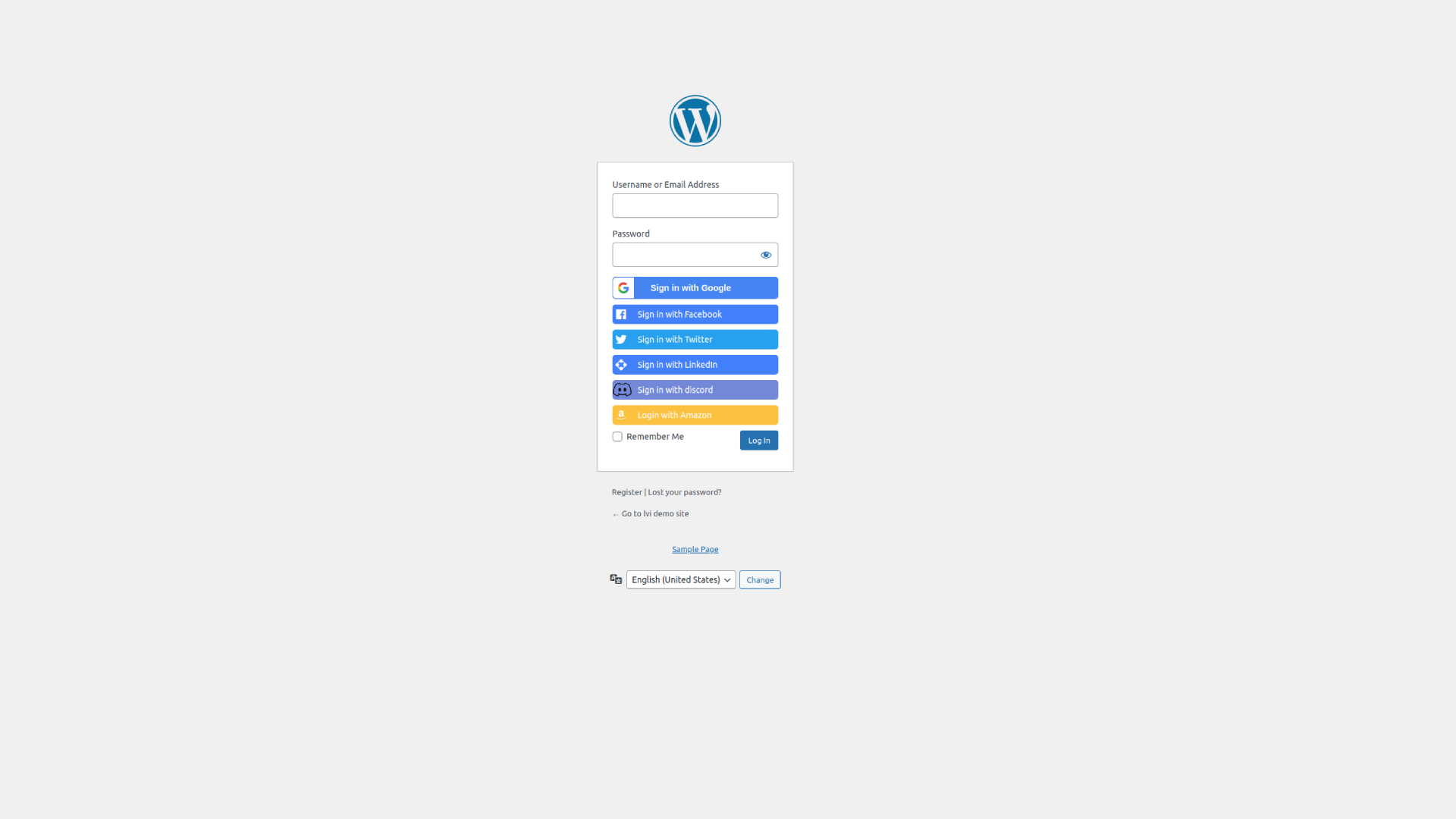
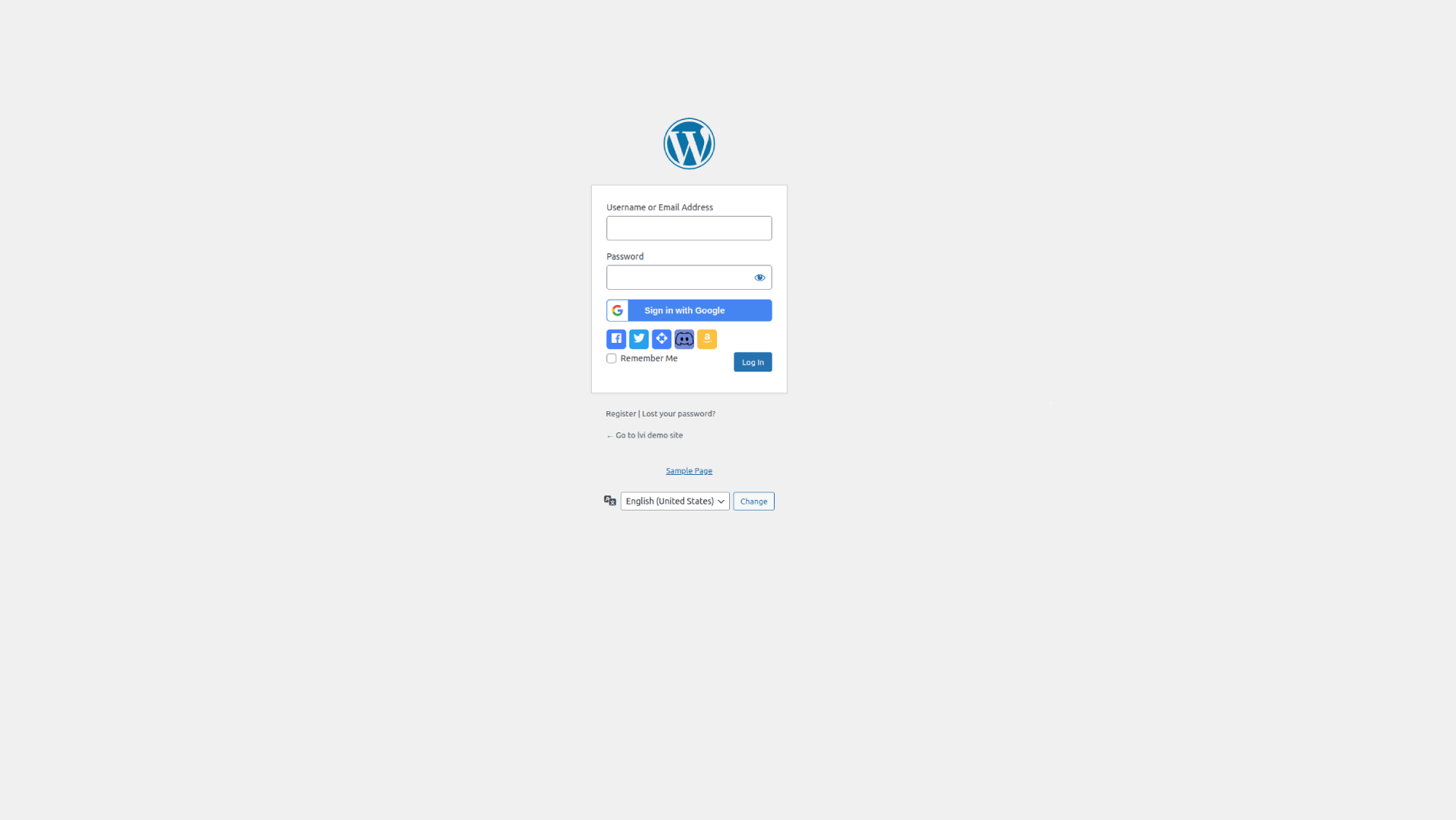
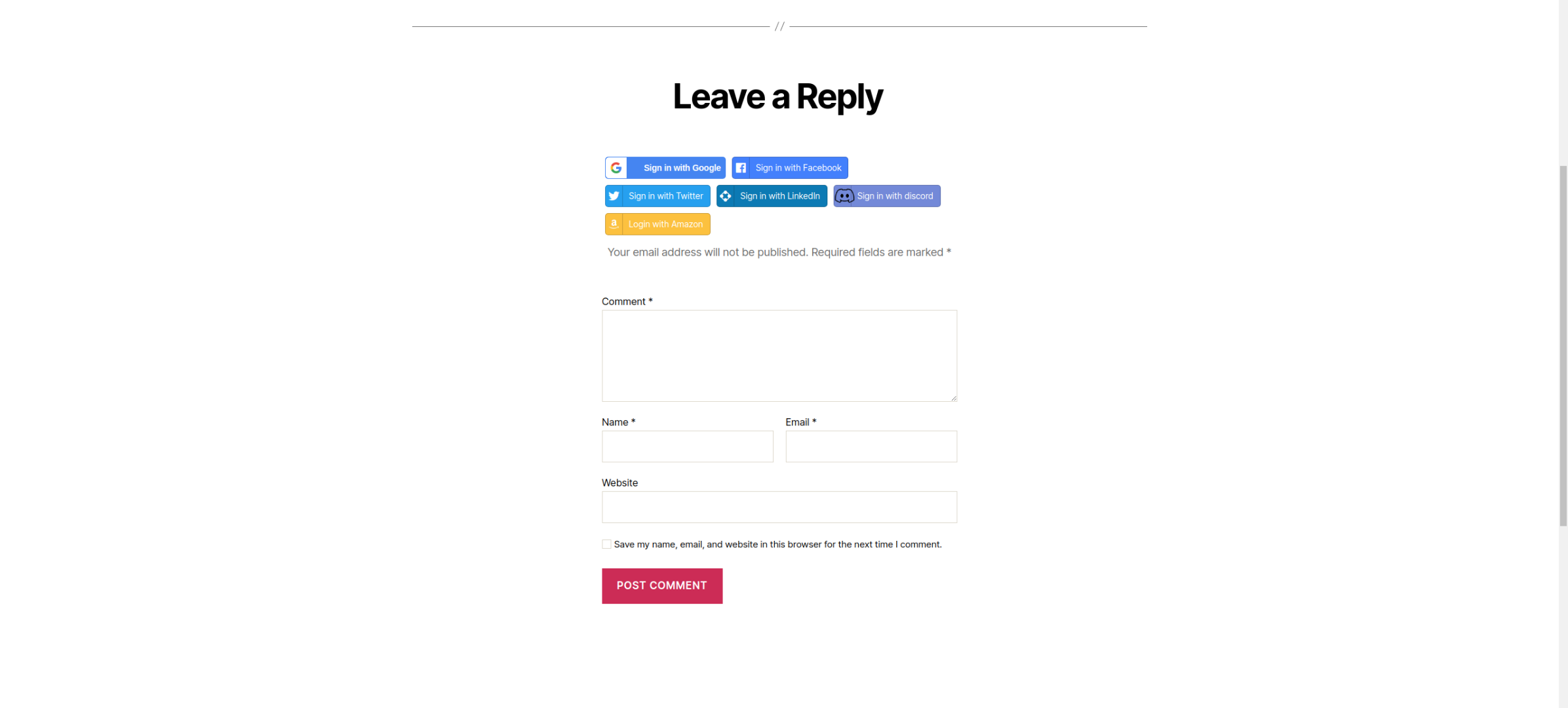
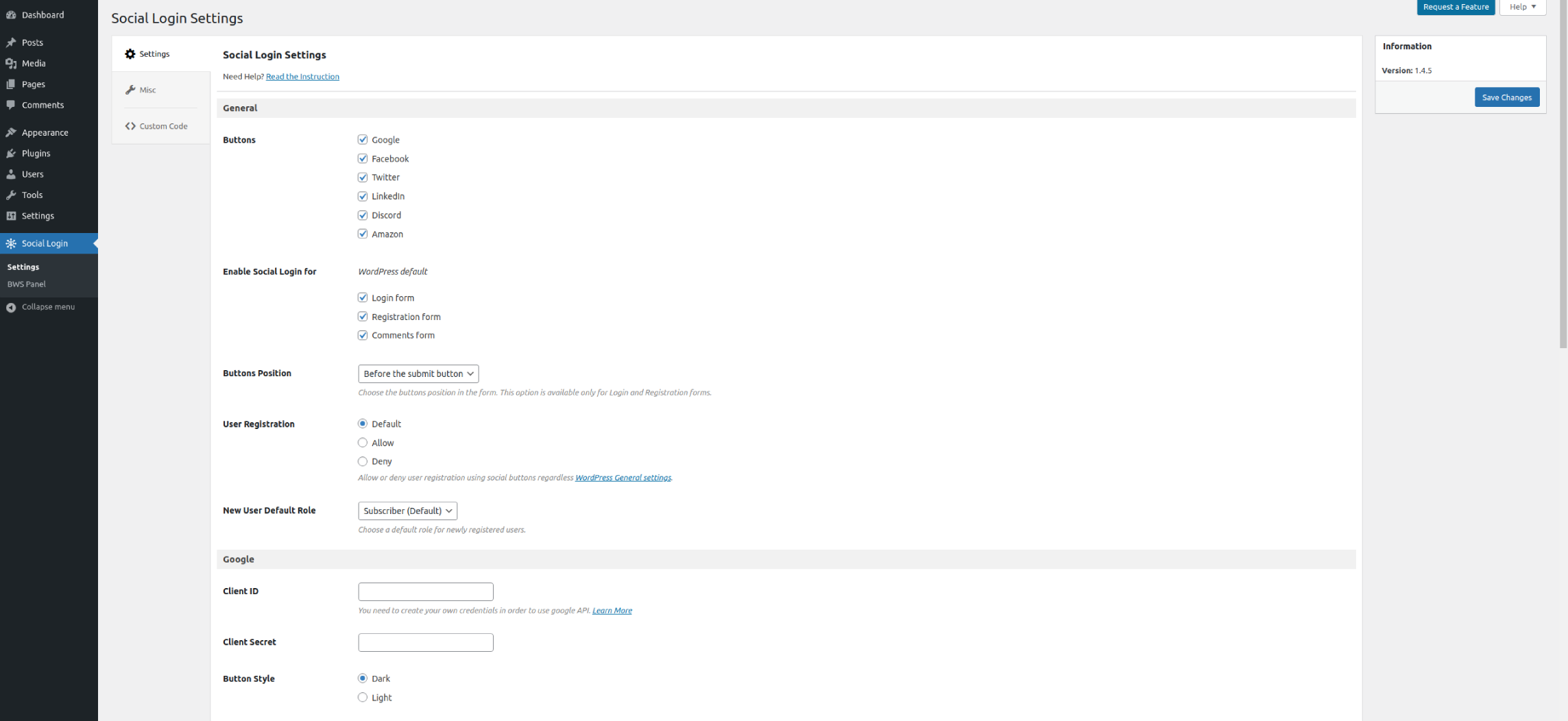
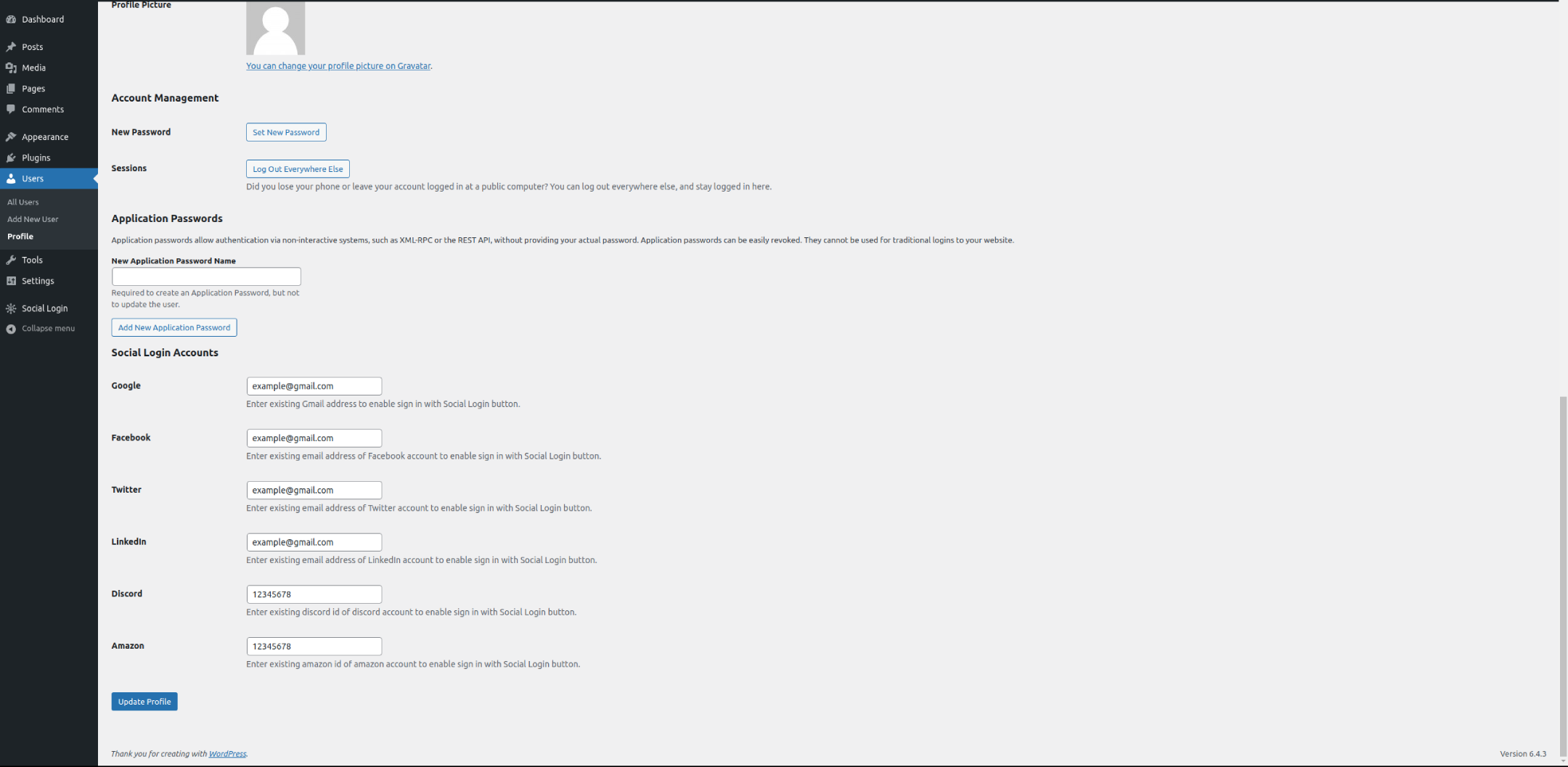
Social login plugin adds website authentication via popular networks to WordPress login, registration and comments forms. Allow your visitors to login and comment with their existing accounts on Google, Facebook, Twitter, LinkedIn and Instagram.
Install now and make forms filling for your visitors easier!
Features
- Enable login with social networks:
- Discord [NEW]
- Amazon [NEW]
- Add to:
- Login form
- Registration form
- Comments form
- Select the default role for new users
- Enable user registration only via social buttons
- Link your social accounts to your existing WordPress account
- Compatible with latest WordPress version
- Incredibly simple settings for fast setup without modifying code
- Detailed step-by-step documentation and videos
If you have a feature suggestion or idea you’d like to see in the plugin, we’d love to hear about it! Suggest a Feature
Documentation
Help & Support
Visit our Help Center if you have any questions, our friendly Support Team is happy to help – https://support.bestwebsoft.com/
Translation
- Spanish (es_ES)
- Russian (ru_RU)
- Ukrainian (uk)
Some of these translations are not complete. We are constantly adding new features which should be translated. If you would like to create your own language pack or update the existing one, you can send the text of PO and MO files to BestWebSoft and we’ll add it to the plugin. You can download the latest version of the program for work with PO and MO files Poedit.
Recommended Plugins
- Updater – Automatically check and update WordPress website core with all installed plugins and themes to the latest versions.
- BestWebSoft’s LinkedIn – Add LinkedIn Share and Follow buttons to WordPress posts, pages and widgets. 5 plugins included – profile, insider, etc.
- BestWebSoft’s Pinterest – Add Pinterest Follow, Save buttons and profile widgets (Pin, Board, Profile) to WordPress posts, pages and widgets.
- BestWebSoft’s Twitter – Add Twitter Follow, Tweet, Hashtag, and Mention buttons to WordPress posts and pages.
- BestWebSoft’s Like & Share – Add Facebook Follow, Like, and Share buttons to WordPress posts, pages, and widgets.