Smooth Page Scroll Up/Down Buttons
v1.4.2Senff - a11n · 2014年11月4日 上架
Smooth Scroll Page Up/Down Buttons adds buttons that enables your site visitors to easily scroll up or down one screen/page at a time.
- 正在使用
- 2,000+
- 评分
- 5.0 / 5
- 累计下载
- 5.2 万
- 最近更新
- 2026年8月25日
贡献者
 Senff - a11n
截图
Summary
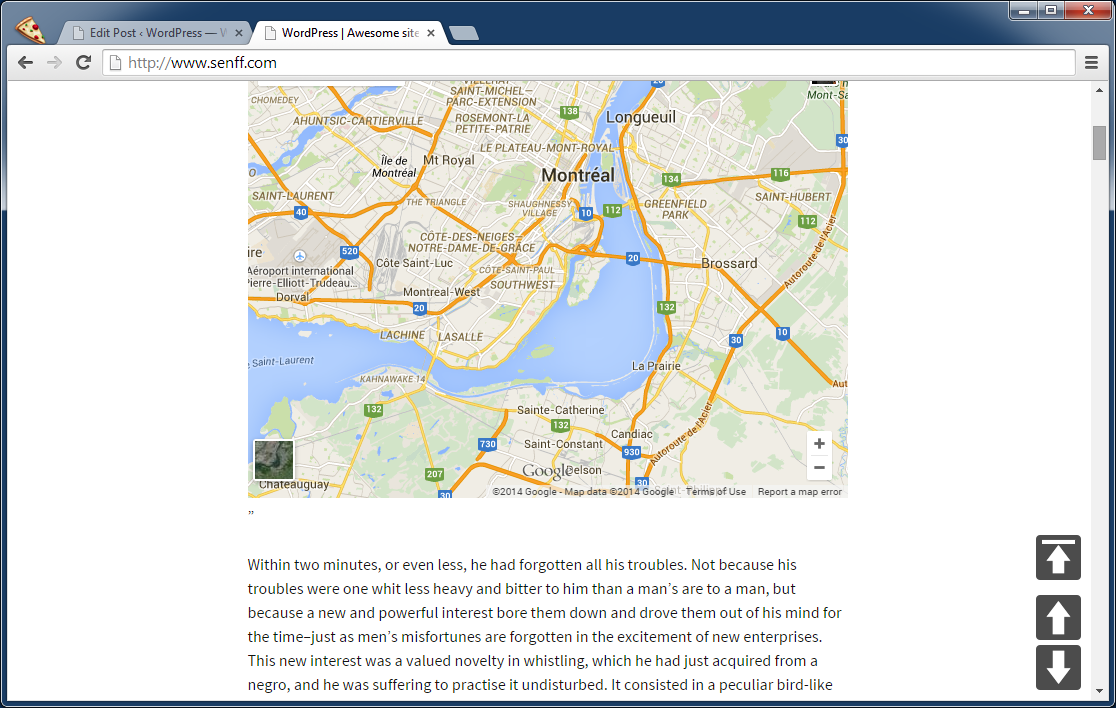
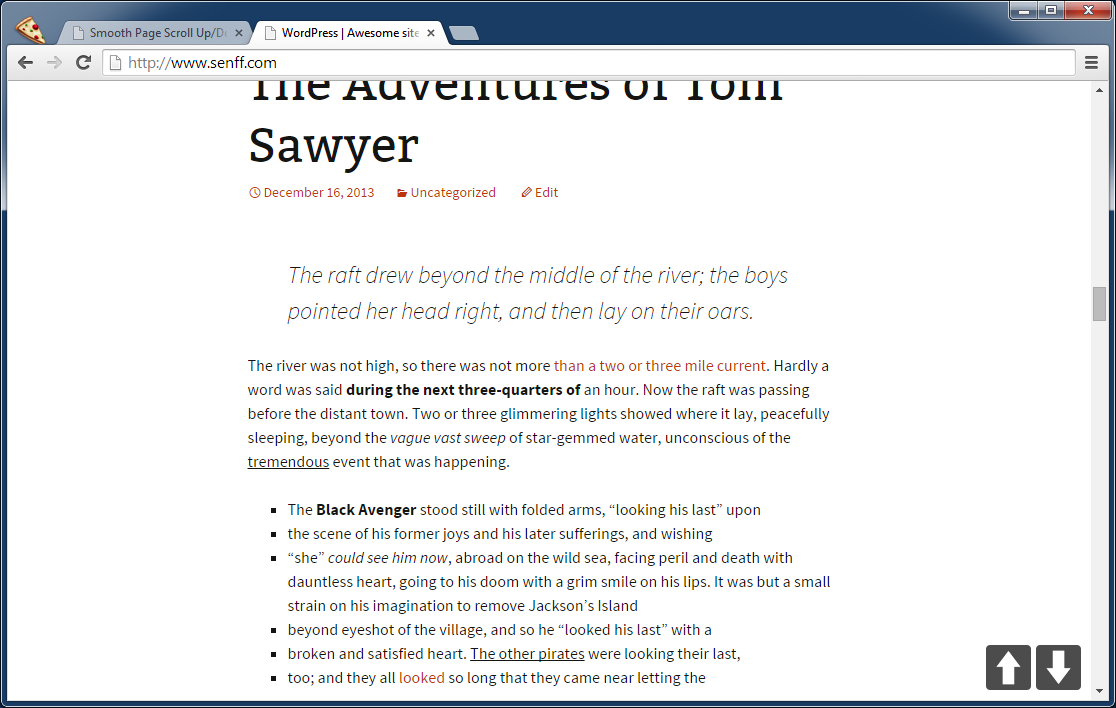
The Smooth Page Scroll Up/Down Buttons plugin for WordPress adds buttons to every page of your site, that can be used to (smoothly) scroll up or down exactly one screen/page at a time. This can be particularly handy for pages with a lot of text/content, or in cases wherever a browser’s scrollbar is just not good enough (or not present at all, like on tablets) to enable one-click, one-screen scrolling.
BONUS BUTTON! Optionally, you can add a “Back to top” button, that will take the visitor right back to the very top of the page.
No knowledge of any coding (HTML, CSS, JavaScript, PHP) is required at all.
Features
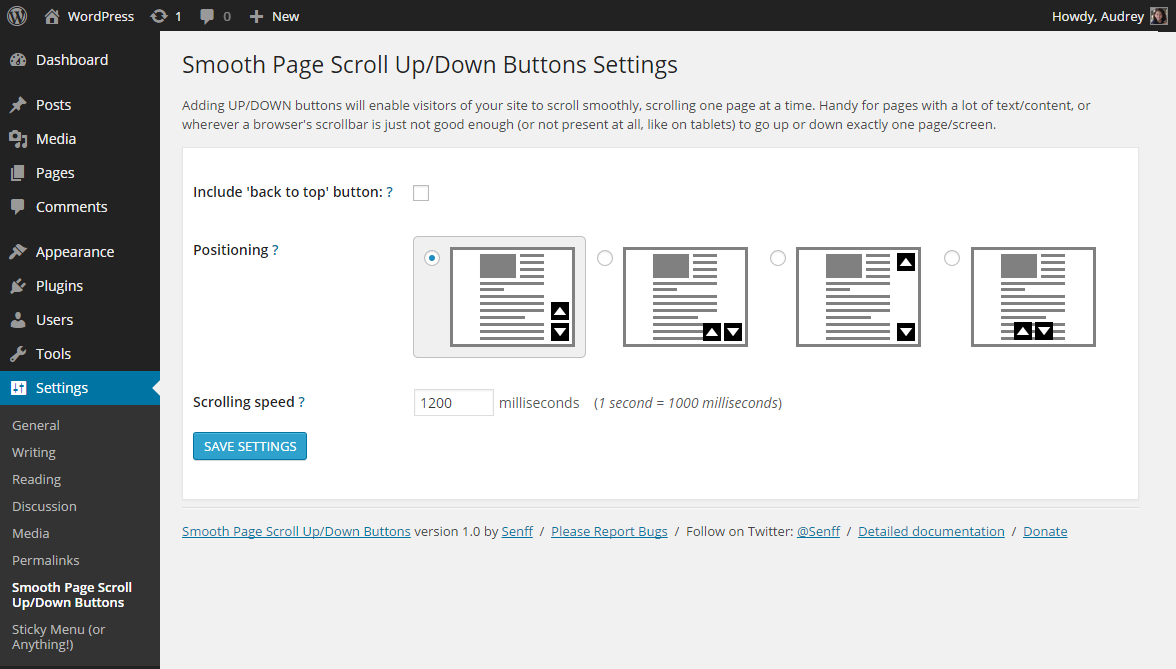
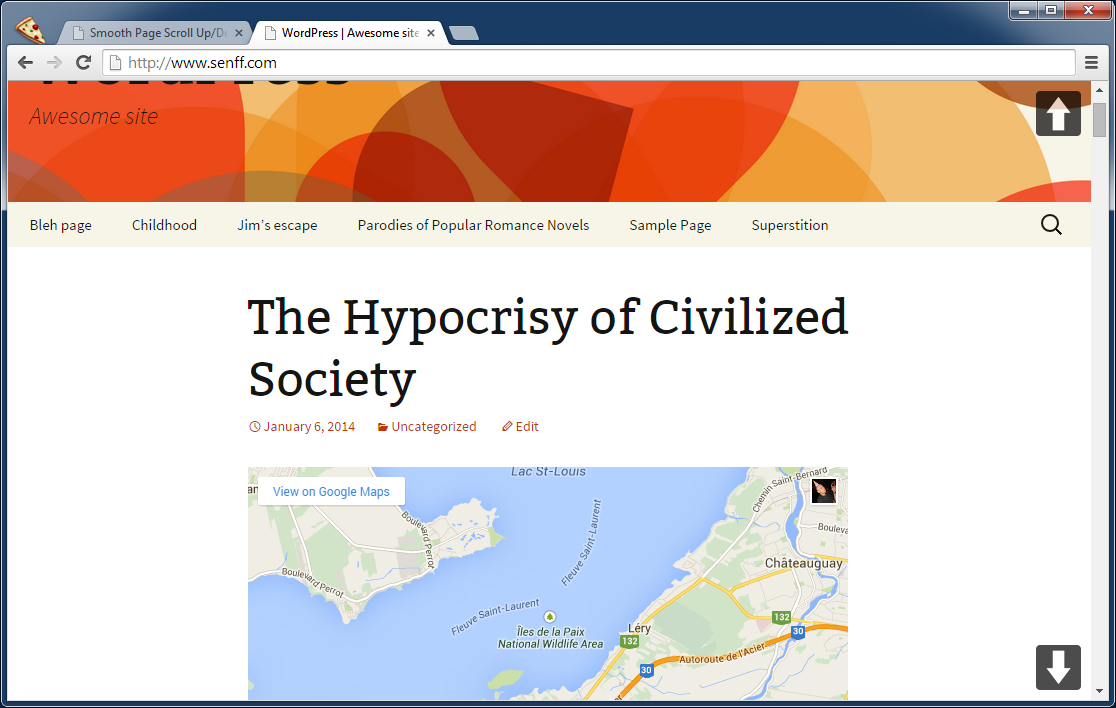
- Button positioning: choose between three options of where you want the buttons to appear — next to eachother at the bottom right, on top of eachother at the bottom right, or one at the top right and the other at the bottom right.
- Scrolling distance: scroll a full page with each click, half a page, or however far you want.
- Button size: choose the size of the buttons.
- Scrolling speed: set the speed at which pages should scroll from one page to another.
- ‘Back to top’ button: optionally, include an additional button that takes the user back to the very top of the page.