
SmartUpWorld Portfolio Showcase
v1.0.0Smartupworld Websolutions · 2026年10月1日 上架
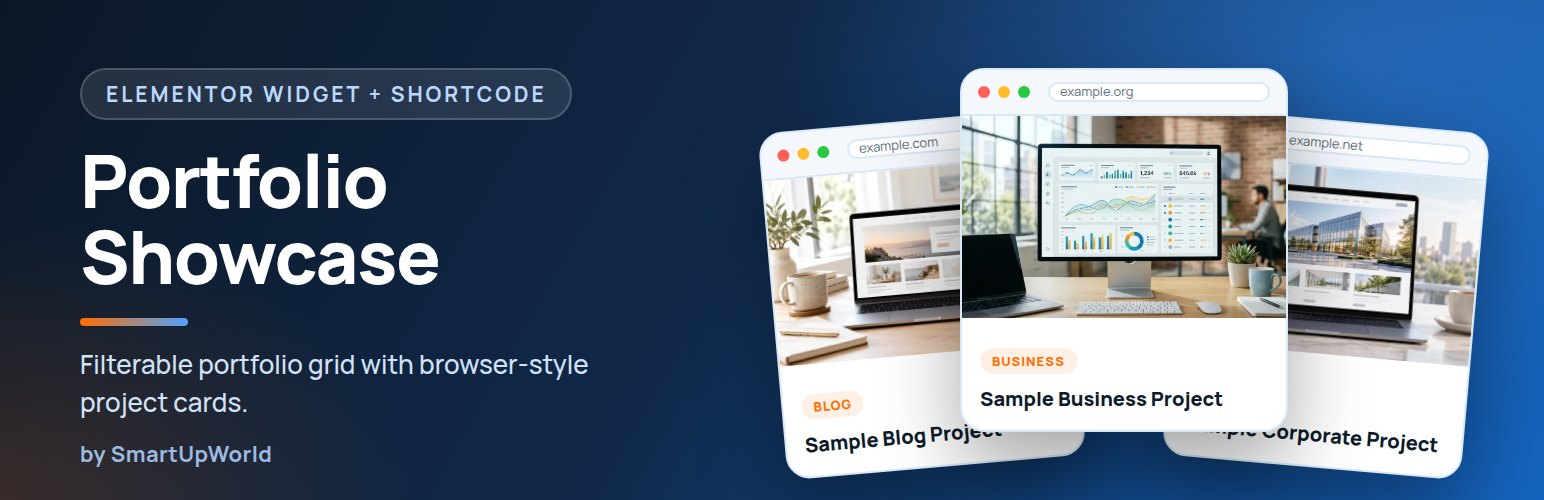
Filterable portfolio grid with browser-style project cards. Elementor widget and shortcode, one-click demo, fast and SEO friendly.
- 正在使用
- 10 以下
- 评分
- 暂无
- 累计下载
- 359
- 最近更新
- 2026年10月1日
 Smartupworld Websolutions
截图


SmartUpWorld Portfolio Showcase turns your client websites, demos and case studies into a clean, filterable portfolio grid. Every project card looks like a small browser window with the site’s address, a screenshot, a category badge and a link to the live site — ideal for web design agencies, freelancers, developers and theme shops.
It works as an Elementor widget and as a shortcode, so you can use it with Elementor, the block editor, the Classic editor or directly in a theme template.
Works the moment you activate it
Drop the widget or shortcode on a page and three sample projects appear straight away, so you can style the section before you add real work. The samples vanish automatically as soon as you publish your first project. No setup screens, no settings to save.
Features
- Elementor widget “Portfolio Showcase” with content, layout, colour, spacing and typography controls.
- Shortcode
[suw_portfolio]for any editor, widget area or theme. - Portfolio admin section — add projects with a title, screenshot, website URL and project type.
- Filter tabs built from your project types, with optional counts.
- Responsive grid — 1 to 4 columns per device, full-width background with a centred container.
- One-click demo content — import six editable projects in three types (Blog, Business, E-commerce) plus a demo page, and delete them again with one click.
- Bundled sample images — nothing is downloaded from third-party sites.
- Colours via CSS custom properties — match any brand from the Elementor Style tab.
- Card order controlled by the standard Order field.
SEO and performance
- Real
<img>screenshots withalttext,width/height(no layout shift) and responsivesrcset. Loading is left to WordPress core, which eager-loads images likely to be in view and lazy-loads the rest — good for Core Web Vitals. - Correct heading hierarchy — card titles automatically sit one level below the section heading.
- Schema.org
ItemListstructured data (JSON-LD) for your projects. Disable it with thesuwpf_schema_enabledfilter if your SEO plugin already covers it. - One small stylesheet and one tiny deferred script with no jQuery dependency, loaded only on pages that show a portfolio.
- Accessible: filter buttons use
aria-pressed, cards are keyboard focusable, external links announce that they open in a new tab, and animations respect “reduce motion”.
Documentation
Everything is explained inside WordPress under Portfolio Docs & Demo. The full online guide is at smartupworld.com/smartupworld-portfolio-showcase.
Shortcode example
[suw_portfolio eyebrow="Portfolio" heading="Our Clients / Demos" subheading="Sites we have designed and built." type="blog,business" limit="6" cta_text="Start your project" cta_url="/contact/"]
All attributes are optional: eyebrow, heading, heading_tag, subheading, type, limit, filter, counts, all_label, browser, full_width, cta_text, cta_url.