
Smart Passworded Pages
v2.0.0Brian Layman · 2012年6月8日 上架
Create central "Enter your password" page and the password entered determine which page the user sees next.
- 正在使用
- 2,000+
- 评分
- 4.8 / 5
- 累计下载
- 6.7 万
- 最近更新
- 2017年11月29日
贡献者
 Brian Layman
截图
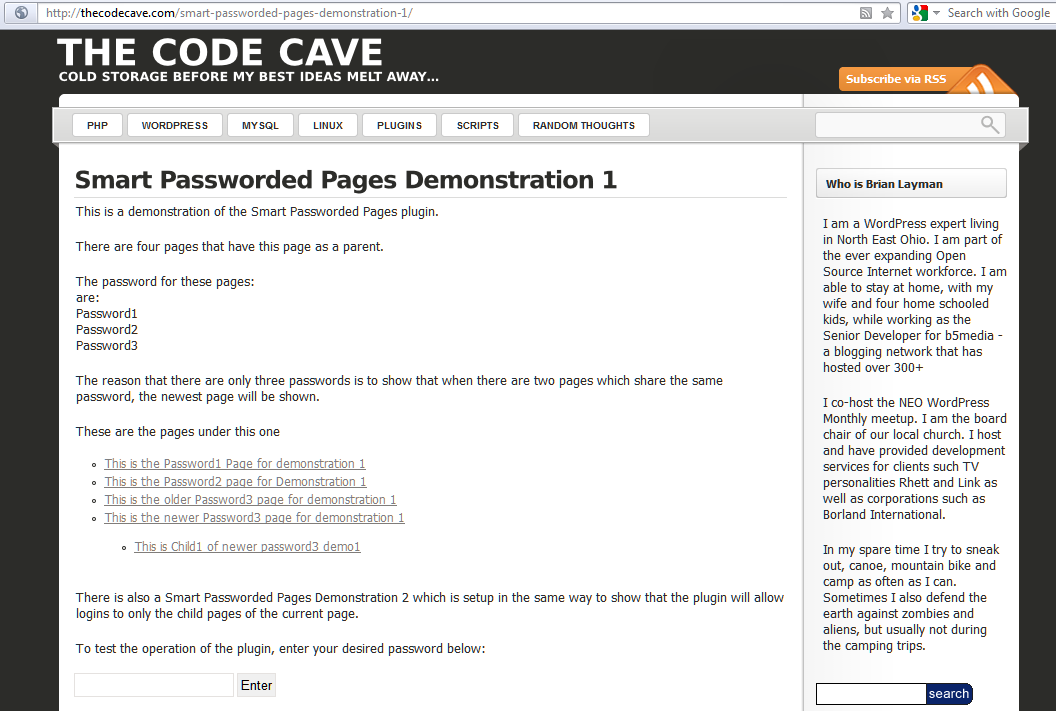


The Smart Passworded Pages plugin enhances WordPress by allowing the creation of central login pages that grant access to any number of passworded child pages. In this fashion you can give each client/member/organization a central place to enter a password and they will be taken to the page that has only their information.
The password field is displayed as a field followed by a button with customizable text. The form is can be uniquely stylized with CSS. The child pages can in turn link to other pages protected with the same password and the password will not need to be re-entered.
To add the password field to a parent page, simply enter the short code
[smartpwpages]
If you wish to assign a unique label to the submit button or give the form a unique ID for CSS identification, the attributes in the following example can be used:
[smartpwpages label=\”Login\” ID=\”sppForm1\”]
This plugin doesn’t add the ability to add passwords to pages. WordPress has that built in. On the right hand side of the page editing screen in WordPress, you can change the visibility to Password protected and enter in a password. If you are unfamiliar with using passwords in WordPress, you might want to read this page first: https://codex.wordpress.org/Using_Password_Protection
This plugin does make the password handling smarter and enhances it so that you can enter one password on a parent page and gain access to all the children pages using that password. If you don’t know what children pages or sub-pages are, you might want to read about it here: https://codex.wordpress.org/Pages#Creating_Pages
You can find out more about the Smart Passworded Pages plugin here: http://thecodecave.com/smart-passworded-pages-plugin/