
Smart Image Resize for WooCommerce
v1.18.0Nabil Lemsieh · 2018年11月14日 上架
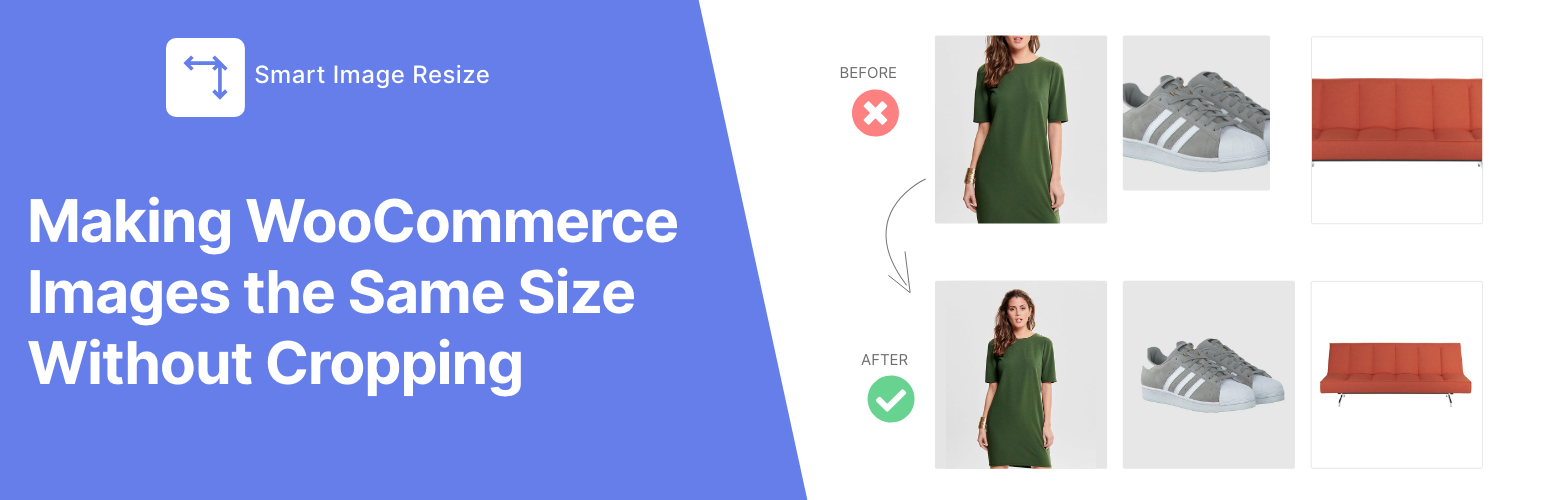
Make all WooCommerce product images the same size without cropping. Automatic, no configuration required.
- 正在使用
- 7,000+
- 评分
- 4.6 / 5
- 累计下载
- 27 万
- 最近更新
- 2026年10月23日
贡献者
 Nabil Lemsieh
截图
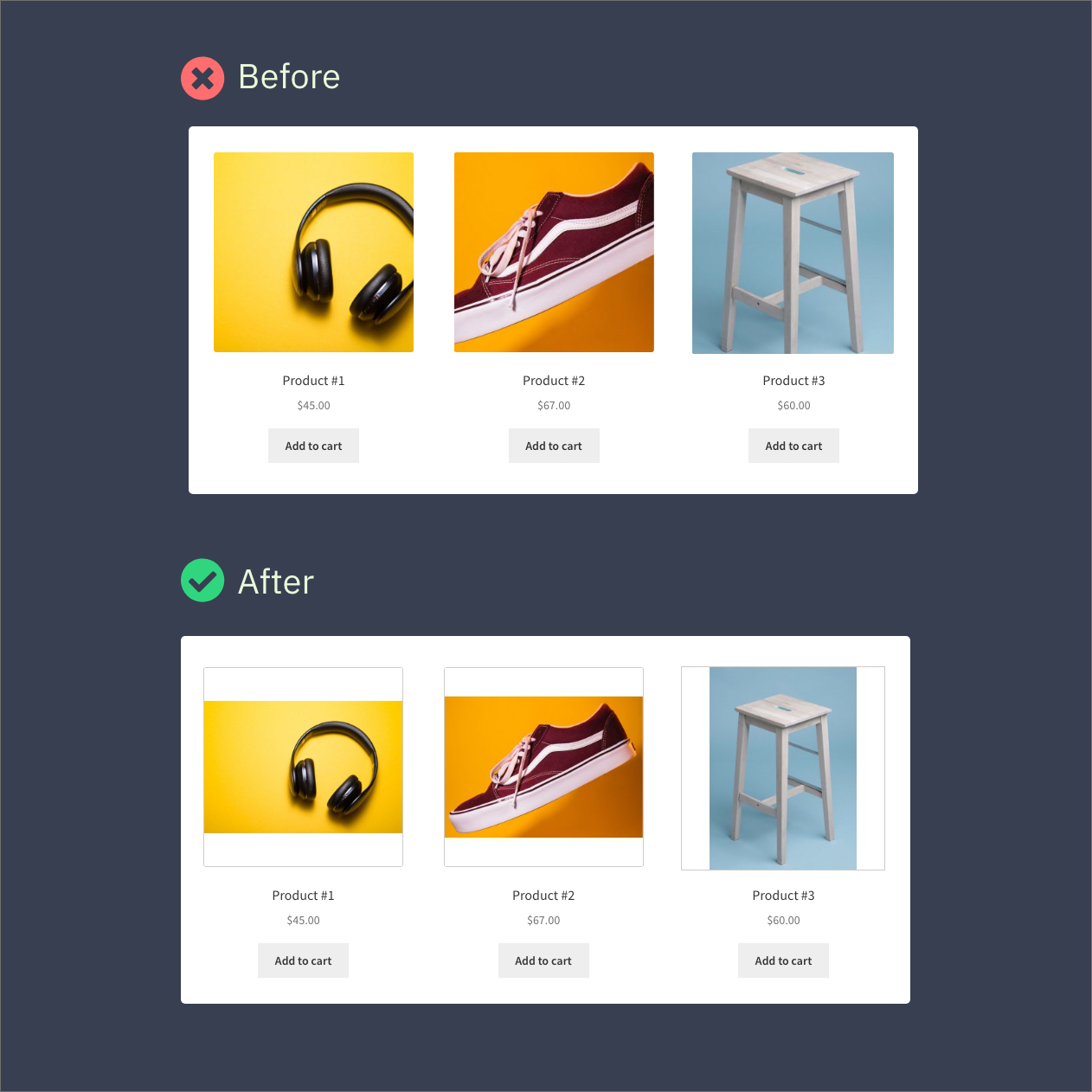


Your product images are all different sizes. Your shop looks messy. You’ve been manually editing photos in Photoshop or Canva, or just living with the ugly grid.
Smart Image Resize fixes this in one click. It makes every product image the same size — without cutting off any part of your product.
No Photoshop. No manual work. No cropping.
How it works (30 seconds to set up)
- Install and activate — it starts working immediately
- Upload a product image — it’s automatically resized to match your store’s dimensions
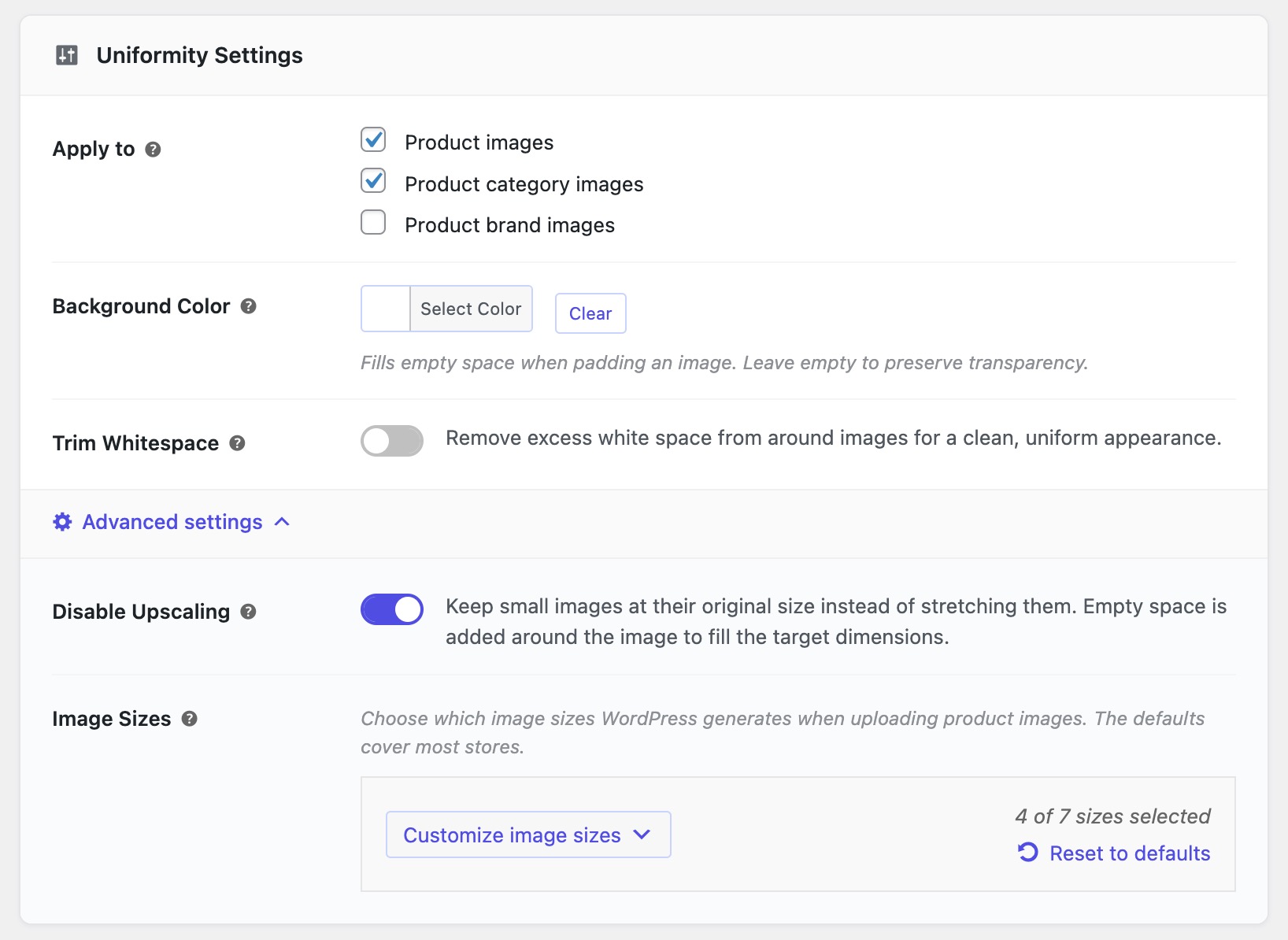
- Extra space? Filled with a clean background color (white by default)
That’s it. Every image comes out the same size, perfectly centered, nothing cut off.
Who is this for?
- Dropshippers — your suppliers send you images in 50 different sizes. This makes them all uniform automatically.
- Multi-vendor stores — vendors upload whatever they want. The plugin fixes it behind the scenes.
- Agencies — install it on client stores so they can’t mess up their product grid no matter what they upload.
- Any WooCommerce store — if your product grid looks uneven, this is the fix.
Already have hundreds or thousands of images uploaded?
No problem. The built-in bulk tool processes your existing catalog. Hit one button and it fixes everything you’ve already uploaded.
What you get (Free)
- Process up to 150 images
- Automatic resizing on upload
- Bulk resize existing images
- Whitespace trimming (removes empty space around products)
- Protection against stretching small images
- Works immediately — no configuration needed
What you get with Pro
- Unlimited images — no processing cap, no matter how big your catalog
- Smaller file sizes — converts PNG to JPG and generates WebP automatically
- Watermarking — add your logo to protect your photos
- Priority support — get help fast via chat or email
Works with any WooCommerce setup
Compatible with popular themes like Flatsome, Avada, Astra, OceanWP, and more. Works alongside multivendor plugins (Dokan, WCFM, WC Vendors), image optimization plugins (Smush, ShortPixel, Imagify, EWWW), and page builders. If it runs WooCommerce, it works.
Real reviews from store owners
★★★★★
“After 3 minutes I bought the PRO version. We have 30,000 imported products with different photos.” — @prokurent
★★★★★
“Customers don’t care to crop their images on their own. This saved a ton of tedious work.” — @jpontinen
★★★★★
“The time saving benefits are enormous and support is A+.” — @chickwithbob