
Sliced Invoices & Gravity Forms
v1.13.1SlicedInvoices · 2016年1月19日 上架
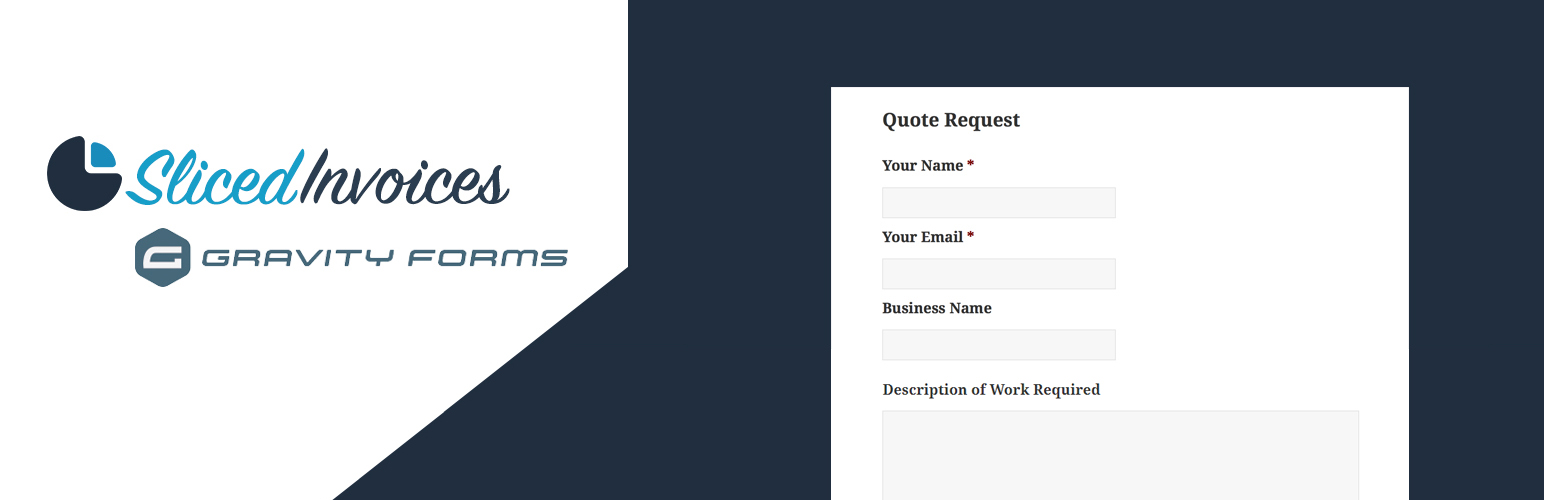
Create an invoice or quote request form using Gravity Forms. Each form entry then creates a quote (or an invoice) using the Sliced Invoices plugin.
- 正在使用
- 100+
- 评分
- 3.4 / 5
- 累计下载
- 1.4 万
- 最近更新
- 2022年5月27日
贡献者
 SlicedInvoices
截图


Imagine having a form on your website that allows your visitors to basically create their own quotes and invoices!
Requirements
- Sliced Invoices Plugin (free)
- Gravity Forms Plugin (Premium)
Set up the Form
Once you have both plugins installed and activated, you simply need to create your Quote (or invoice) Request form that contains the following fields (required fields marked with an asterix):
- Client Name*
- Client Email*
- Business Name*
- Address
- Extra Client Info
- Order Number (only shown for invoices)
- Title* (the invoice or quote title)
- Description (the invoice or quote description)
- Line Items (see notes in FAQ section)
Set up the Feed
With the form now set up, navigate to Form Settings –> Sliced Invoices to create a new form feed.
Now simply choose whether the form will create an invoice or quote and map each of the field names to the fields you have just set up in the form.
Add the Form to your site
With the form setup and the fields mapped, you simply need to add the form shortcode to one of your pages in the usual way. When a client fills in your Quote Request form, a new quote (or invoice) will automatically be created with all of their details added to the quote.
You then need to simply add the line items and pricing to the quote and it is then ready to send to the client.
If the email address that the client fills in is not already linked to a client, the plugin will automatically create a new client with this email.
You can also set up confirmations and notifications as per normal in the Gravity Forms settings.