跳到内容

Skip Confirmation On

v1.1

Fidgety Lizard · 2016年2月5日 上架

Changes the tickbox default to NOT send an email to a new user when adding them to a WordPress or WordPress Multisite website.

正在使用
80+
评分
5.0 / 5
累计下载
6,997
最近更新
2026年6月4日
3 条评价需要 WordPress 4.4+已测试到 7.0.9

截图

This screenshot shows the reversed default settings for new user notifications in standard WordPress. The default is to NOT SEND notifications once the plugin is activated.
This screenshot shows the reversed default settings for new user notifications in WordPress Multisite (when adding a user to a sub-site from that sub-site's dashboard.) The default is to NOT SEND notifications once the plugin is activated.
This screenshot shows the "Add user" screen for WordPress Multisite Network Administration dashboard, which is unchanged by this plugin. (A notification WILL be sent if a user is added from the Network Administration section.)

Since WordPress 4.4, the Add New User process selectively allows an email to be sent to the new user about their account. The default selection is to send an email when the account is created/added.

In some circumstances, an admin might wish to set up one or more accounts in advance – perhaps for testing purposes – and only notify the users later, once everything is ready. However, it’s easy to send a notification message when you didn’t mean to, if you forget to change the default notification setting.

This simple plugin reverses the default behaviour so an email is NOT sent by default, as follows:

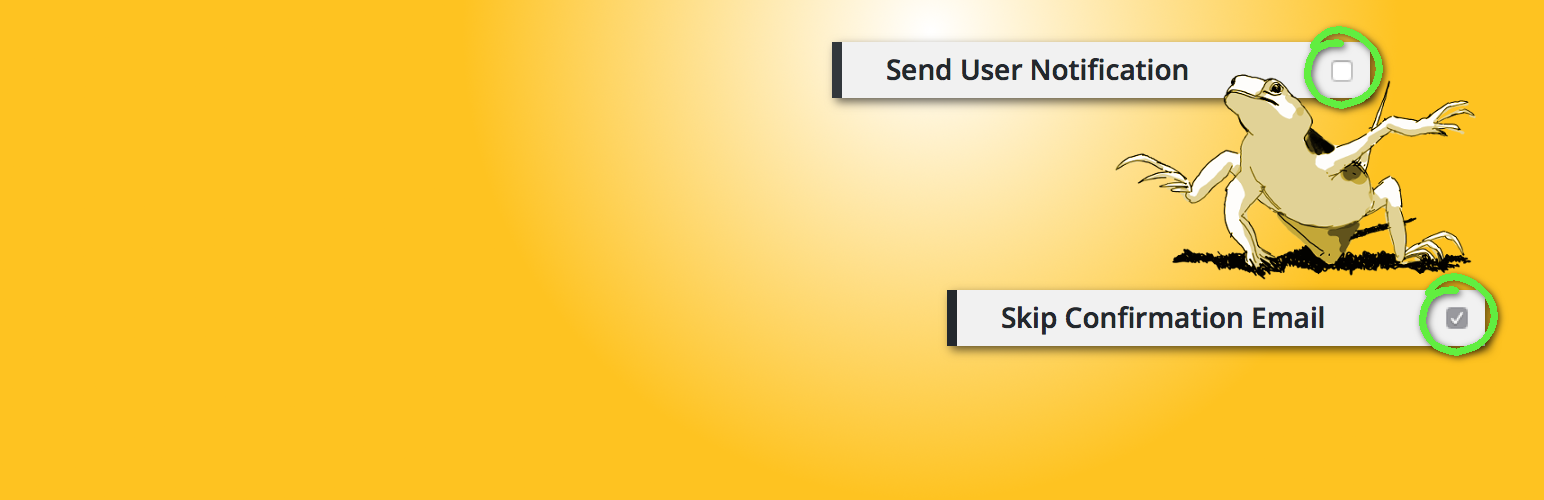
  1. In standard WordPress, the tickbox “Send User Notifiction” is ticked by default (so a message is sent). The plugin changes this to unticked by default (so a message is NOT sent).

  2. In WordPress Multisite, the tickbox “Skip Confirmation Email” is unticked by default (so a message is sent.) The plugin changes this to ticked by default (so a message is NOT sent.)

NOTE TO MULTISITE SUPER-ADMINS: Adding a user from the Network Admin / Add User screen (rather than from a particular sub-site’s Add User screen) will always send a notification.

Plums

按场景查找 WordPress 插件。安装量、评分和兼容版本来自官方目录。

导航

说明

WordPress 是 WordPress Foundation 的商标。本站与 WordPress Foundation、Automattic 没有隶属关系。这里不托管插件文件,下载和安装以 WordPress.org 上的页面为准。

© 2026 Plums