
Size Chart Manager for WooCommerce
v1.0.1Zamzamcoders · 2025年2月9日 上架
"Create detailed size charts to enhance shopping, reduce returns, and ensure customer satisfaction effortlessly."
- 正在使用
- 10 以下
- 评分
- 暂无
- 累计下载
- 865
- 最近更新
- 2026年5月4日
贡献者
 Zamzamcoders
截图
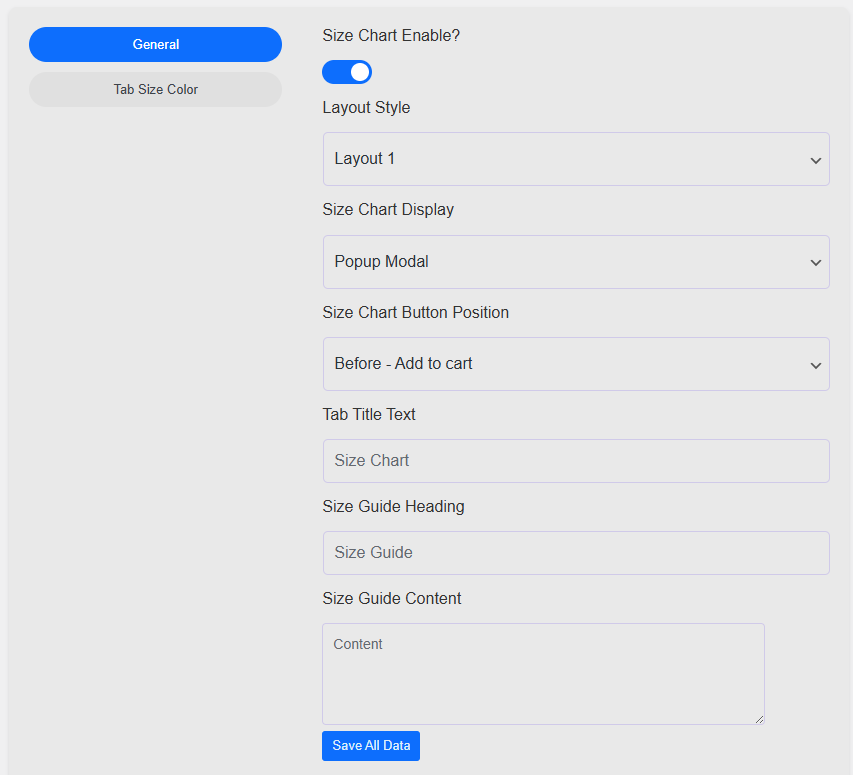
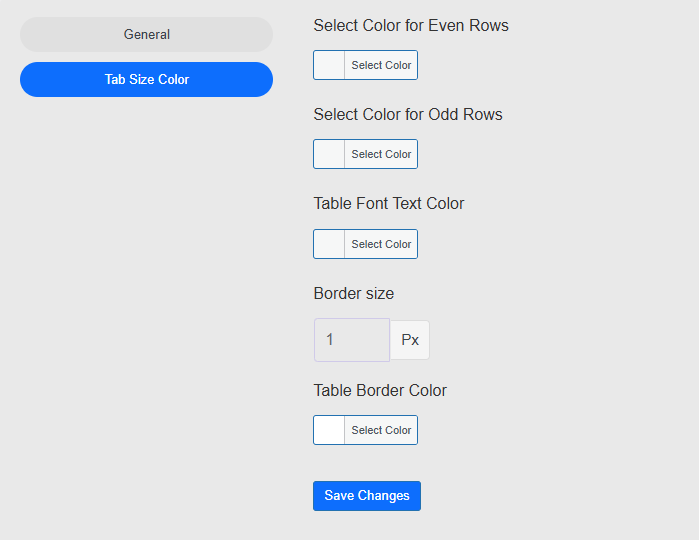
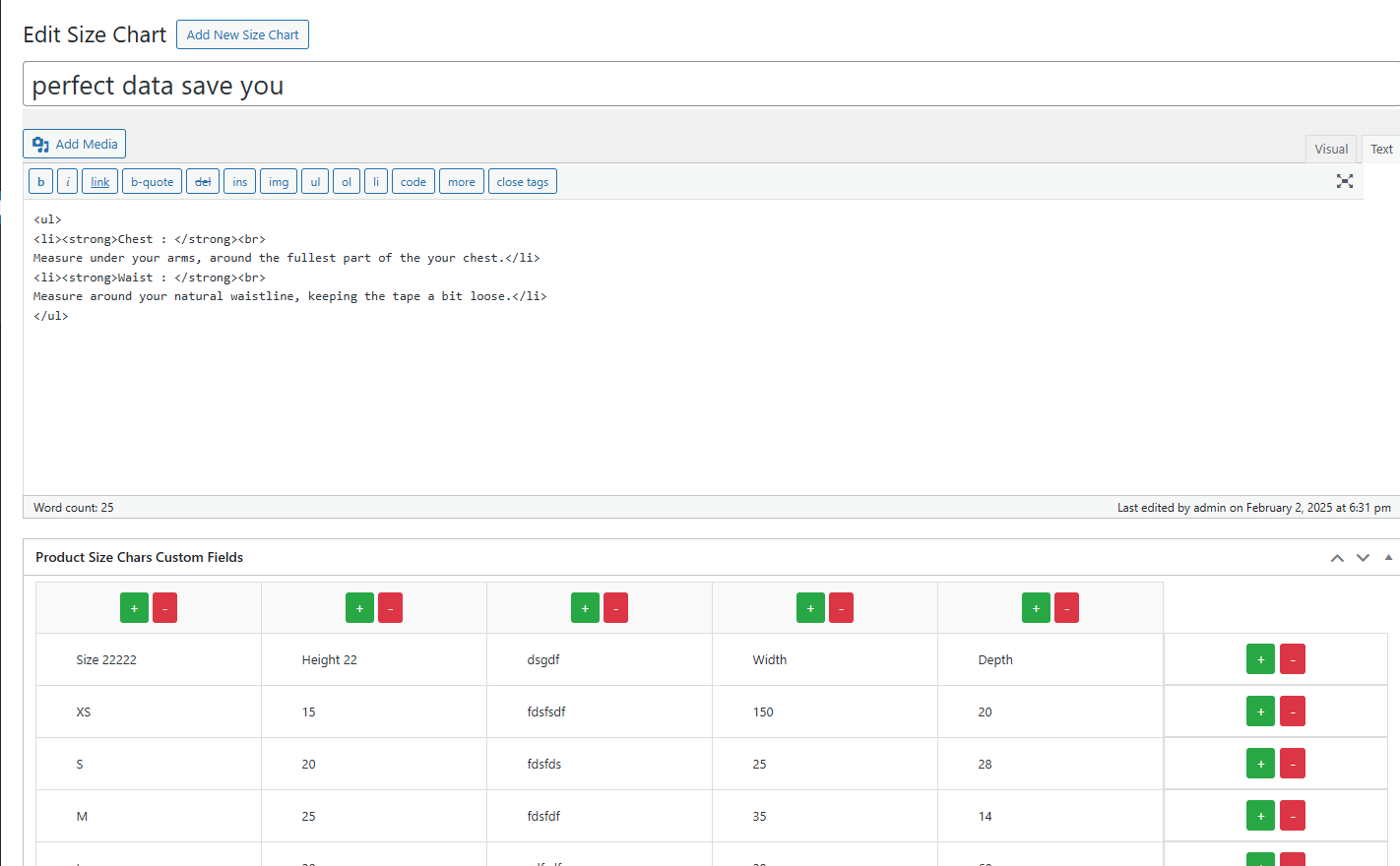
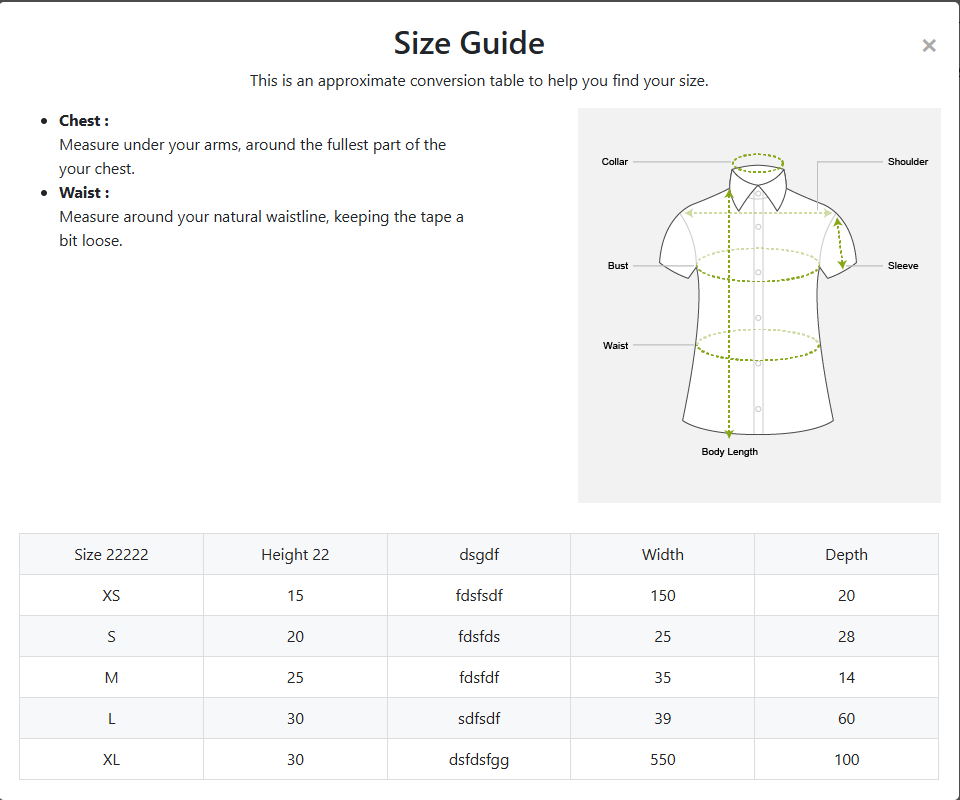
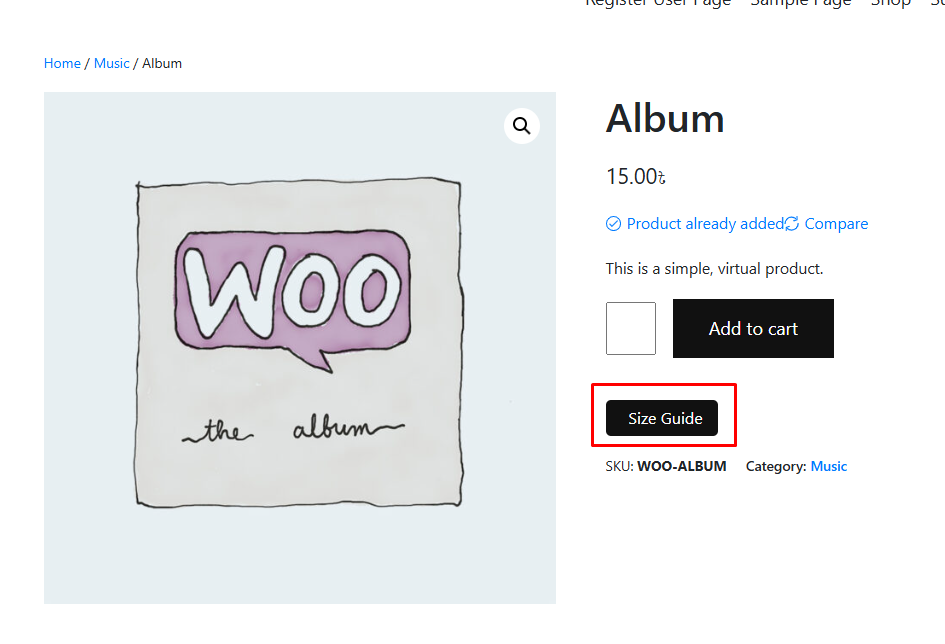
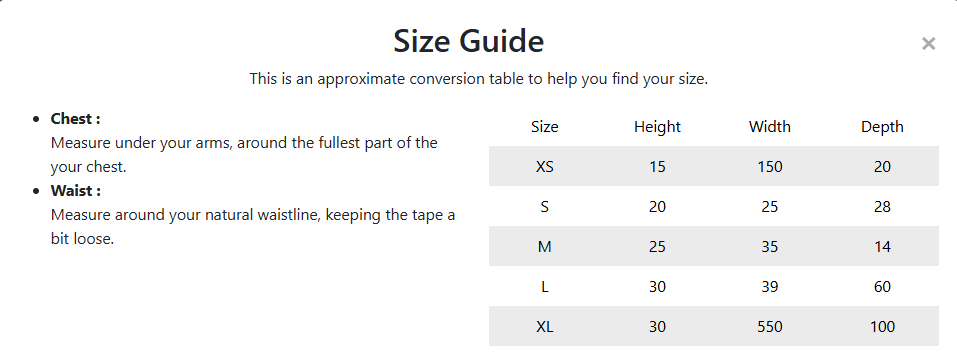
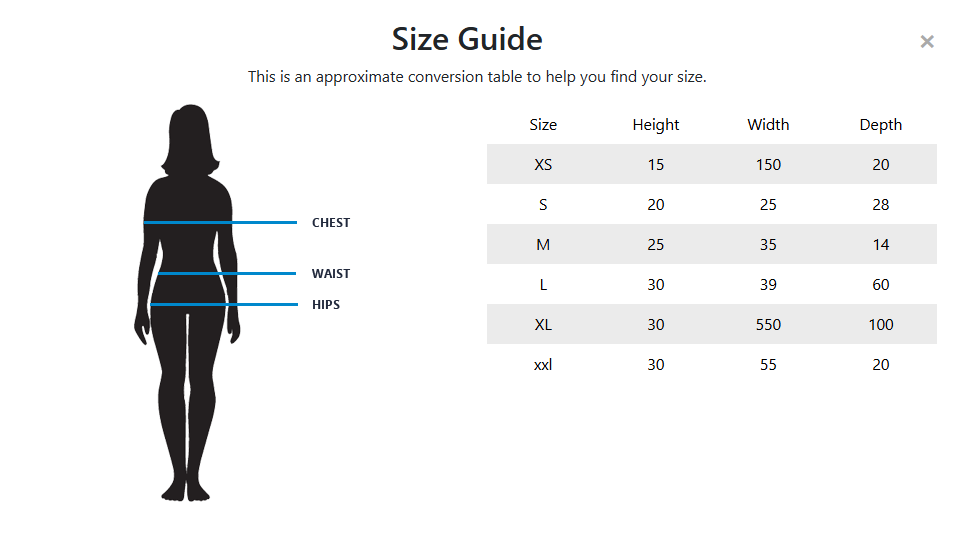
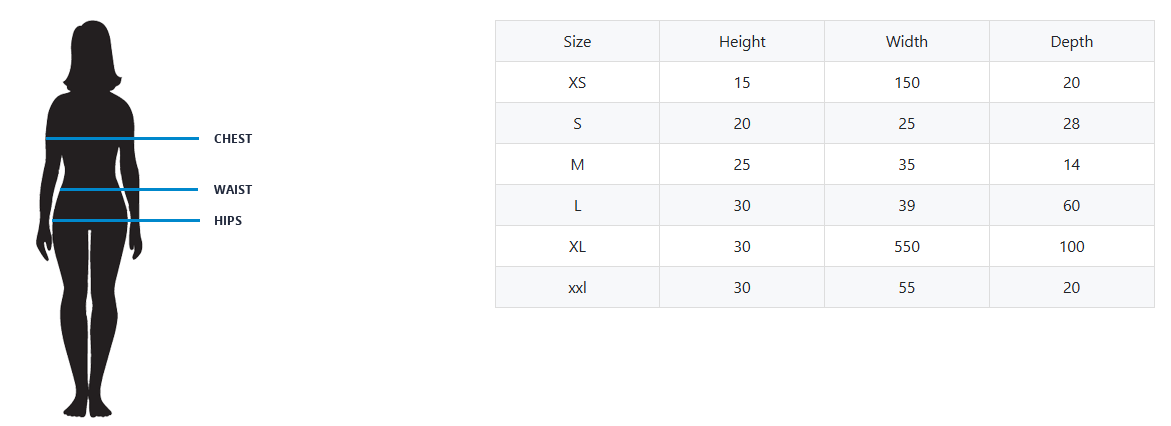
Size Chart Manager for WooCommerce – Enhance Your Online Shopping Experience!
Eliminate size-related confusion and boost sales with the Size Chart Manager for WooCommerce plugin. Provide accurate size information to your customers, reducing returns and increasing satisfaction.
Key Features:
- Create and Customize Unlimited Size Charts:
- Create as many size charts as needed for your products.
- Design unique size charts for different product categories.
- Ready-to-Use Templates:
- Utilize pre-designed templates for clothing, shoes, and more.
- Easily customize templates to match your brand.
- Assign Size Charts to Products and Categories:
- Assign size charts to specific products or categories.
- Control where size charts appear on your product pages.
- Flexible Size Chart Display Options:
- Display size charts in popups, tabs, before “Add to Cart,” or via shortcodes.
- Provide convenient access to size information.
- Unlimited Rows and Columns:
- Create size chart tables with unlimited rows and columns.
- Easily add, remove, and edit rows and columns.
-
Design Customization:
- Customize table colors, text colors, border styles, and more.
- Match your size charts to your website’s design.
-
Size Chart Descriptions:
- Add detailed descriptions with text and media.
- Provide comprehensive size information.
- Hide/Show Size Chart Elements:
- Control the visibility of table, images, or entire size charts.
Using Shortcodes:
You can display any size chart anywhere on your site using shortcodes. Each size chart generates a unique shortcode. To display a size chart, simply insert the shortcode into any page, post, or widget.
Example:
To display a size chart with ID 129, use the following shortcode:
[sizechama_size_chart id="129"]
Boost your WooCommerce sales and customer satisfaction with the Size Chart Manager for WooCommerce!
Installation
- Unpack the download package
- Upload the plugin files to the
/wp-content/plugins/size-chart-manager-for-woocommercedirectory, or install the plugin through the WordPress plugins screen directly. - Activate the plugin through the ‘Plugins’ screen in WordPress.
- Go to ‘Size Chart’ plugin
Requirements
Requires WordPress: Version 6.4 or higher
Requires PHP: Version 7.4 or higher