
Sitepact's Contact Form 7 Extension For Klaviyo
v3.1.7Sitepact · 2021年2月12日 上架
Integrate Contact Form 7 with Klaviyo. Automatically add form submissions to predetermined lists and fields in Klaviyo.
- 正在使用
- 500+
- 评分
- 4.0 / 5
- 累计下载
- 1.2 万
- 最近更新
- 2025年5月11日
贡献者
 Ryon Whyte
 Sitepact
截图


WordPress Extension for Klaviyo. Integrate Contact form 7 With Klaviyo. This plugin allows you to send form submissions into Klaviyo. This form data is added to profiles (leads, contacts, audience) in preconfigured lists. You can then use this for segmentation and other powerful marketing features within Klaviyo.
This extension allows you to send data to multiple lists and use multiple Klaviyo API keys.
This plugin will keep a log of all data sent to Klaviyo. From the log you can also resend requests.
Contact Form 7 Extension For Klaviyo Support
We will try our best to solve issues in the WordPress forums. However, you can also get one and one support directly at the developer’s website over email or live chat (when available).
Bug Reports
Bug reports for the Contact Form 7 Klaviyo Extension are welcome at the WordPress developer’s website.
Key Features
- FREE!
- Easy to use
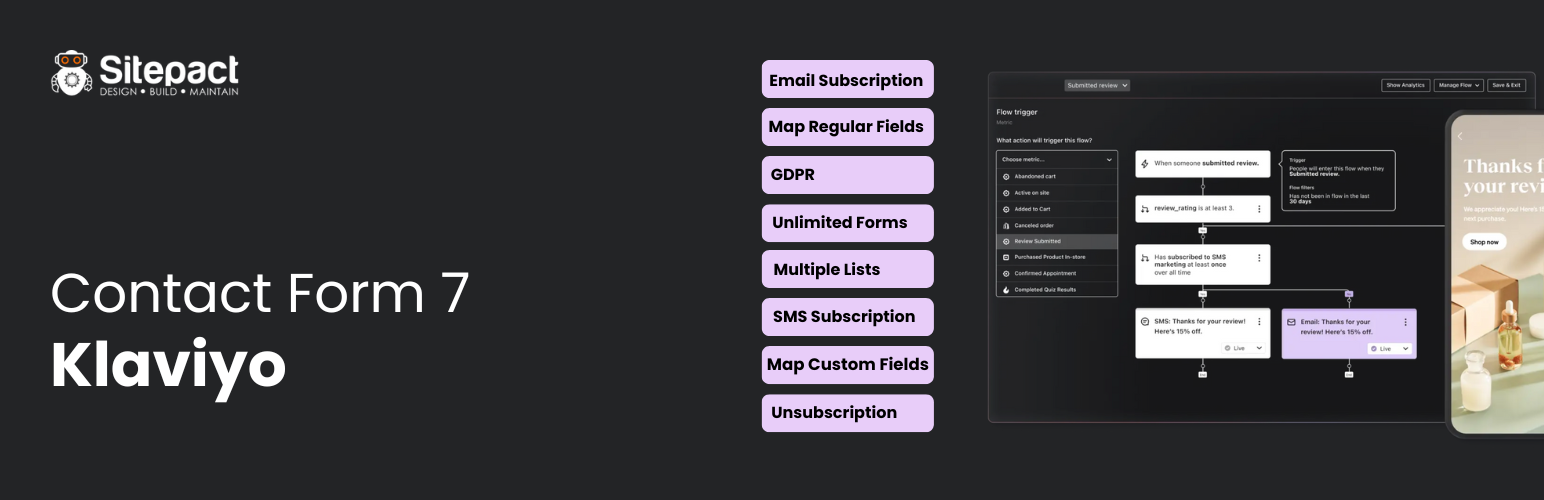
- Support for Klaviyo regular fields
- Uses Klaviyo katest stable API
- Unlimited contact forms
- Use a different Klaviyo API Key per contact form
- Use a different Klaviyo mailing list per contact form
- Log all form submission.
- GDPR privacy checkbox which supports custom text and privacy link
- Constantly updated
Premium Features
- Add Unlimited Custom Fields to Klaviyo
- Create Unsubscribe Form with Contact Form 7
- NEW Subscribe phone number for SMS marketing in Klaviyo
- Priority updates
- Feature requests
- Many more features coming soon
Get the PRO version
Requirements
- Contact Form 7
- Klaviyo account
How to Use
- Go to Contact Form 7 and edit the form you are configuring
- Go to the “Klaviyo” Tab and enter the private API key
- Check the “Enable Integration” box IF it is not automatically updated
- Enter your Klaviyo API key and connect
- Select the list where you want your vistors to be subscribed to
- Map Fields
- Save form and test.