
SiteBehaviour Analytics
v1.2Kiran · 2024年10月10日 上架
Easily integrate tracking codes into your website for visitor behavior analytics with SiteBehaviour Analytics.
- 正在使用
- 300+
- 评分
- 暂无
- 累计下载
- 2,143
- 最近更新
- 2024年10月29日
需要 WordPress 5.0+已测试到 6.6.12
贡献者
 KIRAN
截图
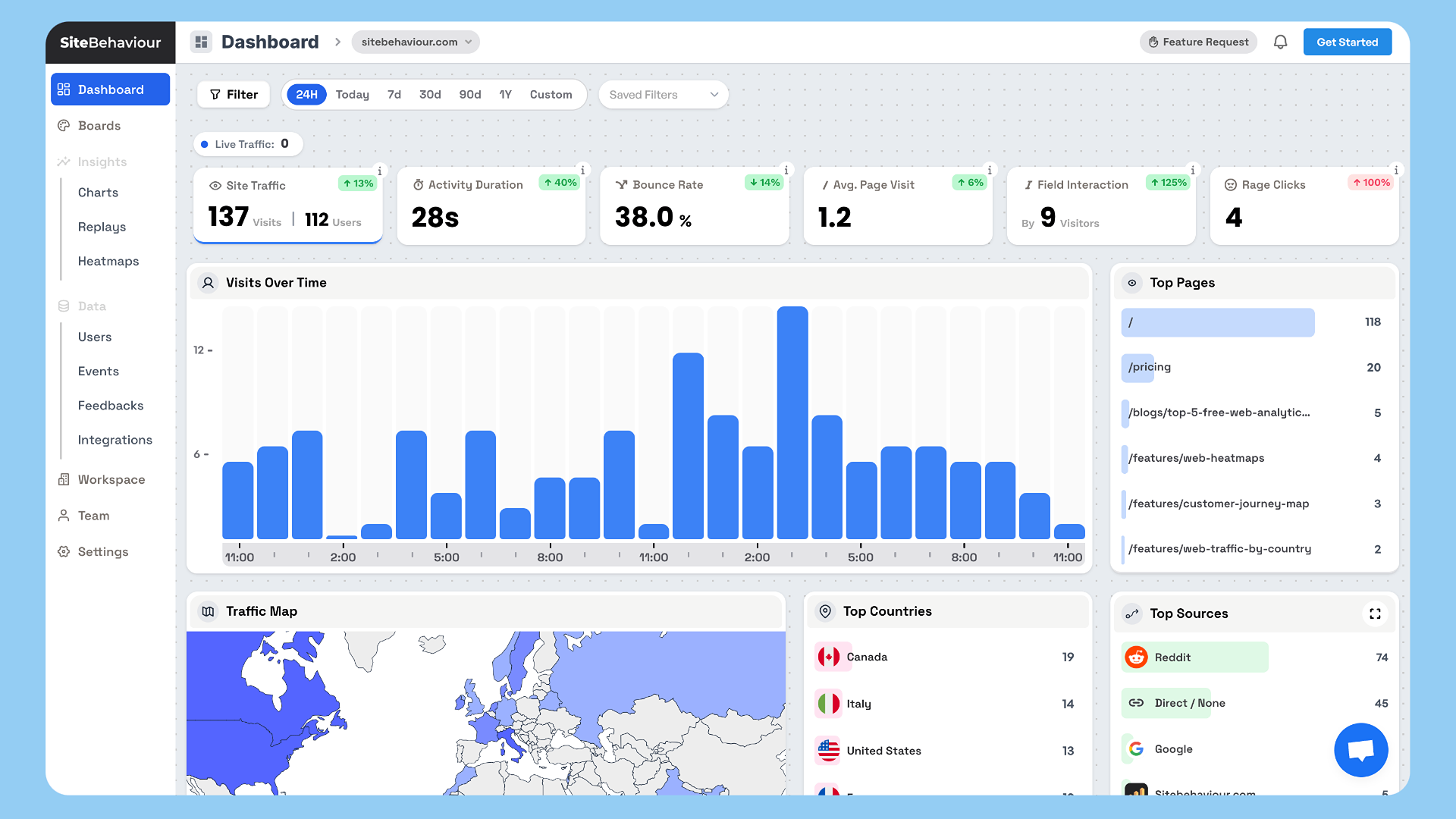
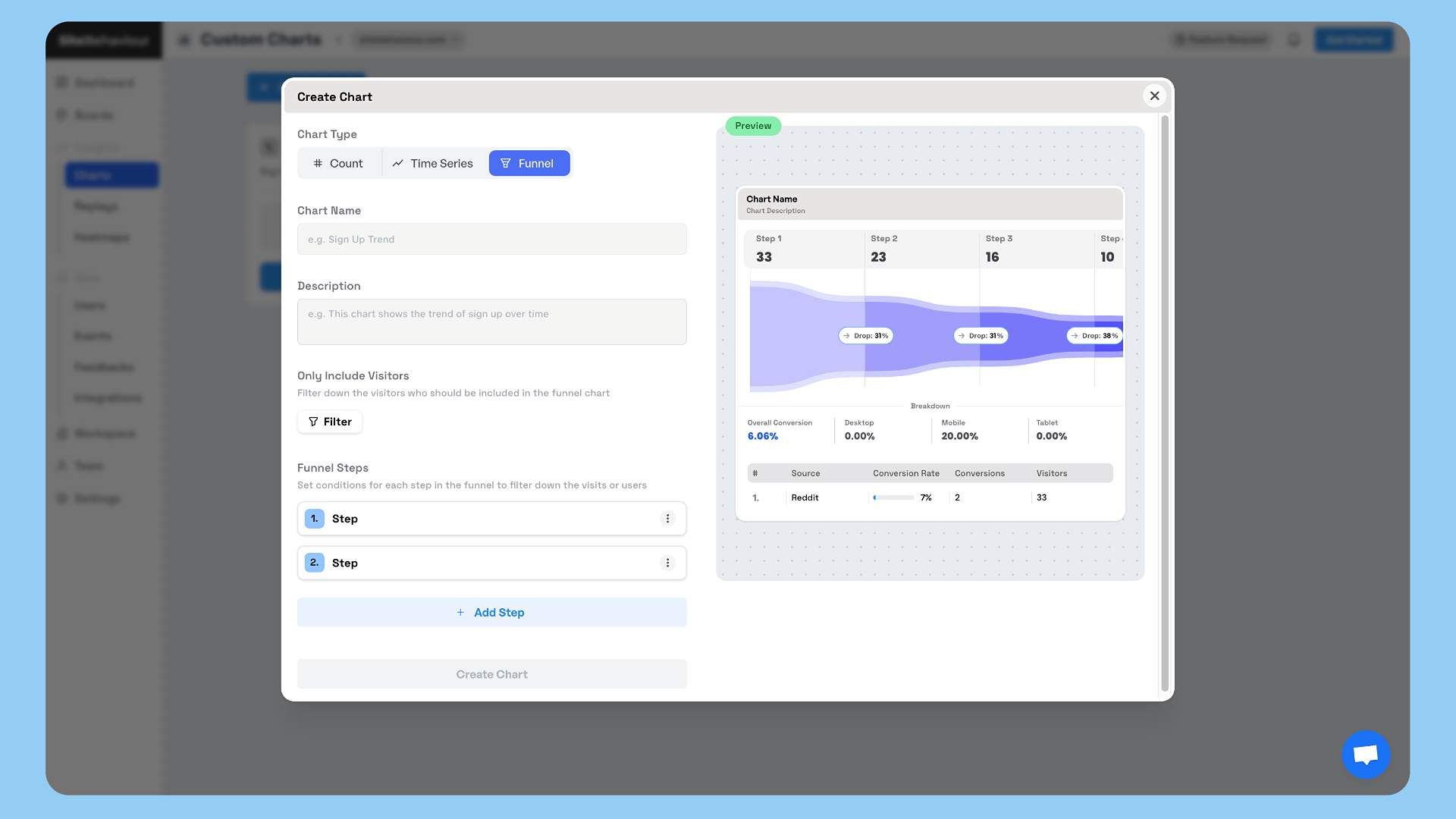
SiteBehaviour Analytics is a simple WordPress plugin that allows you to add your tracking code directly into the section of your website for seamless visitor tracking.
This tool is designed to integrate with SiteBehaviour Analytics, your one-stop solution for website analytics. Once you sign up for an SiteBehaviour Analytics account, you’ll receive a unique tracking code that you can paste into the plugin settings.
Features
- Add a custom tracking code to the section of your website
- Simple interface for pasting and managing your analytics tracking code
- Integrates with your SiteBehaviour Analytics account for real-time visitor data
- Lightweight and optimized for performance
How it works
- Sign up for an SiteBehaviour Analytics account at https://web.sitebehaviour.com.
- Once you’ve created an account, you’ll get a unique tracking code in your workspace’s website settings.
- Paste the tracking code into the SiteBehaviour Analytics plugin settings under Settings > SiteBehaviour Analytics.
- Save your changes, and you’re done! Your website is now being tracked through SiteBehaviour Analytics.