

Site Perspectives – Your Site Structure, Mapped for Everyone
v1.0.3PluginRx · 2026年10月8日 上架
Build your site structure once, then share it with your team and your visitors: a drag and drop site tree, a sitemap shortcode and an admin menu tree.
- 正在使用
- 20+
- 评分
- 暂无
- 累计下载
- 281
- 最近更新
- 2026年10月8日
需要 WordPress 6.0+已测试到 7.1.5PHP 8.0+
贡献者
 PluginRx
截图
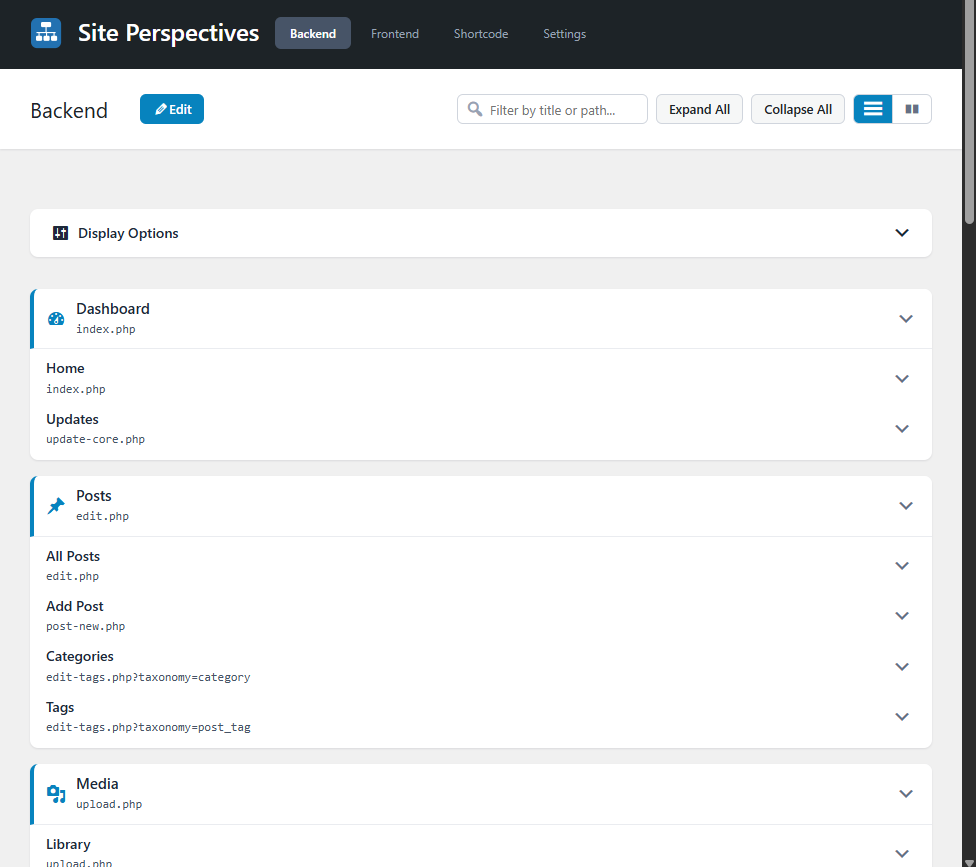
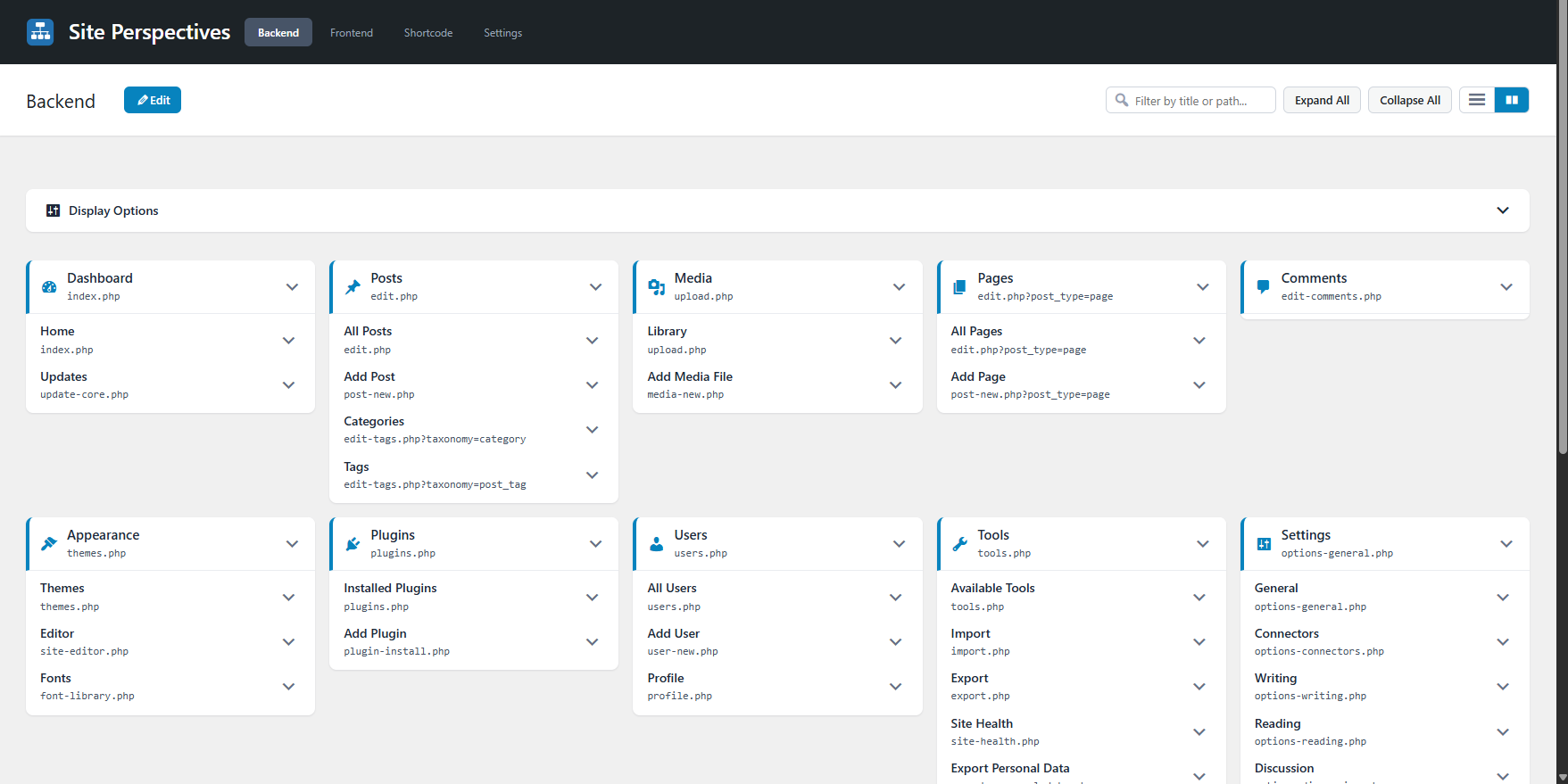
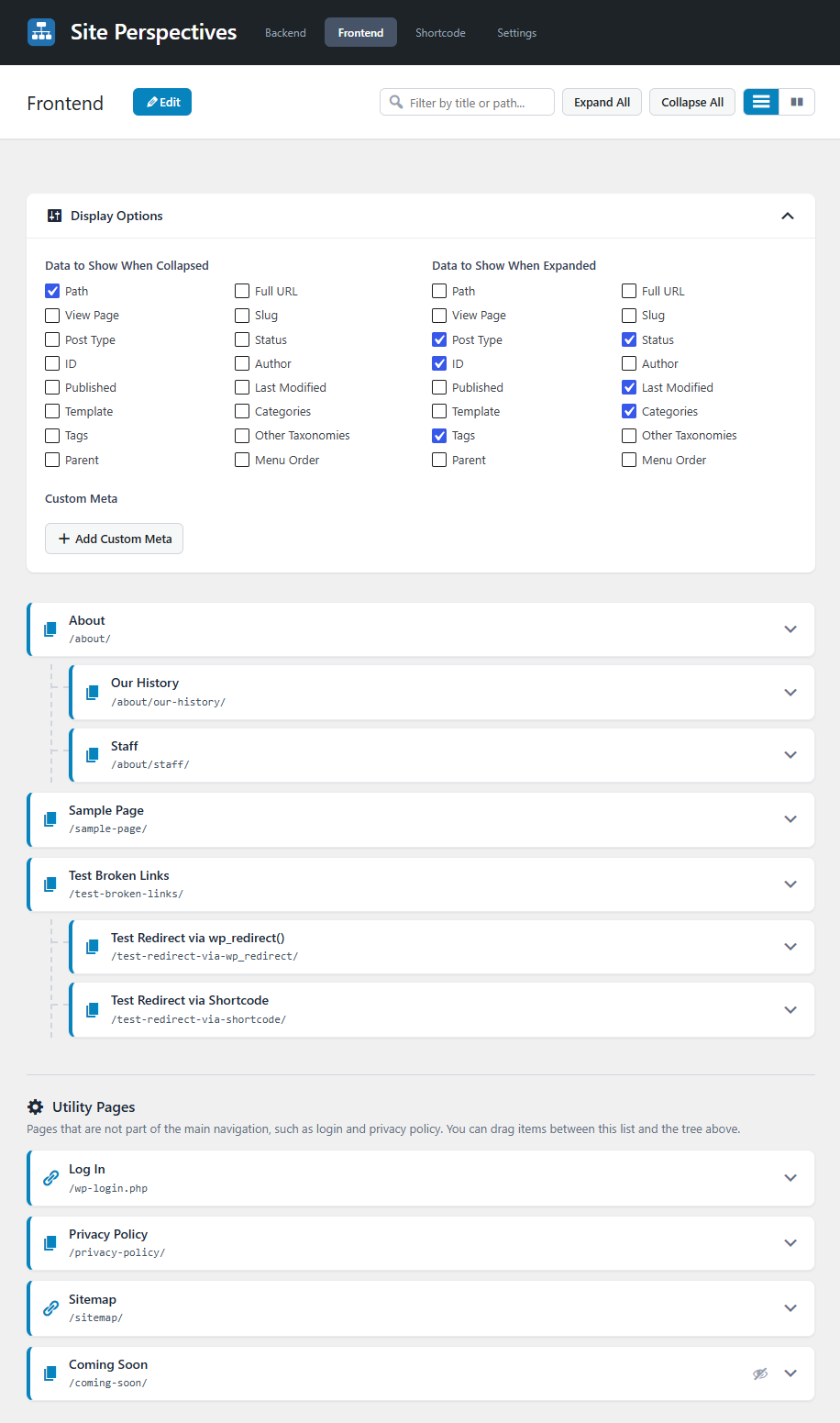
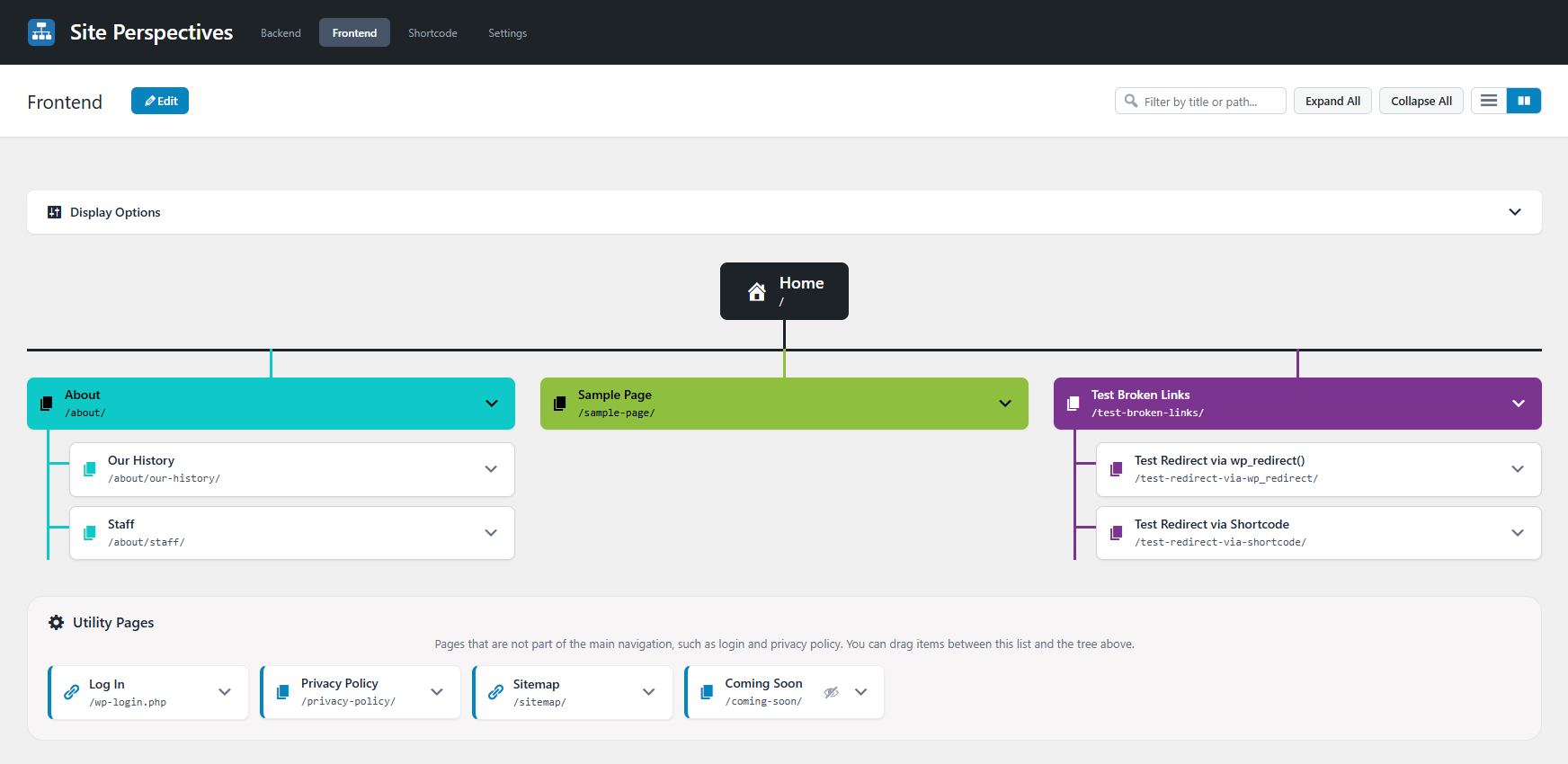
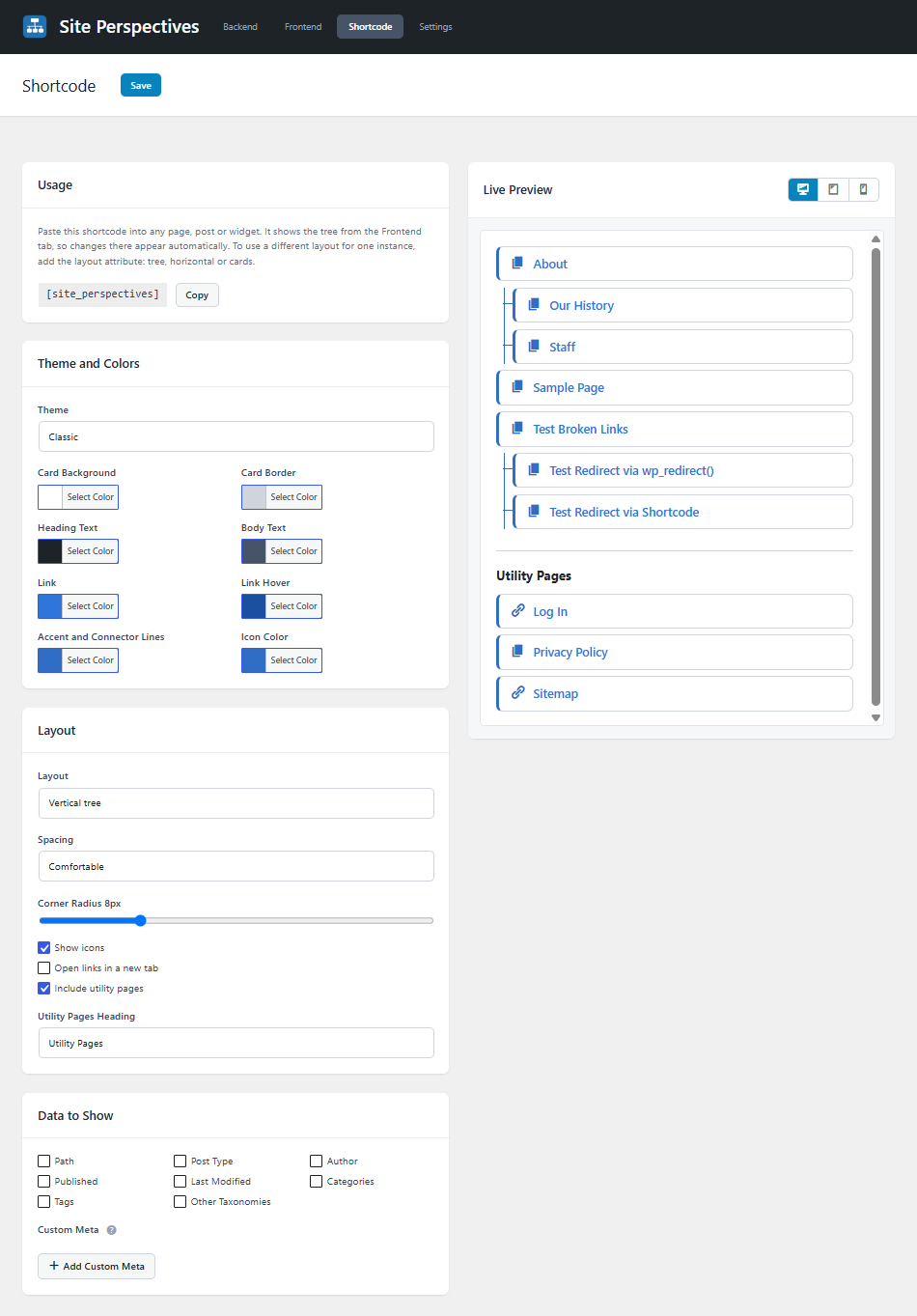
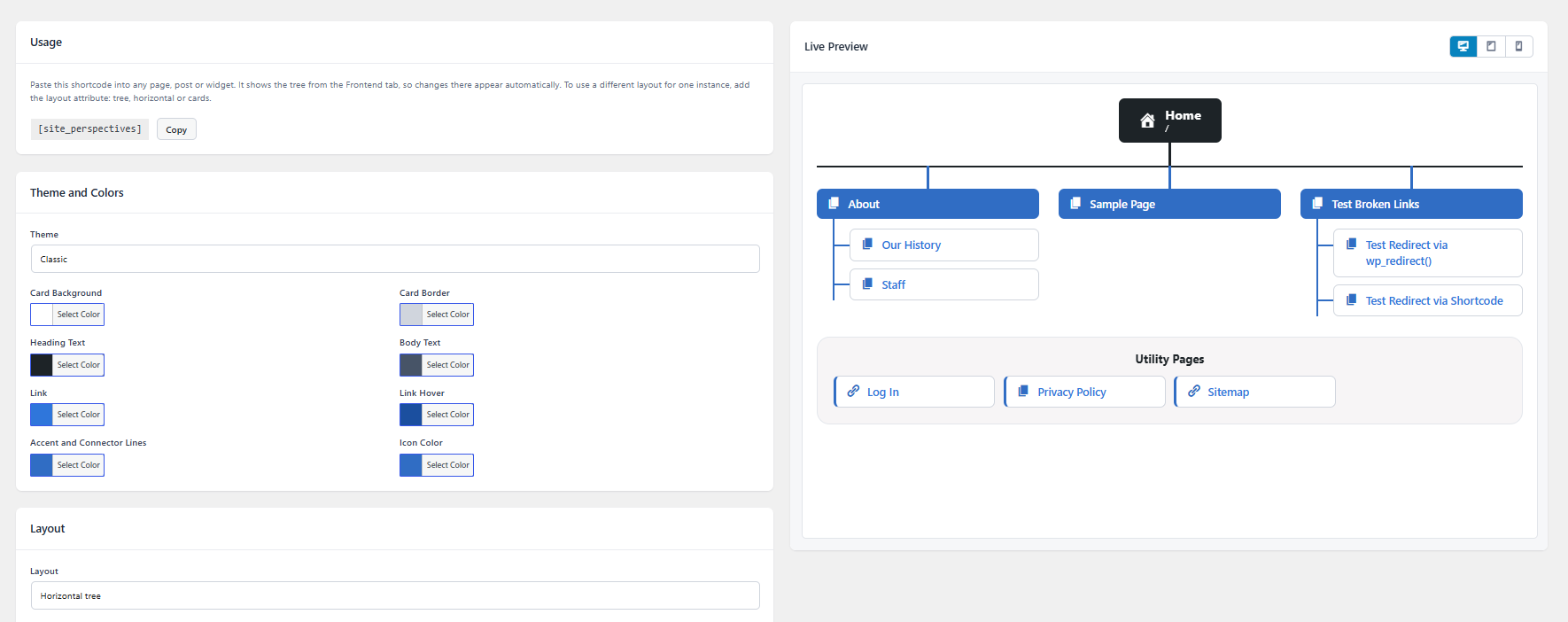
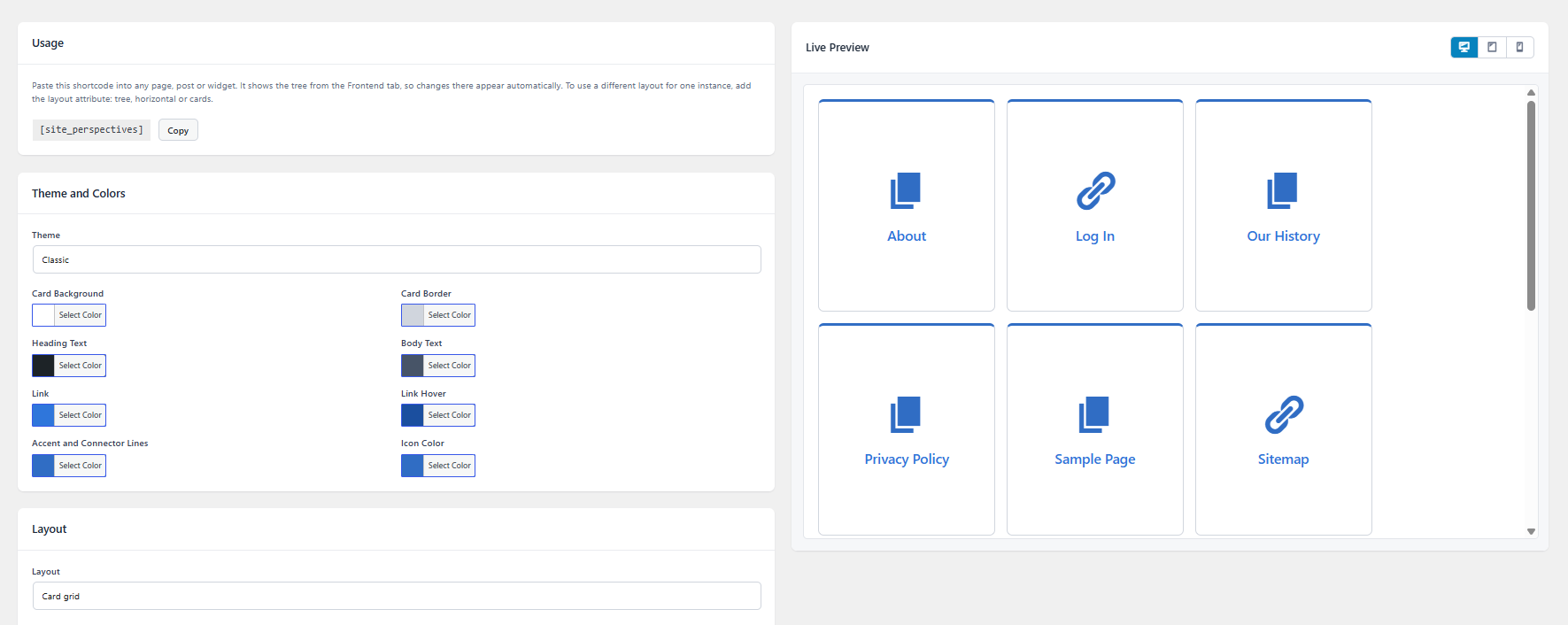
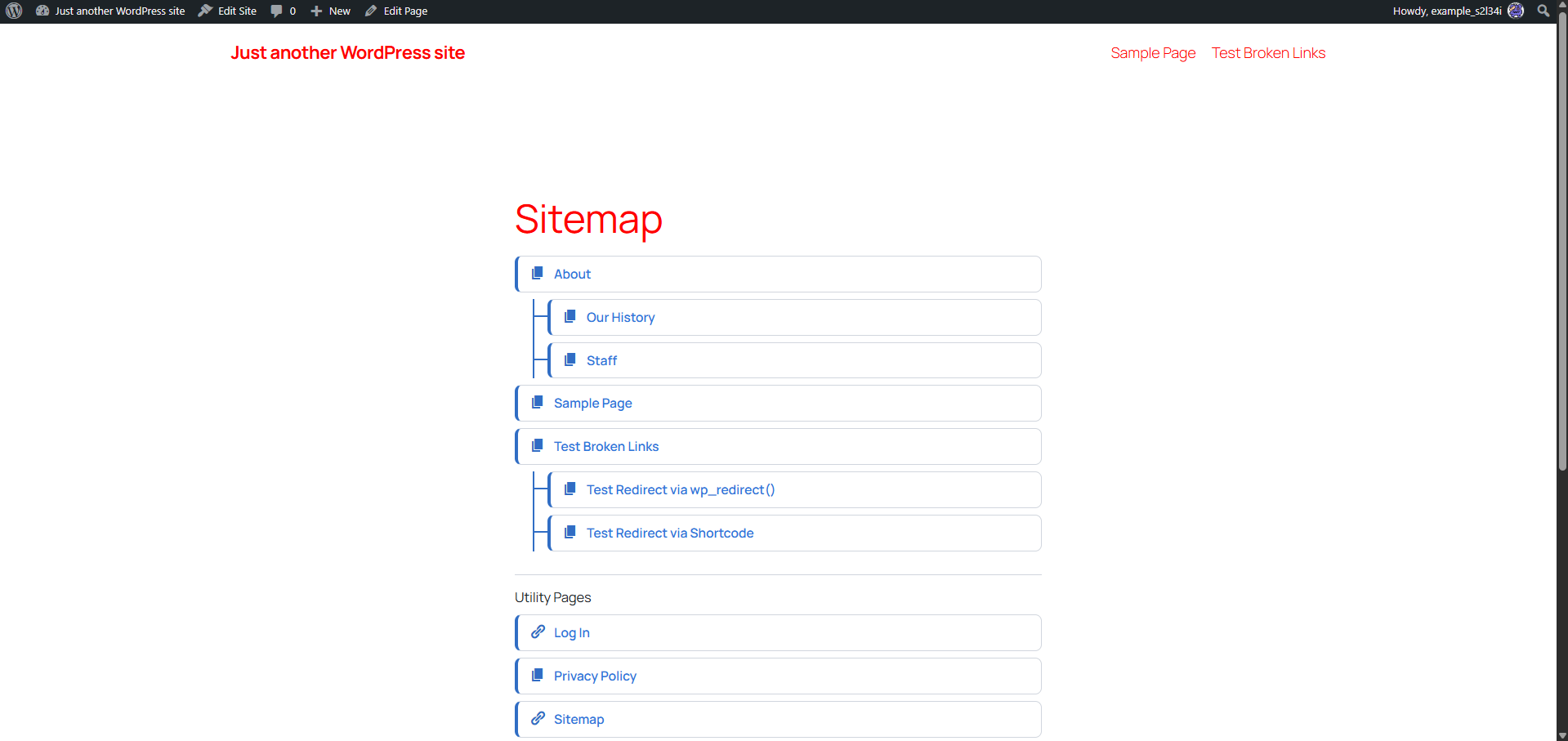
Site Perspectives maps your site in three ways, and adds an optional helper to the Pages list.
- Frontend: a drag and drop tree of your pages, posts and custom post types, seeded from your primary menu. Add content and custom links, choose colors and icons for any item, and show or hide data such as path, status, ID, categories, tags and custom meta. Hide individual items from the shortcode while keeping them in the admin tree.
- Shortcode: place
[site_perspectives]anywhere to show visitors a styled sitemap. Pick a theme (or match the Frontend tab), colors, layout and data, and watch a live preview update as you change settings. Drafts, private and password-protected pages are skipped automatically. - Backend: the WordPress admin menu laid out as an expandable folder tree. Reorder, rename, hide items and add custom links.
- Utility pages: an optional setting that lets you mark pages as utility pages (login, privacy policy and similar) from Quick Edit or Bulk Actions on the Pages list. Adds Utility and Non-Utility views with counts beside All, Mine, Published, Drafts and Trash, and remembers the view you used last.
Settings include role-based access, the post types available in the Frontend tree, the utility page option and an option to delete all data on uninstall. If Admin Help Docs is active, Site Perspectives inherits its color scheme.
Demo