
SimpleTOC – Table of Contents Block
v7.4.3Marc Tönsing · 2020年4月14日 上架
SEO-friendly Table of Contents Gutenberg block. No JavaScript or CSS by default.
- 正在使用
- 1 万+
- 评分
- 4.9 / 5
- 累计下载
- 65 万
- 最近更新
- 2026年11月14日
贡献者
 Marc Tönsing
截图
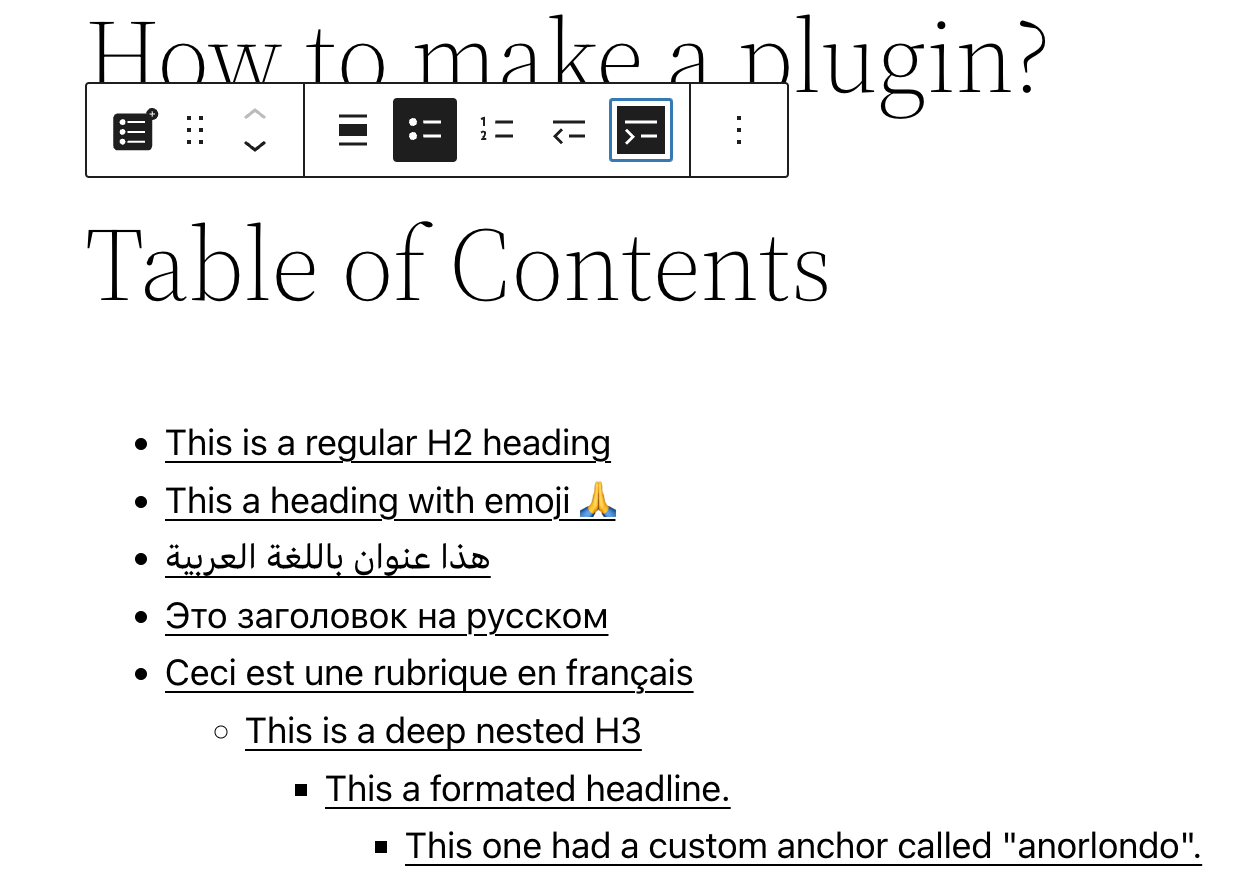
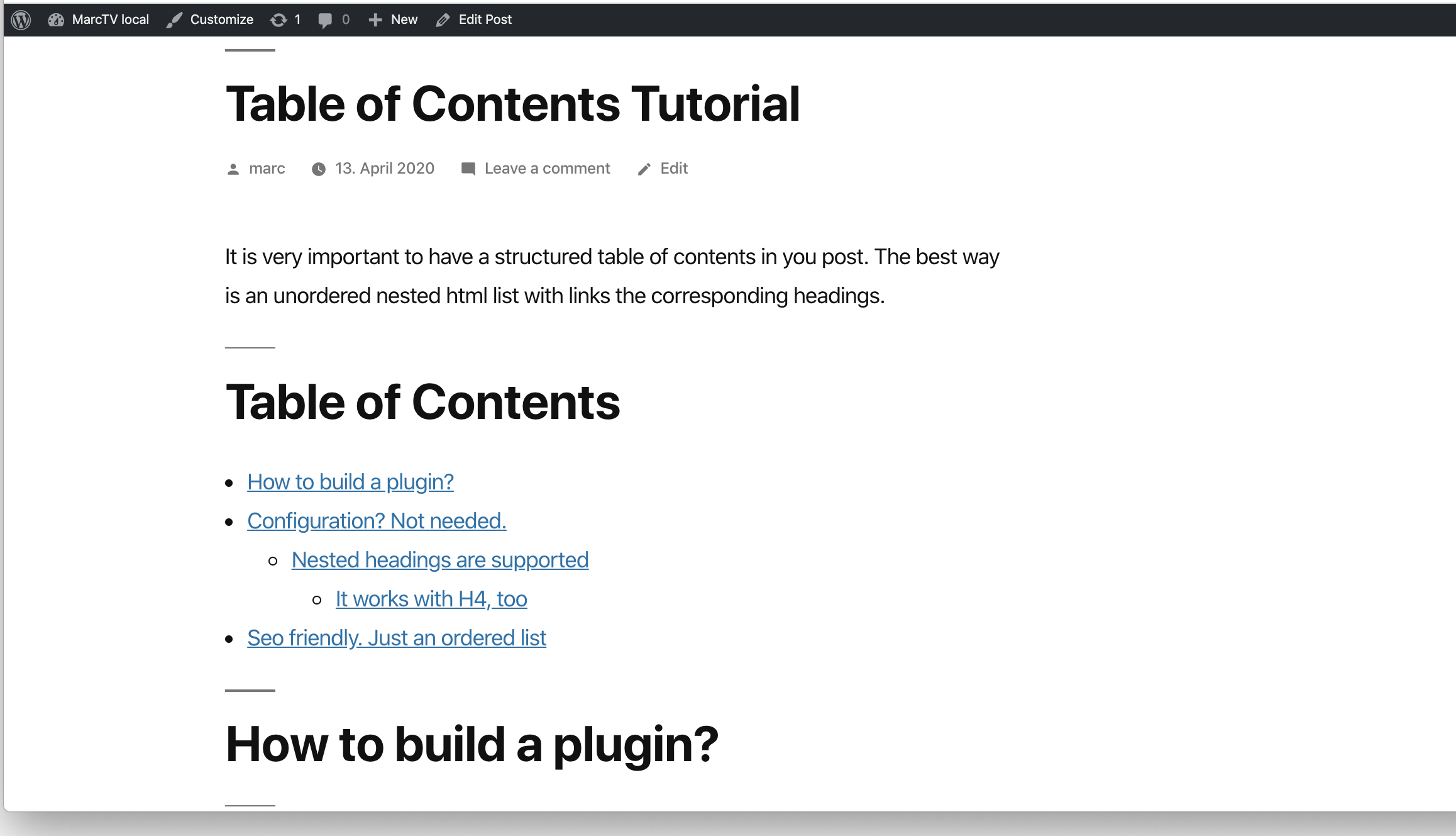
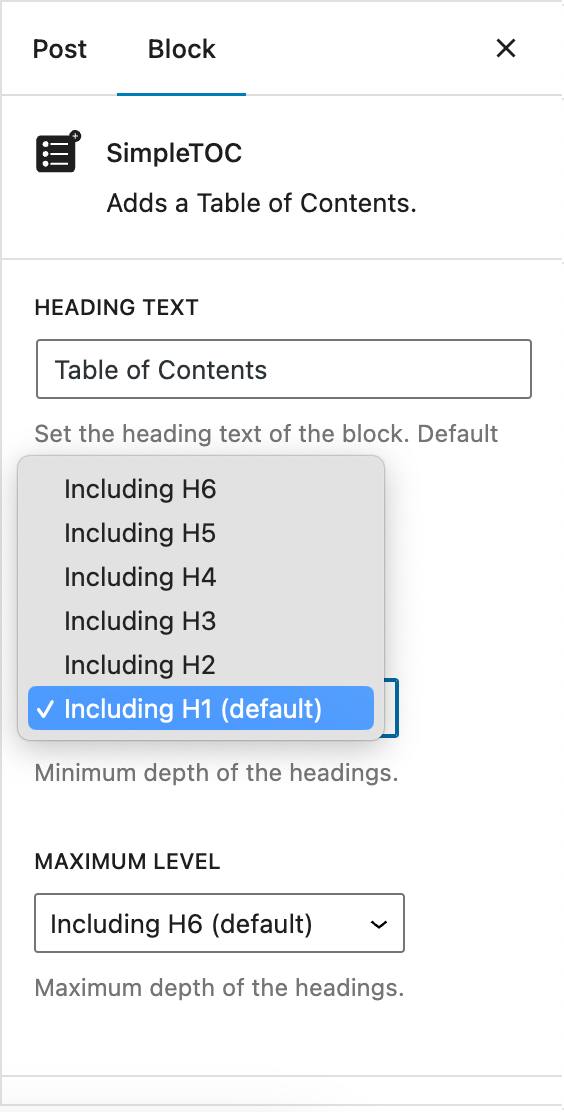
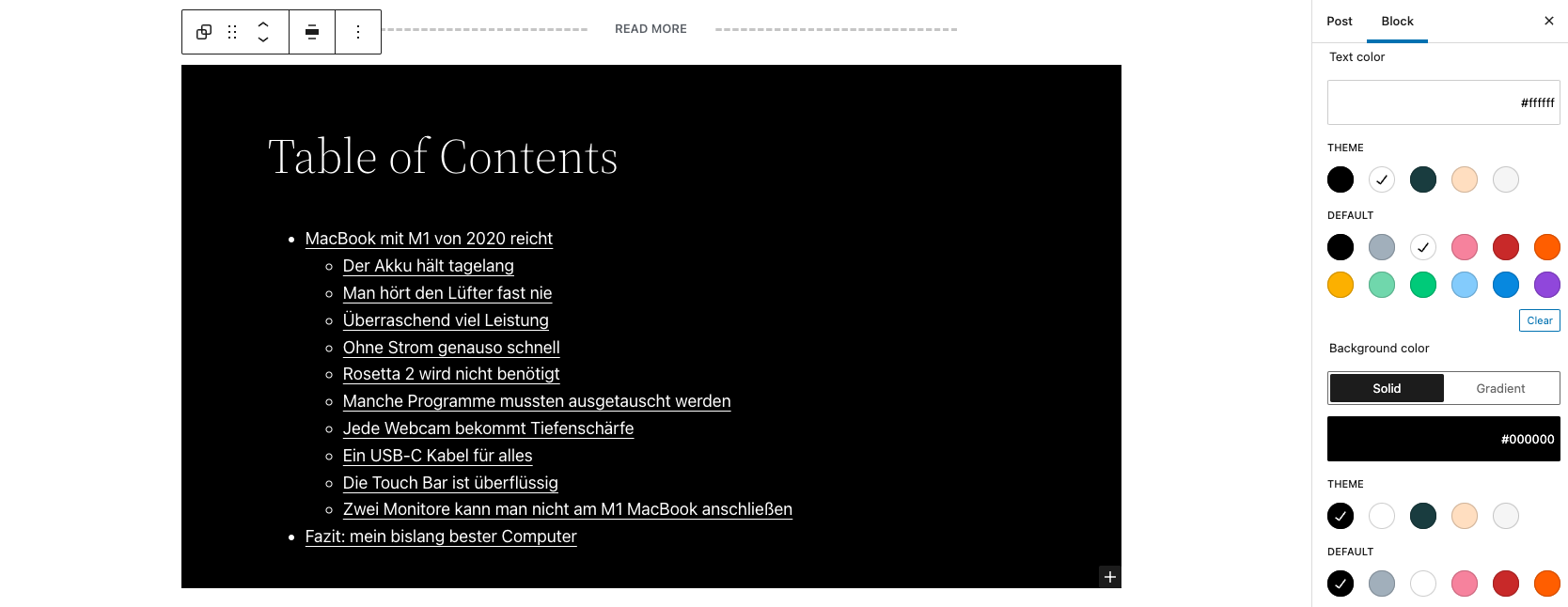
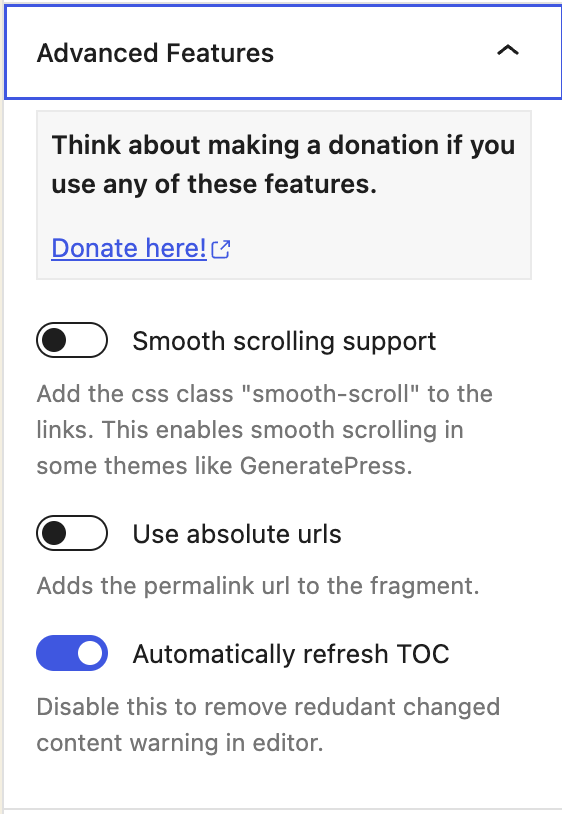
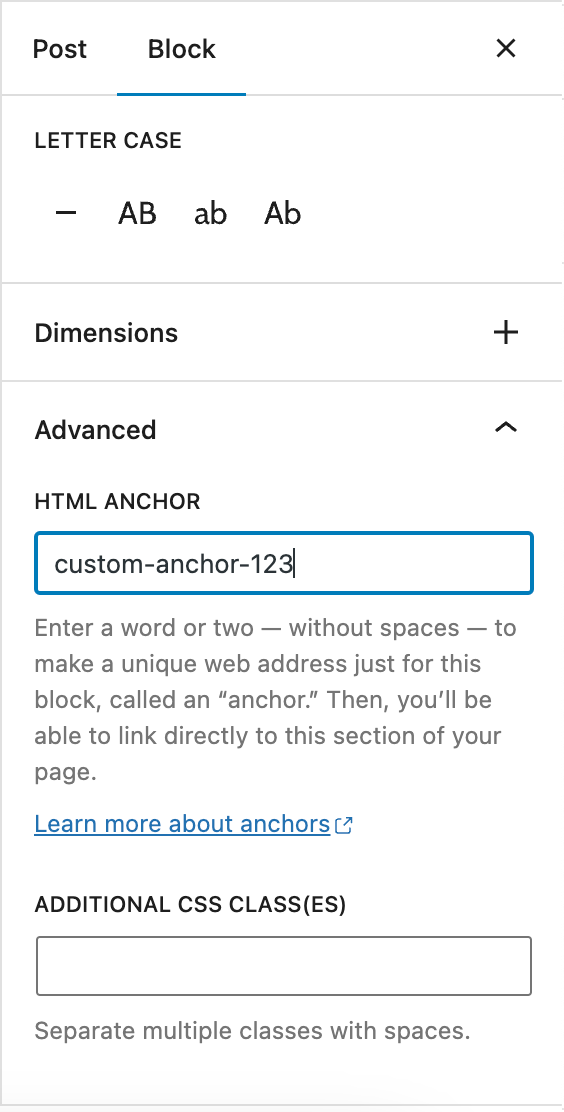
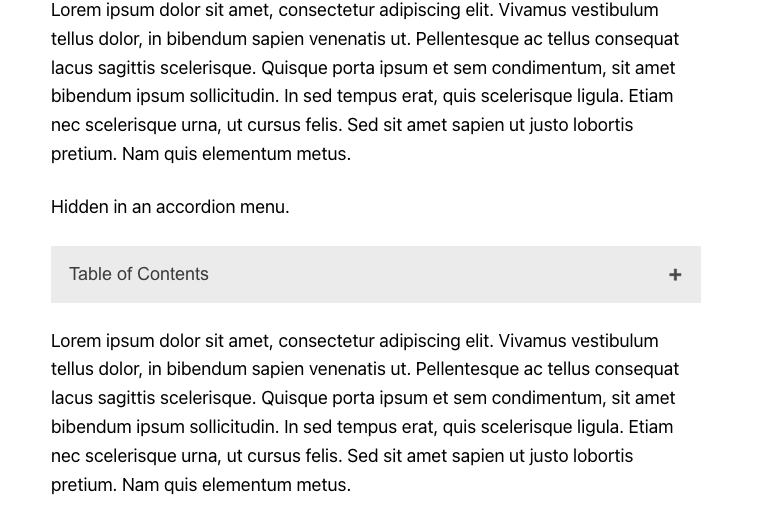
Add a Table of Contents block to your posts and pages. The TOC is a nested list of links to all heading found in the post or page. To use it, simply add a block and search for “SimpleTOC” or just “TOC”.
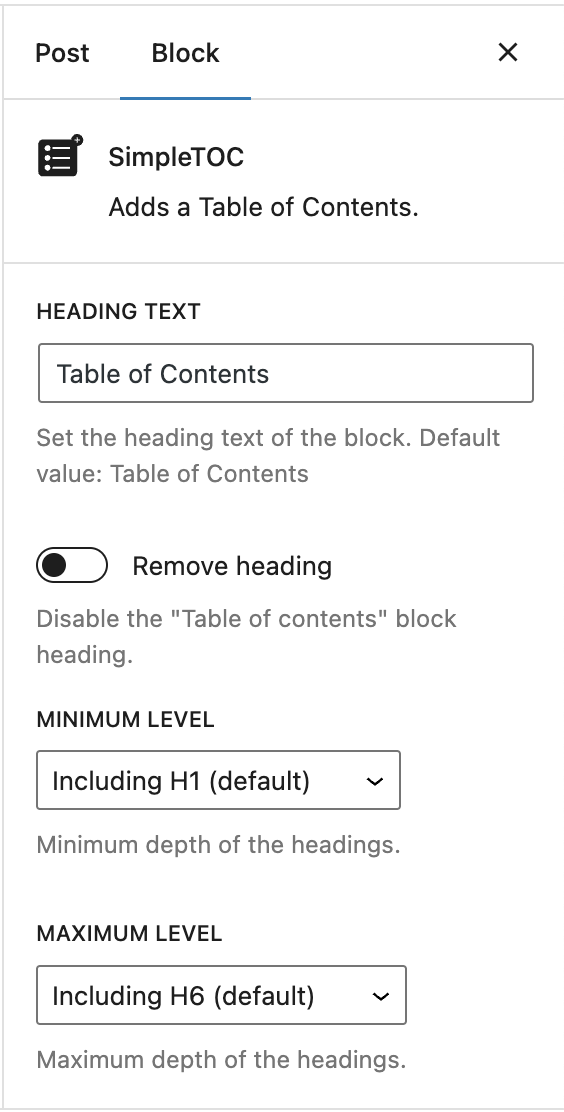
The maximum depth of the toc can be configured in in the blocks’ sidebar among many other options. There can hide the headline “Table of Contents” and add your own by using a normal heading block.
Spin up a new WordPress instance with the SimpleTOC plugin already installed.
User Feedback
“It is lightweight, stable, and fully compatible with WordPress Full Site Editing. A reliable solution that integrates seamlessly and performs exactly as expected.”
— @js100 on wordpress.org“Does the job perfectly, and adds no bloat.”
— @clicknathan on wordpress.org“Simple yet powerful. Great plugin that does exactly what you need.”
— @mixey on wordpress.org
In the press
SimpleTOC ranked #1 in WP Collections’ October 2026 comparison of seven free WordPress table of contents plugins.
“On the block editor, use SimpleTOC, the lightest table of contents we measured.”
— WP Collections
Accessibility
This plugin is designed & developed for WCAG 2.2 level AA conformance. The plugin is tested with assistive technology and intended to be accessible, however some third party plugins or themes may affect the individual accessibility on a given website. If you find an accessibility issue, please let us know and we’ll try to address it promptly.
Hidden TOCs use native <details> and <summary> semantics without extra ARIA references that require custom IDs.
Features
- Designed for Gutenberg.
- Zero configuration: Add the SimpleTOC block to your post and that’s it.
- Minimal and valid HTML output.
- Utilizes the browser’s built-in details tag for a collapsible interface.
- No JavaScript or CSS by default. Optional features such as the accordion menu, smooth scrolling, or box style add minimal assets only when enabled.
- Optional Box style in Gutenberg’s Styles tab with a default gray background.
- Native text, link, background, spacing, and typography controls.
- Global block styling through theme.json.
- Inherits the style of your theme.
- Smooth scrolling effect using CSS.
- Accessibility built-in by following web standards.
- Standard Gutenberg block wrapper with navigation role and ARIA label attributes.
- Translated in multiple languages. Including German, Japanese, Chinese (Taiwan), Dutch, Brazilian Portuguese, French, Spanish and Latvia.
- Ideal for creating a Frequently Asked Questions section on your website.
Customization
- Administrators can utilize global settings to supersede the individual block settings.
- Set text, link, and background colors in Gutenberg’s Styles tab.
- Native block support for wide and full width.
- Set vertical margins and padding with native spacing controls.
- Control the maximum depth of the headings.
- Choose between an ordered, bullet HTML list. Or indent the list.
- Select the Box style directly in Gutenberg’s Styles tab.
- Select a heading level or turn it into a paragraph.
- Disable the h2 heading of the TOC block and add your own.
Compatibility
- GeneratePress and Rank Math support.
- Works with popular AMP plugins.
How to contribute
SimpleTOC is open-source and developed on GitHub Pages. If you find a bug or have an idea for a feature please feel free to contribute and create a pull request.
Credits
Many thanks to Tom J Nowell and and Sally CJ who both helped me a lot with my questions over at wordpress.stackexchange.com
And many more thanks to all the developers on GitHub who helped me making SimpleTOC what it is today!
Thanks to Quintus Valerius Soranus for inventing the Table of Contents around 100 BC.