

Simple System Status
v2.2.0Leo Gopal · 2015年3月3日 上架
View Information about your WordPress Configuration (Defaults, Themes, Plugins) and Server Information that is useful for debugging and support.
- 正在使用
- 100+
- 评分
- 5.0 / 5
- 累计下载
- 12 万
- 最近更新
- 2022年5月7日
 Leo Gopal
 Giulio Daprela
截图

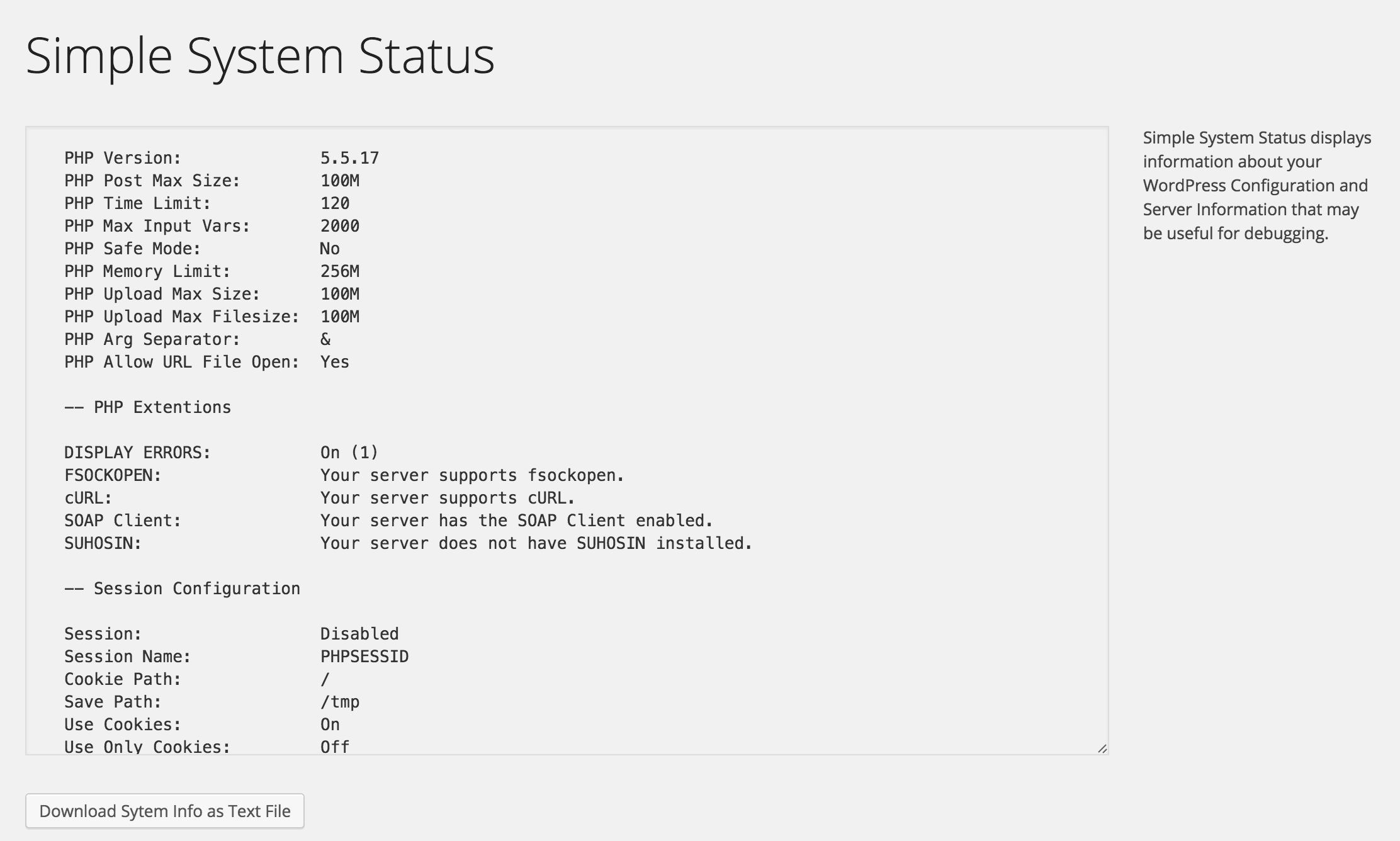

“Simple System Status” does exactly what it says on the box – shows you, very simply, your systems status for your WordPress Setup.
Simple System Status adds a submenu item under the ‘tools’ section of your WordPress installation.
What others are saying
This is a brilliant plugin for getting all the relevant info out of your system. The built-in remote viewing option for letting other people securely access your system status is incredibly helpful for remote debugging. Nice work 🙂
~ Hugh Lashbrooke, WooThemes Lead Developer
Like the Plugin?
If you found this plugin useful, please give it a rating
Donations are welcome: Buy me a snack.
Issues and Support
If you find a bug that you would like to report, please open a New Issue on Github.
If you want help using the plugin, please use the default WordPress Plugin Forum.
Contribute
Want to contribute? Fork the GitHub repository.
What Simple System Status Displays For You
WordPress Environment:
- WP Version.
- Checks if WP_DEBUG is turned on.
- WP Language.
- Checks if Multisite is active.
- WP Memory Limit.
- WP Table Prefix Information.
- Permalink Structure.
- Registered Post Stati
- Show On Front Information
Theme Information:
- Theme Name, Version, Author and Author URI
- Checks if current active theme is a Child Theme
- If current theme is a child theme, it offers Parent Theme information.
Plugin Information:
- Must Use Plugins (if any)
- Active Plugins
- Inactive Plugins
Server Environment:
- PHP Information
- PHP Extensions
- Server Type
- MySQL Version
- Host (if possible)
- Session Configuration
Client Details:
- Platform OS
- Browser: Name, Version, User Agent String.
You can use this for your own debugging purposes or for sharing with Support via two methods: A Dynamic Link, or a text file you can download and send.