
Simple Pull Quote
v1.6.4llamaman · 2009年4月23日 上架
The Simple Pull Quote WordPress Plugin provides an easy way for you to insert pull quotes into your posts and pages.
- 正在使用
- 1,000+
- 评分
- 4.2 / 5
- 累计下载
- 8.6 万
- 最近更新
- 2025年11月25日
 llamaman
截图
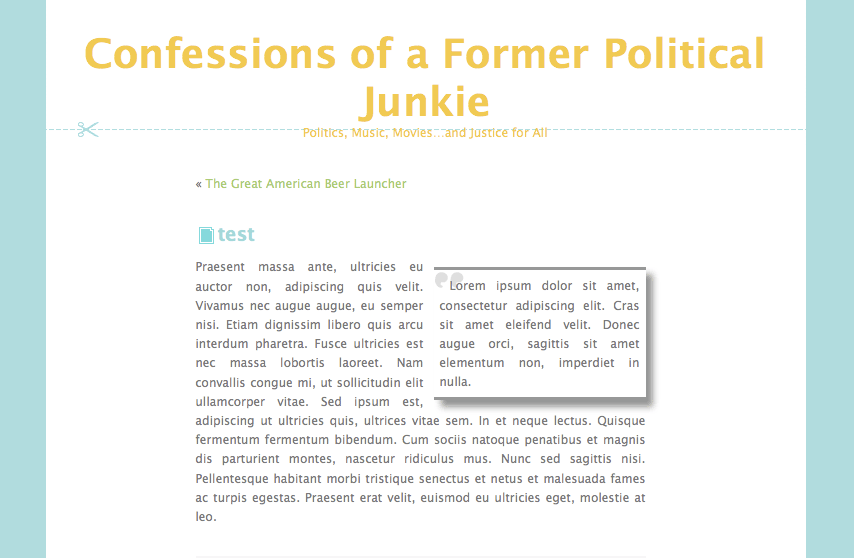
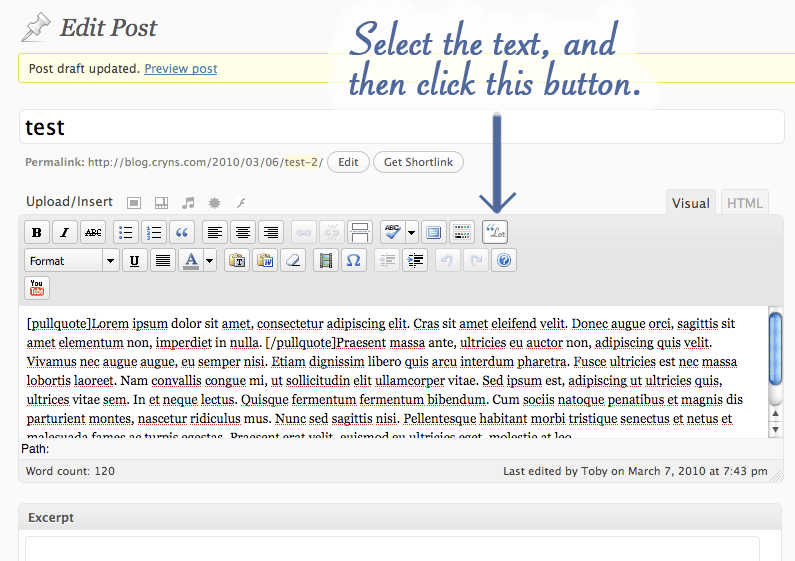
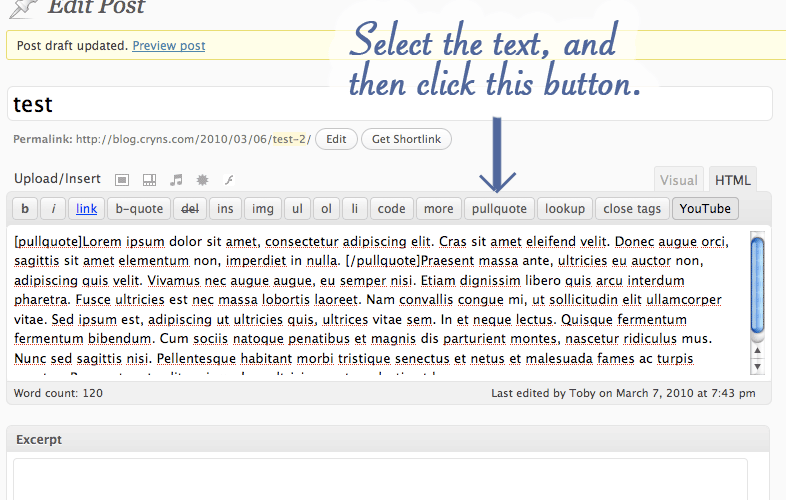
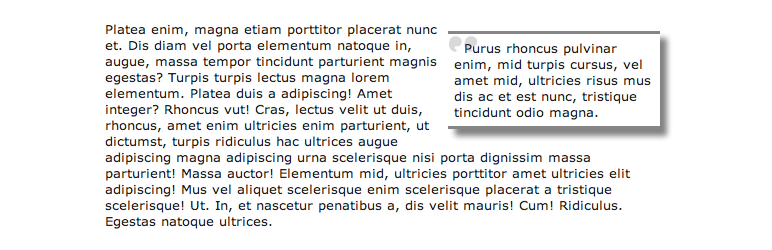
Simple Pull Quote WordPress Plugin provides an easy way for you to insert pull quotes into your posts and pages. It adds an easy-to-use “Pullquote” button to both the HTML and TinyMCE editors.
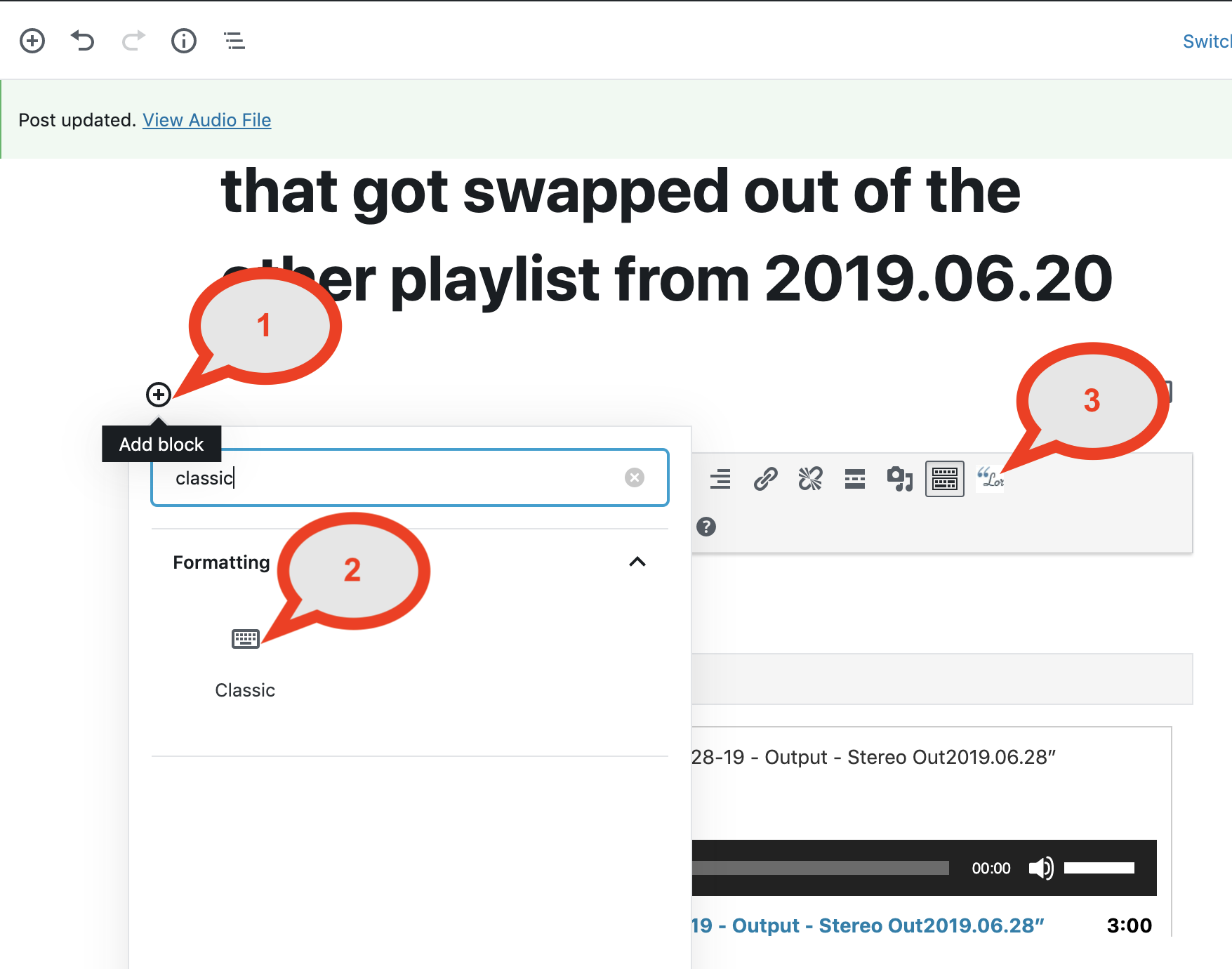
IMPORTANT: To use in the new WordPress (Gutenberg) editor, you can either:
1. use the “Classic” block.
2. Use shortcodes such as [pullquote class="left”]TEXT HERE[/pullquote]

See the plugin in action as well as how to use it:
http://youtu.be/JGudI9gr9iE
Usage
- Select the text that you want to use as your pull quote.
- Click on the “Pullquote” button in either the Visual or HTML editor.
For more help on usage, visit the Simple Pull Quote Homepage for a visual guide.
How do I update the look of the pull quotes?
To change the look of your pull quotes, open your theme’s “style.css” file and create a CSS class called “simplePullQuotes”. Edit this class according to your tastes. IMPORTANT: Make sure your theme’s “wp_head()” function comes before your theme’s stylesheet or else this won’t work.
How do I use more than one pull quote in a single post or page?
Simply select the text that you want to use as a pull quote and click the “Pullquote” button in either the visual or html editor.