
Simple Google Photos Grid
v1.6josheli · 2017年11月25日 上架
Provides a widget and shortcode to display photos from a public Google Photos album in a simple grid.
- 正在使用
- 900+
- 评分
- 4.5 / 5
- 累计下载
- 1.3 万
- 最近更新
- 2025年5月5日
贡献者
 josheli
截图
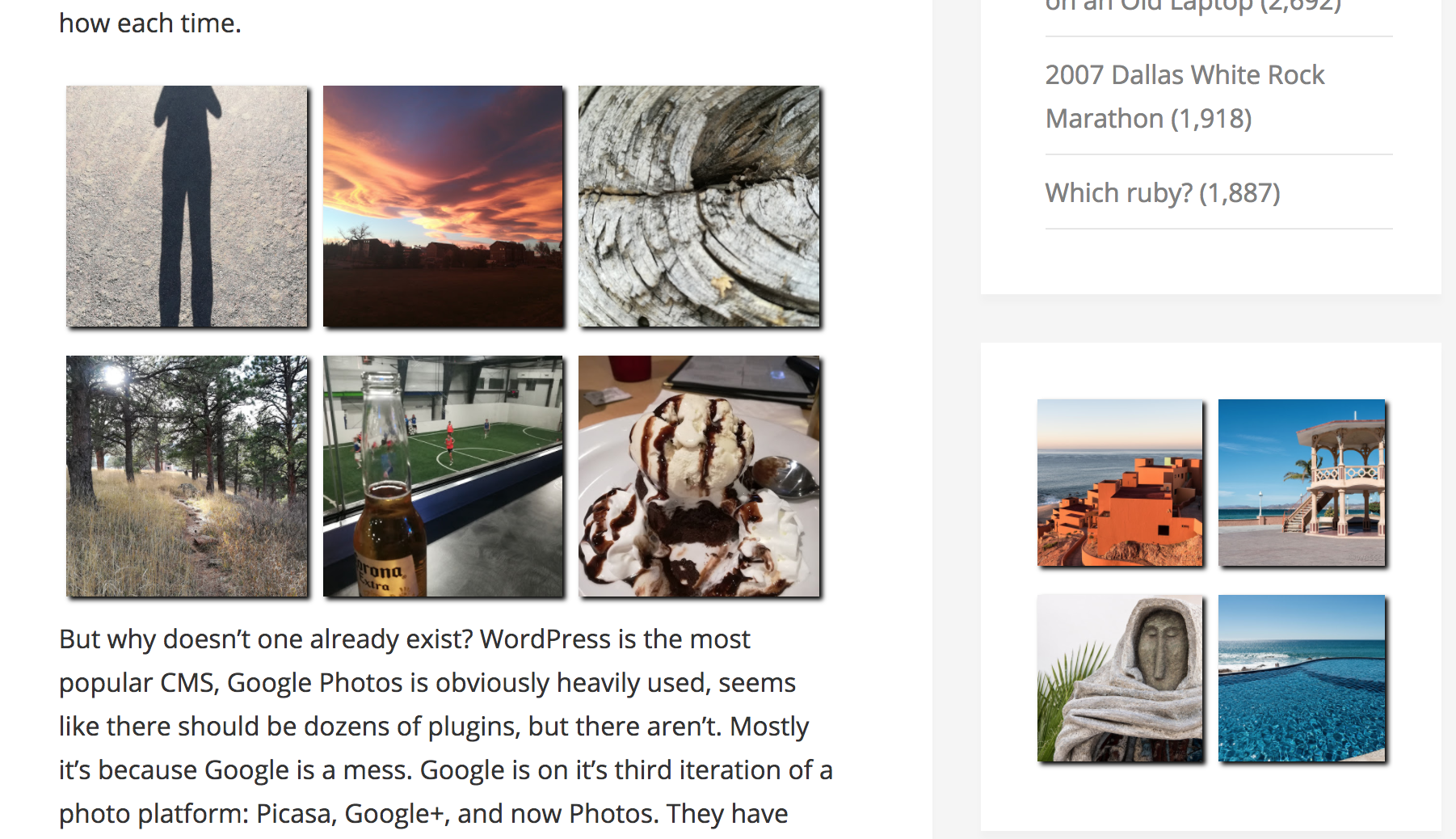
A simple, no-frills solution to display a Google Photos album on your site using a widget or a shortcode. There is only one layout option: grid. There is only one required attribute: album url. That’s it, that easy. See a demo and read more about the plugin. The code is also available on Github.
Notes
Your album on Google Photos must be “public”, which means you need to go into Google Photos on the web and set “Sharing options” to on, i.e. “Anyone with the link can see these photos and the people who’ve been invited or joined.”
Requires curl or similar to fetch the photo urls.
No support is provided. Probably no features will be added. You are free to ask, or to fork. Pull requests accepted.
Widget
Go to Appearance -> Widgets and a new widget named Simple Google Photos Grid should be available to use. Drag to your desired widget area and configure.
- Title: Heading of the widget on your site. Default to empty.
- Album URL: The full URL to your public gallery on Google Photos. URL must use one of the following domains: ‘photos.app.goo.gl’ or ‘photos.google.com’. Ideally should be the short, “shared” link (such as https://photos.app.goo.gl/G8EOLs5YtESchh4g1z).
- Num Photos to Show: Even numbers probably work best. There’s a maximum number, not sure what it is, but it’s pretty low.
- Num Photos per Row: How many photos to show per row? Probably some number that works well with Num Photos.
- Cache Interval (in minutes): How long to cache photo URLs before checking the album on Google again. 0 for no cache.
Shortcode
Place the shortcode in a post, page or theme.
[simple_google_photos_grid album-url=”https://photos.app.goo.gl/G8EOLs5YtESchh4g1″]
Available attributes are:
– album-url: (required) the url to a public Google Photos album, domain must be one of ‘photos.app.goo.gl’ or ‘photos.google.com’
– number-photos: (optional) number of photos to display, defaults to 4
– number-photos-per-row: (optional) number of photos per row, defaults to 2
– cache-interval: (optional) length, in minutes, to cache the photo urls retrieved from Google, defaults to 15
[simple_google_photos_grid album-url="https://photos.app.goo.gl/G8EOLs5YtESchh4g1" number-photos="6" number-photos-per-row="3" cache-interval="120"]