
Simple Google Docs Viewer
v1.2Maor Chasen · 2012年12月20日 上架
Easily embed documents like PDFs, Word documents, and Powerpoint in your site using Google Docs Viewer.
- 正在使用
- 300+
- 评分
- 3.1 / 5
- 累计下载
- 2.2 万
- 最近更新
- 2017年3月23日
8 条评价需要 WordPress 3.0+已测试到 4.7.40
 Maor Chasen
 Miriam Schwab
截图


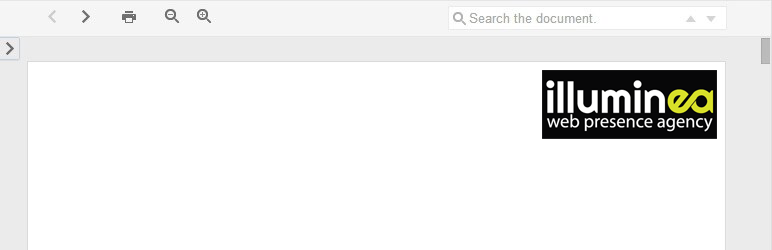
Easily embed documents supported by Google Docs (PDF/DOC/DOCX/PPTX/etc)with a simple shortcode [gviewer]
Ex. [gviewer file=”https://example.com/thisismyfile.pdf”]
A full list of attributes:
file— Required. The URL of the file you wish to showwidth— Optional. The desired width of the viewer in pixels. If no width is set, the value of the theme’s$content_widthwill be used. If no value is set, the width will default to 600 px.height— Optional. The desired height of the viewer in pixels. If height is set, the height will 1.2 times the width. For example, if the width is 100 px, the height will be 120 px.language— The language of the document. If the document is written in a right-to-left (RTL) language (like Hebrew and Arabic), specifying the language will apply RTL settings.
Another way to embed a Google Document is by using the template tag provided by the plugin in the source code. Here’s an example:
<?php

echo simple_gviewer_embed( 'https://.../file.pdf', $args );
The second argument, $args, is an associative array. Keys can be found in the list above.